[Skip navigation links]
Stefan vd
Windows App

See All Disk Information
for Windows users

Bring the Hard Disk app to your Windows PC, so you can easily see and track how much space your applications, videos, and files are using on your disk.
Hard Disk app on all devices

Get a quick view of Fast Shutdown Windows app

What does this app do?

Get a clear overview of all your connected local and network storage devices.

The Hard Disk app is the perfect utility for anyone who wants a quick, clear overview of their disk space. It provides a complete summary of your storage, including total capacity, available space, and detailed usage breakdowns. Easily see how much space is left, what is taking up the most room, and whether it is time to clear out unnecessary files.

Features

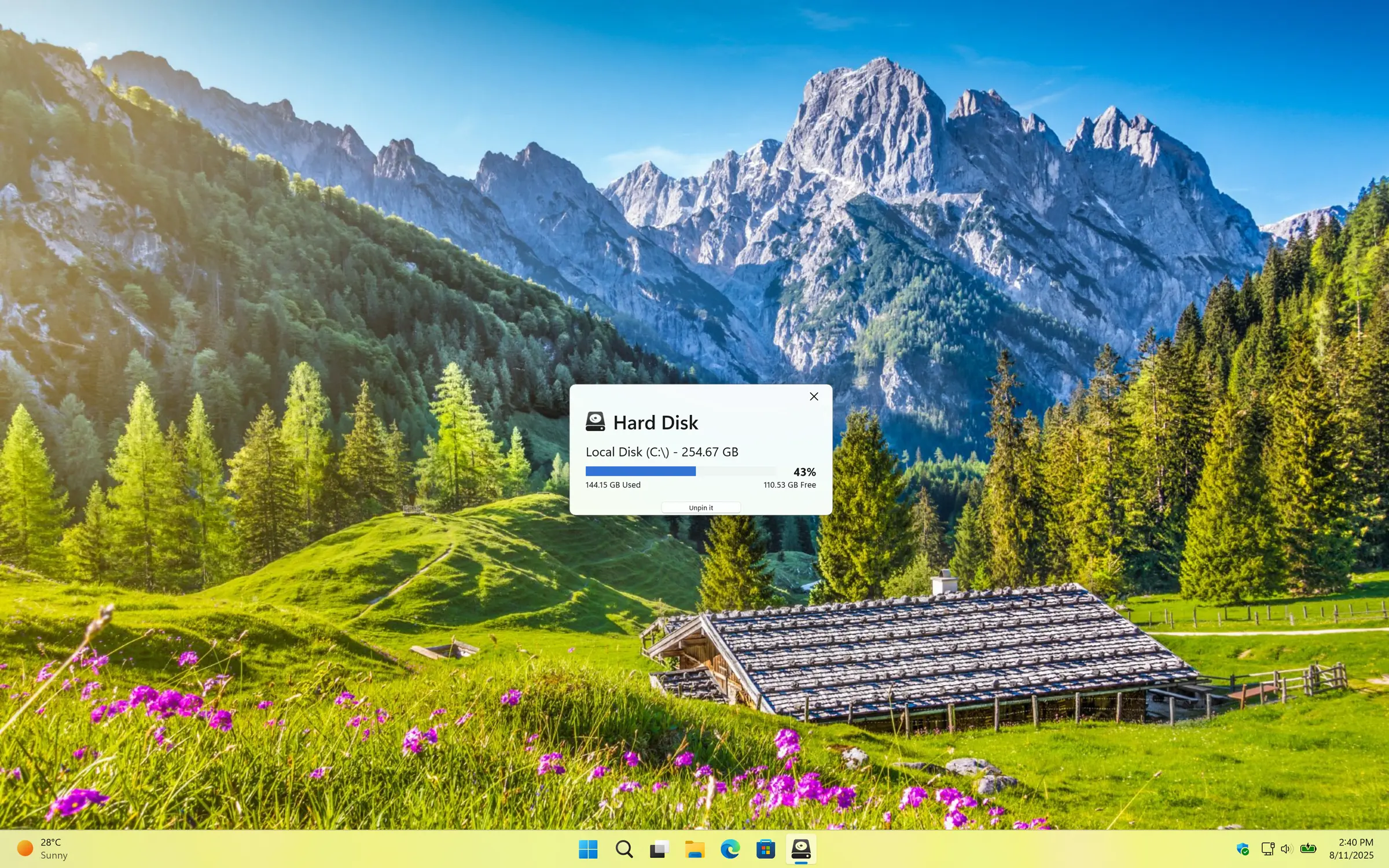
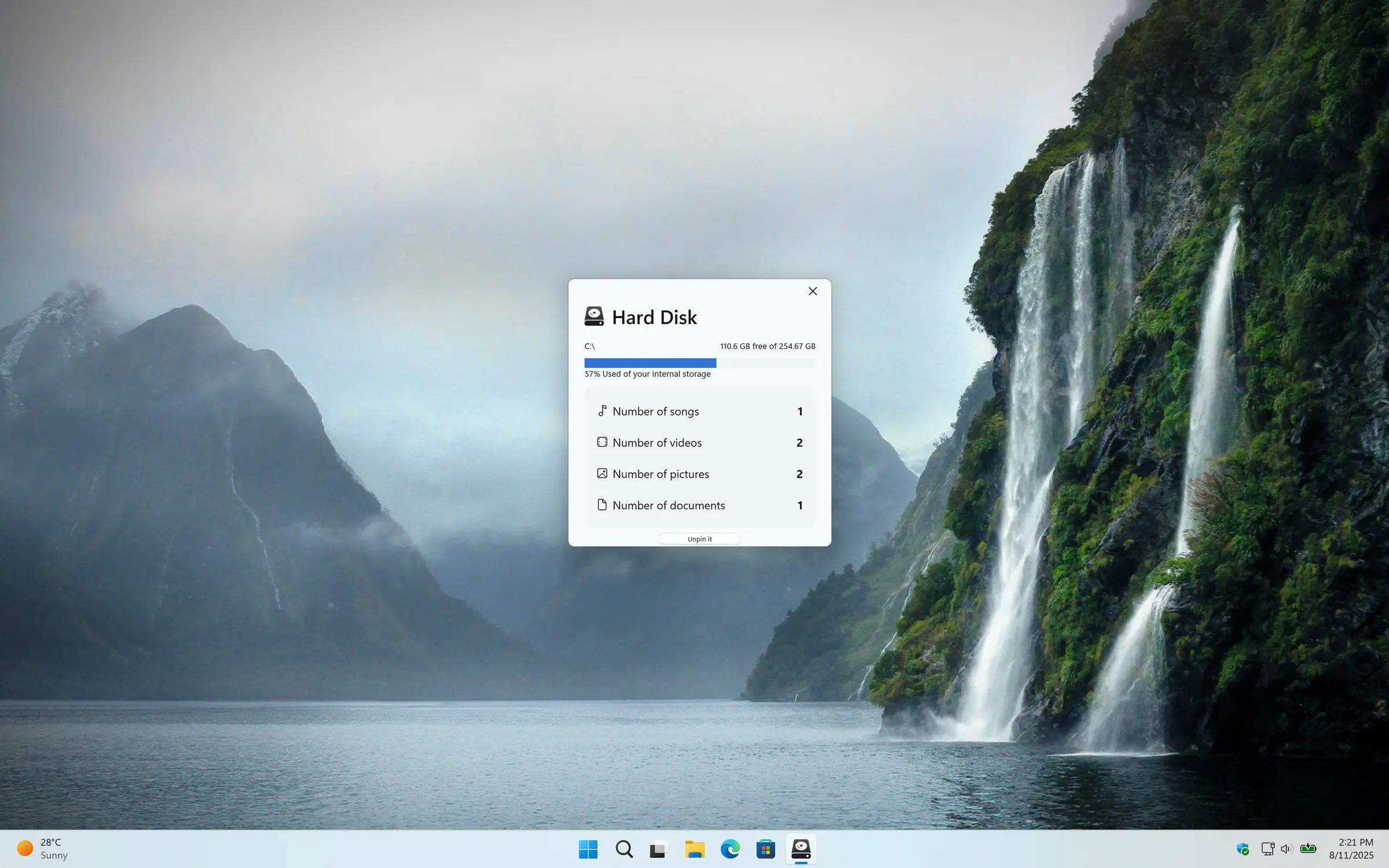
Simple overview of your free and used storage information
Simple overview of your free and used storage information on your C drive.
Detailed information about your storage
Detailed information about your storage such as your number of songs, photos, videos, and documents.
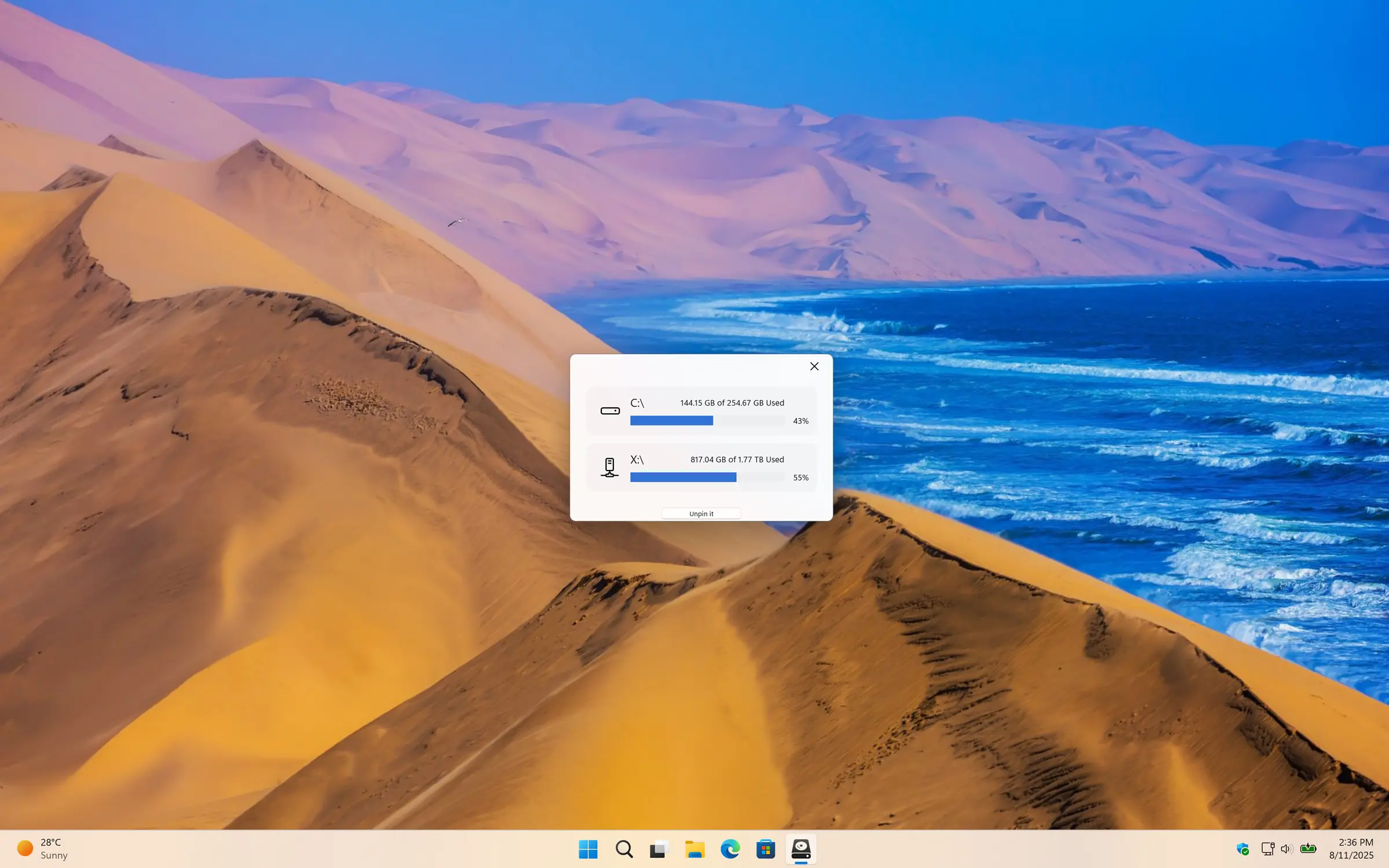
Overview all connected disks
Overview of all connected drives on this Windows computer.
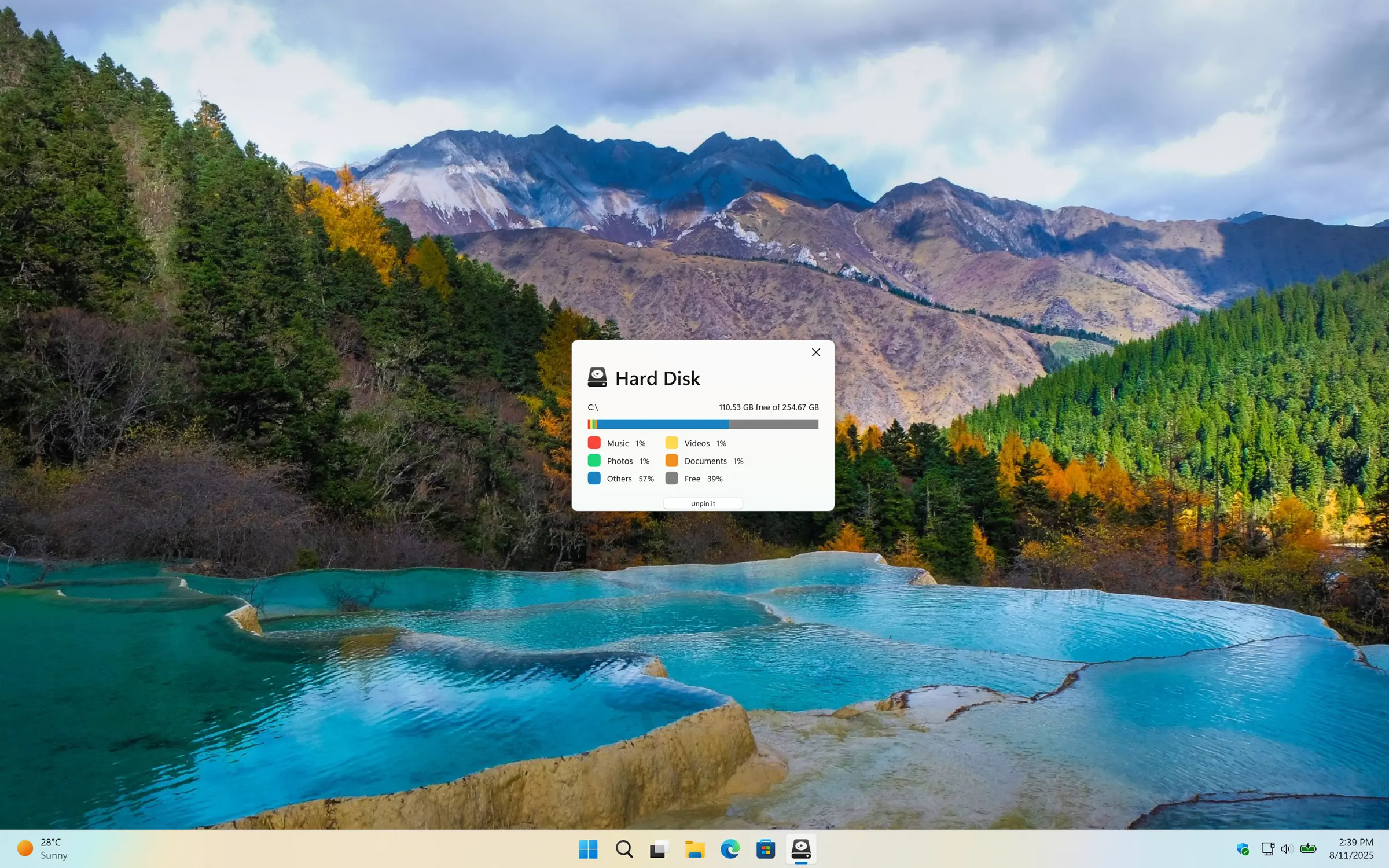
Color progress bar of your storage
The color progress bar gives you an overview of your storage usage.
1 /

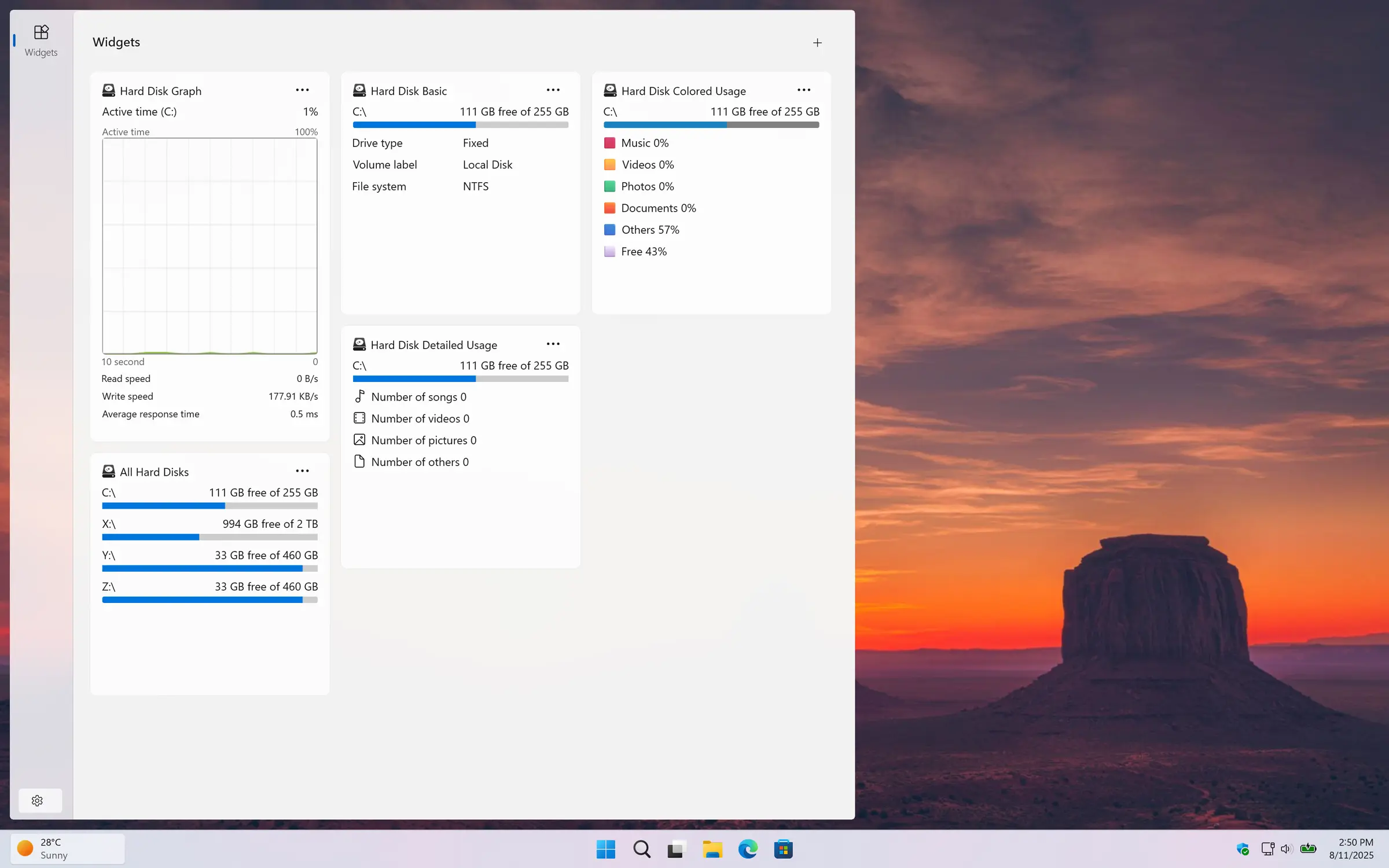
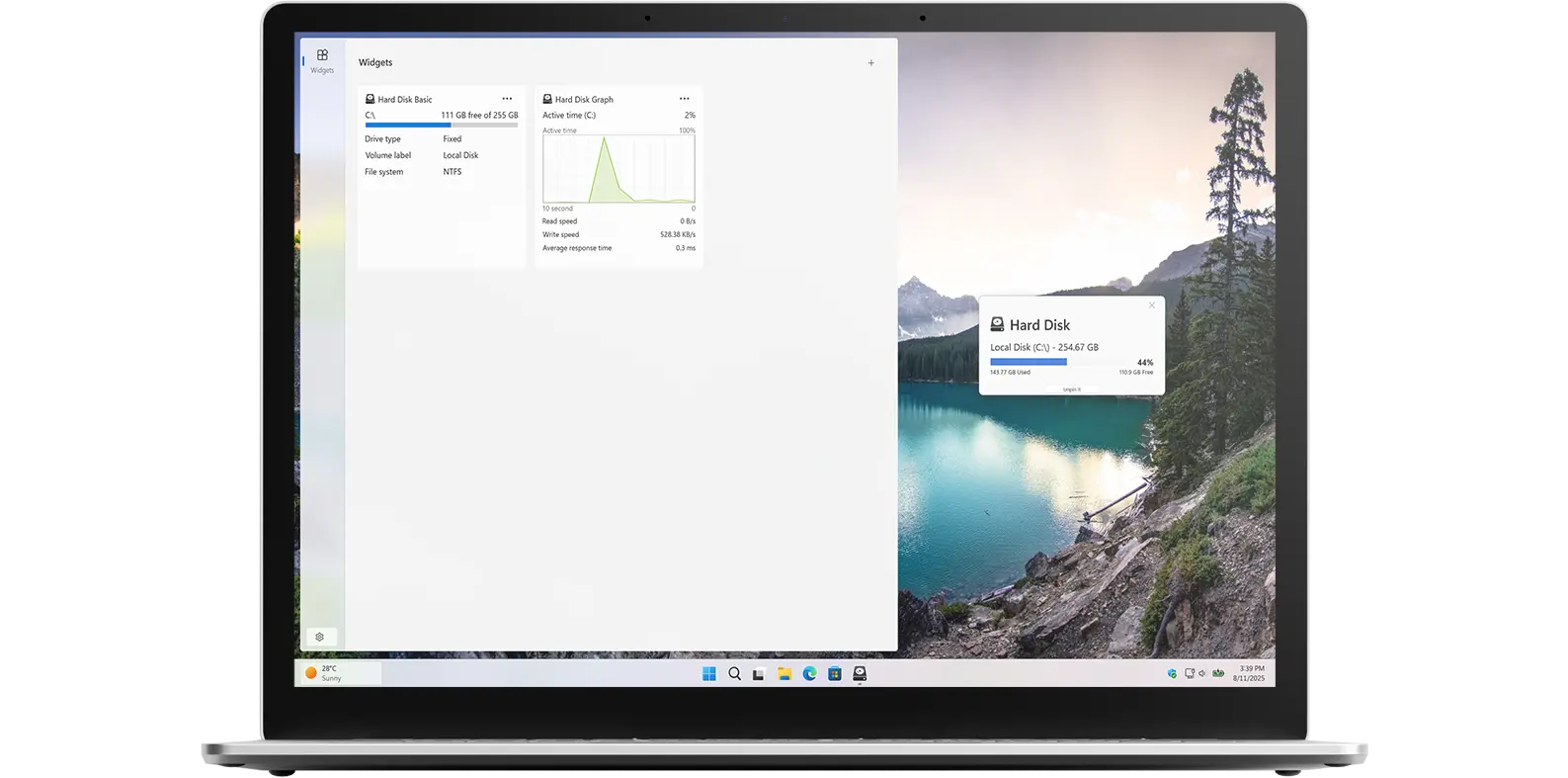
Windows 11 Widgets

Hard Disk Windows 11 widgets
Use one of these Windows 11 widgets to see your storage information

Lock Screen Widgets

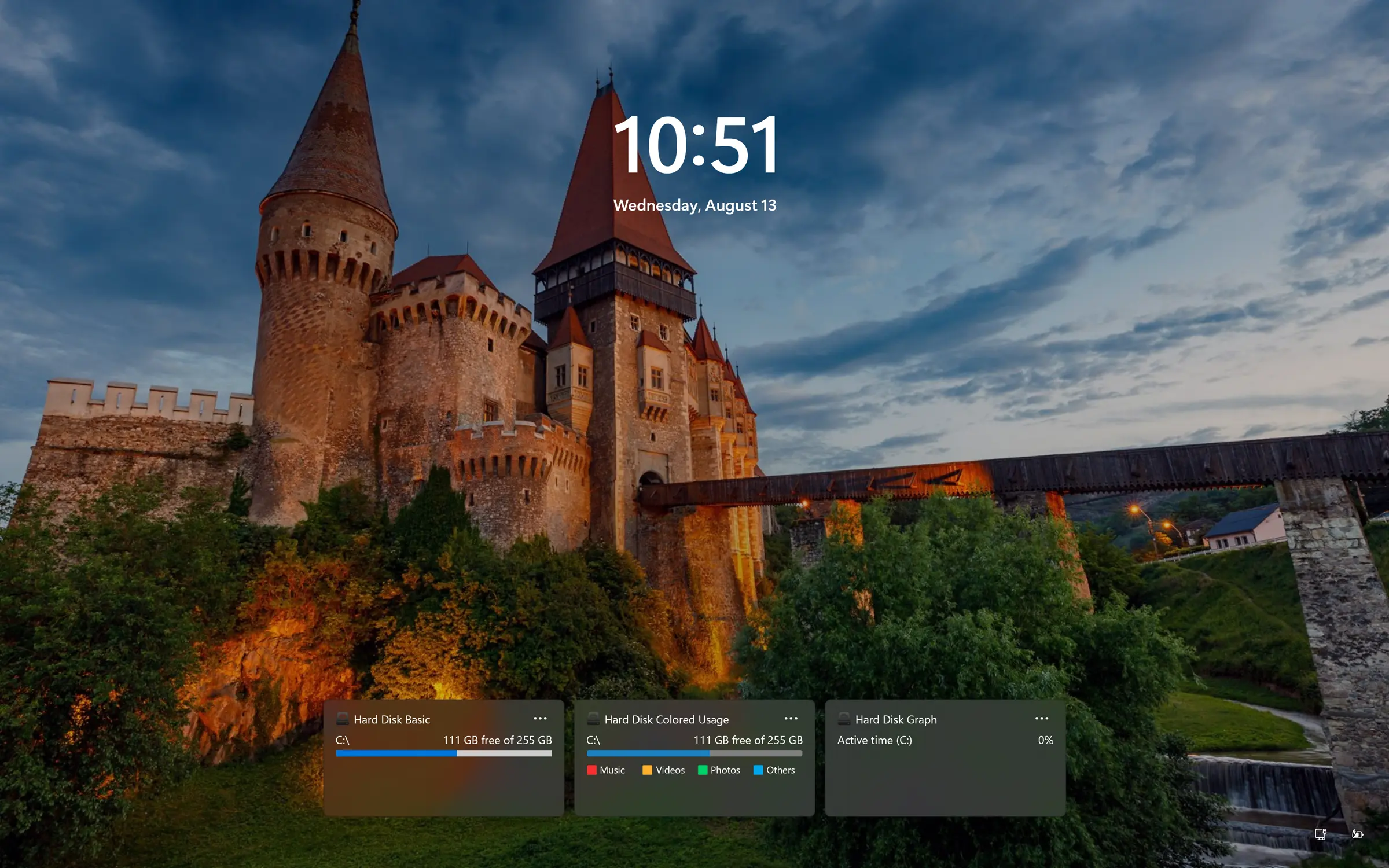
Hard Disk Windows Lock Screen widget
Hard Disk available as a widget in the Windows Lock Screen

Support Light and Dark Mode

Get an appearance that matches your chosen OS setting. When your system is in dark mode, you will see a dark-themed countdown window and widget. In light mode, a bright and clean style is applied automatically.
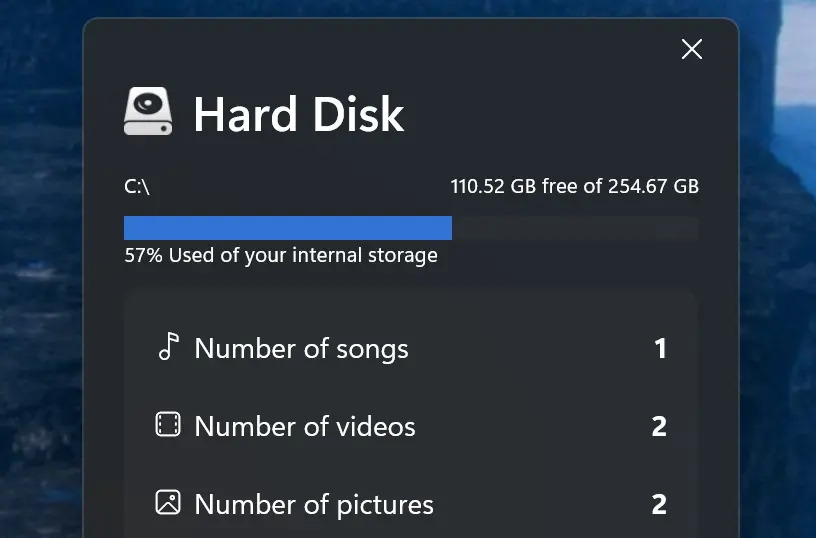
Support Light and Dark Mode theme

Choose Monitor Disk

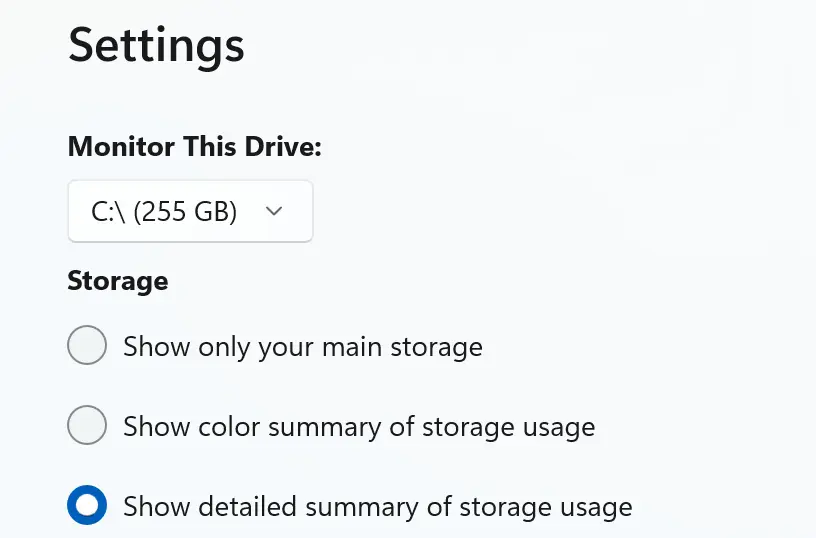
In the Settings window, you can choose which disk to display in the application to monitor your used and free storage information. That can be C:\ or D:\ or any other network disk.
Support Light and Dark Mode theme

Detailed Disk Information

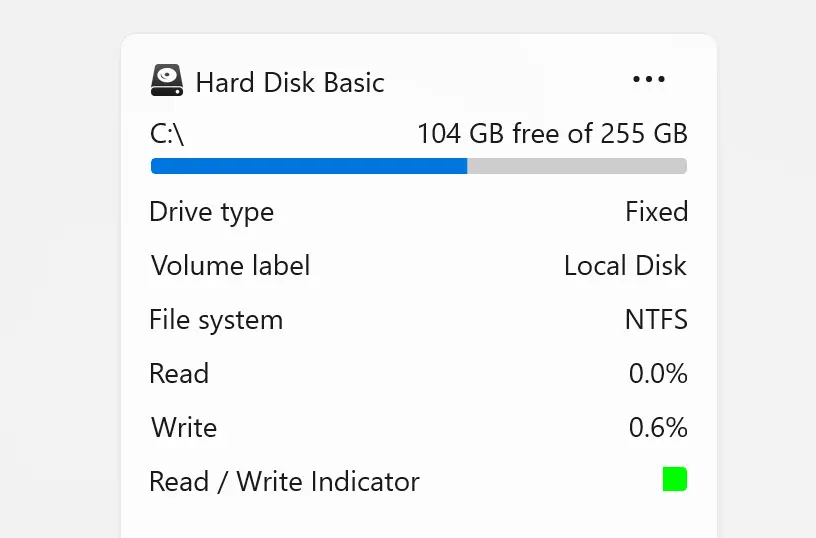
In the Windows 11 widget, the read indicator (LED light) activates during read or write activity. Additional details such as temperature and, for SSDs, the remaining lifespan (shown as a percentage) are also displayed. If temperature or lifespan data is unavailable, those fields will remain hidden.
Hard Disk read and write status

Customize Widget Size

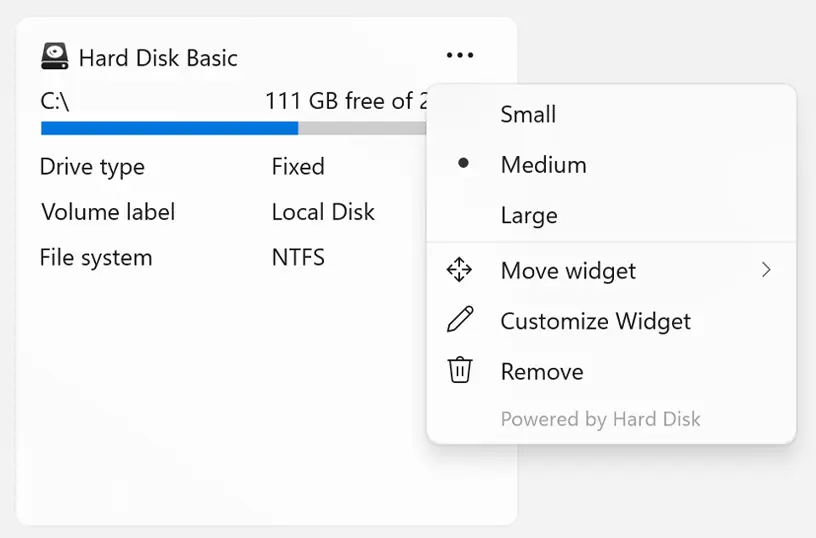
Add the widget to your Windows 11 dashboard and customize its size using the three-dots menu. Choose the size that best fits your preference.
Customize your Windows 11 widget size

Customizable Theme Colors

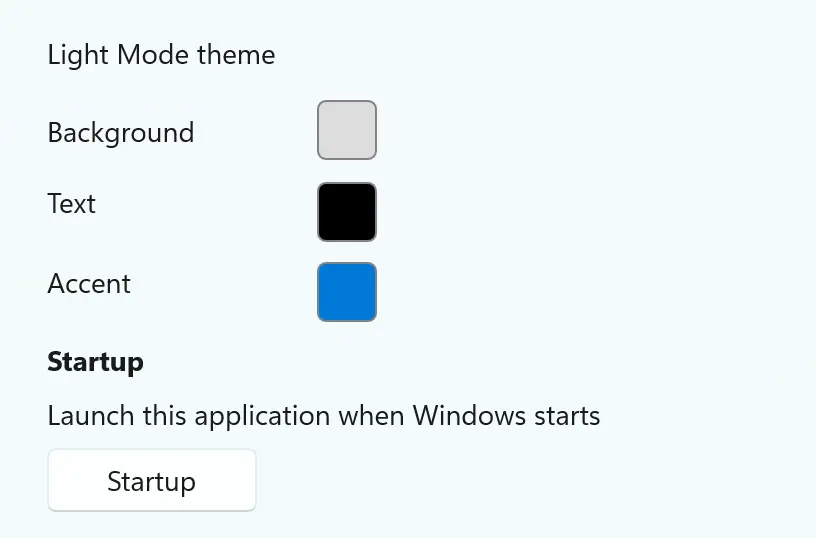
Choose your preferred background and text colors for both light and dark modes, and personalize the app to match your style.
Customize the app to your personal style

Get Hard Disk app

Download the Hard Disk app today and take control of your storage. Instantly see how much free space you have across all your connected drives, and start managing your disk space like a pro, no matter what device or platform you use.


Get Hard Disk from the Microsoft Store Get Hard Disk from the Apple Mac App Store
Compatible with Windows 11, macOS 14 or later, iOS 26, iPadOS 26, watchOS 26, tvOS 26, and visionOS 26.

Frequently Asked Questions

Have questions about the Hard Disk app? Check out our FAQ section below for answers to common queries. If you need further assistance, feel free to contact our support team.

What is Hard Disk?

The Hard Disk app is a cross-platform utility designed to provide real-time monitoring of your device's storage across various operating systems, including Windows, macOS, iOS, iPadOS, watchOS, tvOS, and visionOS.

Can I install it on many devices?

Hard Disk’s installation limits depend on the platform and licensing:

A Microsoft Store purchase can be installed on multiple Windows machines, up to 10 devices per Microsoft account.

App Store purchases are tied to your Apple ID. You can install the app on all Apple devices signed into that Apple ID, and you can also share purchases with your Family Sharing group.

Can I monitor storage on my iOS home screen or lock screen?

Yes! With the Hard Disk app, you can monitor your storage directly from your iOS home screen or lock screen using its customizable widgets. These widgets display real-time information about your device’s storage, including total capacity, available space, and usage breakdown. You can choose from different sizes, styles, and light/dark mode options to match your device’s look and easily keep an eye on your storage without opening the app.

Does Hard Disk support external drives and network storage?

Yes! Hard Disk fully supports external drives (like USB drives and SD cards) as well as network storage (such as NAS drives). Once connected, the app automatically detects these drives and includes them in your storage overview, allowing you to monitor their total capacity, used space, and available space just like your internal drives.

Is my data safe? Does Hard Disk access files?

Yes! Hard Disk only reads storage information such as total capacity, used space, and free spacen. It does not access, view, or modify your personal files. Your data remains completely private and secure, and the app is designed purely to help you monitor disk usage, not interact with your files.