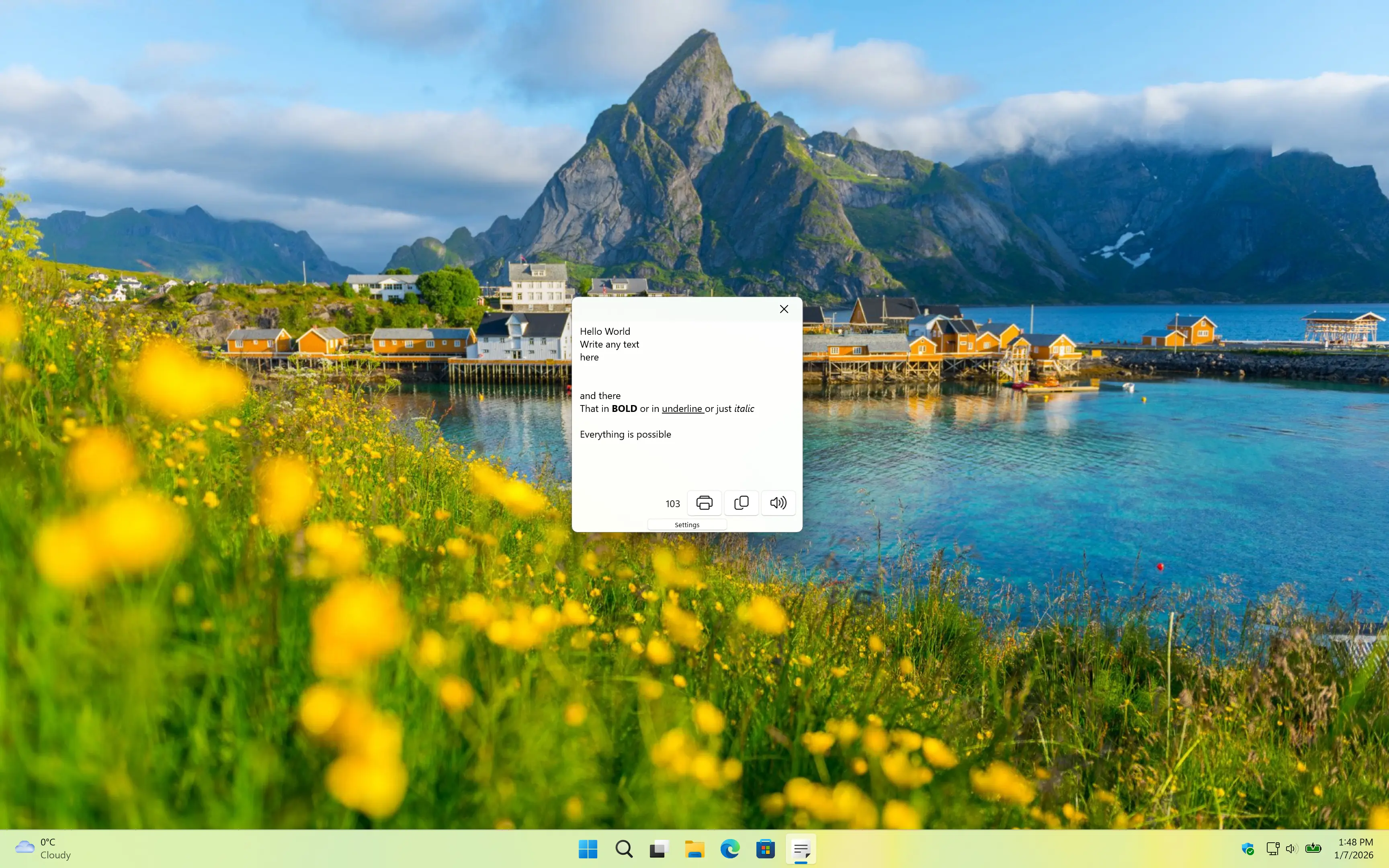
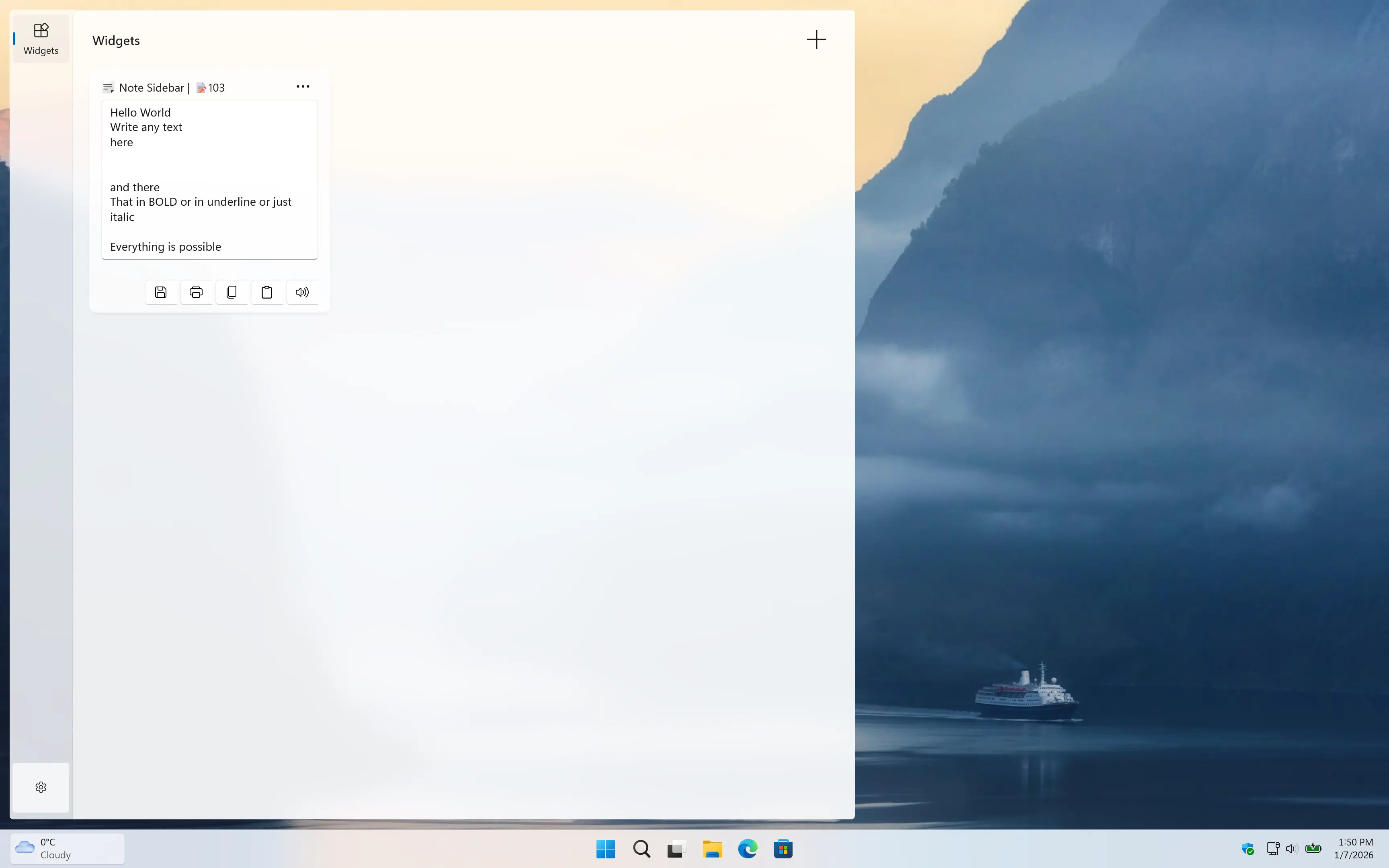
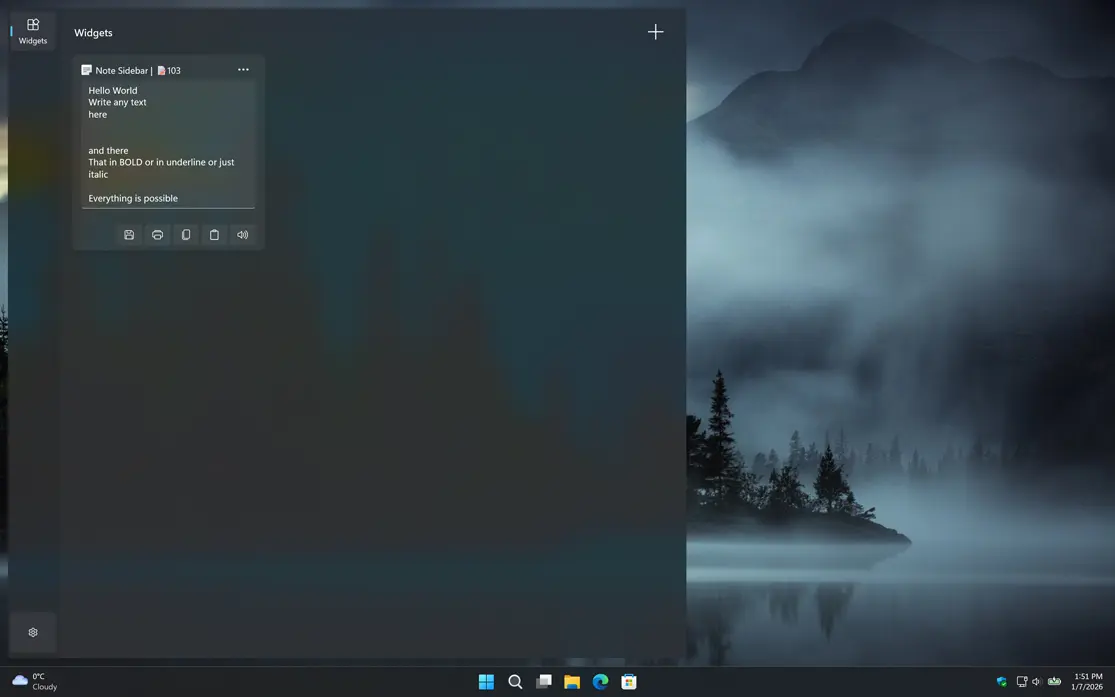
Introducing the Note Sidebar app is a small note editor application and Windows 11 widget where you can write your personal note, meeting notes or your todo list.
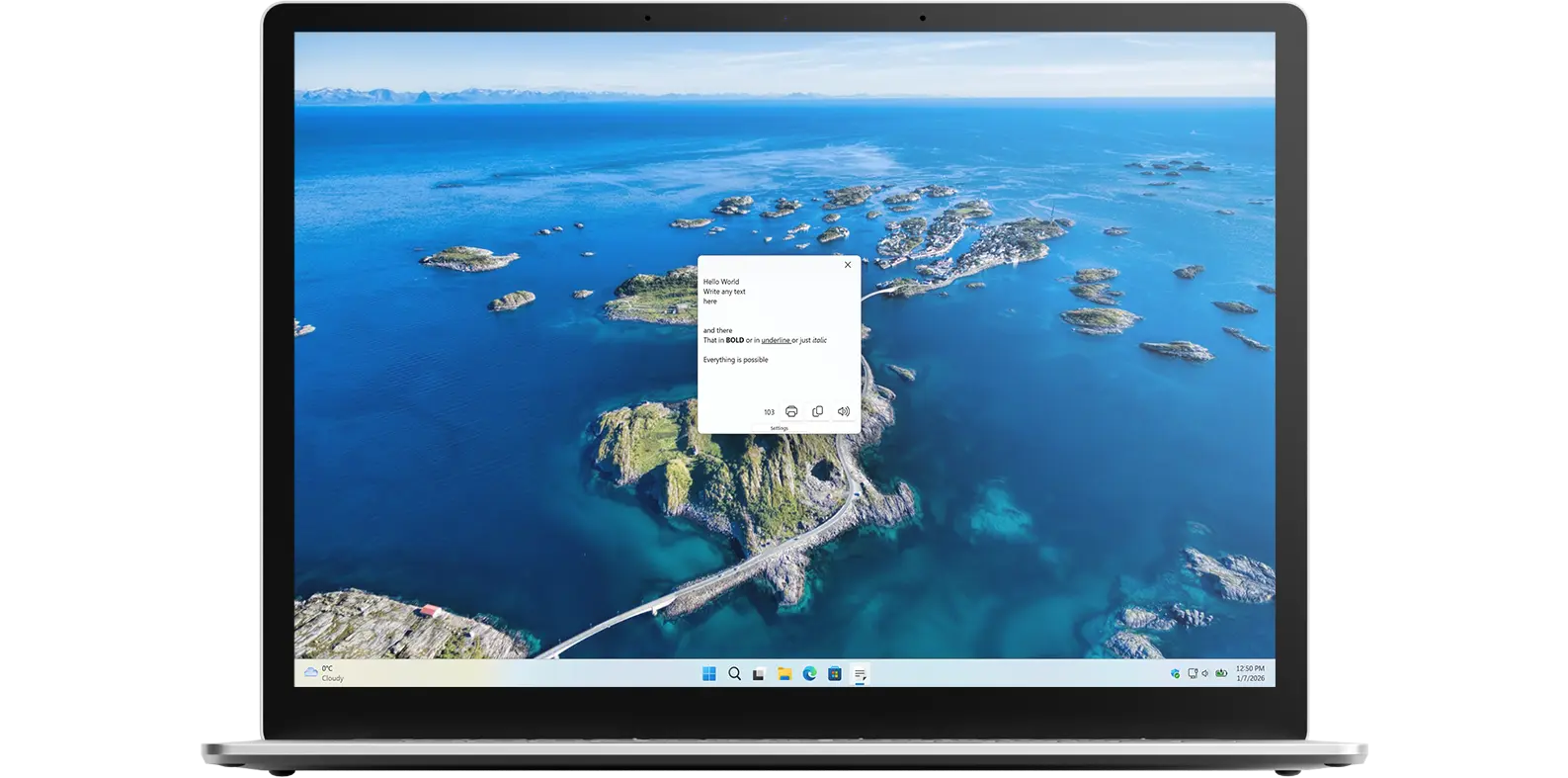
Small text editor
Note Sidebar allows you to write quick notes and see how many characters you have typed. It is a simple text editor designed for efficiency and ease of use.
Efficiency and ease of use
Note Sidebar is more than just a text editor. It is a tool designed for quick, efficient note-taking and character counting. Whether you are jotting down meeting notes, creating to-do lists, or simply keeping track of ideas, Note Sidebar provides a clean and straightforward interface that makes it easy to stay organized without distractions.
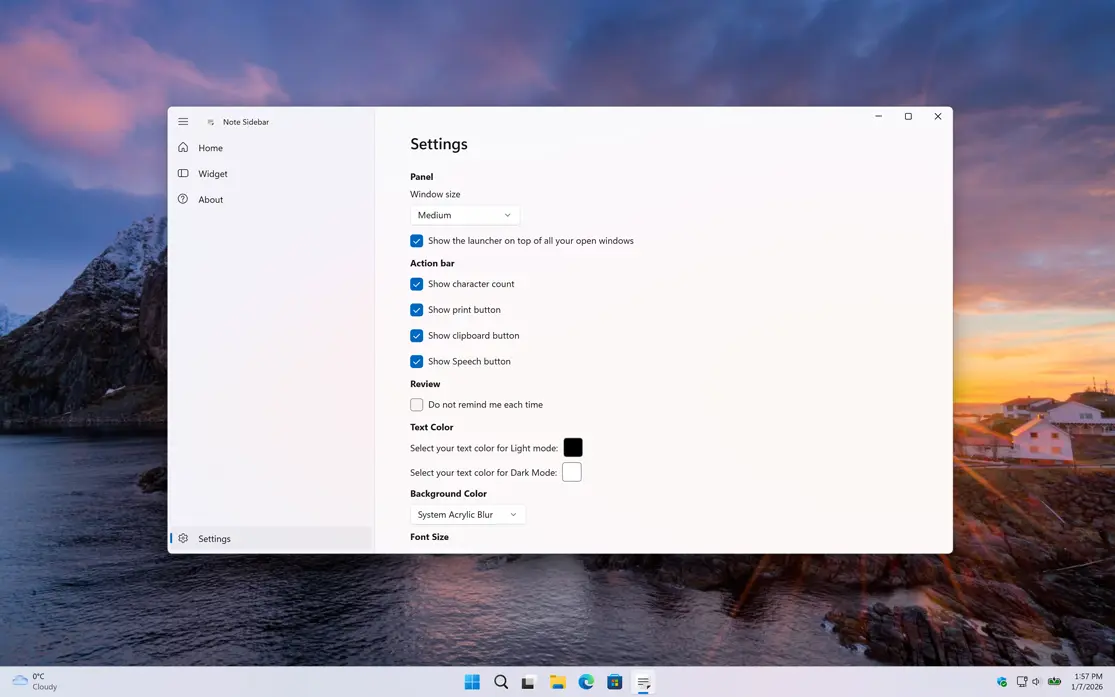
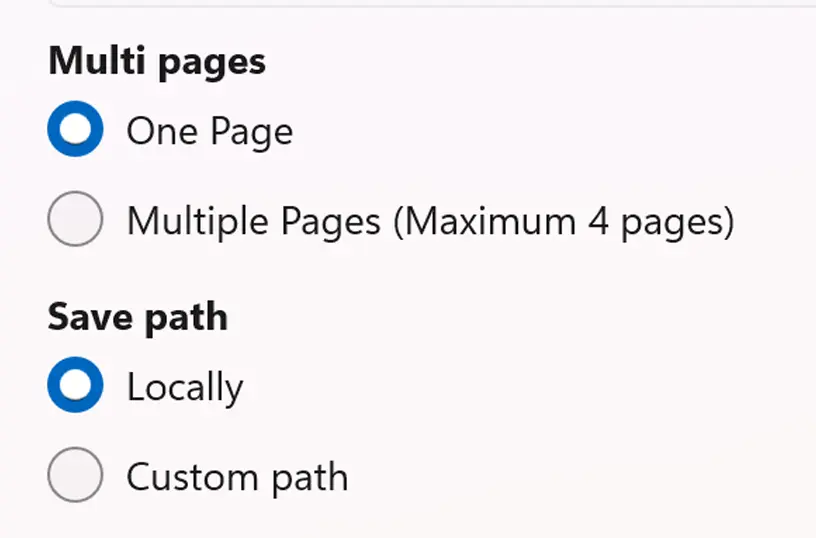
You can choose if you want to have a single tab or multiple tabs for your notes. ANd you can also choose the directiony where to save your notes.
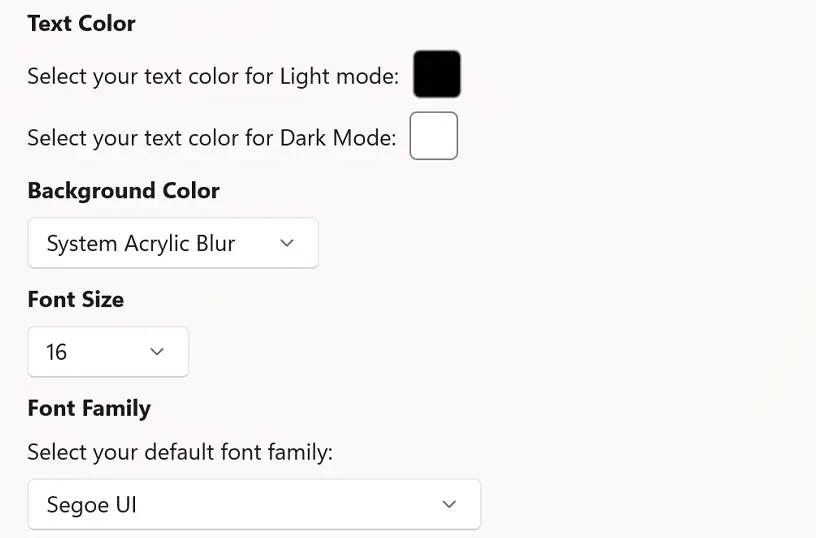
Choose your default background and text color, and customize the font size and font family to match your default style.
Have questions about the Note Sidebar app? Check out our FAQ section below for answers to common queries. If you need further assistance, feel free to contact our support team.
Note Sidebar is a Windows 11 app that allows you to write quick notes and see how many characters you have typed. It is a simple text editor designed for efficiency and ease of use, it is available for free on the Microsoft Store.
Note Sidebar’s installation limits depend on the platform and licensing:
A Microsoft Store purchase can be installed on multiple Windows machines, up to 10 devices per Microsoft account.
Yes, in the Note Sidebar application and Windows 11 widget you can use the rich text formatting options. That includes Bold, Underline, and Italic.
Yes, in the Note Sidebar application settings page you can choose the background and text color you want to see.
Yes! You can add the Note Sidebar in the Windows 11 widget.