macOS App
See all your storage at a glance
on your Mac
Keep track of all your storage, USB, external, network, all in one spot, right from the Apple menu bar or widget. Made for Mac.
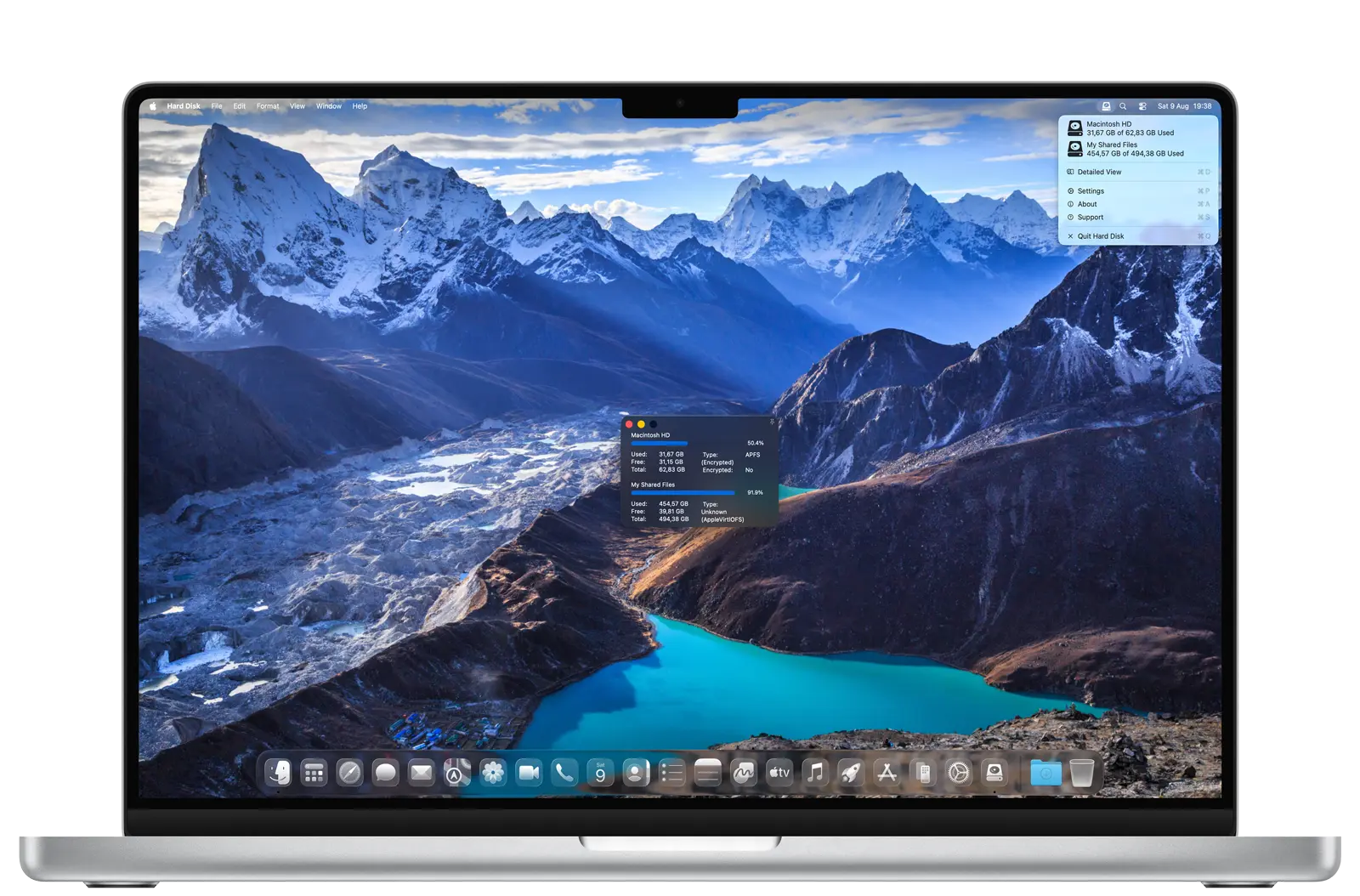
Keep track of all your storage, USB, external, network, all in one spot, right from the Apple menu bar or widget. Made for Mac.
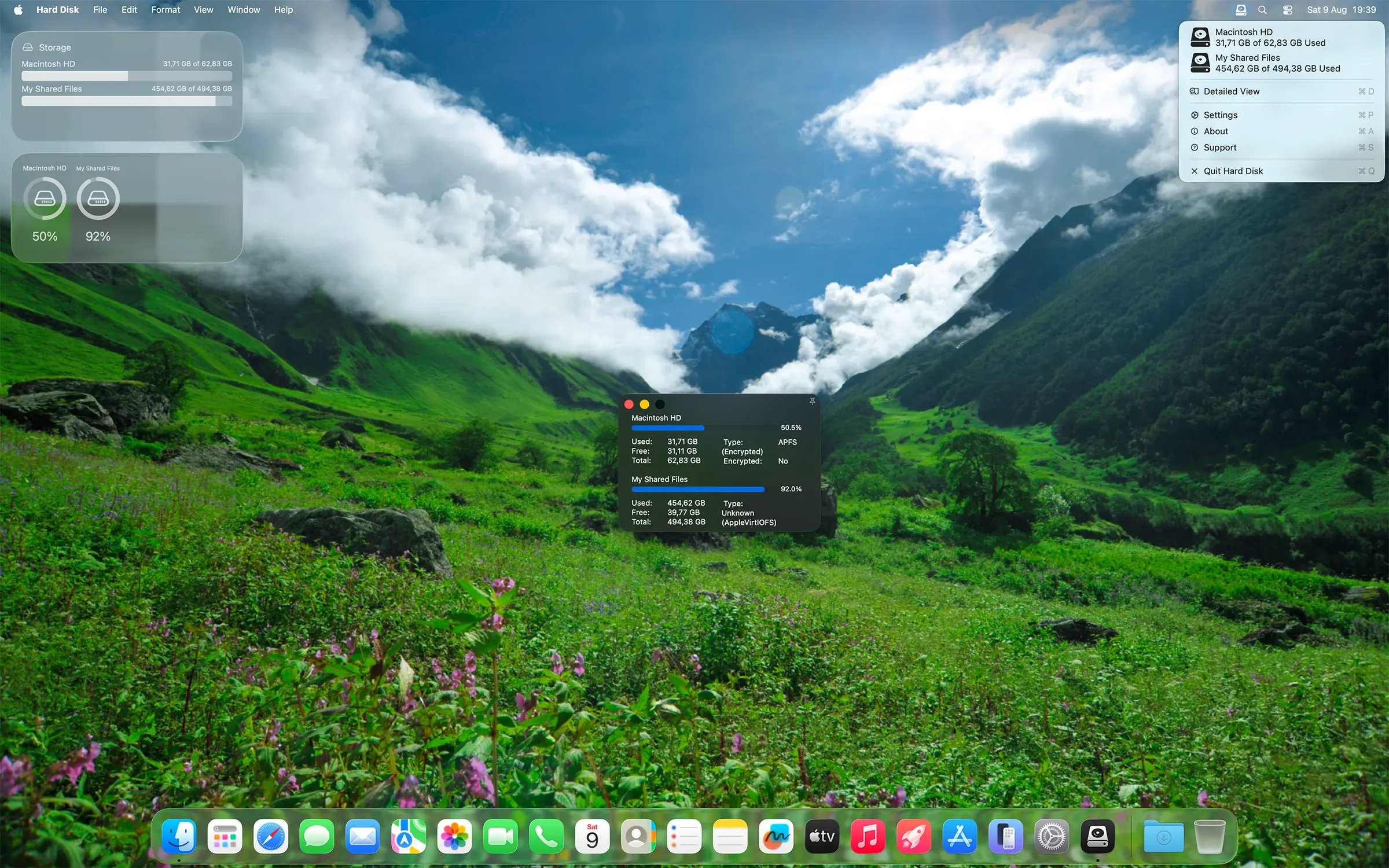
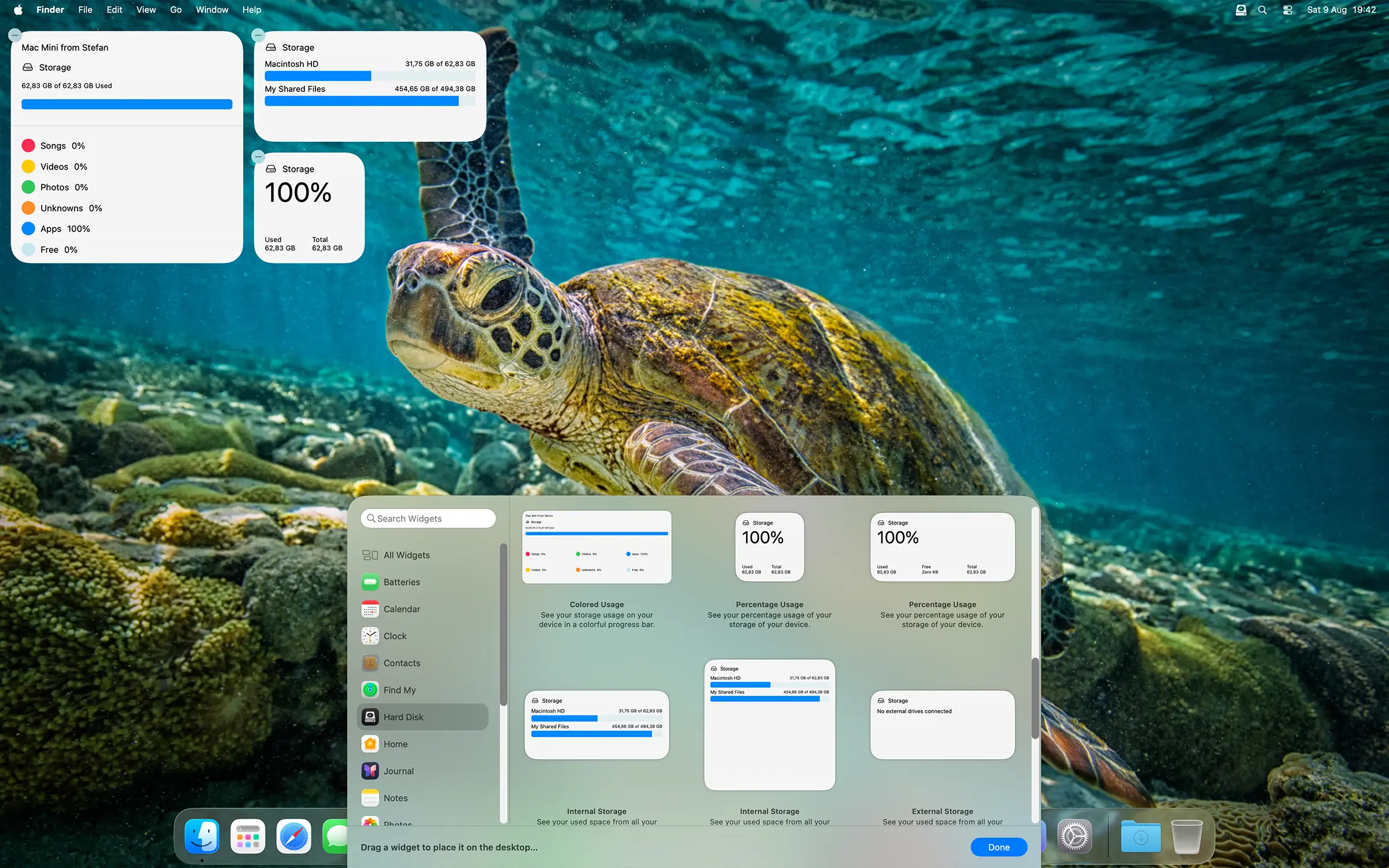
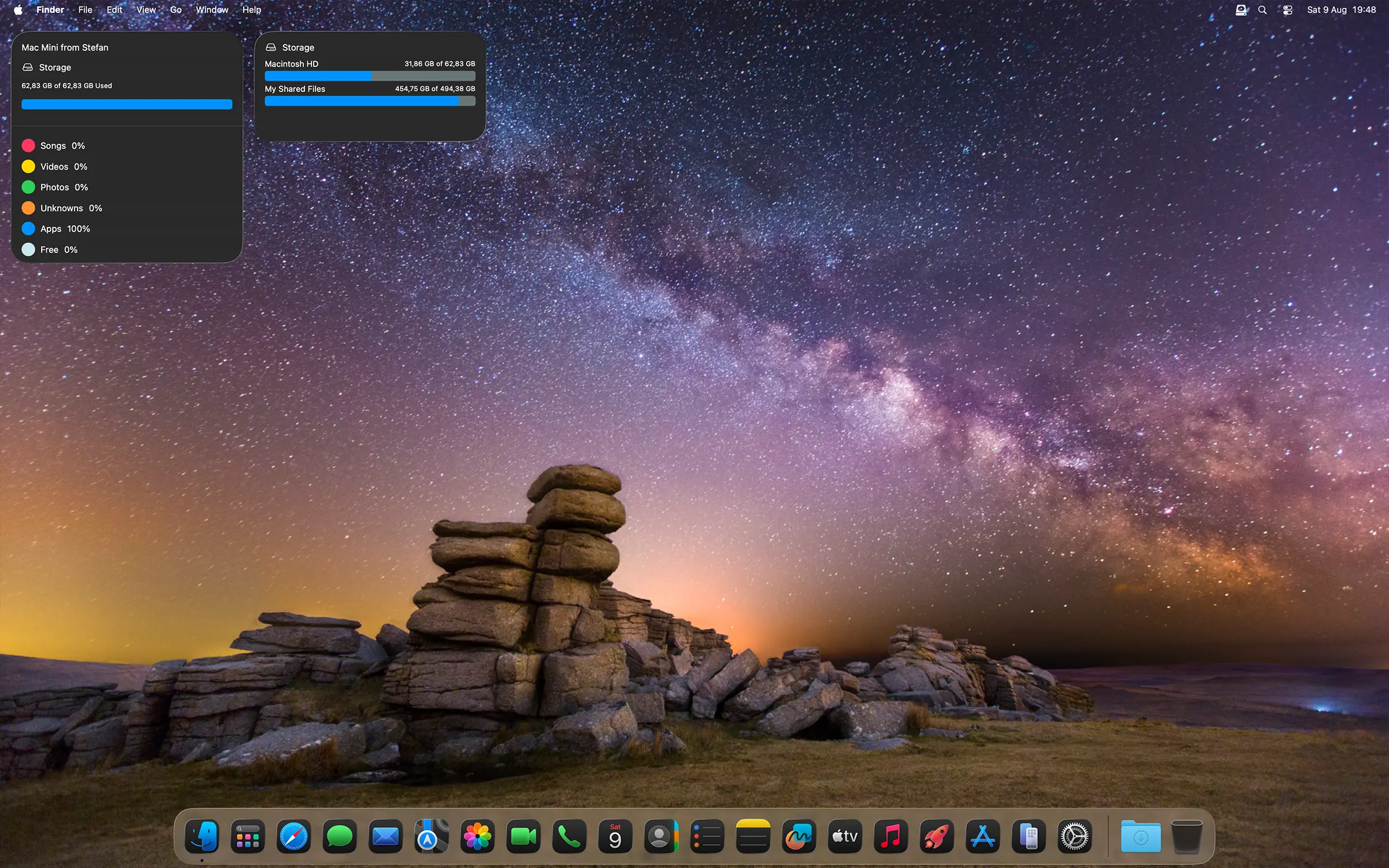
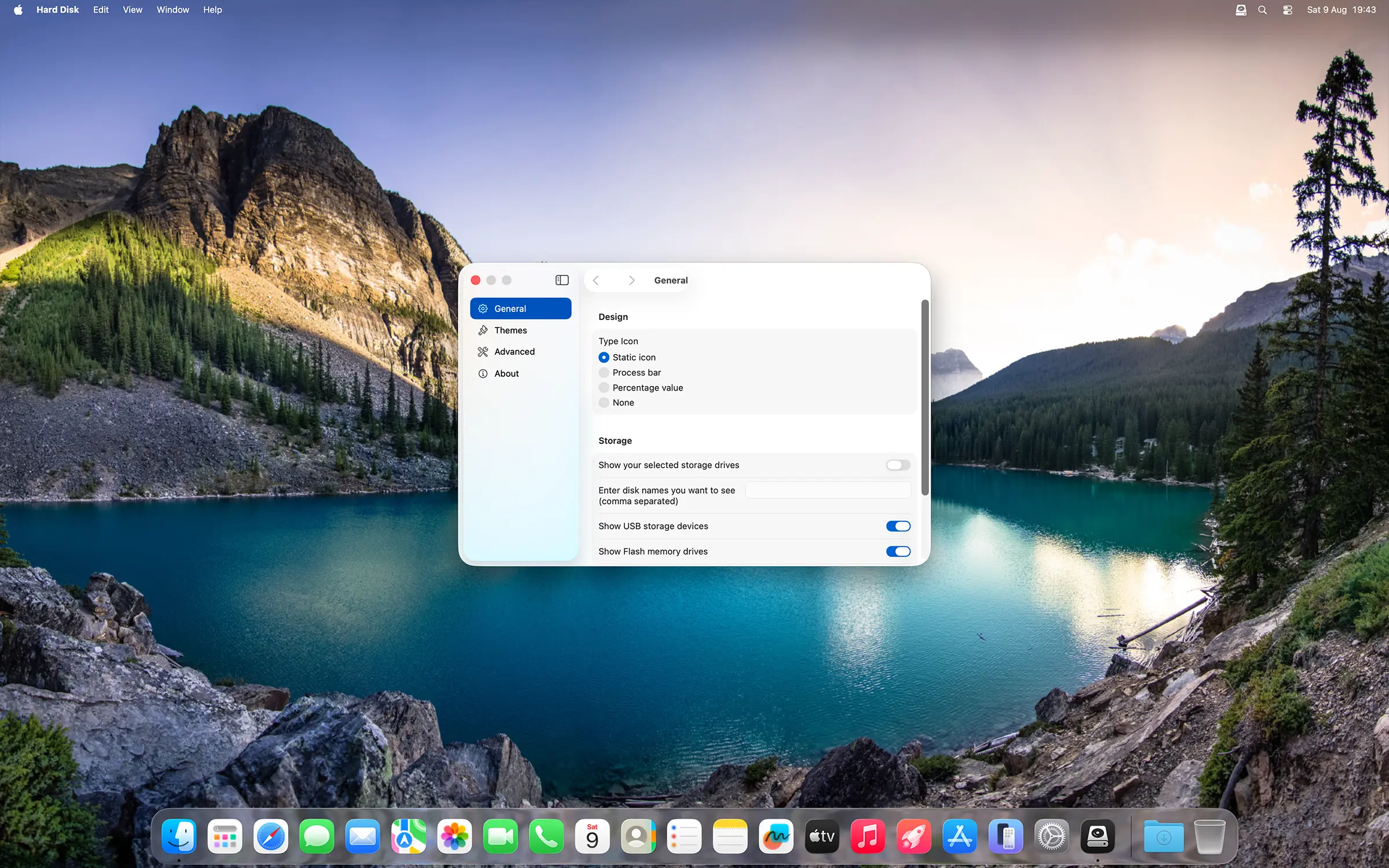
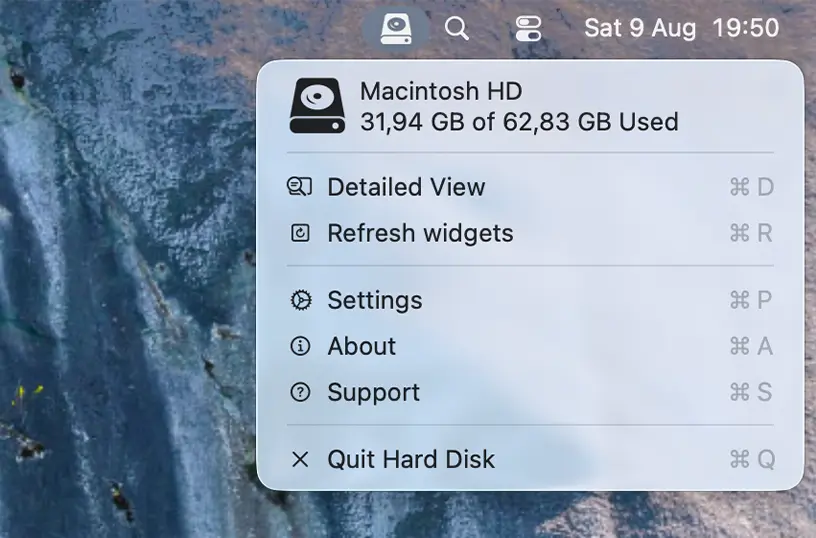
In the Settings window, you have the option to show the refresh menu item, which lets you refresh all the widgets on your macOS desktop.
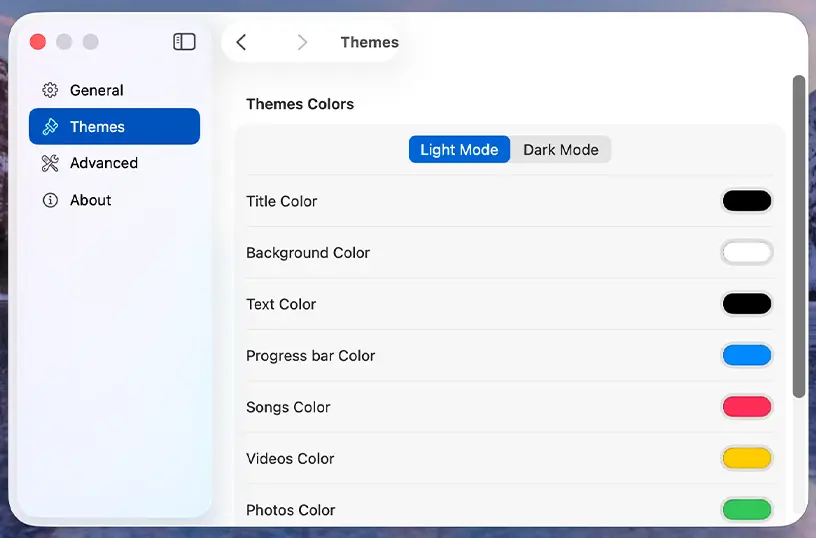
Choose the colors you want for the title, text, background, progress bar, songs, videos, photos, and unknown files. These settings can be customized separately for Dark Mode. With a single click on the segment control, you can switch between the Light Mode and Dark Mode tabs.
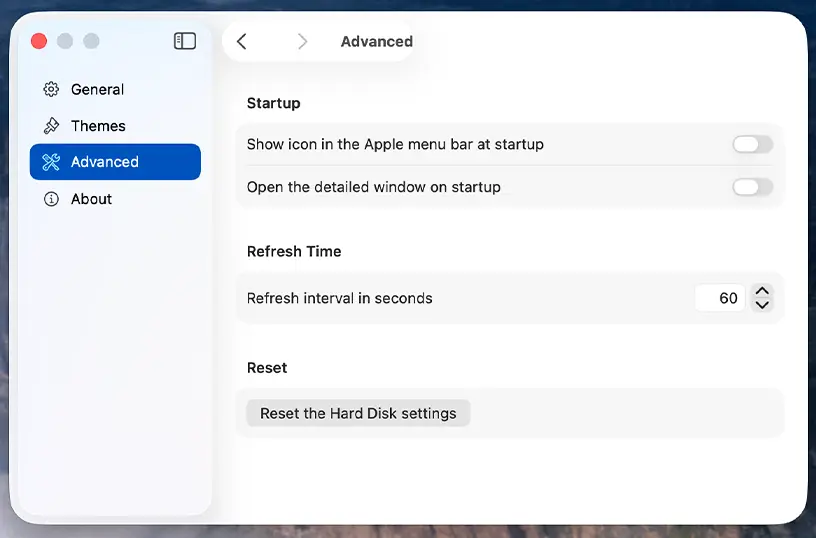
Furthermore, you can customize the refresh interval for updating the free and used storage space data. You can also enable the option to automatically launch the Hard Disk application when you start your Mac computer.
What users are saying
"The Macbook Pro does not inherently have a widget which shows how much space is left on your system(s). This app has really saved me a lot of trouble and lets me know when I should be moving files off of my Laptop. Thank you for all your hard work."
— Tony Stark Chicago
"Made many tries to fix available space problem...did not give up and got it working. A very useful app. Great Job Stefan, Thanks"
"I specifically got this app so I could see how full my 1TB internal is, and know I need to offload stuff. The large list of internal disks does let me see the TBT4 and internal disks separately."
Download the Hard Disk app today and take control of your storage. Instantly see how much free space you have across all your connected drives, and start managing your disk space like a pro, no matter what device or platform you use.