[Skip navigation links]
Stefan vd
Windows App

Tic-Tac-Toe
as Windows 11 Widget

Enjoy a fun and quick game of Tic-Tac-Toe right from your Windows 11 widget board. Challenge yourself to see who can get three in a row first. It is a simple, classic game that adds a bit of entertainment and relaxation.
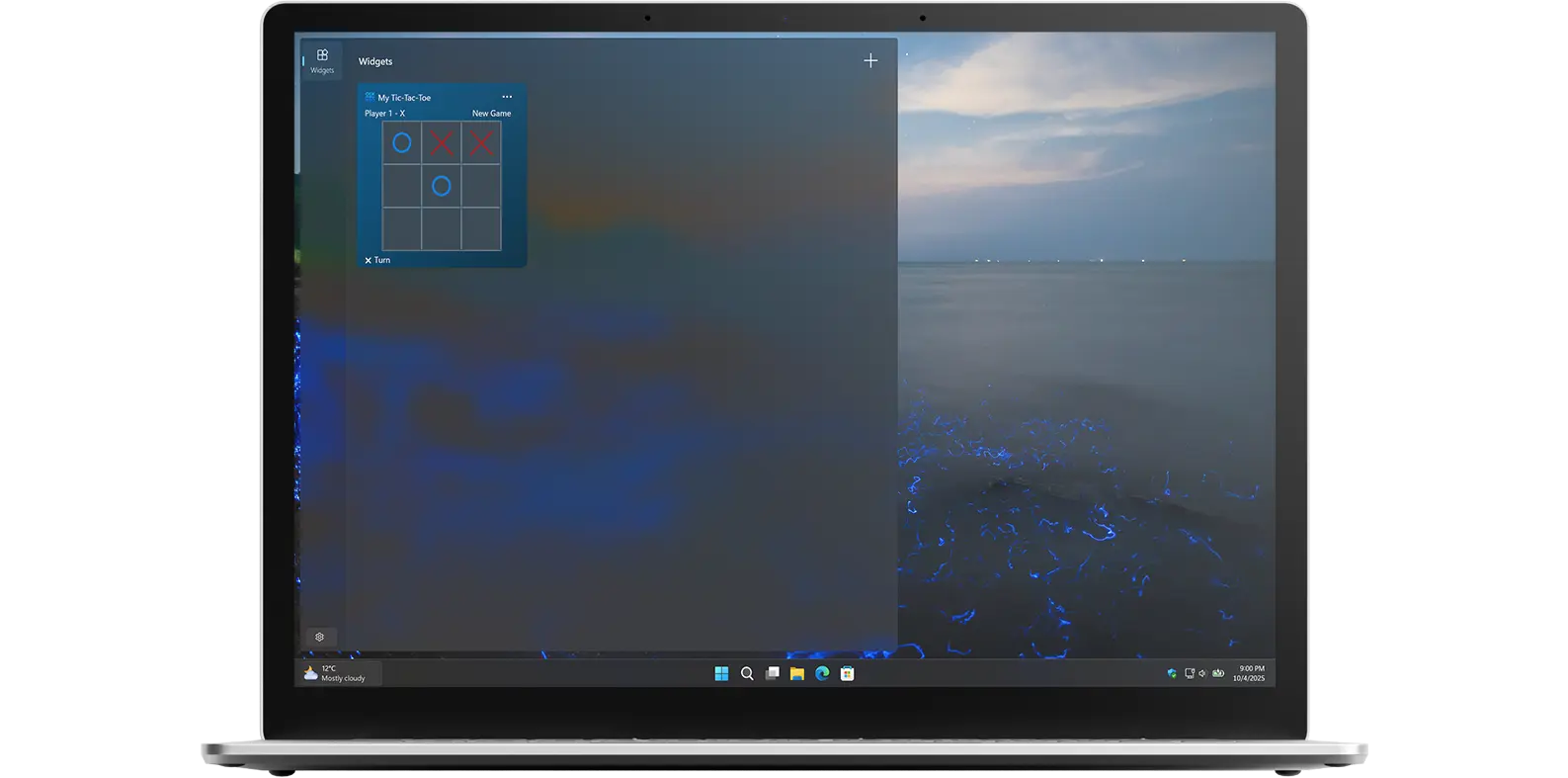
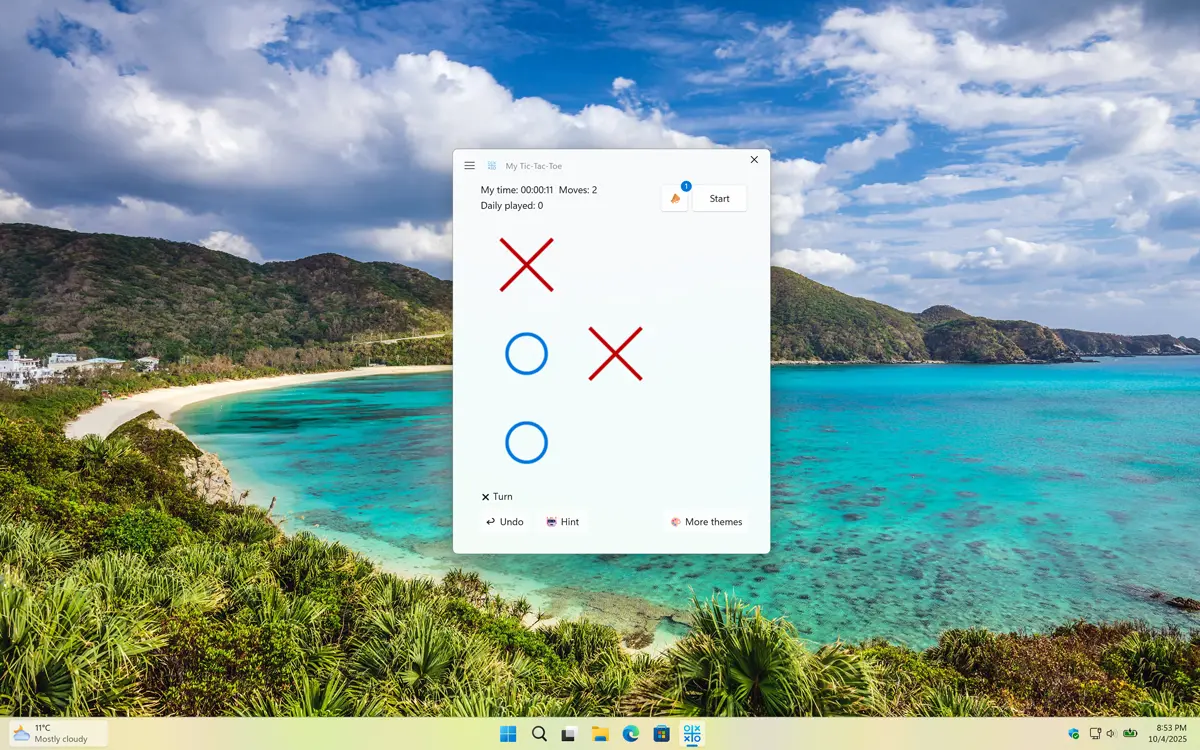
My Tic-Tac-Toe app on all devices

Get a quick view of My Tic-Tac-Toe Windows app

What does this app do?

Play a classic game right on your desktop.

The My Tic-Tac-Toe is a small program that you can download and install on your Windows computer. Once installed, the widget will appear on your desktop as a small game board. The game is played just like traditional Tic-Tac-Toe: two players take turns placing Xs and Os on the board, with the goal of getting three in a row. The first player to get three in a row wins the game. Tic-Tac-Toe is a game that can be played by anyone, regardless of age or skill level. The Tic-Tac-Toe Windows widget is no exception, it is a great way to introduce children to the game.

Features

Classic Tic-Tac-Toe game
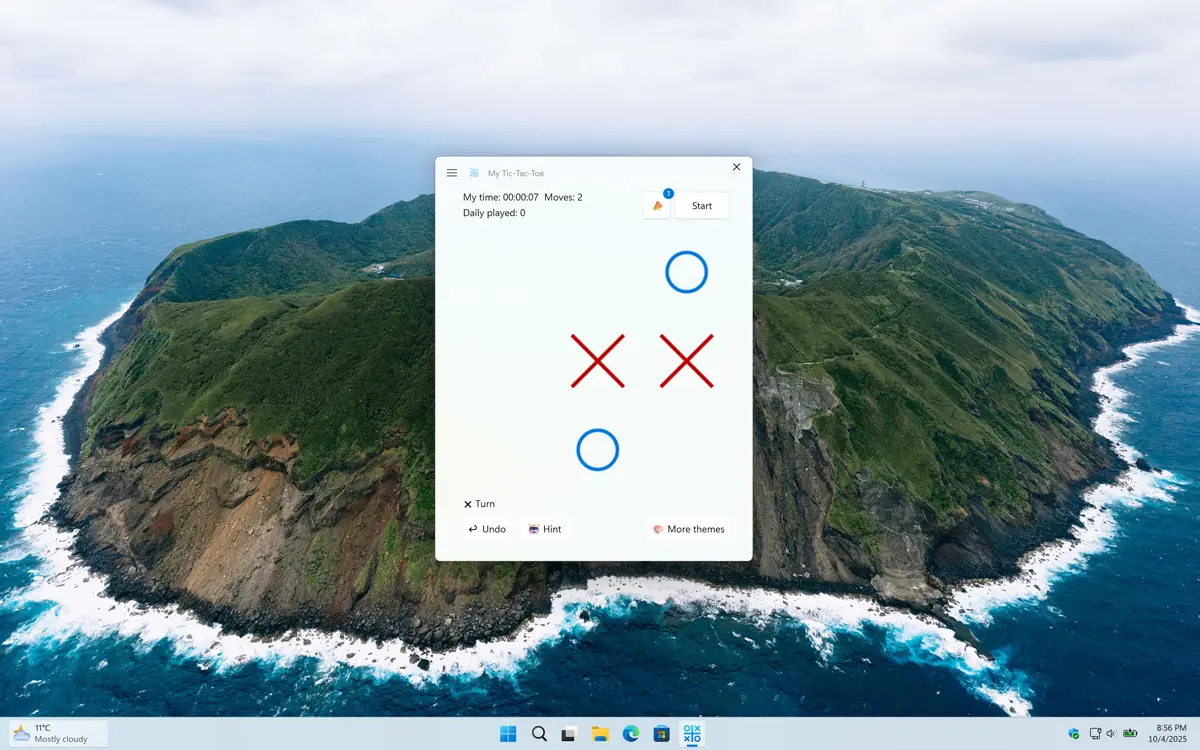
My Tic-Tac-Toe window
Play anytime and try to outsmart your computer opponent
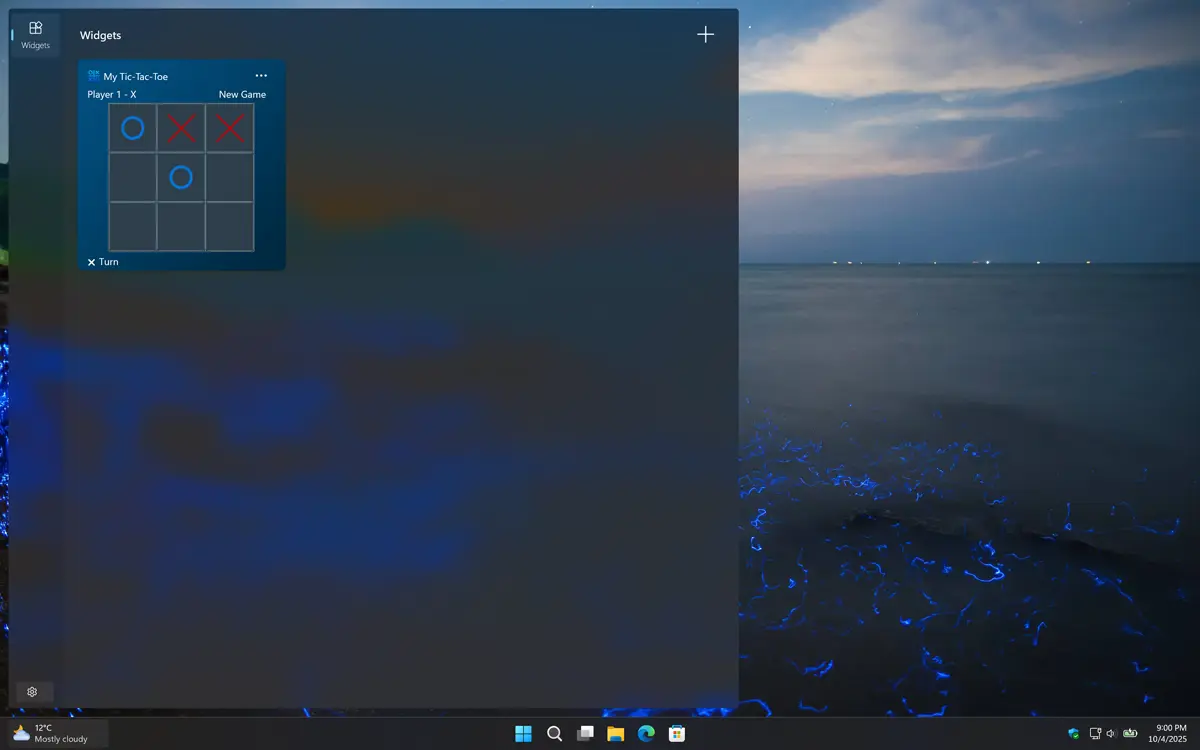
My Tic-Tac-Toe Windows 11 Widget Dark Mode
And it supports Dark Mode
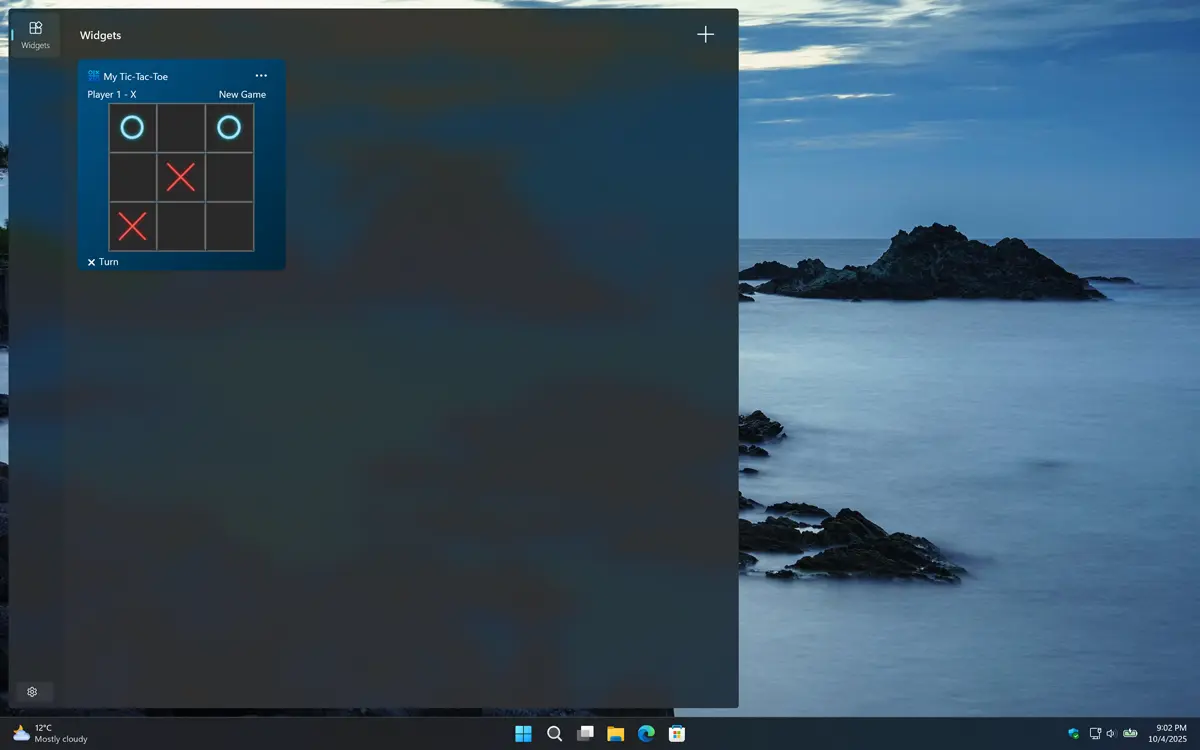
My Feed Reader neon color effect
It also includes an optional neon color effect.
1 /

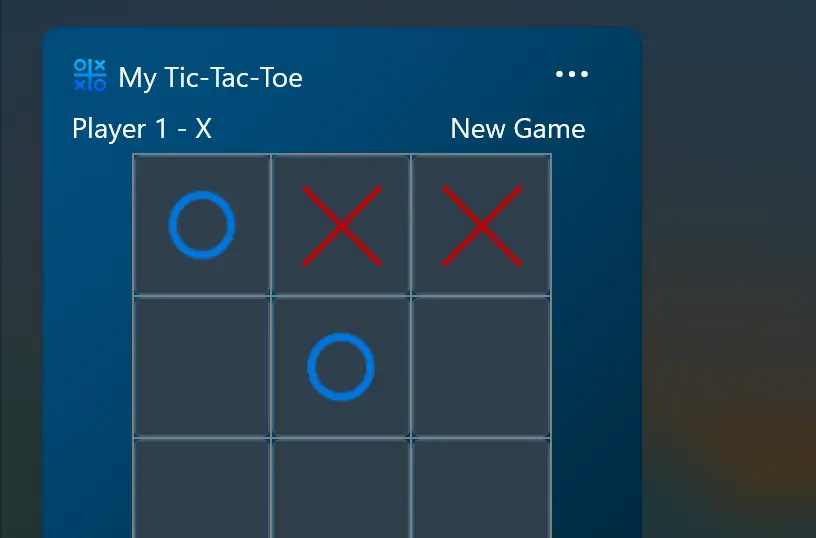
Support Light and Dark Mode

Get an appearance that matches your chosen OS setting. When your system is in dark mode, you will see a dark-themed countdown window and widget. In light mode, a bright and clean style is applied automatically.

Support Light and Dark Mode theme

Get My Tic-Tac-Toe

Download the My Tic-Tac-Toe app today and enjoy a fun, modern twist on the classic game, right on your desktop! Whether you are looking to pass the time, sharpen your strategy, or relive a timeless favorite, this game is perfect for you. Get it now!

Get My Tic-Tac-Toe from the Microsoft Store
Compatible with Windows 11.

Frequently Asked Questions

Have questions about the My Tic-Tac-Toe app? Check out our FAQ section below for answers to common queries. If you need further assistance, feel free to contact our support team.

What is My Tic-Tac-Toe?

My Tic-Tac-Toe is a small digital version of the classic Tic-Tac-Toe (noughts and crosses / Xs and Os) game, accessible both as a standalone app and a widget on your desktop.

Can I install it on many devices?

My Tic-Tac-Toe’s installation limits depend on the platform and licensing:

A Microsoft Store purchase can be installed on multiple Windows machines, up to 10 devices per Microsoft account.

Can I customize the appearance?

Yes! My Tic-Tac-Toe lets you personalize your Xs and Os, and even set the background to the Bing Wallpaper of the Day.

Is there a Windows 11 widget available?

Yes, there is a Windows 11 widget available for My Tic-Tac-Toe.

Is there a limit to how many times I can play My Tic-Tac-Toe?

No, there is no limit! You can play My Tic-Tac-Toe as many times as you want. Win or lose, it does not matter, you can always try again to beat the AI opponent.