[Skip navigation links]
Stefan vd
Windows App

Sharpening your logic and
problem-solving skills

Introducing the My Slider Puzzle app is a classic puzzle game. Where you slide tiles to form a complete picture. That is available for Windows.
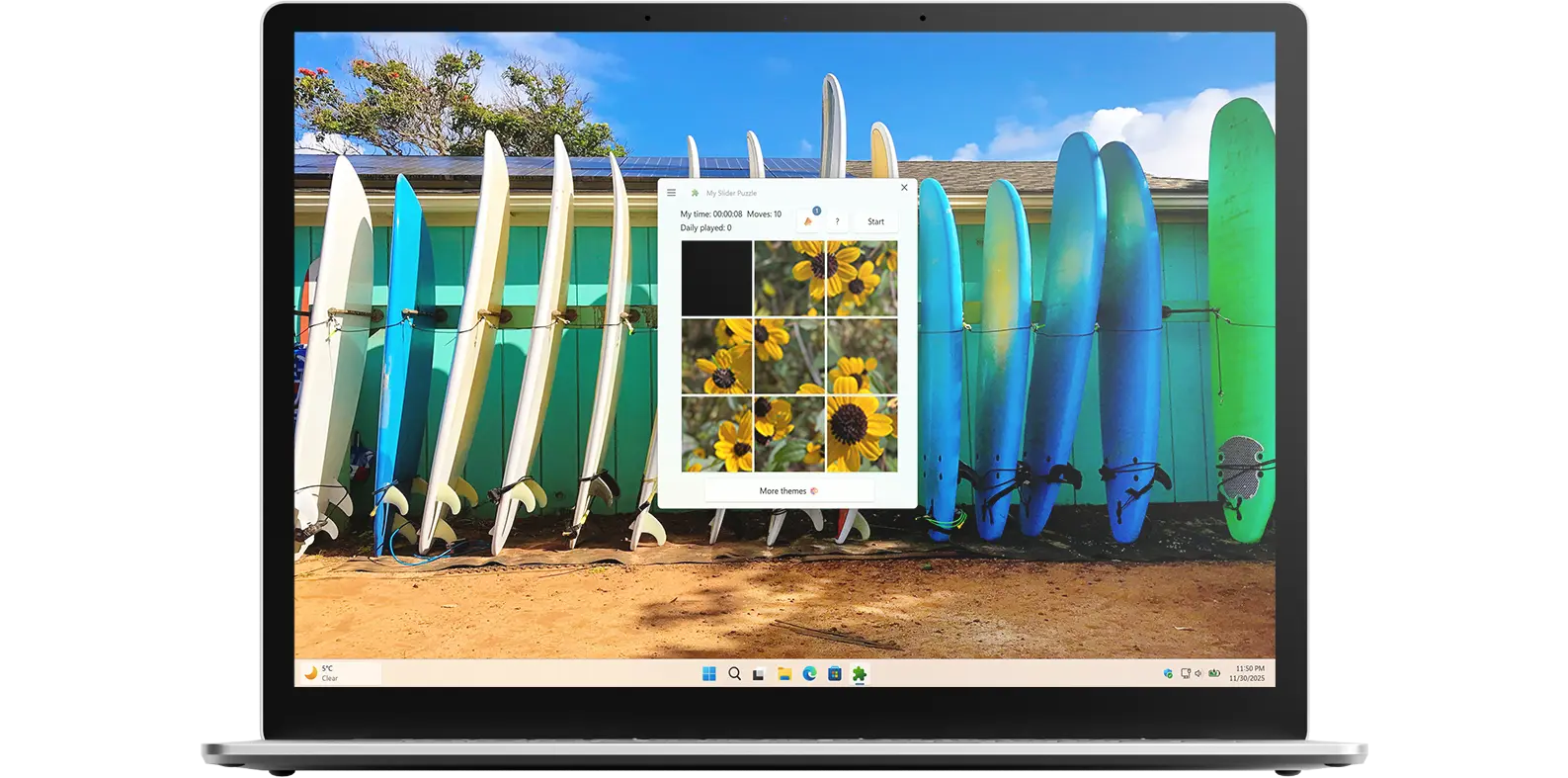
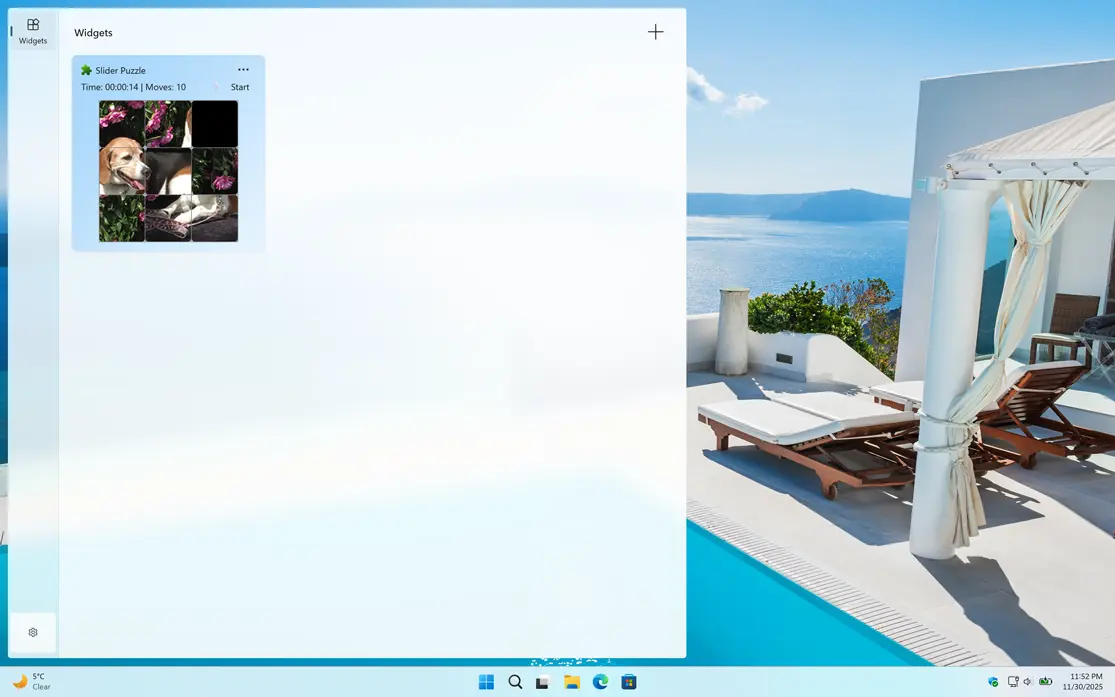
My Slider Puzzle app on all devices

Get a quick view of Fast Shutdown Windows app

What does this app do?

Classic strategic game

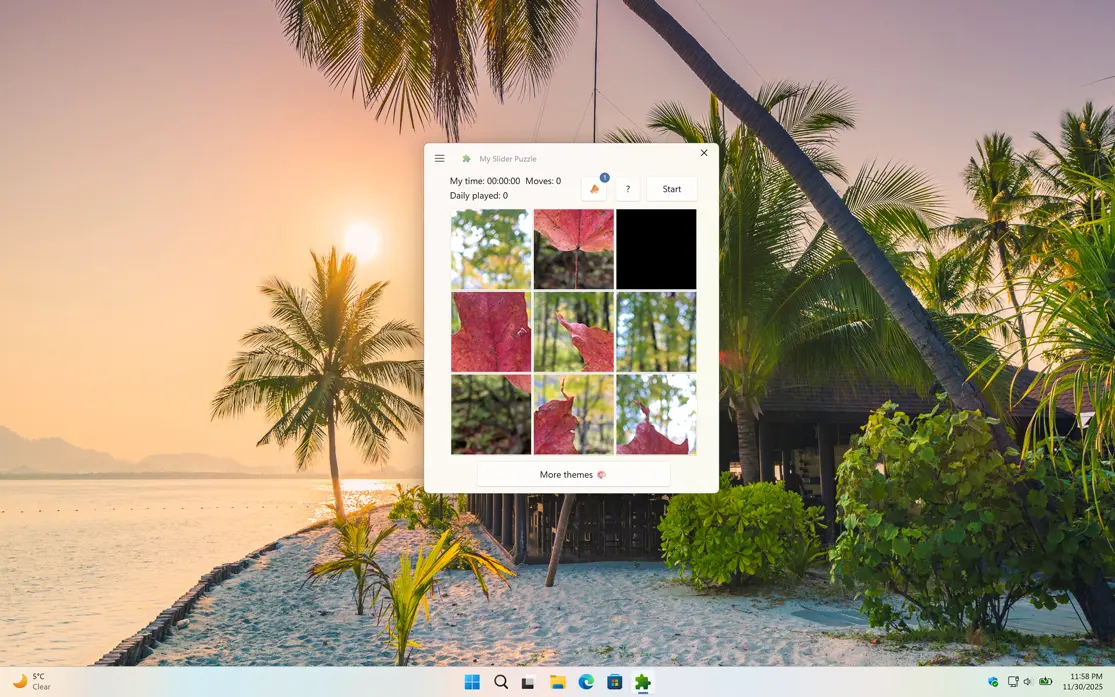
My Slider Puzzle is a Windows 11 widget that brings the classic game of sliding puzzles to your desktop. The widget features a grid of tiles with one missing space, and the goal of the game is to slide the tiles around until you have arranged them in the correct order. It is a simple concept, but one that can be surprisingly challenging and addictive.

Why Use My Slider Puzzle?

Sharpen your strategic thinking

In addition to providing hours of entertainment, My Slider Puzzle can also help improve cognitive skills such as problem-solving, spatial reasoning, and memory. The game requires players to strategize and plan their moves, which can help sharpen their critical thinking abilities. Plus, the constant rearranging of the tiles can help improve short-term memory and increase mental agility.

Features

My Slider Puzzle Autumn
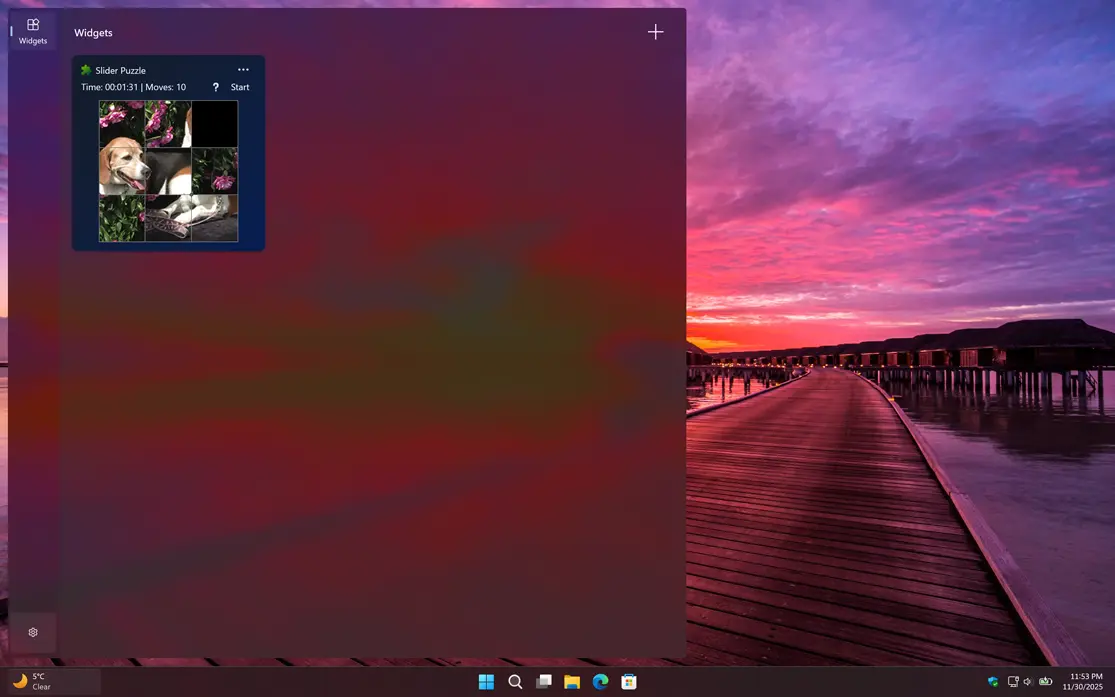
My Slider Puzzle Windows 11 widget Light Mode
Support of Windows 11 Widget in the Windows Board
My Slider Puzzle Windows 11 widget Dark Mode
Suppport Dark Mode version of the My Slider Puzzle Windows 11 Widget
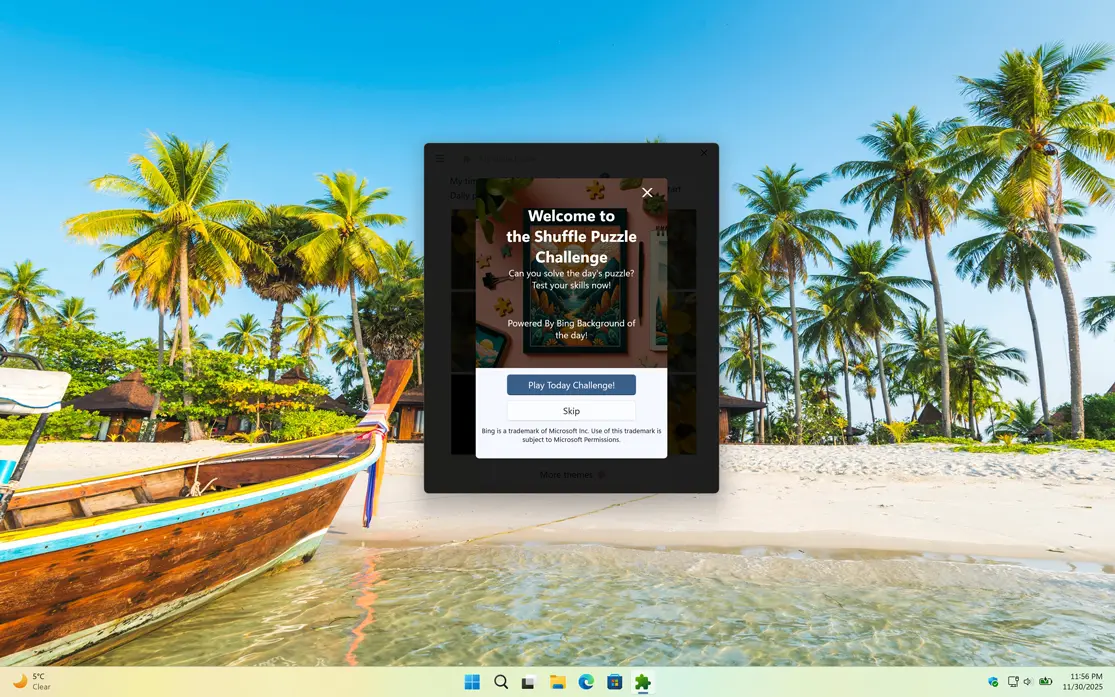
My Slider Puzzle Challenge
1 /

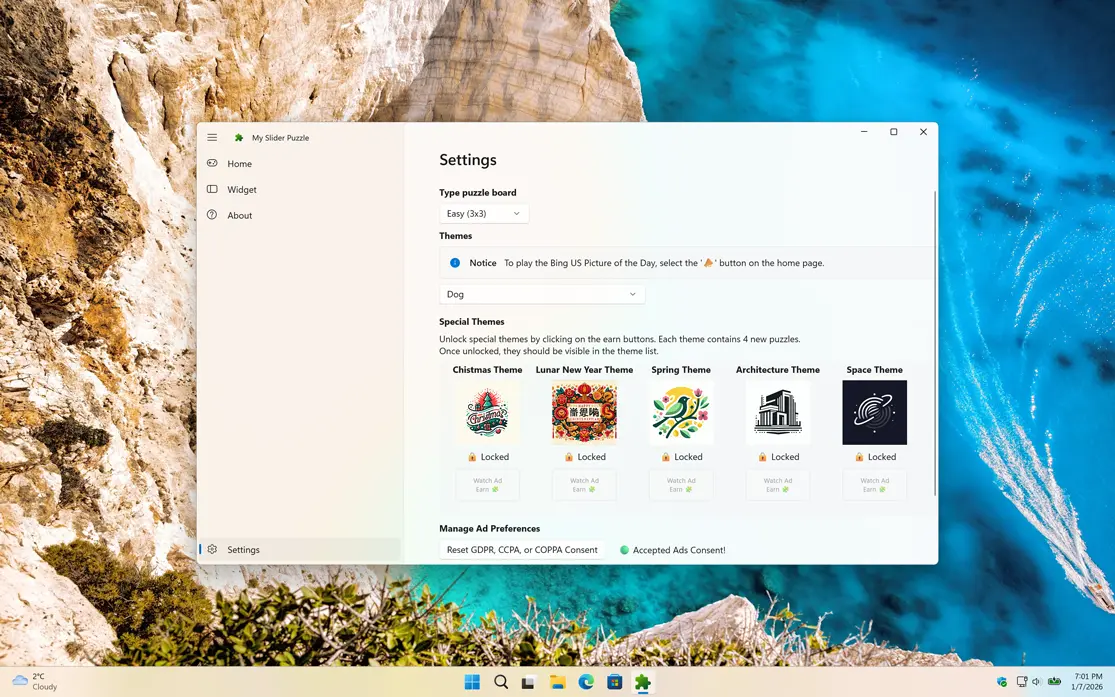
Settings

Customize the experience of the My Slider Puzzle game

Customize Theme

Play and customize your experience by choosing the theme you want for your game board, from a bold Christmas theme and Spring theme to a Space theme, Architecture theme, or Lunar Christmas theme, making the game feel truly personal to you.

My Slider Puzzle custom theme

Get My Slider Puzzle app

Download the My Slider Puzzle app, the classic sliding puzzle game, on your desktop and Windows 11 widget. The goal of the game is to slide the tiles around until you arrange them in the correct order. Download My Slider Puzzle today and start sliding your way to puzzle-solving victory!

Get My Slider Puzzle from the Microsoft Store
Compatible with Windows 11.

Frequently Asked Questions

Have questions about the My Slider Puzzle app? Check out our FAQ section below for answers to common queries. If you need further assistance, feel free to contact our support team.

What is My Slider Puzzle?

My Slider Puzzle is a Windows 11 app that also features a Windows 11 widget, allowing you to enjoy the classic sliding puzzle game directly from your desktop. Designed for both quick play and longer puzzle sessions, the app challenges you to slide tiles into the correct order while sharpening your logic and problem-solving skills. With easy access through the widget, you can jump into the game anytime.

Can I install it on many devices?

My Slider Puzzle’s installation limits depend on the platform and licensing:

A Microsoft Store purchase can be installed on multiple Windows machines, up to 10 devices per Microsoft account.

Can I customize the puzzle board size?

Yes, you can customize the puzzle board size in the My Slider Puzzle widget. The widget offers several options for board size, including 3x3, and 4x4. To access these options, click on the gear icon in the top-right corner of the widget. From there, you can select your preferred board size. So, feel free to customize the puzzle board size according to your preference and make your puzzle-solving experience even more enjoyable!

Can I share my score on the end of the Puzzle?

Yes, after completing the slider puzzle, you can share your record time on social networks using the X and Facebook buttons. That is visible on the right side of the slider puzzle.

Is My Slider Puzzle a Free Windows widget?

Yes, the My Slider Puzzle widget is available as a free download from the Microsoft Store. You can download and install the widget on your Windows 11 device at no cost.