[Skip navigation links]
Stefan vd
Windows App

Live Countdown to Halloween
for Windows users

Bring Halloween to your desktop. With the My Halloween app, track the next Halloween right from your Windows PC.
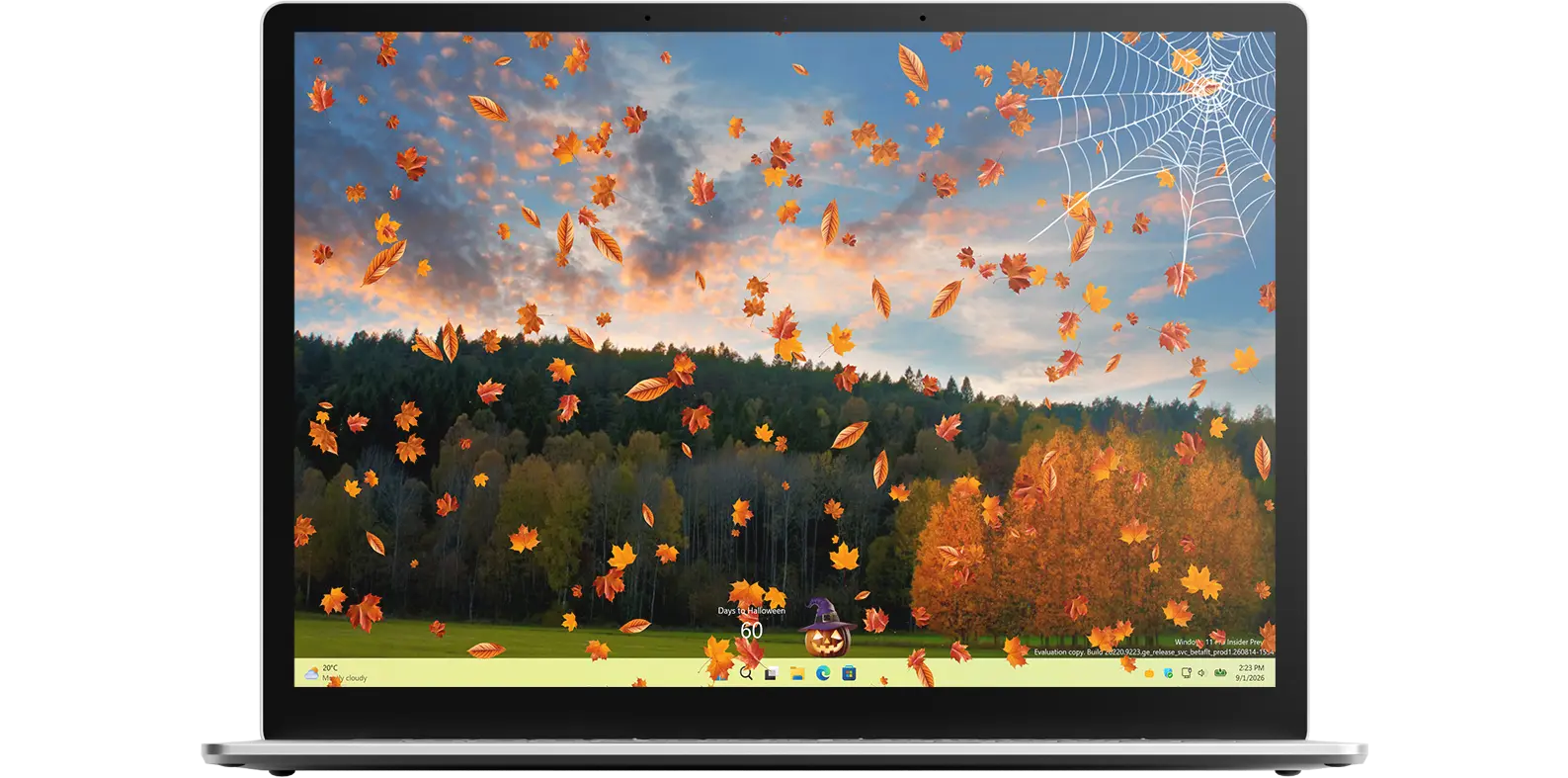
My Halloween app on all devices

What does this app do?

Calculates the date of the next Halloween

Halloween always falls on October 31, but it is still exciting to count down to the big night! This Halloween countdown app helps you quickly see the exact date of the next Halloween and shows precisely how many days remain until the celebration. With a clear and simple display, the app makes planning your costumes, decorations, and spooky fun easy, stress-free, and enjoyable for everyone.

Availability on all platforms

The My Halloween app is available across multiple platforms, offering a unique experience on each device. Customize your Halloween countdown with your favorite cute or spooky character and enhance your desktop with festive Halloween decorations and glowing lights. Choose between pumpkins, ghosts, or classic autumn themes to match your style and create a fun Halloween atmosphere on your computer.

Features

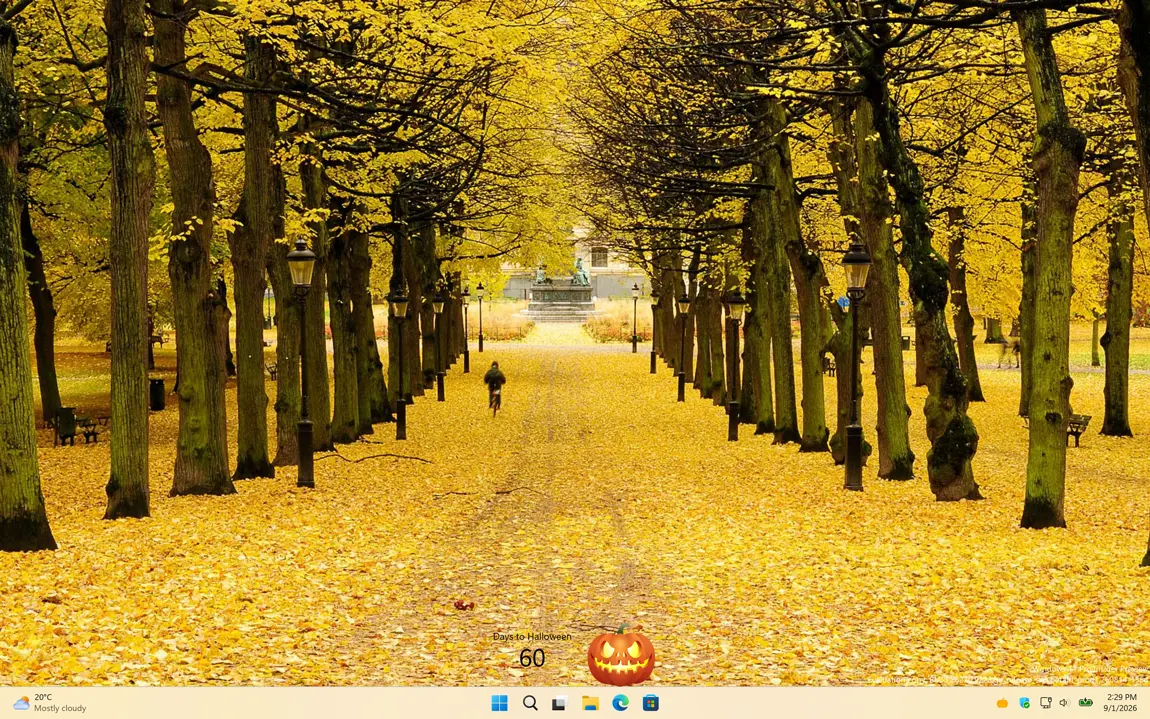
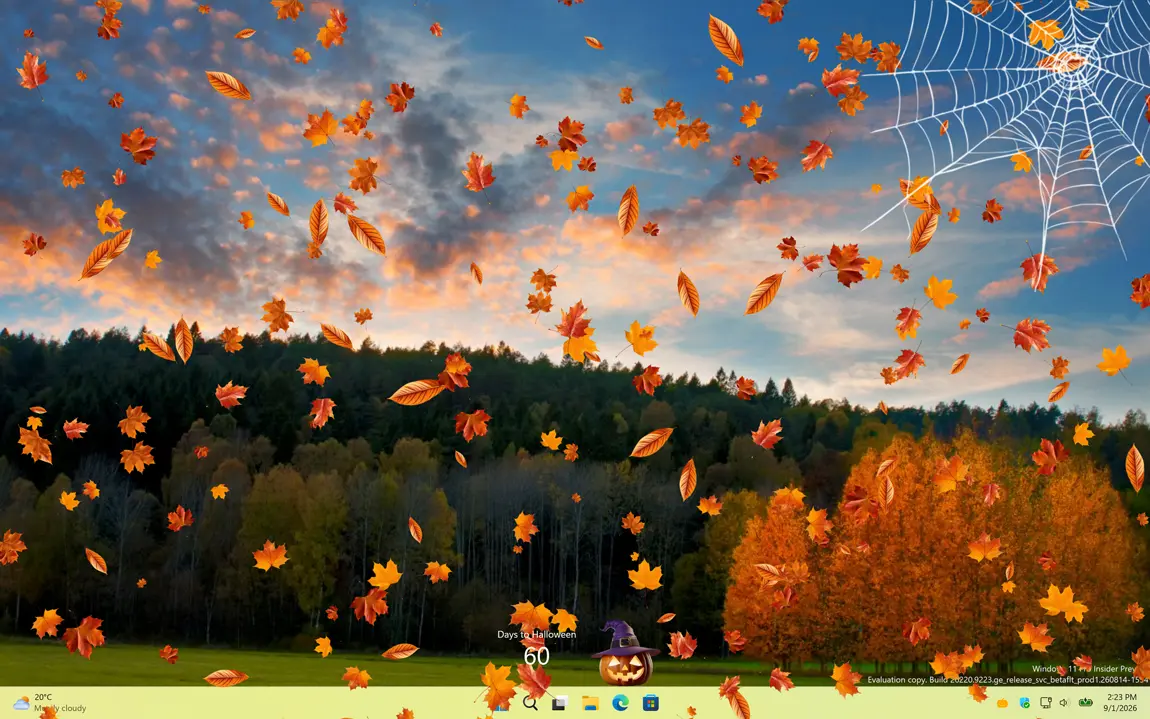
My Halloween with the scary jack-o’-lantern with falling leaves
My Halloween with the scary pumpkin face
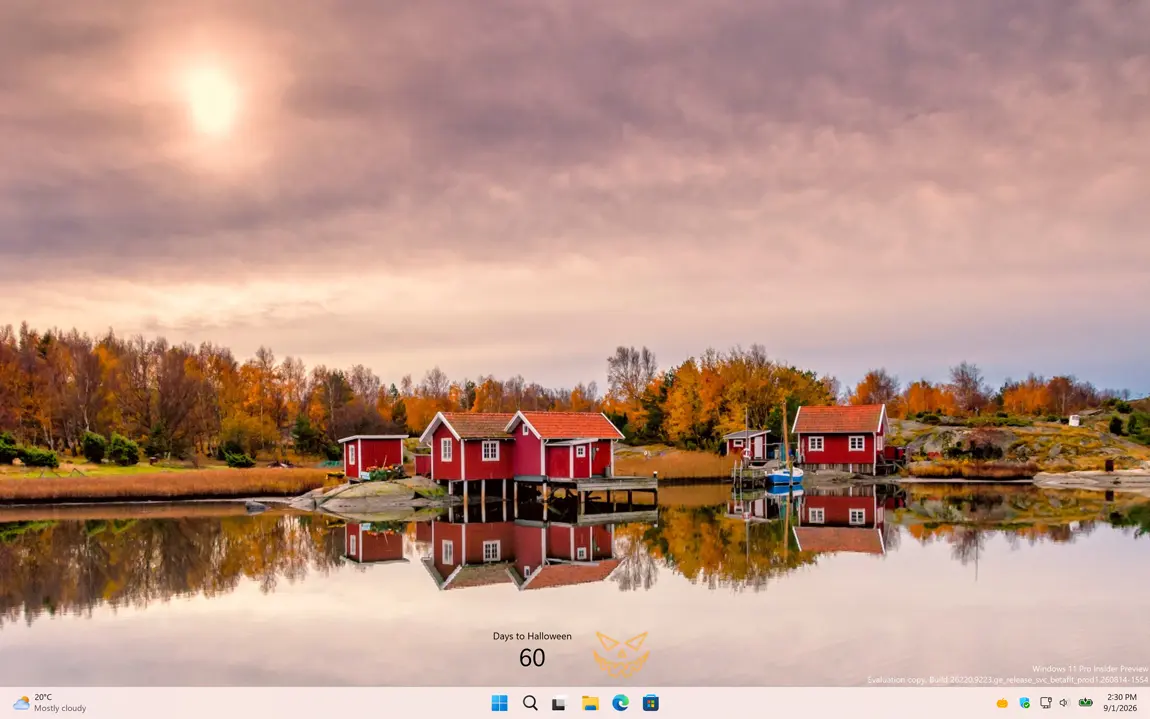
My Halloween with the neon Halloween Pumpkin
My Halloween with a neon Halloween Pumpkin
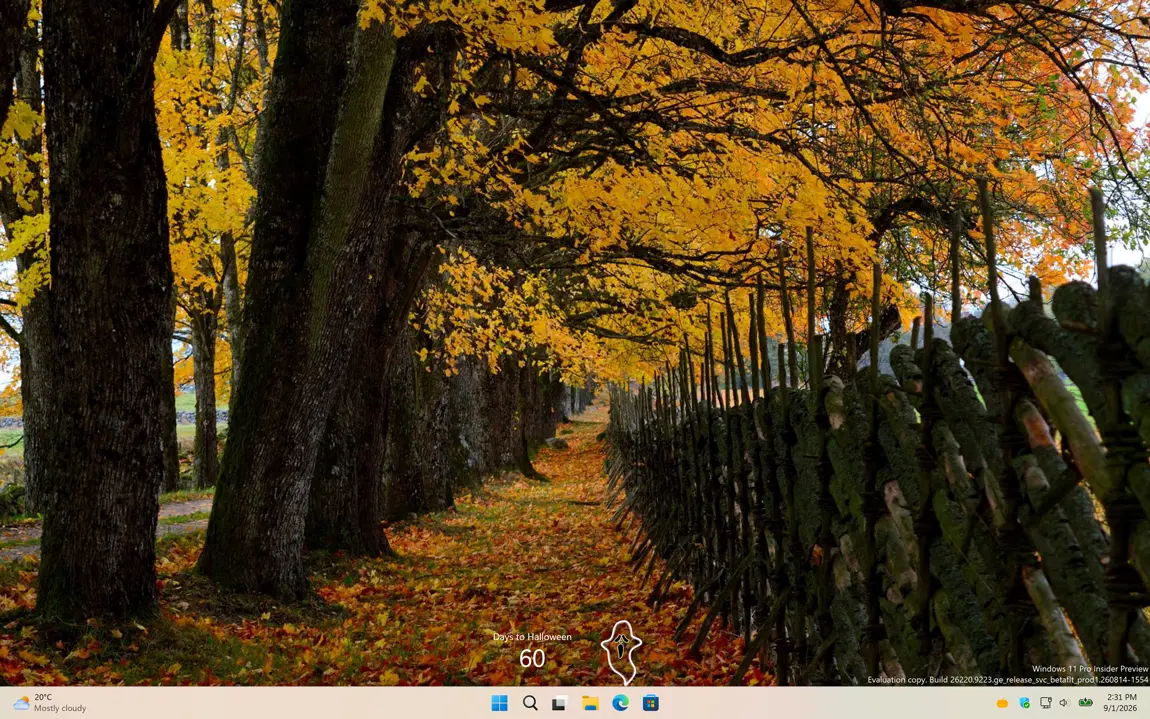
My Halloween with the spooky ghost
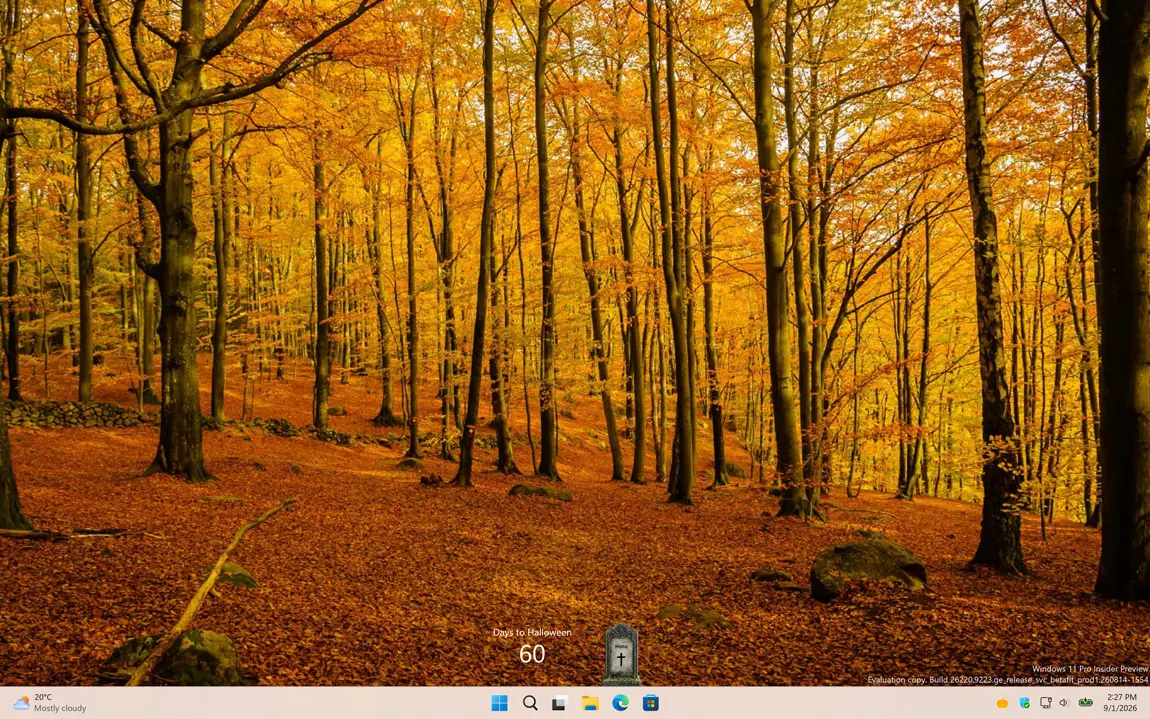
My Halloween with the grave stone
1 /

Desktop Easter Lights

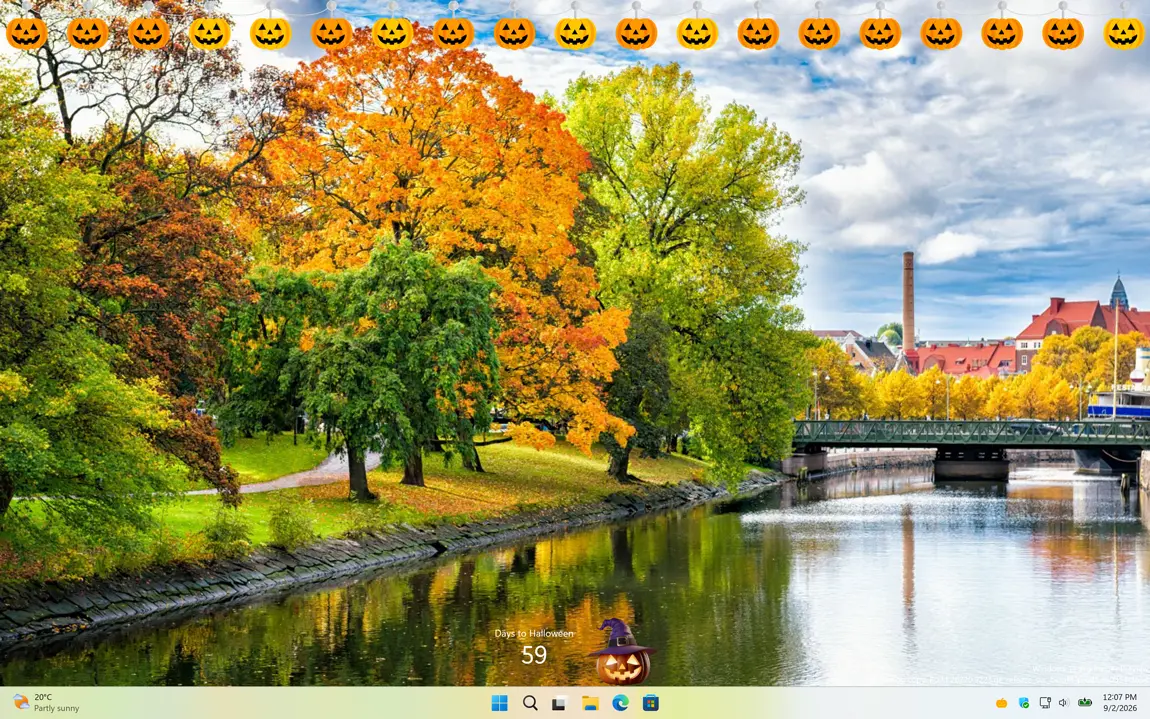
Halloween lights on your Windows 11 desktop
Show the Halloween lights on top of your desktop

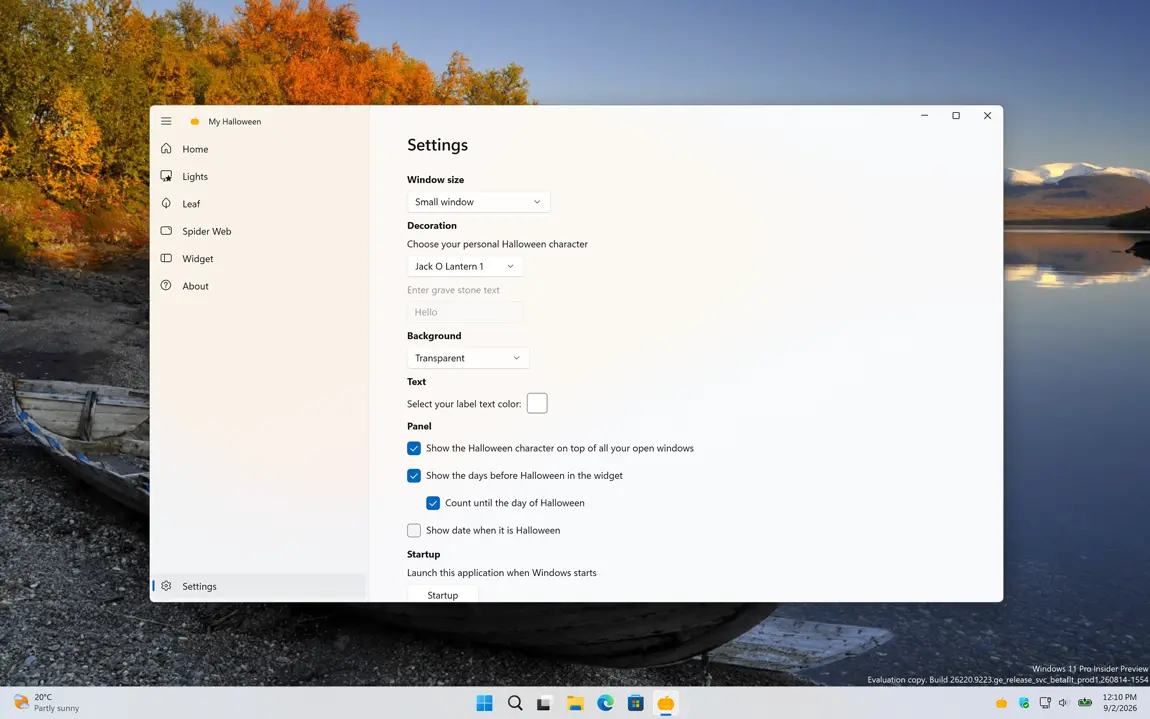
Settings

Customize the experience of the My Halloween

Choose your Halloween Character

You can choose up to five scary Halloween characters to display on your desktop, including three scary jack-o’-lantern faces, a gravestone, or a spooky ghost. Each character is accompanied by a countdown showing how many days remain until Halloween.
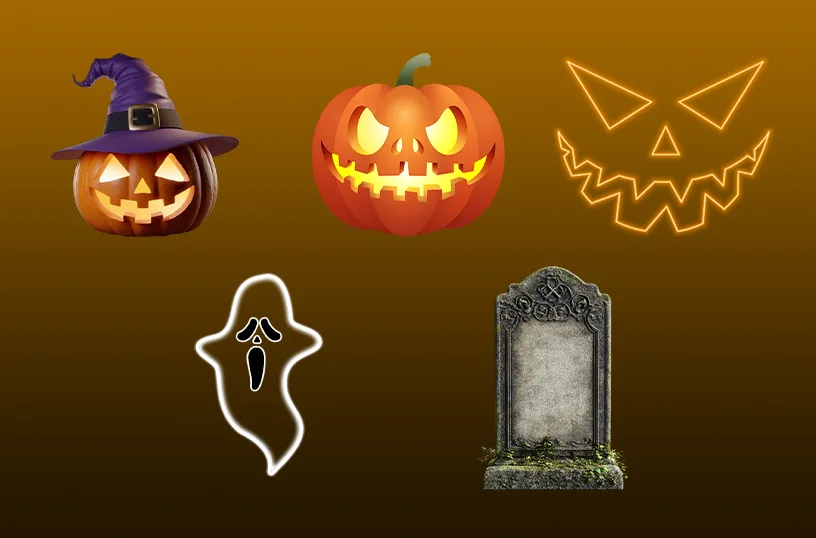
Choose your cute halloween character

Support Windows Widget

Supports Windows 11 Widgets and integrates seamlessly with the system's widget framework. So you can see your scary pumpkin face with the countdown on how many days remain until Halloween.
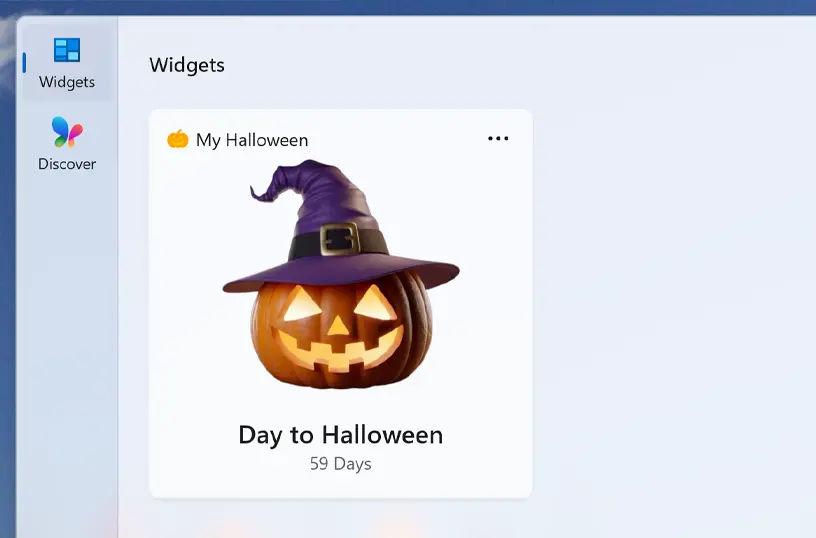
Support Windows Widget

Support Light and Dark Mode

Get an appearance that matches your chosen OS setting. When your system is in dark mode, you will see a dark-themed countdown window and widget. In light mode, a bright and clean style is applied automatically.
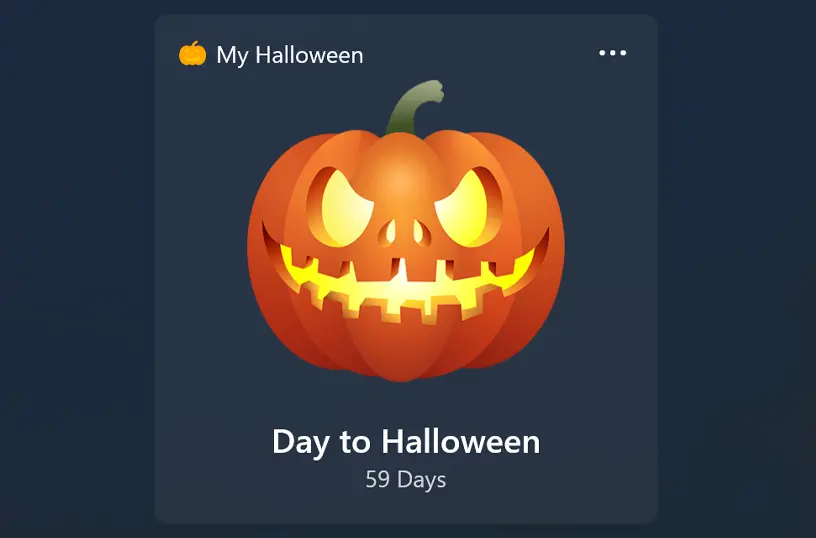
Support Light and Dark Mode theme

Customize Widget Size

Add the widget to your Windows 11 dashboard and customize its size using the three-dots menu. Choose the size that best fits your preference.
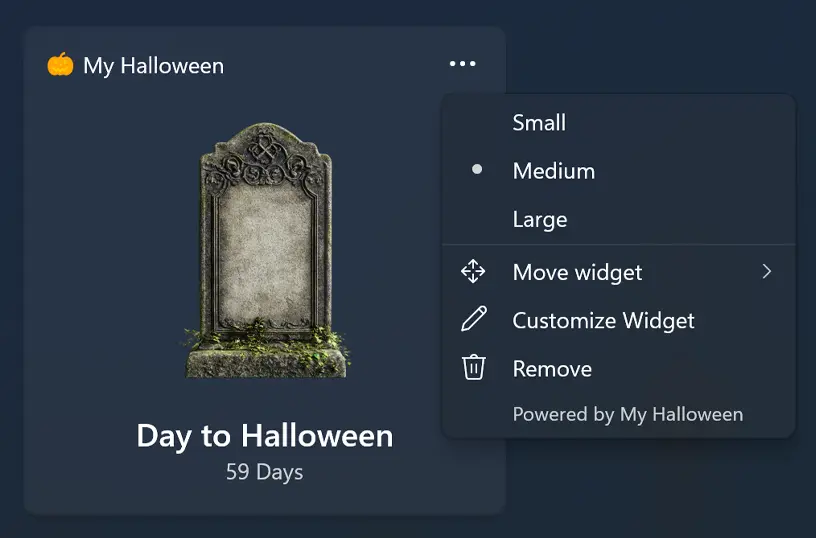
Customize your Windows 11 widget size

Show or hide halloween lights

When you open the application and then minimize it, it appears as a system tray icon near the clock. Right-clicking the icon gives you options to reopen the window, enable flickering Halloween lights on your desktop, open the settings window, or close the app.
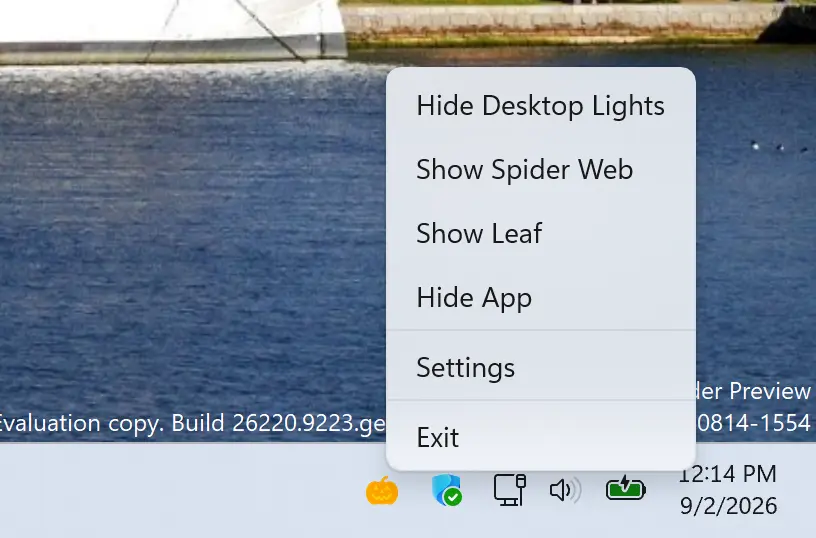
Toggle to desktop halloween lights

Get My Halloween app

Download the My Halloween app and start counting down to Halloween in a fun and spooky way. See exactly how many days remain until Halloween, and customize your countdown with scary Halloween characters and decorative seasonal effects. Add a touch of spooky magic to your desktop as Halloween approaches.


Get My Halloween from the Microsoft Store Get My Halloween from the Apple Mac App Store
Compatible with Windows 11, macOS 14 or later, iOS 26, iPadOS 26, watchOS 26, tvOS 26, and visionOS 26.