[Skip navigation links]
Stefan vd
Windows App

Customized News Feeds app
for Windows users

Read your own chosen RSS news in the Windows 11 widget panel. Or from the pinned window on your desktop. That from your favorite news channels, websites, blogs, and social media feeds.
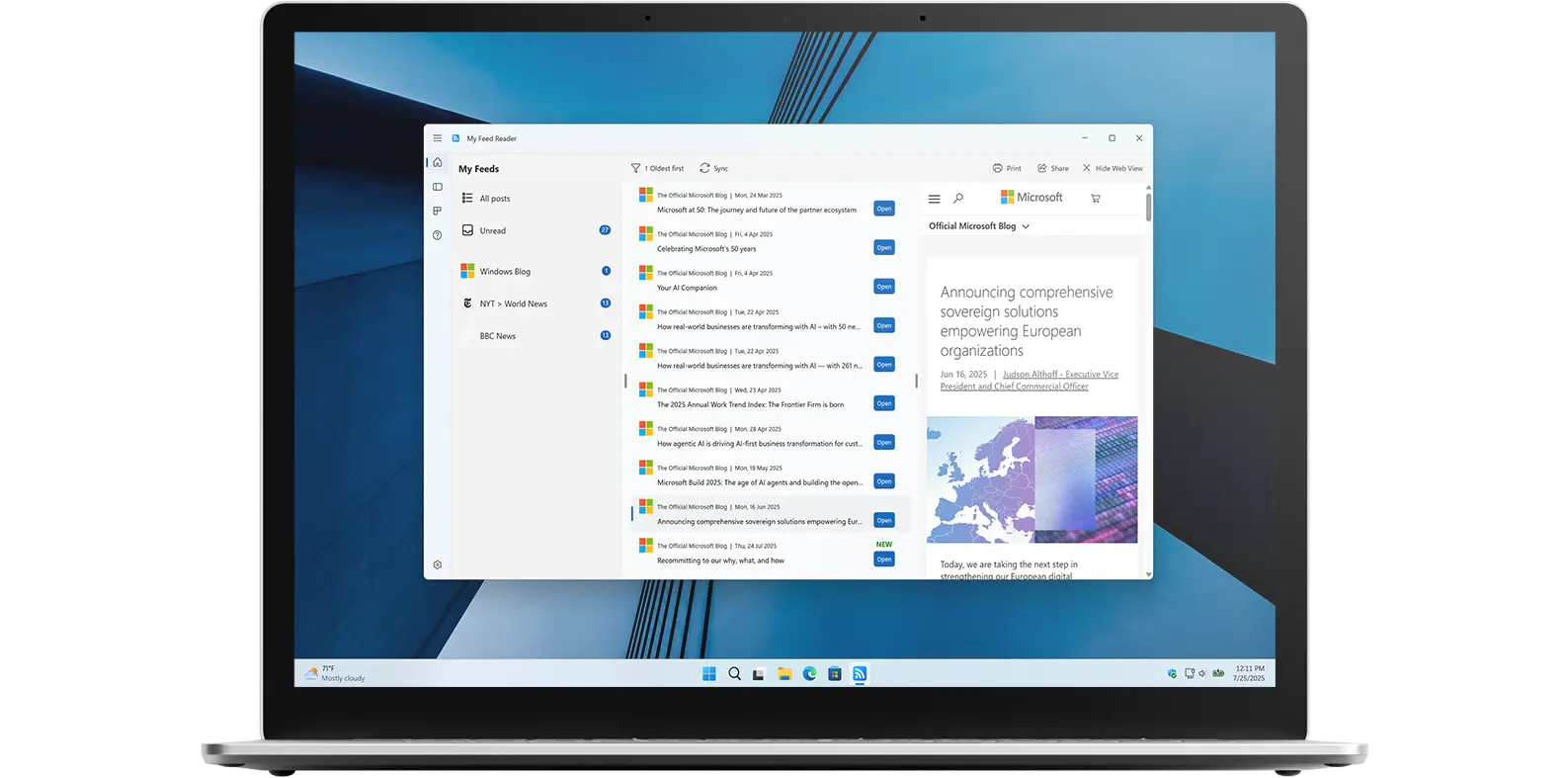
My Feed Reader app on all devices

Get a quick view of My Feed Reader Windows app

What does this app do?

Stay up-to-date with the latest news, trends, and information.

My Reed Reader is a must-have application and widget is the perfect tool for staying updated on the latest news, trends, and information. With its customizable interface, wide range of sources, real-time updates, and ease of use, it is the ideal way to keep track of everything that is important to you. Whether you are a busy professional or just someone who wants to stay informed, My Feed Reader app is the perfect solution.

Features

All your favorite RSS channels in one place
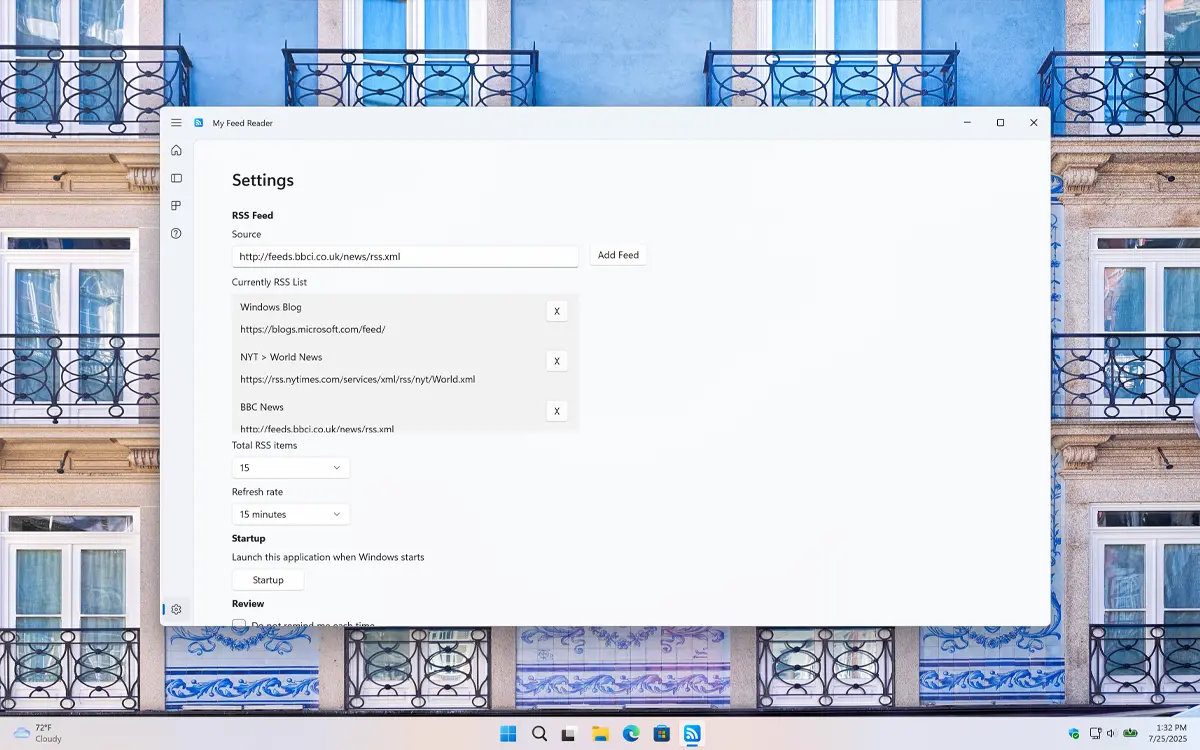
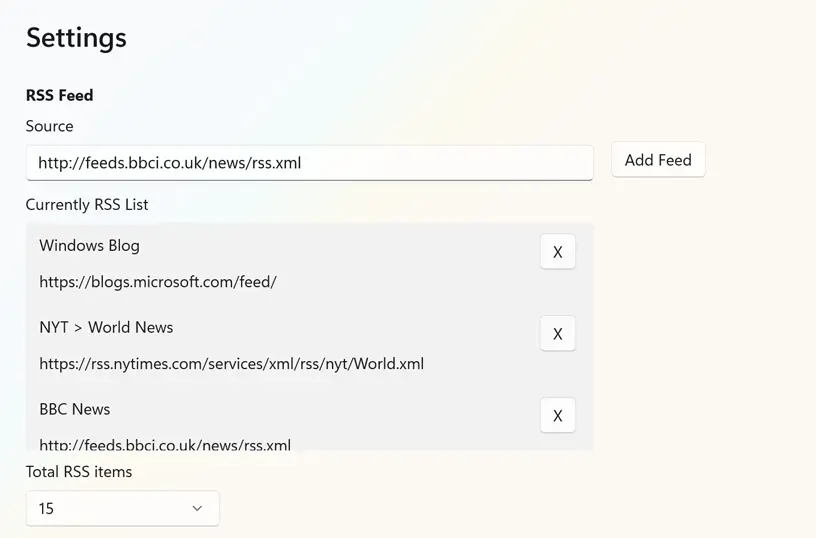
My Feed Reader settings window
Easily add or remove the news sourcese you want read
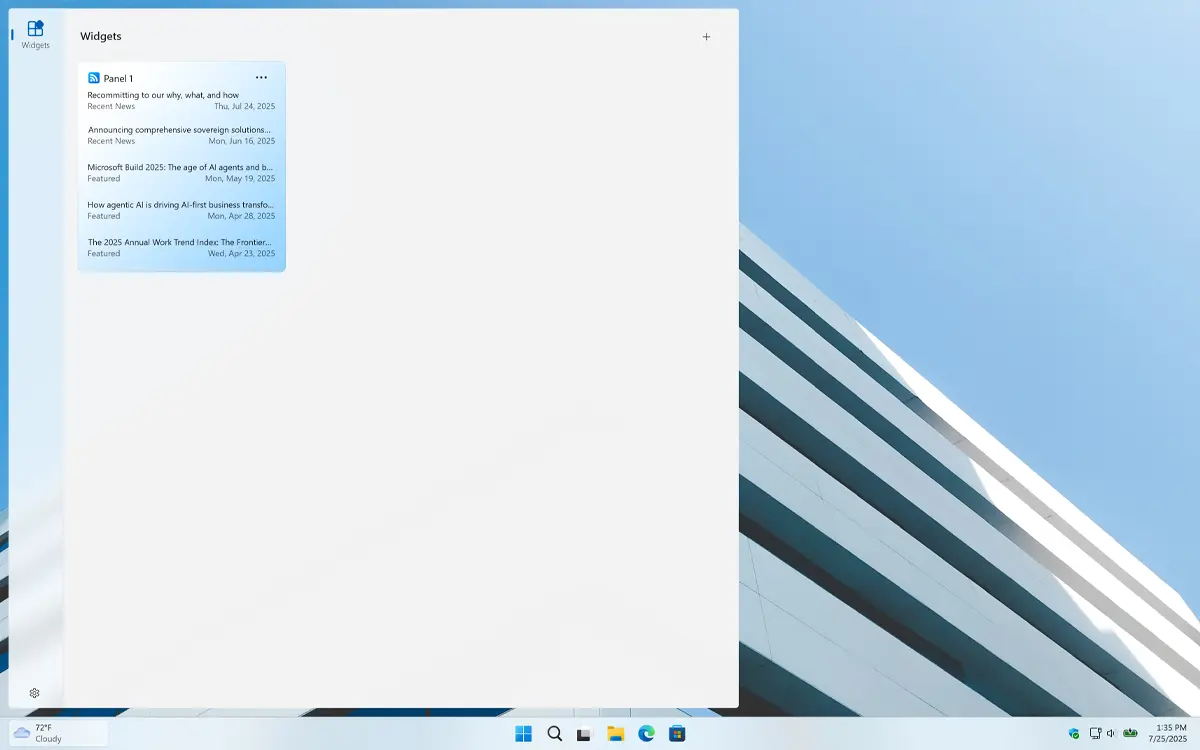
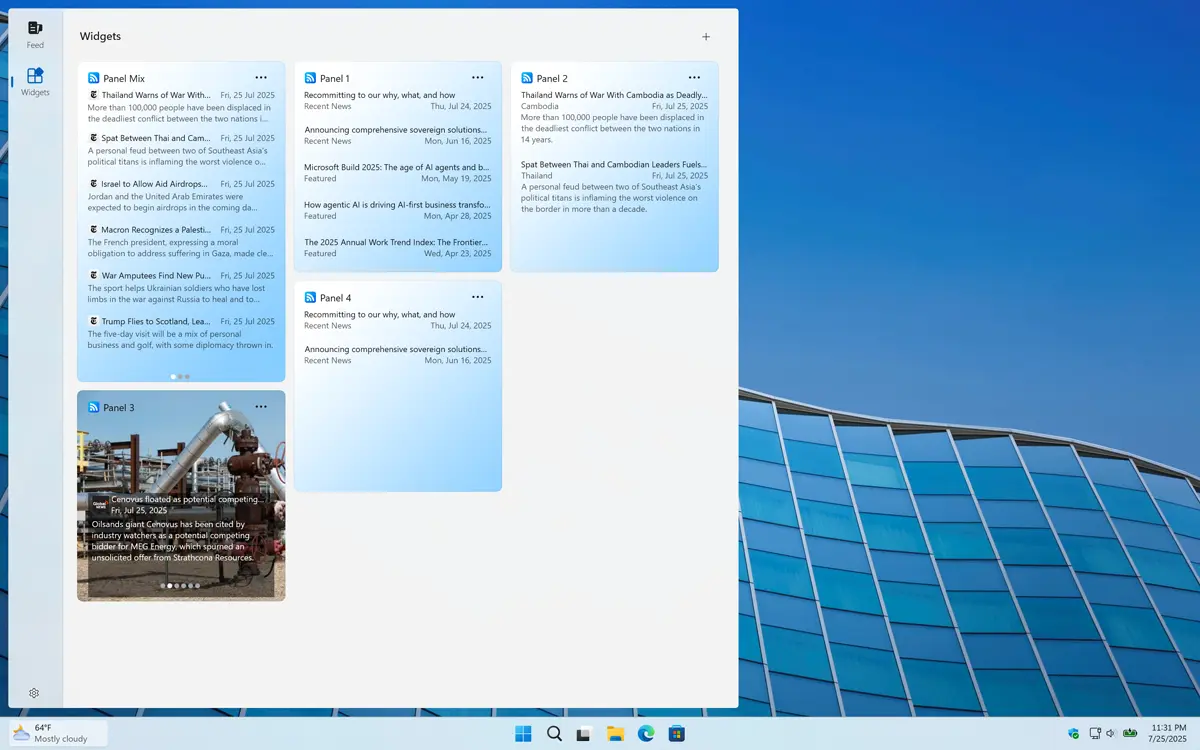
My Feed Reader Windows 11 Widget Light Mode
Windows 11 Dashboard for all your widget including My Feed Reader widget
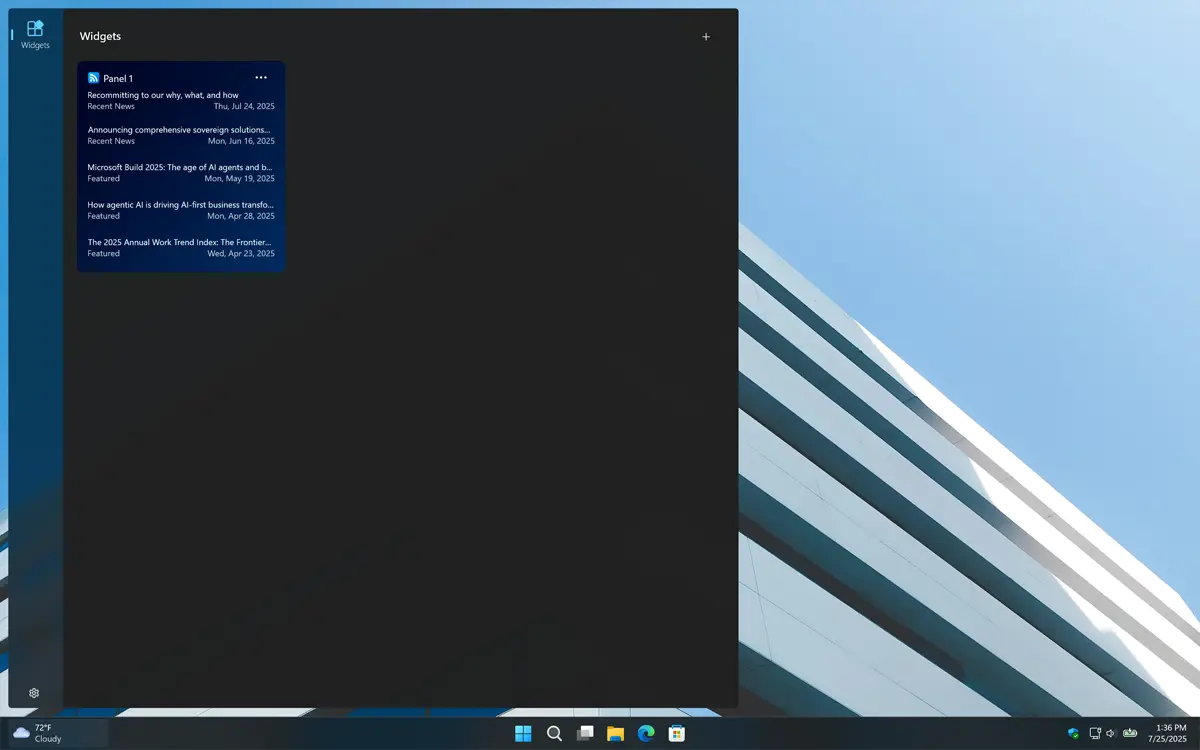
My Feed Reader Windows 11 Widget Dark Mode
And it supports Dark Mode
1 /

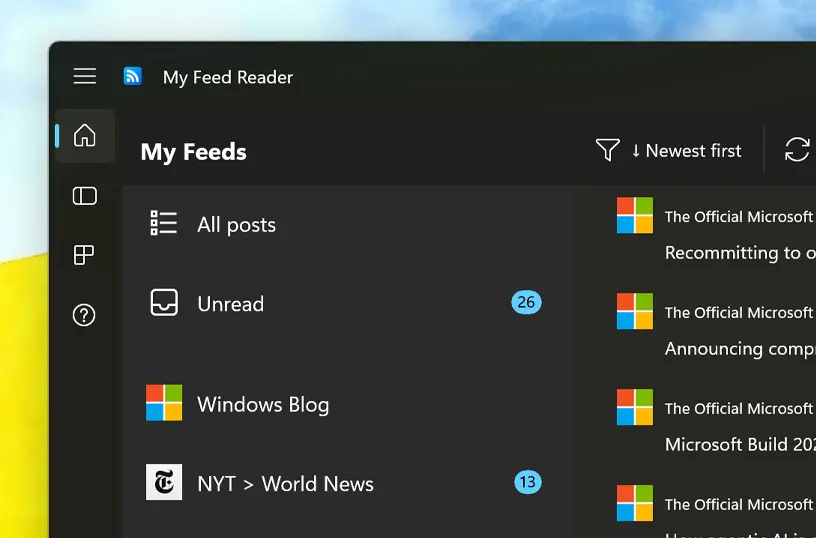
Simple and Beautiful

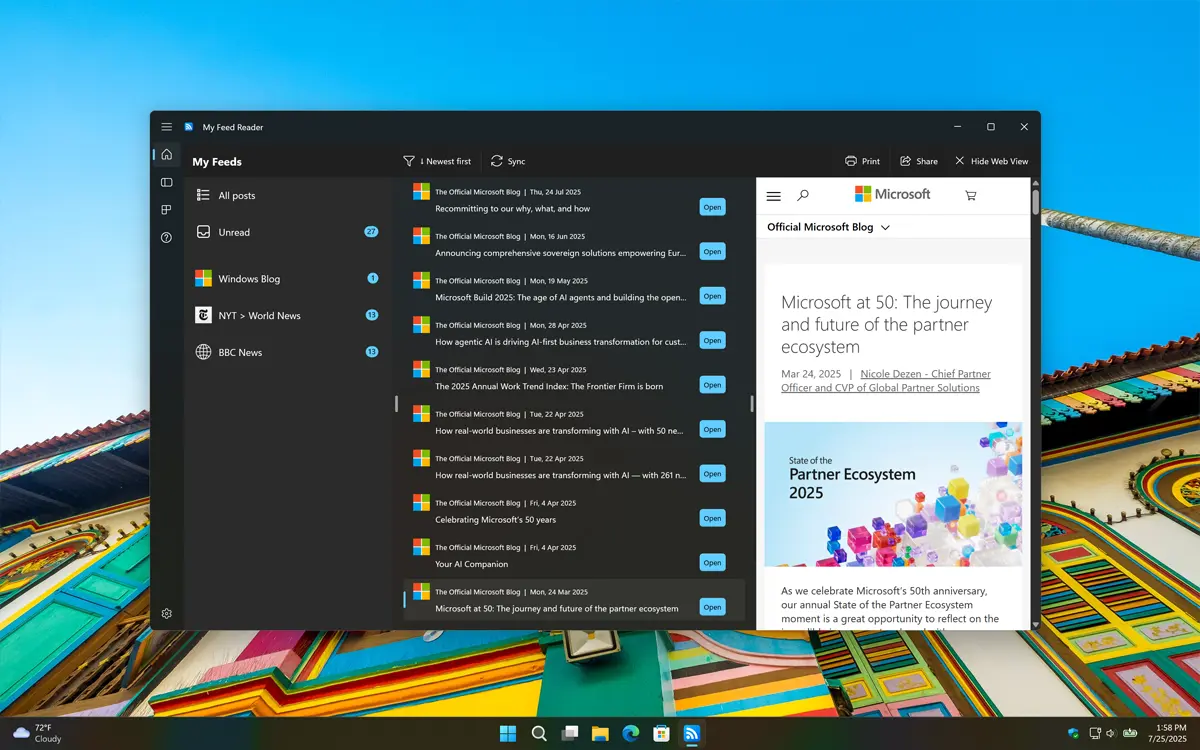
Simple and beautifully Lunar New Year home screen
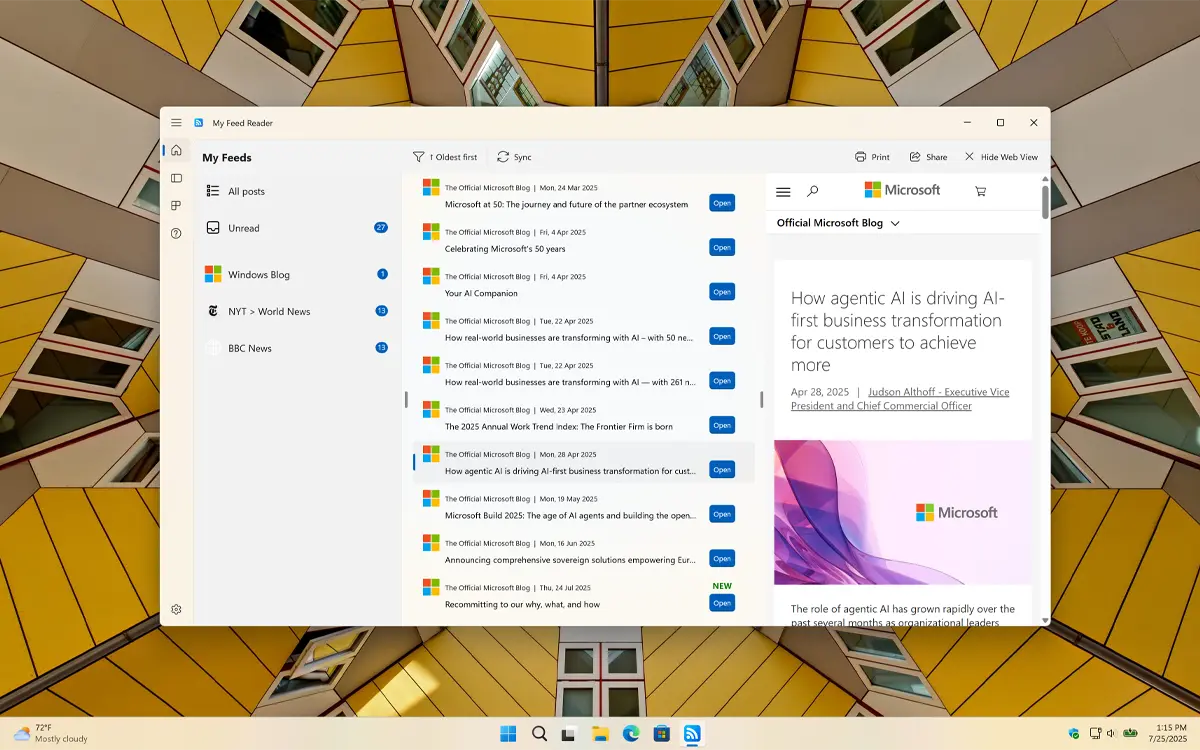
Display all your news sources in one view with a preview on the right side

Windows 11 Widgets

Handy Windows 11 widgets
Choose the widgets you want to see, from a simple news panel to rich image information with icons of the news sources, all available for Windows 11

Customizable Settings

In the Settings window, you can easily add or remove news sources by pasting the RSS or XML URL into the text box and clicking Add. You can also choose how many items you want to see on the panel.

Customize the RSS news sources

Support Light and Dark Mode

Get an appearance that matches your chosen OS setting. When your system is in dark mode, you will see a dark-themed countdown window and widget. In light mode, a bright and clean style is applied automatically.

Support Light and Dark Mode theme

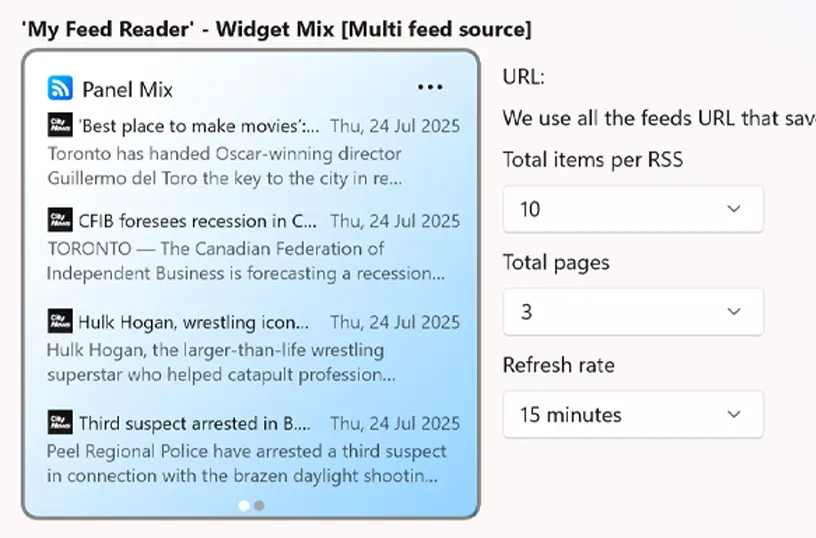
Mixed RSS Widget

Here, you can see all the news sources in a single Windows widget. You can set the total number of news items and specify the number of pages, along with their individual refresh rates for updates.

My Feed Reader widget configuration

Single RSS Widget - Simple

This 'Simple' style displays individual news posts, with the latest headline at the top and older ones listed below, shown one by one.

My Feed Reader Simple Widget Style

Single RSS Widget - Detailed

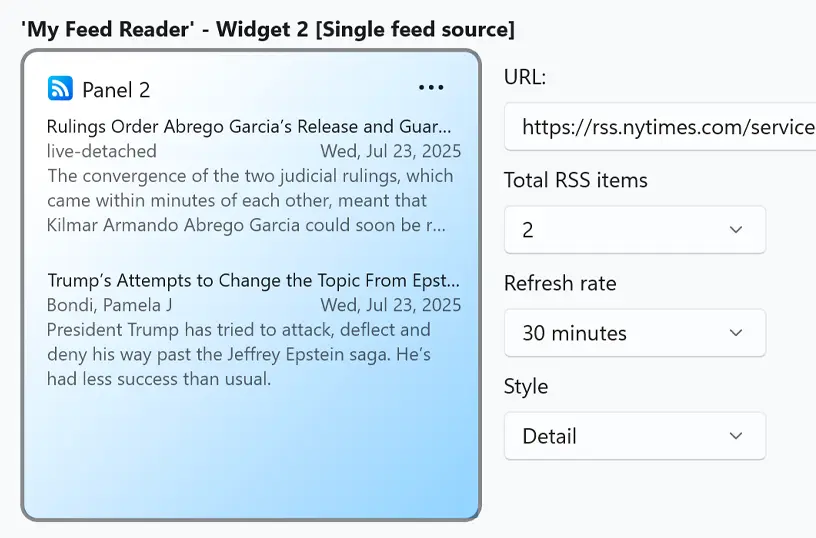
With this 'Detailed' style, the title appears at the top, followed by a brief summary of the news below it. This gives you a quick idea of what the news is about.

My Feed Reader Detailed Widget Style

Single RSS Widget - Picture

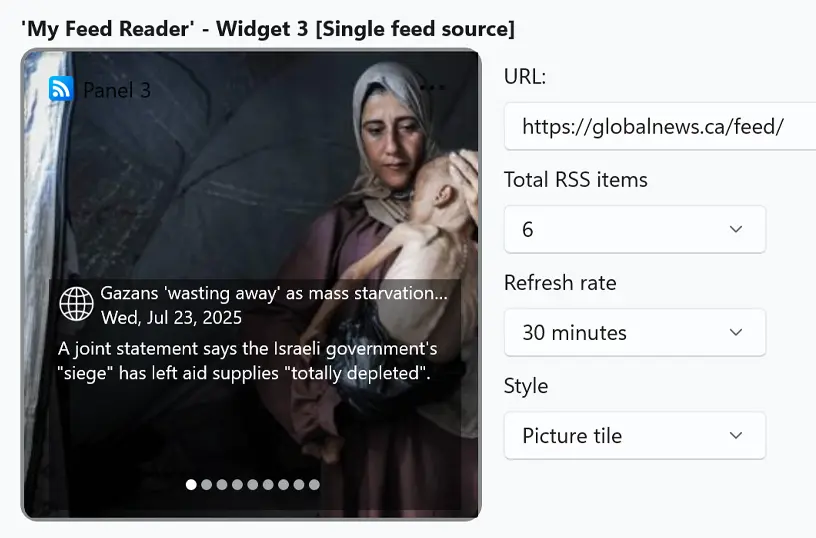
If you choose the 'Picture' style, the latest news item will appear as the background image, with a brief summary of the story displayed on top.

My Feed Reader Picture Widget Style

Customize Widget Size

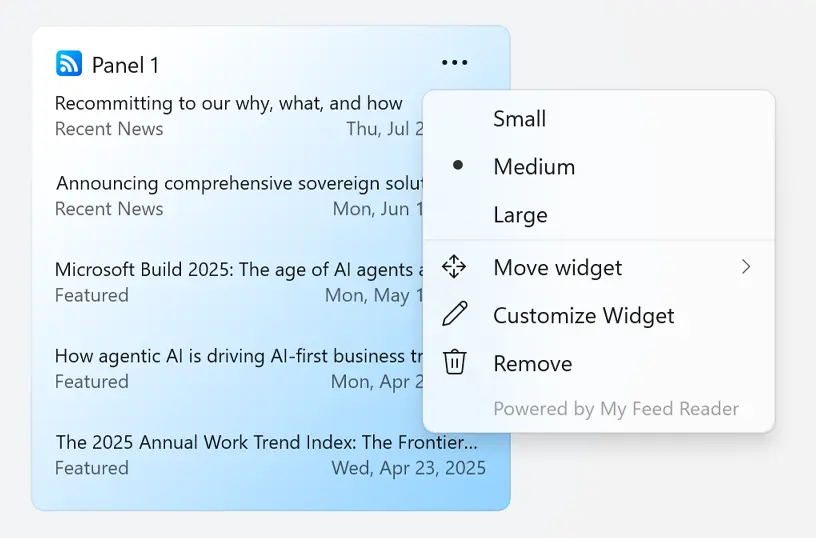
Add the widget to your Windows 11 dashboard and customize its size using the three-dots menu. Choose the size that best fits your preference.

Customize your Windows 11 widget size

Get My Feed Reader app

Download the My Feed Reader app today and boost your productivity. Stay up-to-date with the latest news through the app and the widget board. Get it now and discover how easy it is to follow your favorite content all in one place.

Get My Feed Reader from the Microsoft Store
Compatible with Windows 11.

Frequently Asked Questions

Have questions about the My Feed Reader app? Check out our FAQ section below for answers to common queries. If you need further assistance, feel free to contact our support team.

What is My Feed Reader?

My Feed Reader is a customizable RSS reader application, designed for Windows 11 users. It allows you to consolidate and read your favorite news sites, blogs, and newsletters in one convenient application, accessible both as a standalone app and a widget on your desktop.

Can I install it on many devices?

My Feed Reader’s installation limits depend on the platform and licensing:

A Microsoft Store purchase can be installed on multiple Windows machines, up to 10 devices per Microsoft account.

Can I customize the layout and appearance?

Yes! My Feed Reader lets you personalize your RSS feed experience on Windows 11. You can adjust themes, choose list or grid views, change font sizes, and organize feeds with categories. Desktop and widget integration make it easy to access your news exactly how you like it.

How do I add my first RSS feed?

Adding your first RSS feed in My Feed Reader is simple. Open the app on Windows 11, go to the Settings tab, find the RSS Feed section, and enter the URL of your favorite website, blog, or news source.

Is there a limit to how many feeds I can add in My Feed Reader?

No, My Feed Reader does not impose a strict limit on the number of RSS feeds you can add. You can subscribe to as many websites, blogs, and news sources as you like.