[Skip navigation links]
Stefan vd
Windows App

Know Your GPU.
Control Your Performance.

Easily measure the performance of both your internal and external graphics cards on your Windows PC.
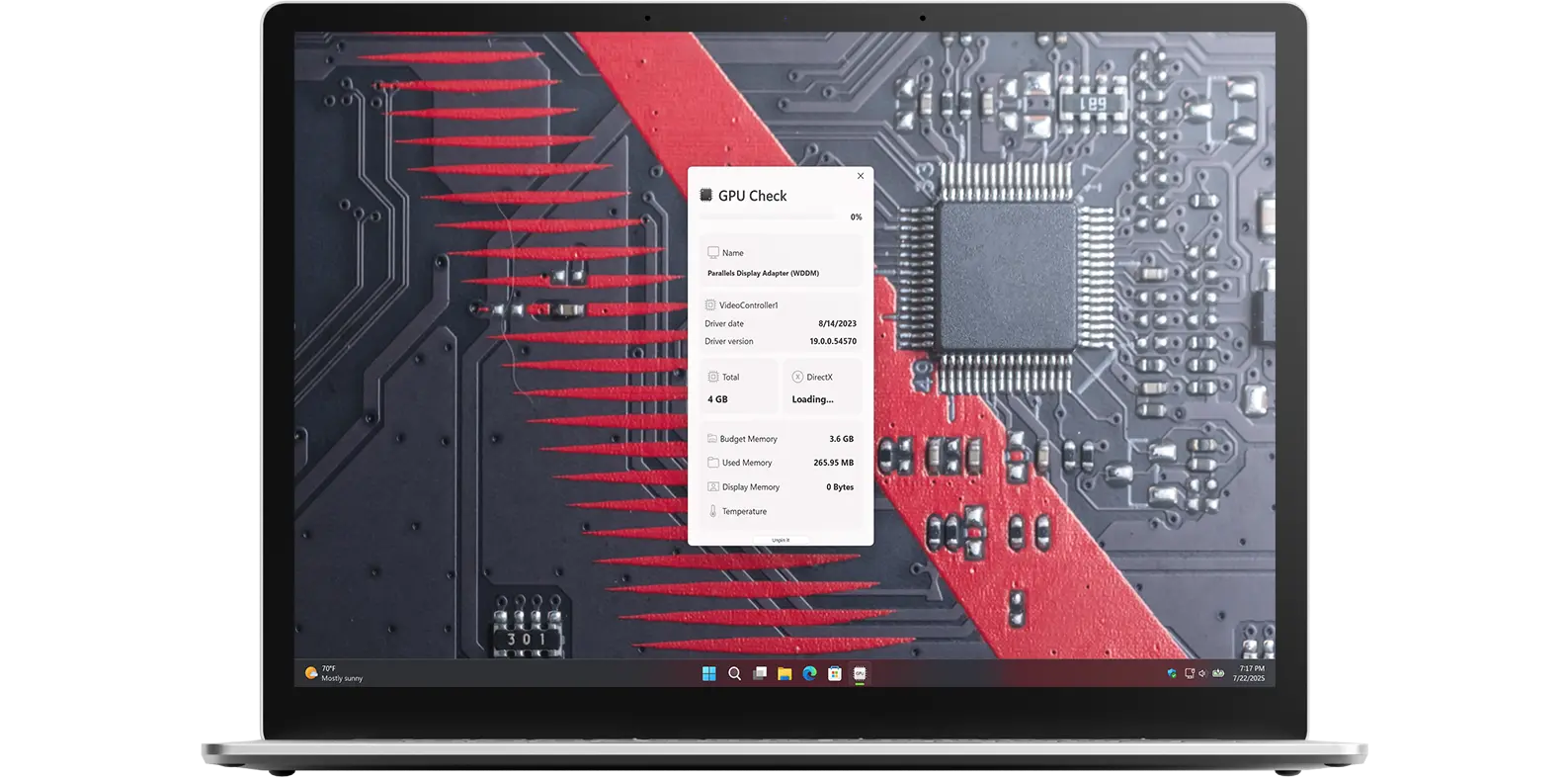
GPU Check app on Windows 11

Get a quick view of GPU Check Windows app

What does this app do?

Monitor internal and external graphic card usage

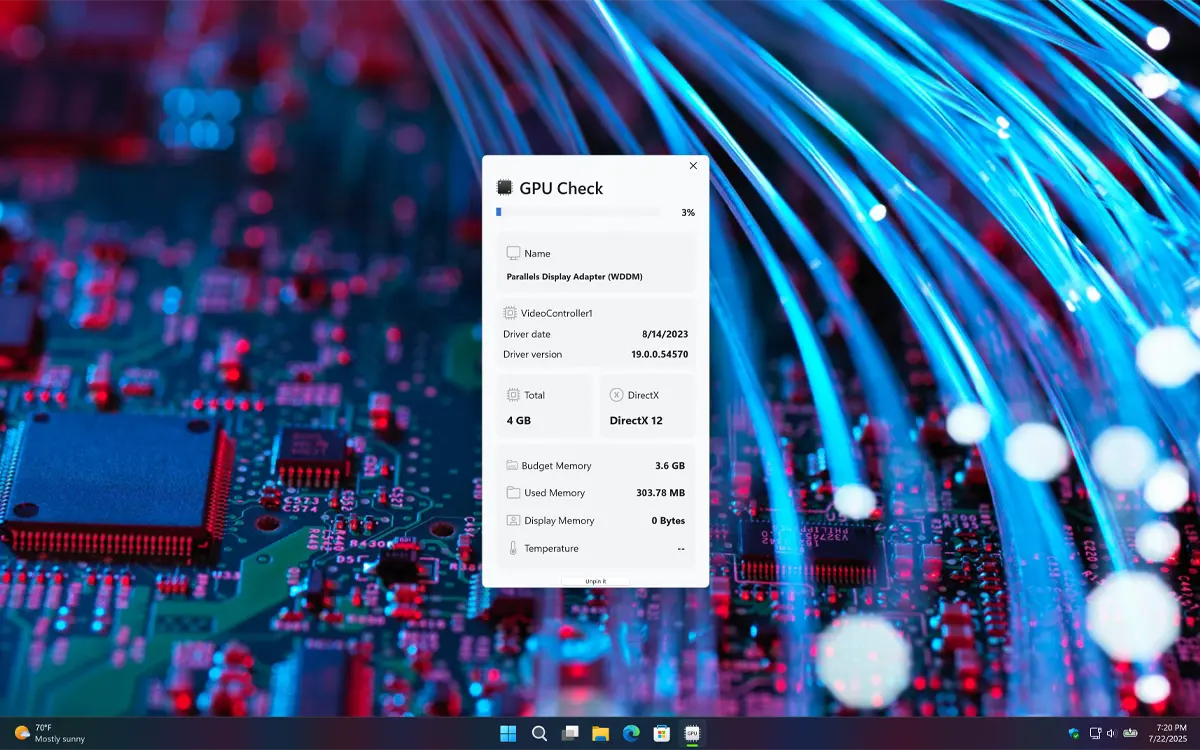
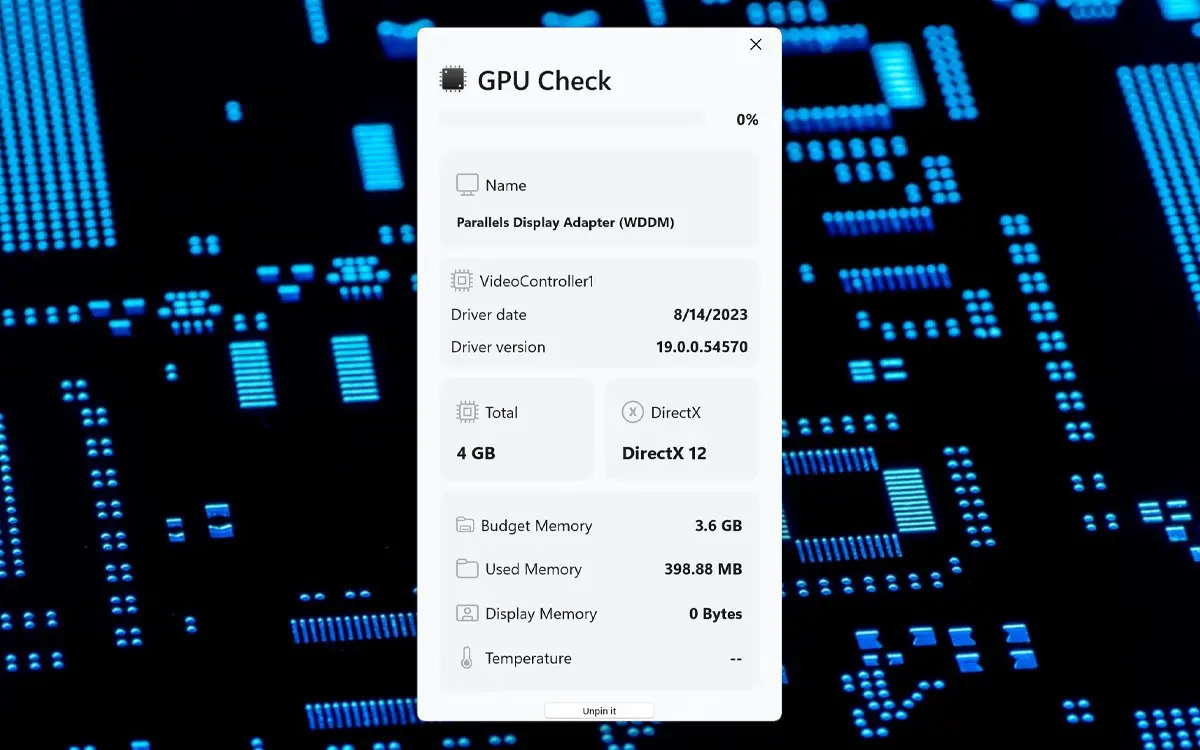
GPU Check is a powerful application that allows you to monitor current GPU usage and temperature. It is an insightful tool designed to provide real-time tracking of all your graphics processors. It includes all the necessary information about your graphics card, such as driver version and date, used memory, and total memory.

Cryptocurrency Miner

It is ideal for crypto miners, such as those mining Bitcoin, Dogecoin, and Ethereum, to monitor the amount of graphics memory being utilized during the mining of digital currency. Compatible with the latest generation high-end GPUs, including Nvidia, Intel, AMD, Apple Silicon M series, Snapdragon, and others, GPU Measure ensures incredible performance for professional applications.

Features

Graphic card information in one panel
All important graphic card information in one panel
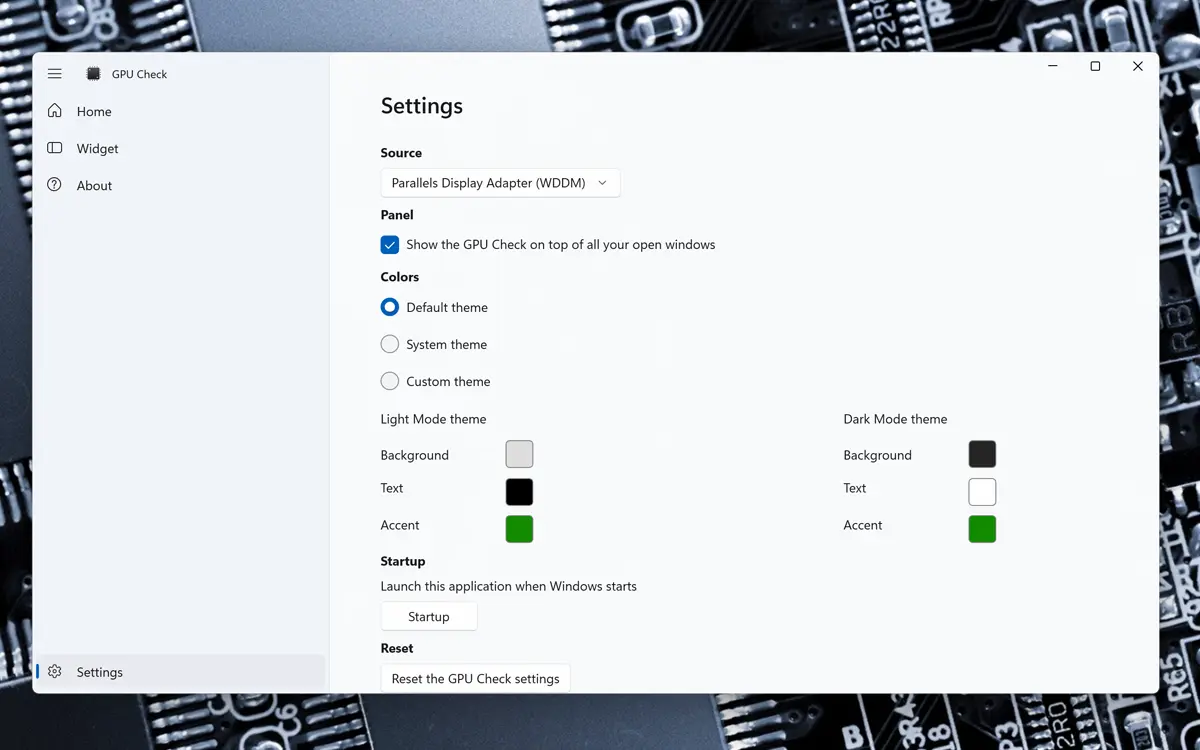
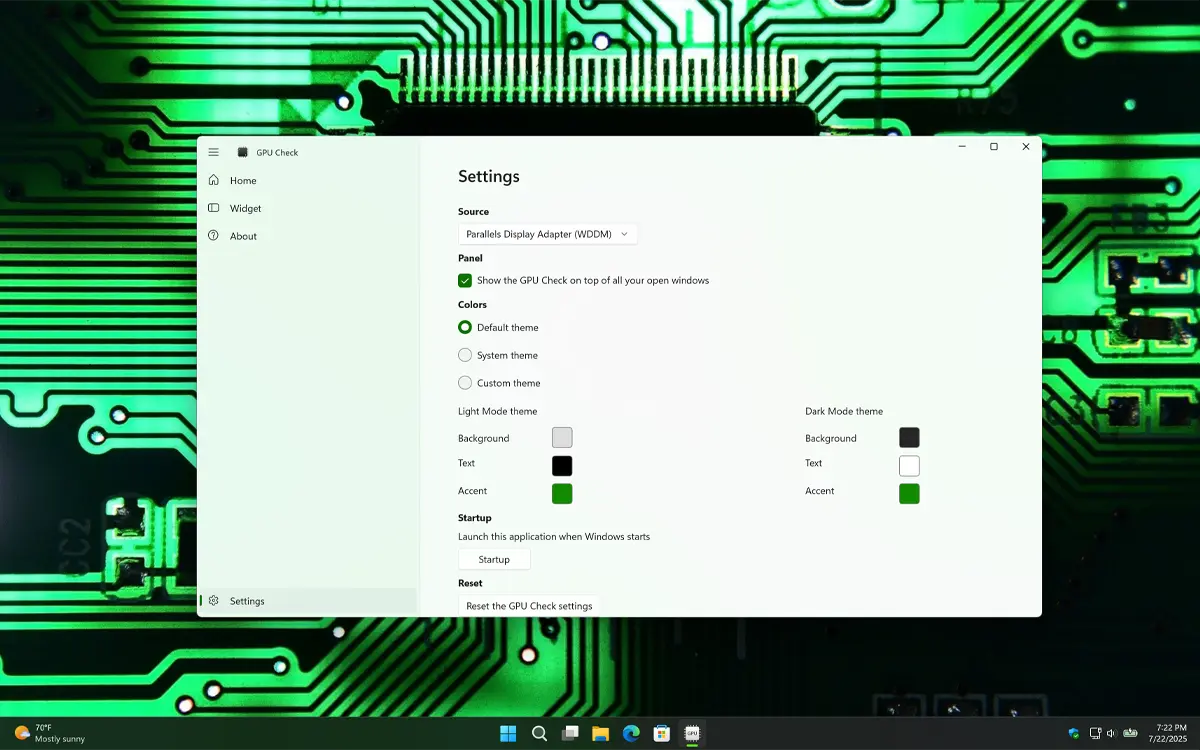
GPU Check settings window
Easily change the style you want to displayed
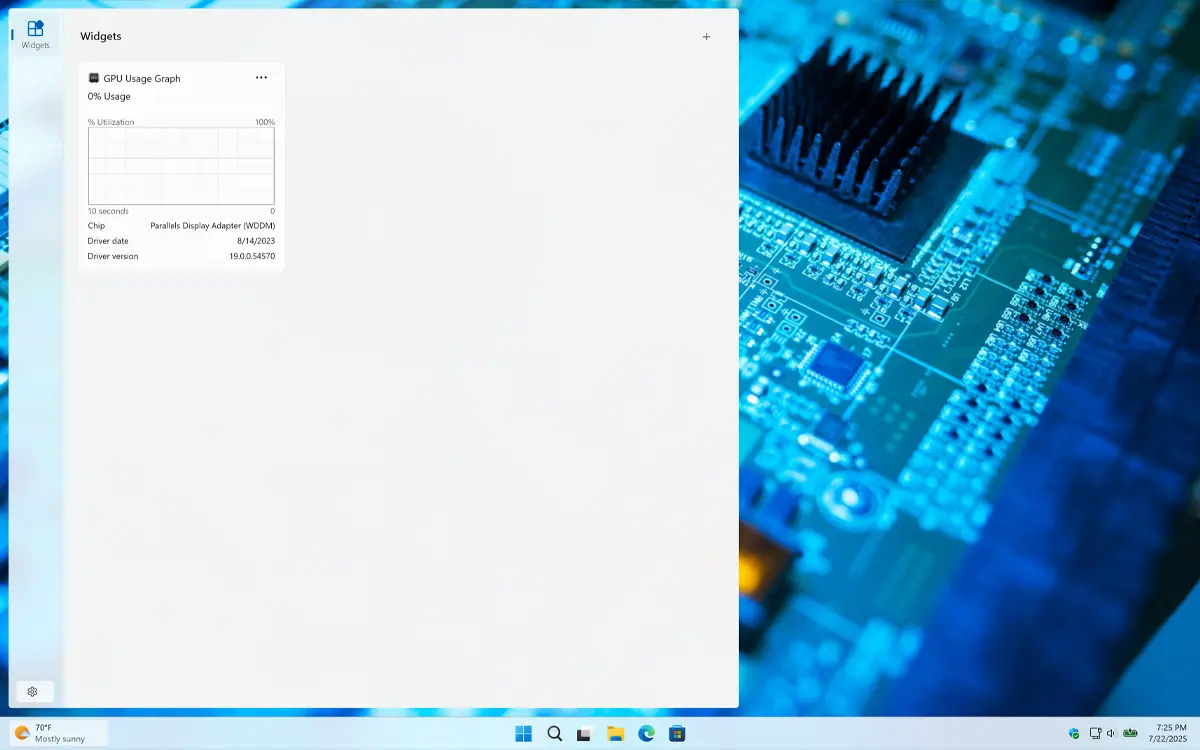
GPU Check Windows 11 Widget Light Mode
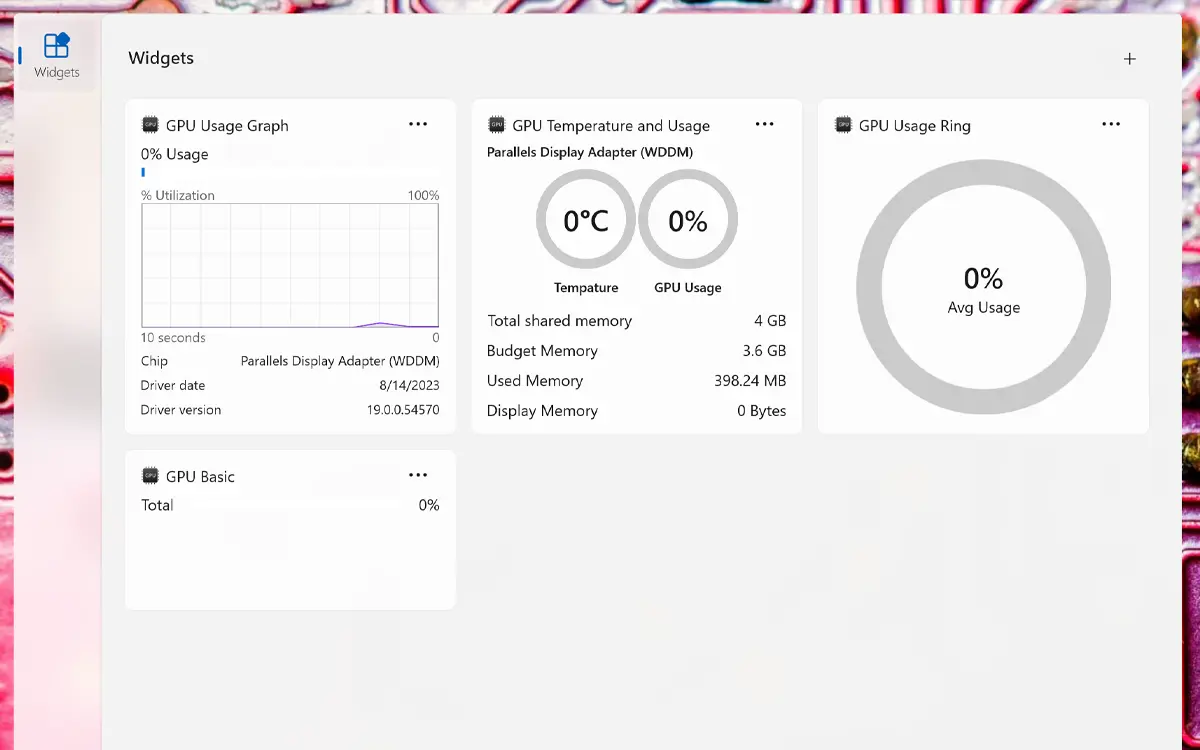
Windows 11 Dashboard for all your widget including GPU Check widget
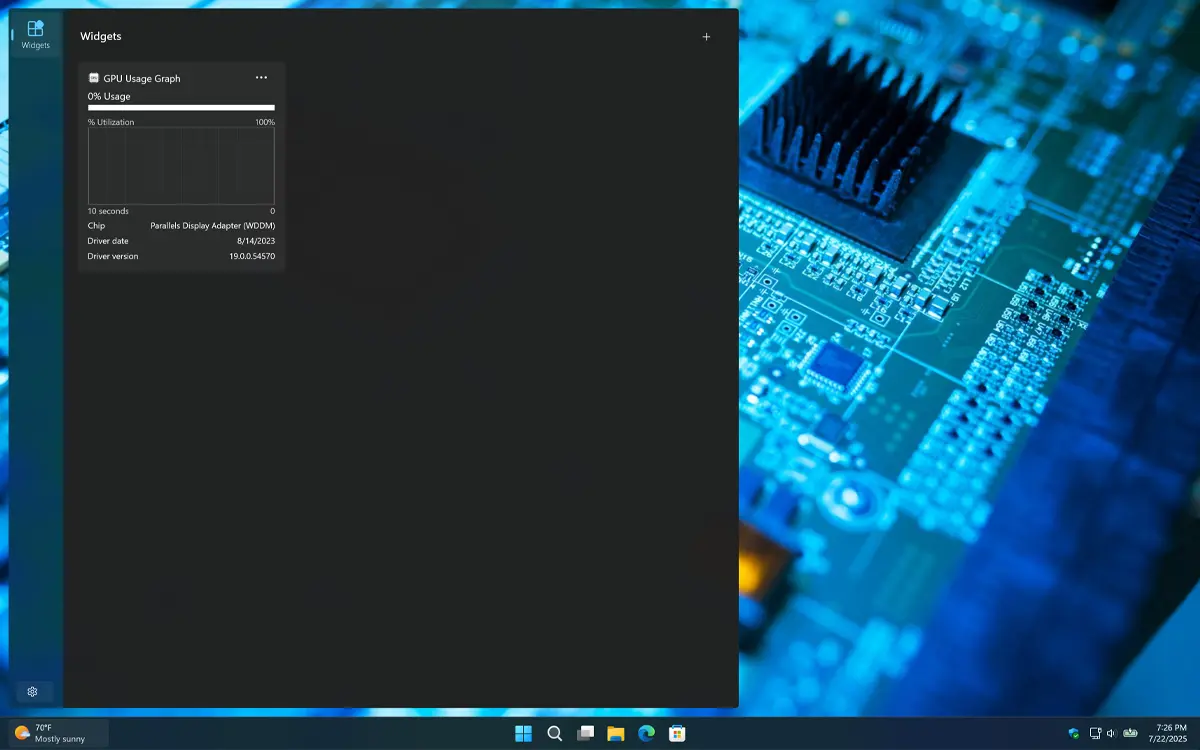
GPU Check Windows 11 Widget Dark Mode
And it supports Dark Mode
1 /

Simple and Beautiful

Simple and beautifully GPU Check with all graphic card information
Display all your graphic card information in one view

Customizable Shortcuts

Customize the app theme and colors
Customize the theme and colors

Windows 11 Widgets

Handy Windows 11 widgets
Get handy widgets that is available for Windows 11

Support Light and Dark Mode

The appearance automatically matches your system’s theme. If your OS is set to dark mode, you will see a dark-themed countdown window and widget. In light mode, a clean, bright style is applied instead.
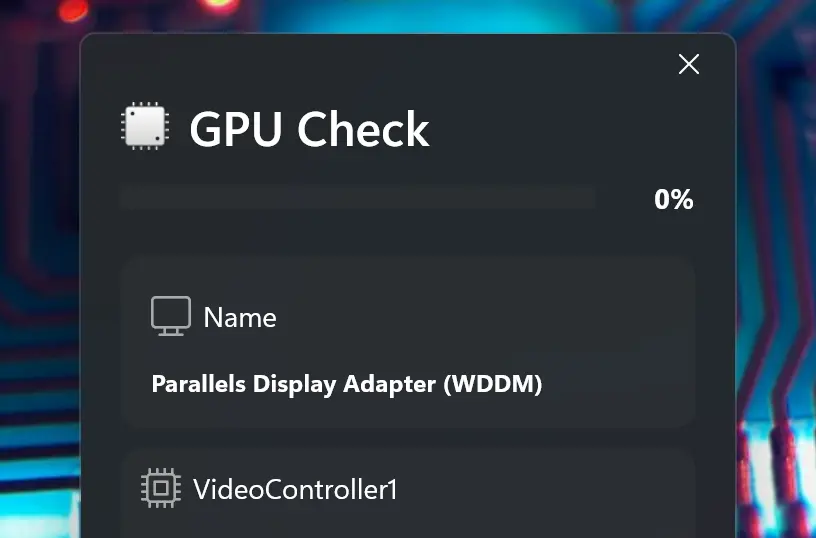
Support Light and Dark Mode theme

Customize Widget Size

Add the widget to your Windows 11 dashboard and customize its size using the three-dots menu. Choose the size that best fits your preference.
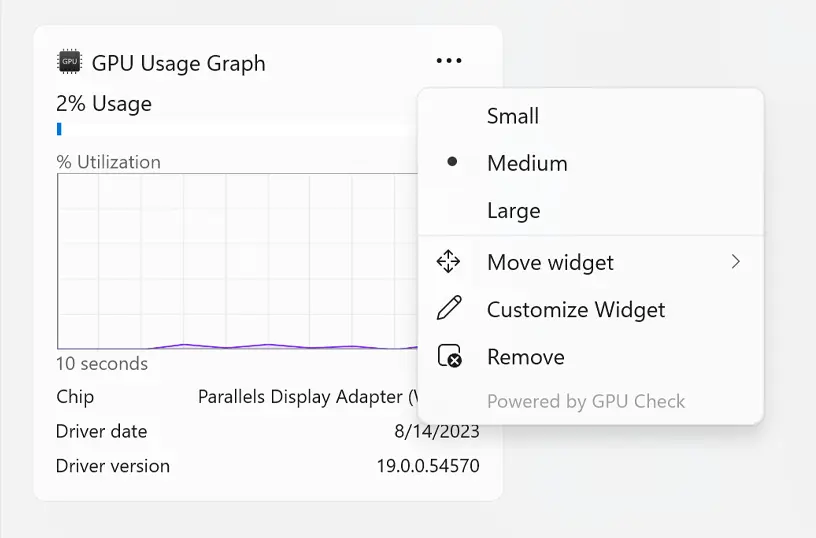
Customize your Windows 11 widget size

Get GPU Check app

Download the GPU Check app today and monitor your GPU like a pro. See in real time how much video memory is in use. Get it now and take full control of your graphics performance.

Get GPU Check from the Microsoft Store
Compatible with Windows 11.

Frequently Asked Questions

Have questions about the GPU Check app? Check out our FAQ section below for answers to common queries. If you need further assistance, feel free to contact our support team.

What is GPU Check?

The GPU Check app is a Windows 11 application designed to provide real-time monitoring of your computer's graphics processing unit (GPU). It offers insights into GPU usage, memory consumption, and temperature, helping users optimize performance for tasks like gaming, video editing, and 3D rendering.

Can I install it on many devices?

GPU Check’s installation limits depend on the platform and licensing:

A Microsoft Store purchase can be installed on multiple Windows machines, up to 10 devices per Microsoft account.

Can I customize the GPU widget’s appearance?

GPU Check lets you fully customize your desktop GPU widget, including size, position, color themes, transparency, and displayed metrics for real-time monitoring on Windows 11.

Does GPU Check display GPU usage and temperature?

Yes. GPU Check displays real-time GPU usage and temperature based on your graphics card type. For NVIDIA and AMD GPUs, it reads precise usage, memory consumption, and temperature directly from the drivers, while for Intel integrated graphics, it shows available metrics supported by the system. The app adapts its monitoring to provide accurate, up-to-date GPU stats for all supported hardware on Windows 11.

Can I choose what GPUs to monitor?

Yes, in GPU Check’s settings page, you can choose which graphics card to monitor, viewing real-time usage, memory, and temperature on Windows 11.