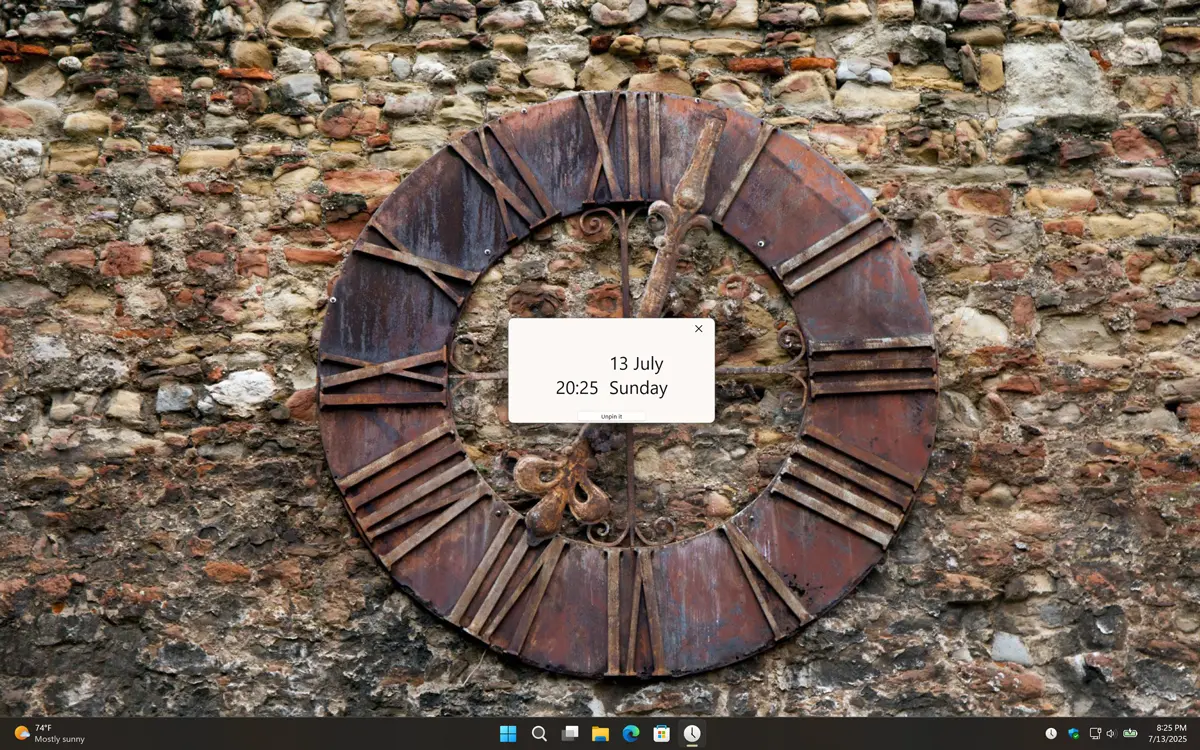
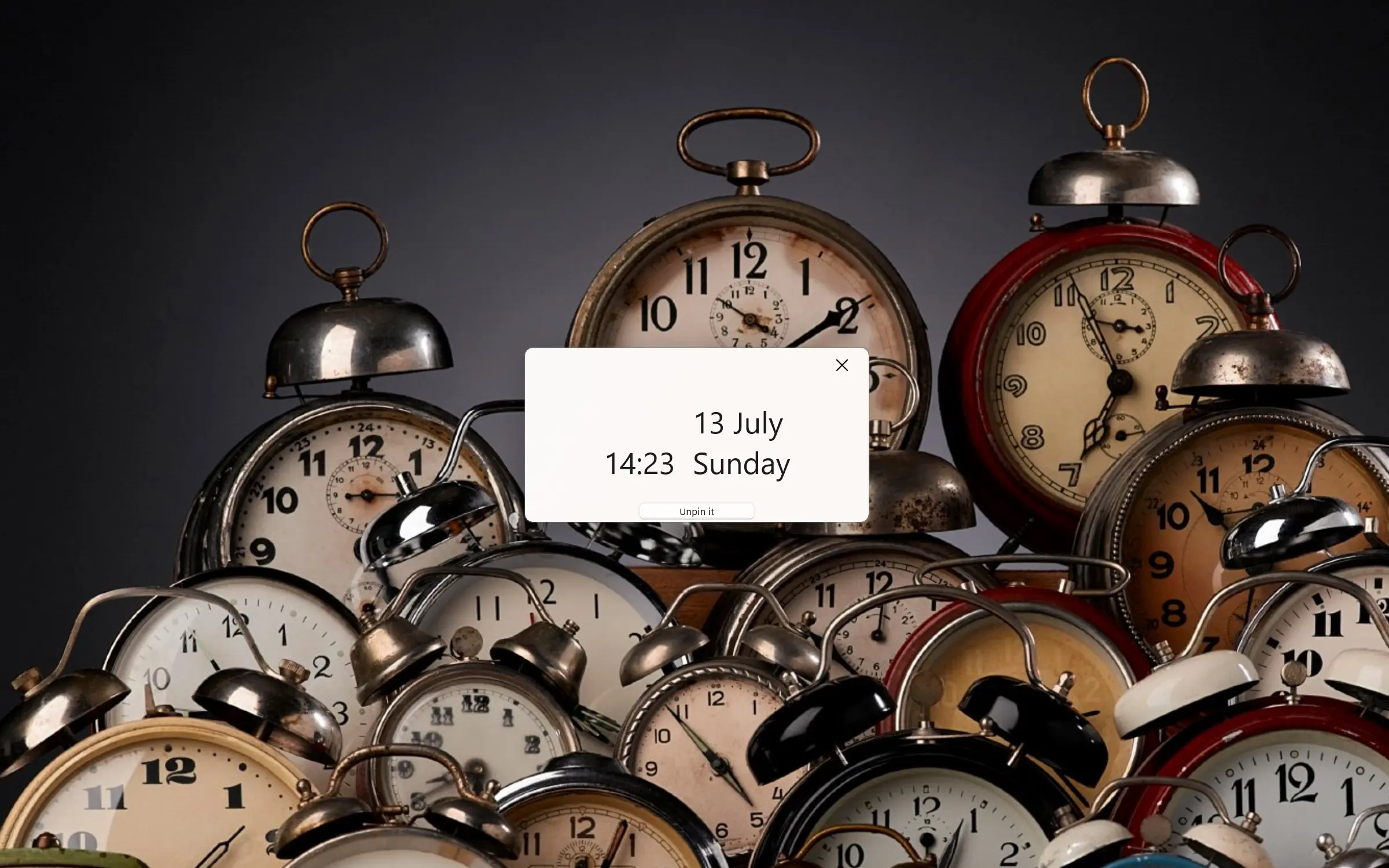
View the current time and optional calendar in a single panel, directly in the Windows panel, or by right-clicking the system tray icon on your PC.
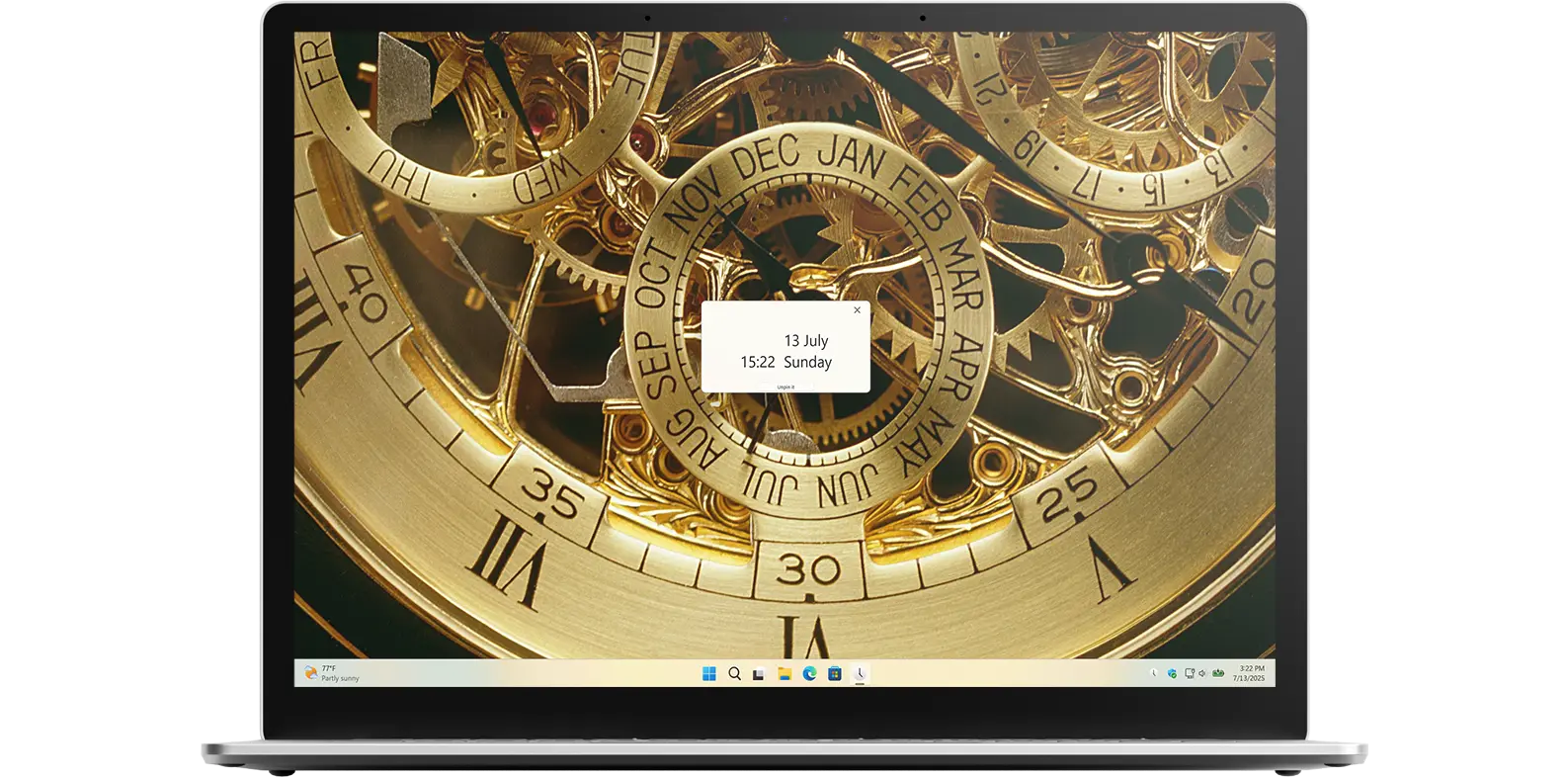
View the date and time on any screen you want
Date Today is the ultimate app for viewing the date, time, and calendar on any screen. It is fully customizable to match your personal style, so you can create the aesthetic look you want. Choose from colorful and fun themes, with separate appearance options for both Light Mode and Dark Mode.
Simple. Clean. Exactly where you need it
Sometimes, it is the small things that make a big difference. Your operating system has its limits, that is where the Date Today app comes in. It lets you place an analog clock, digital clock, or calendar anywhere on your screen, whether pinned to the widget panel or directly on the desktop. Designed just the way you want it: no clutter, no fuss. Perfect for professionals, students, or anyone who values a clean, organized workspace.
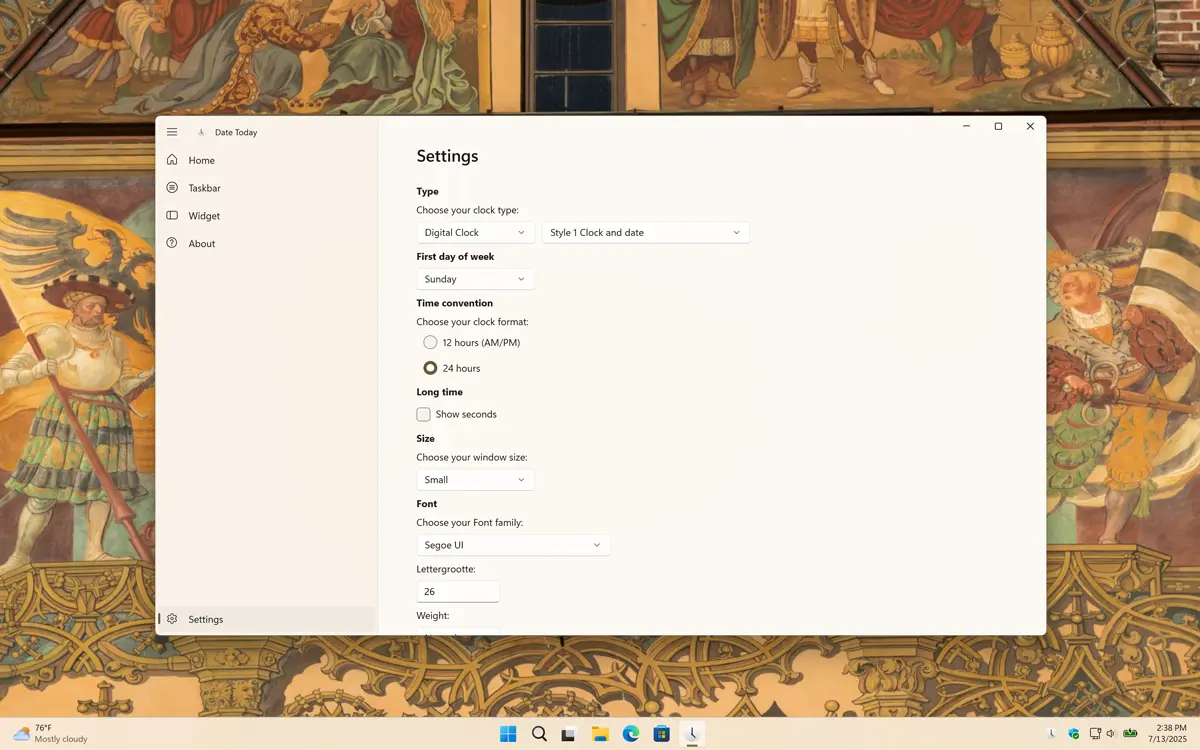
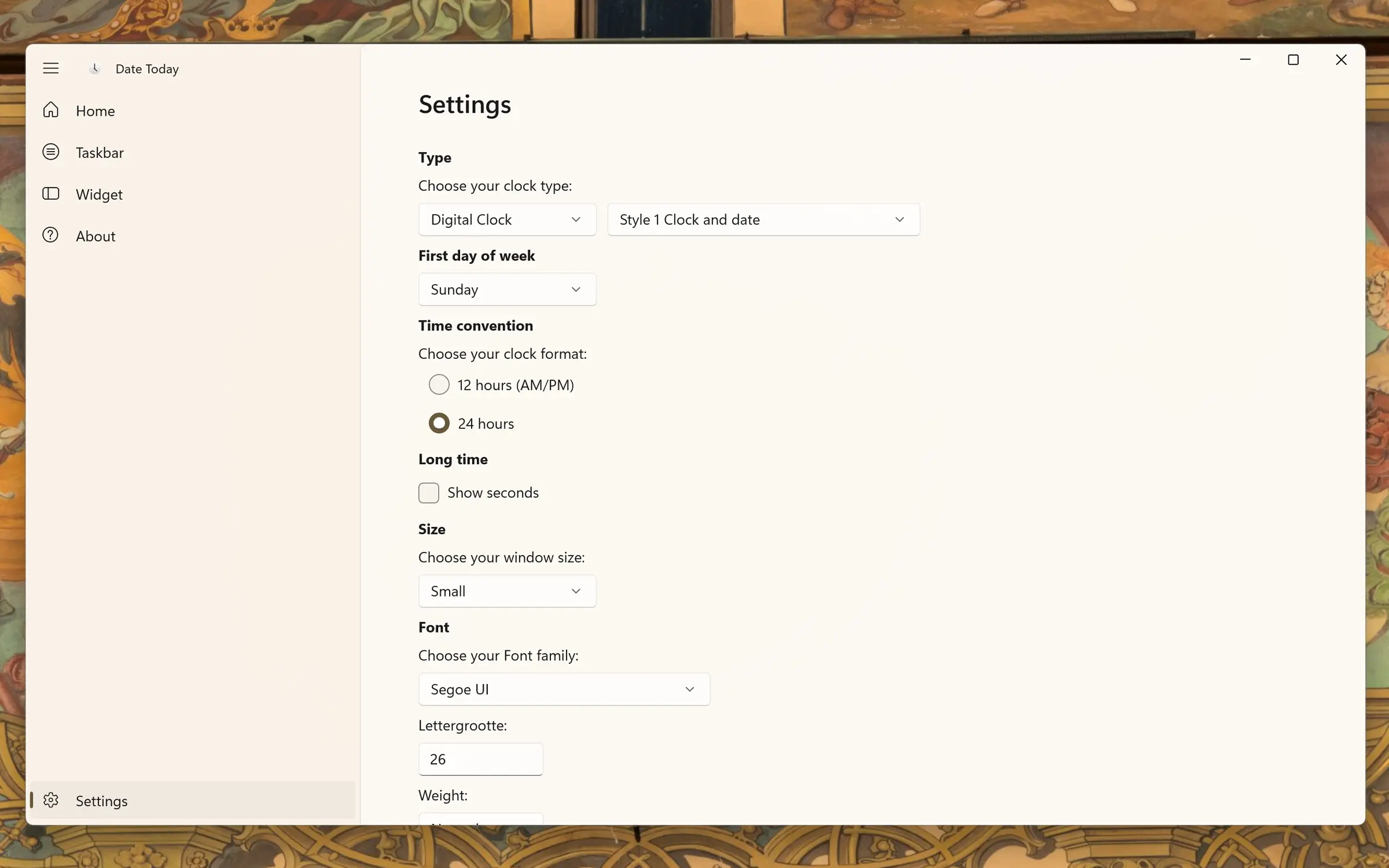
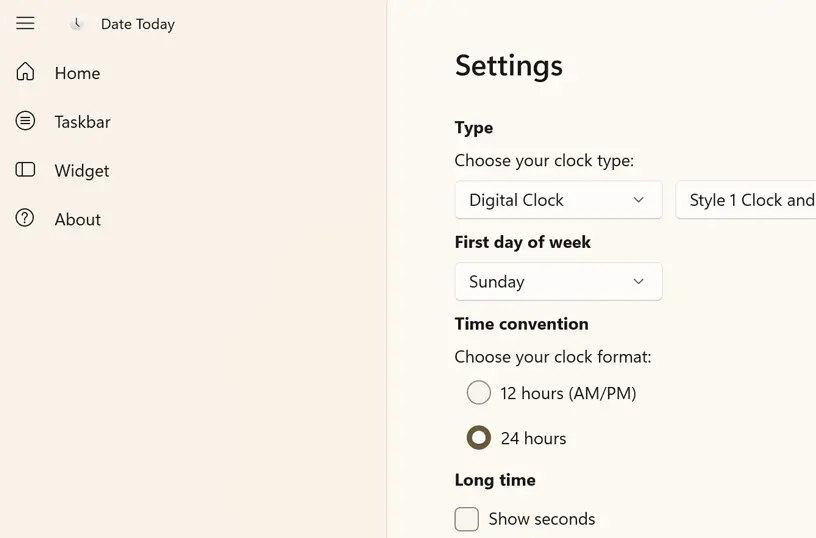
Choose the clock the way you want it, show seconds, set your preferred 12-hour or 24-hour format (military time), select the first day of the week, customize the background, and more.
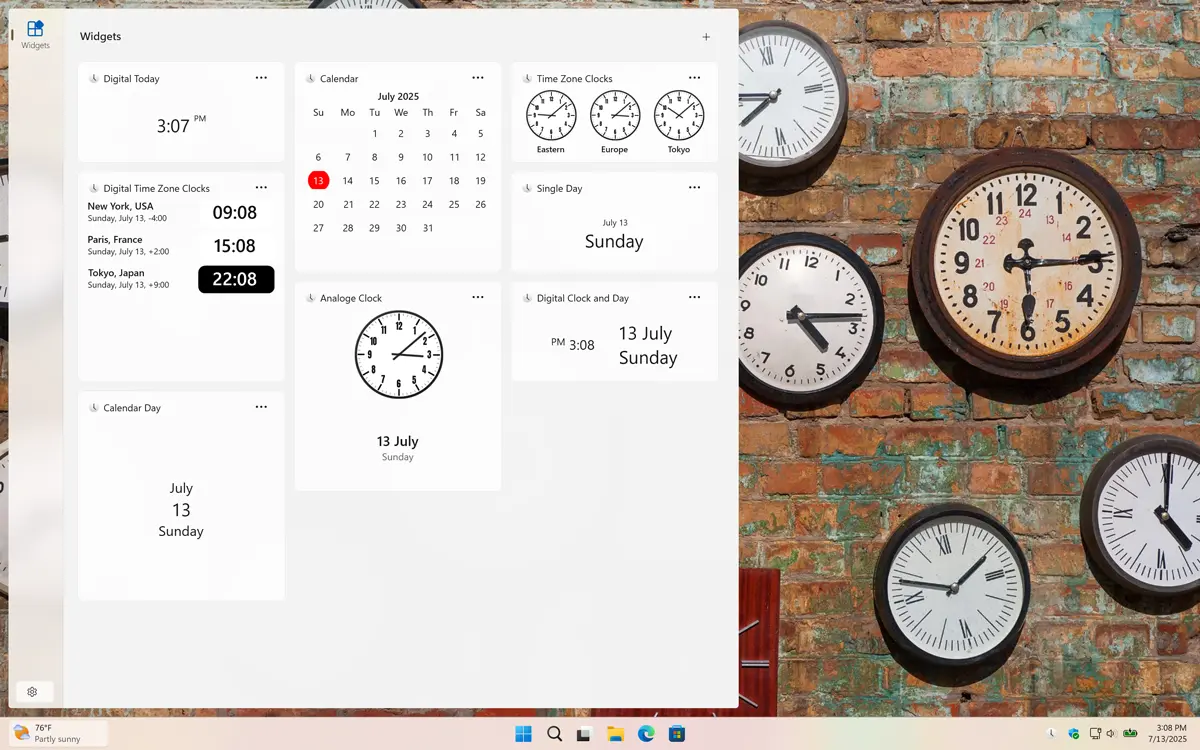
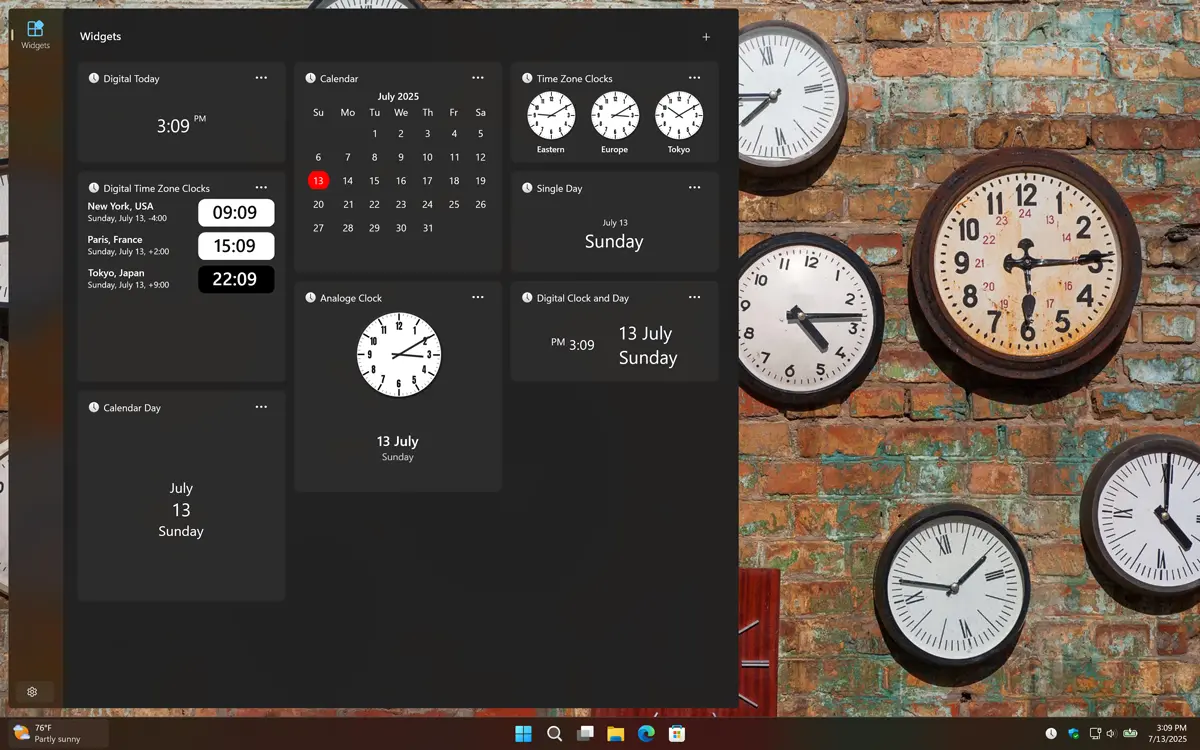
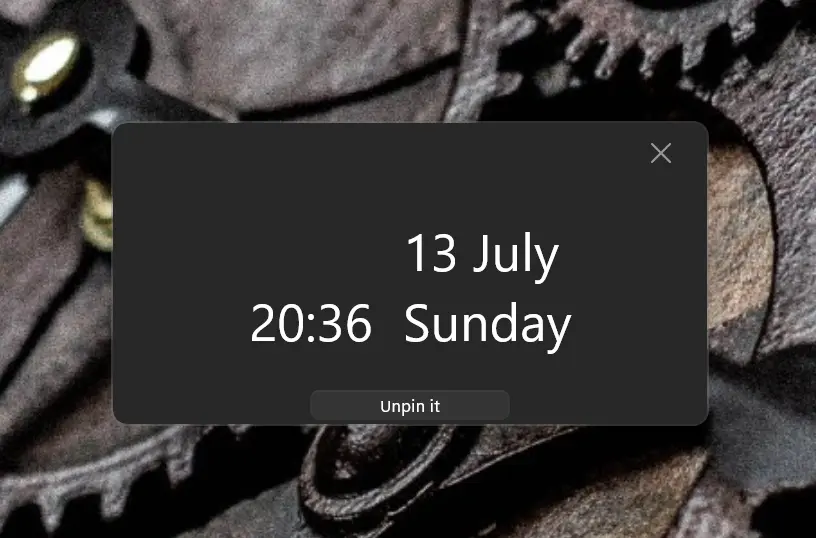
Get an appearance that matches your chosen OS setting. When your system is in dark mode, you will see a dark-themed countdown window and widget. In light mode, a bright and clean style is applied automatically.
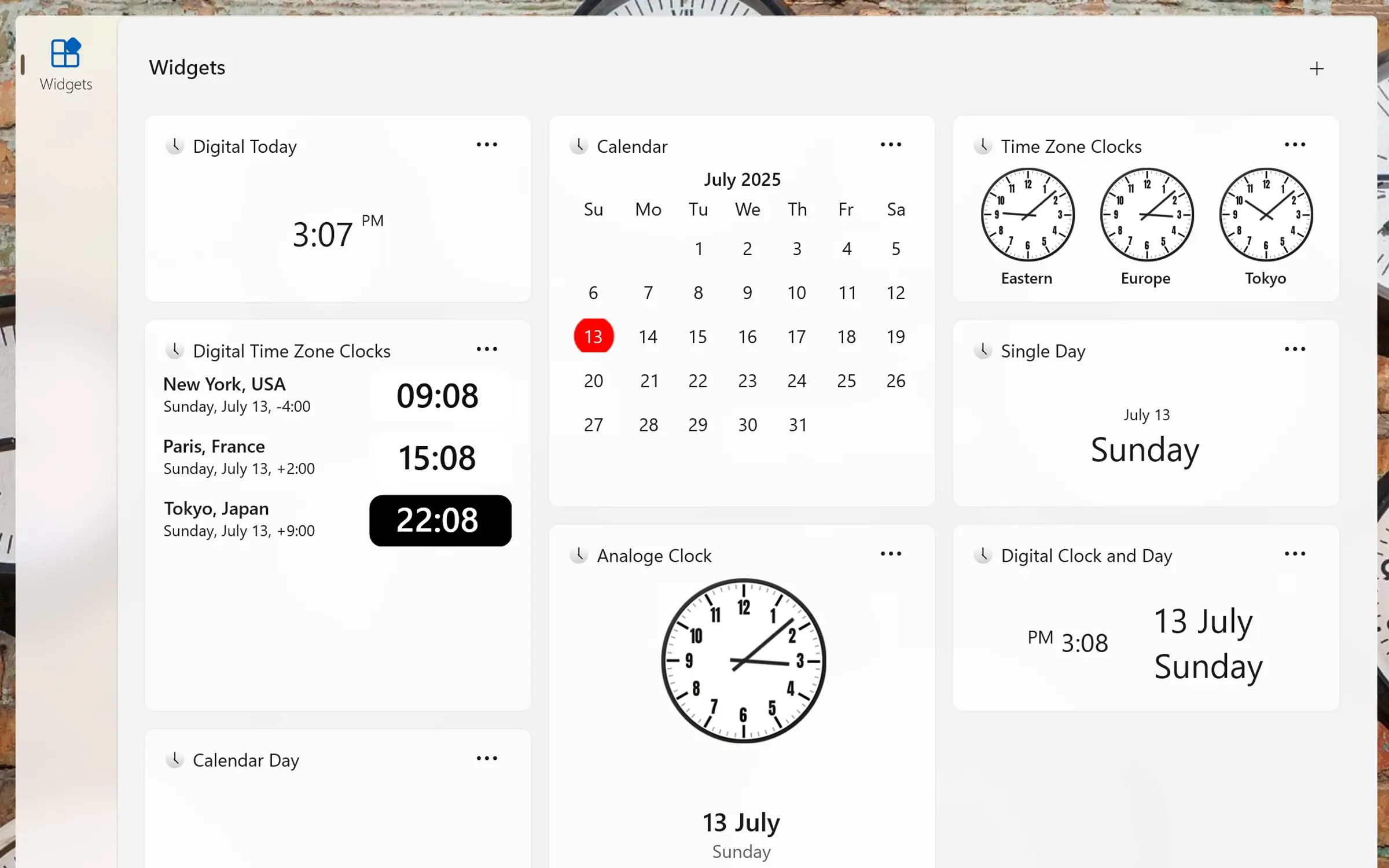
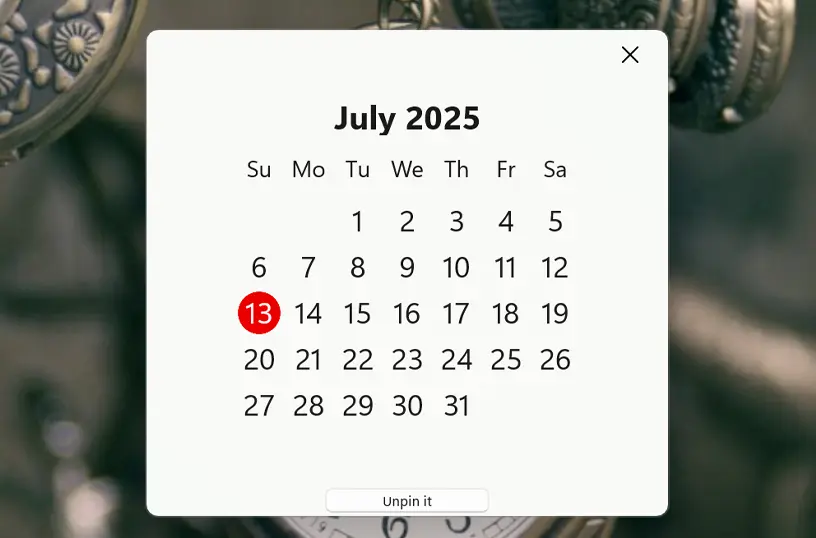
If you do not want to show the current time, you can choose the calendar view instead, where the current date is marked with a red circle, making it easy to spot both the current day and the day of the week.
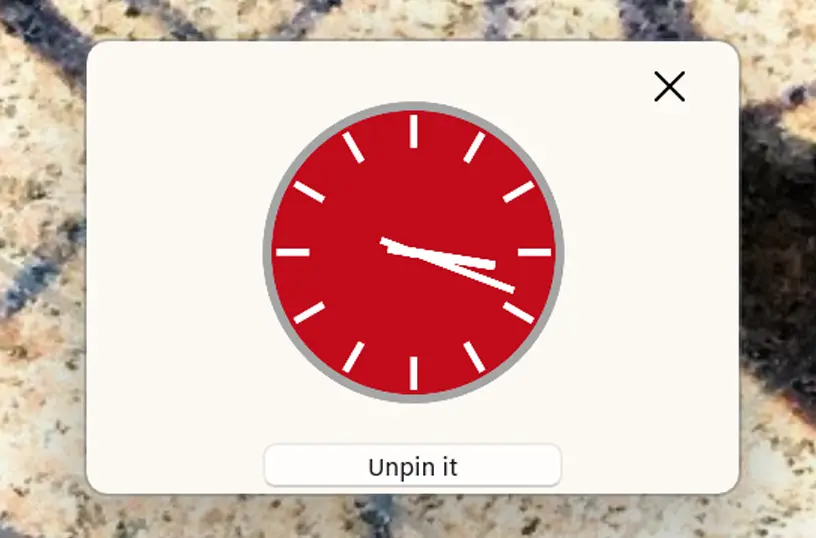
Want to see an analog clock? It is possible! You can choose between a red or blue analog clock style.
The experience extends to how you view the date from checking your calendar and analog clock via the Windows system tray to displaying widgets on your lock screen.
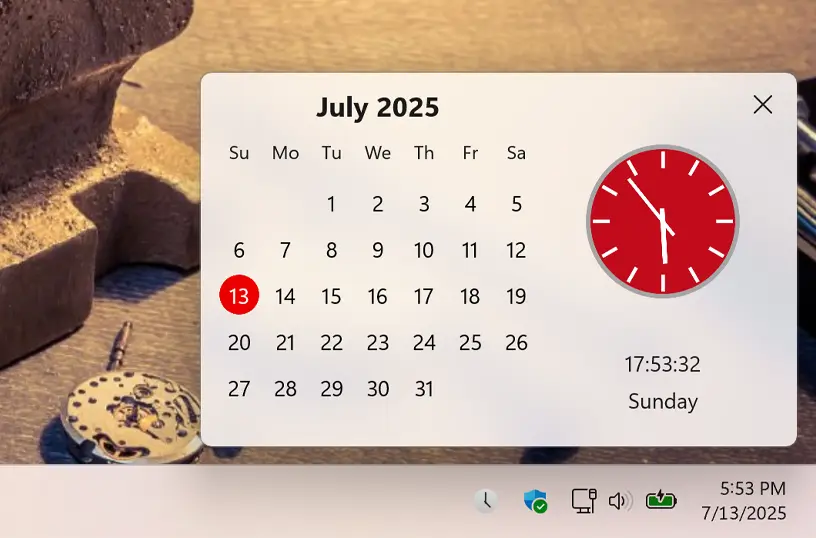
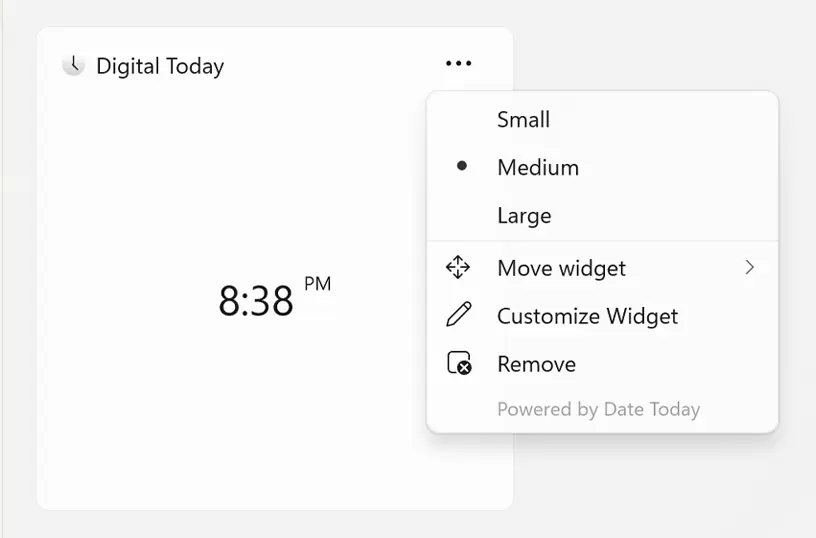
Add the widget to your Windows 11 dashboard and customize its size using the three-dots menu. Choose the size that best fits your preference.
Download the Date Today app and instantly view the current date or calendar with a single click, in a comfortable and personalized way. So, what are you waiting for? Get it on your device today.

Have questions about the Date Today app? Check out our FAQ section below for answers to common queries. If you need further assistance, feel free to contact our support team.
The Date Today app is a minimalist utility designed to display the current date, time, and calendar on various devices and platforms. It offers both desktop applications and browser extensions, catering to users who prefer a clean and efficient way to keep track of time. The Date Today desktop app is available for Windows, macOS, iOS, iPadOS, watchOS, and visionOS.
Date Today’s installation limits depend on the platform and licensing:
A Microsoft Store purchase can be installed on multiple Windows machines, up to 10 devices per Microsoft account.
App Store purchases are tied to your Apple ID. You can install the app on all Apple devices signed into that Apple ID, and you can also share purchases with your Family Sharing group.
Yes! Date Today lets you fully customize your clock and calendar. You can choose between analog or digital clocks, adjust colors, themes, and fonts, and switch between light and dark modes. The calendar view is also customizable, with options for monthly view, weekend highlights, and widget placement on desktop or mobile. This flexibility helps you track time and dates exactly the way you want.
Yes, Date Today works without an internet connection, so you can always see the correct date and time even when offline.
Yes! You can set Date Today to launch automatically when your computer starts on both Windows and macOS.