[Skip navigation links]
Stefan vd
Windows App

See your device's battery level
at a glance

Introducing the Battery Meter app is a timeless classic reimagined for the digital age! This beloved strategy game is now available on Windows, bringing you hours of fun and challenge as you test your skills, plan your moves, and try to outsmart your opponent.

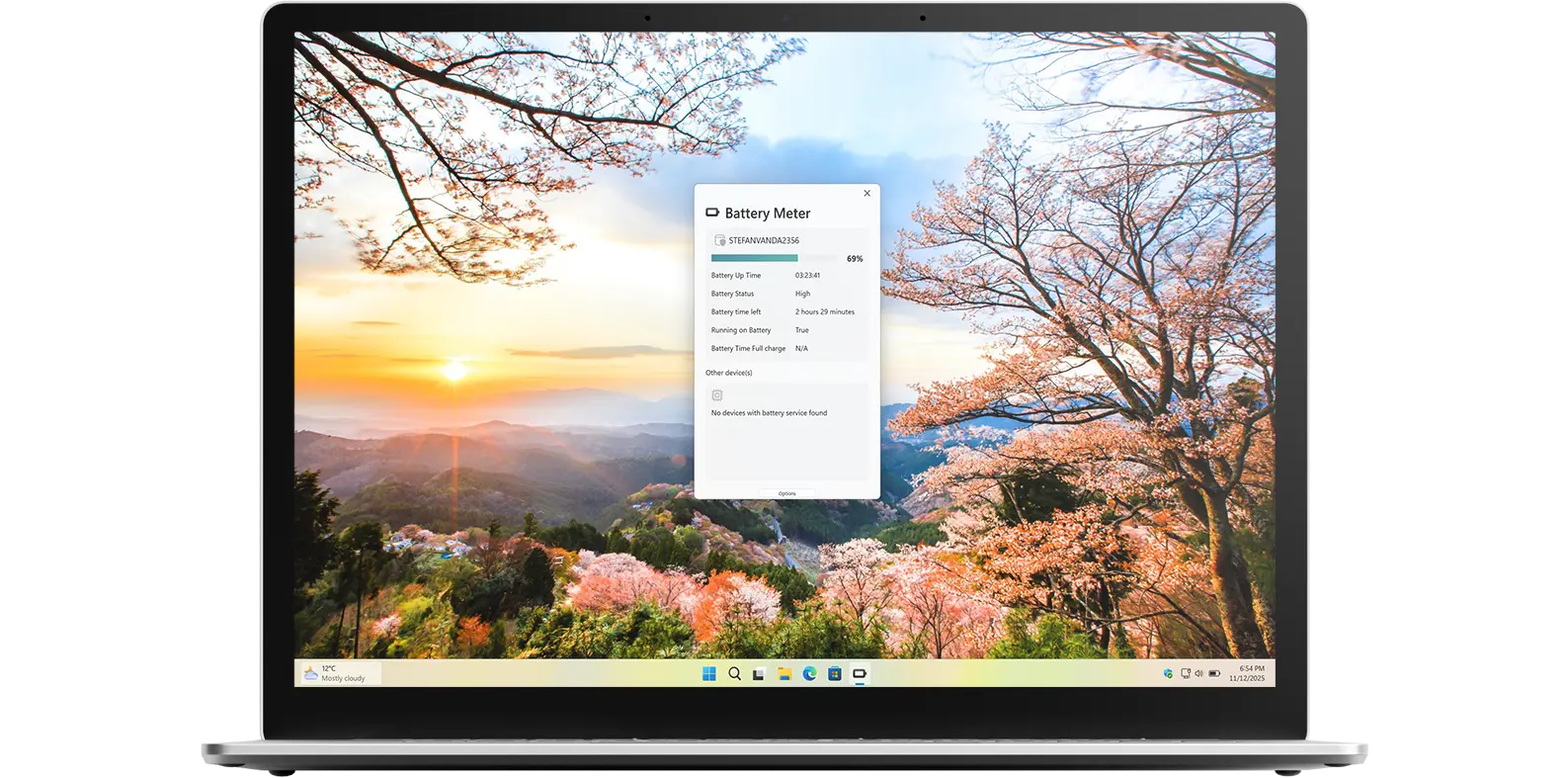
Battery Meter app on all devices

Get a quick view of Battery Meter Windows app

What does this app do?

Monitor your battery usage

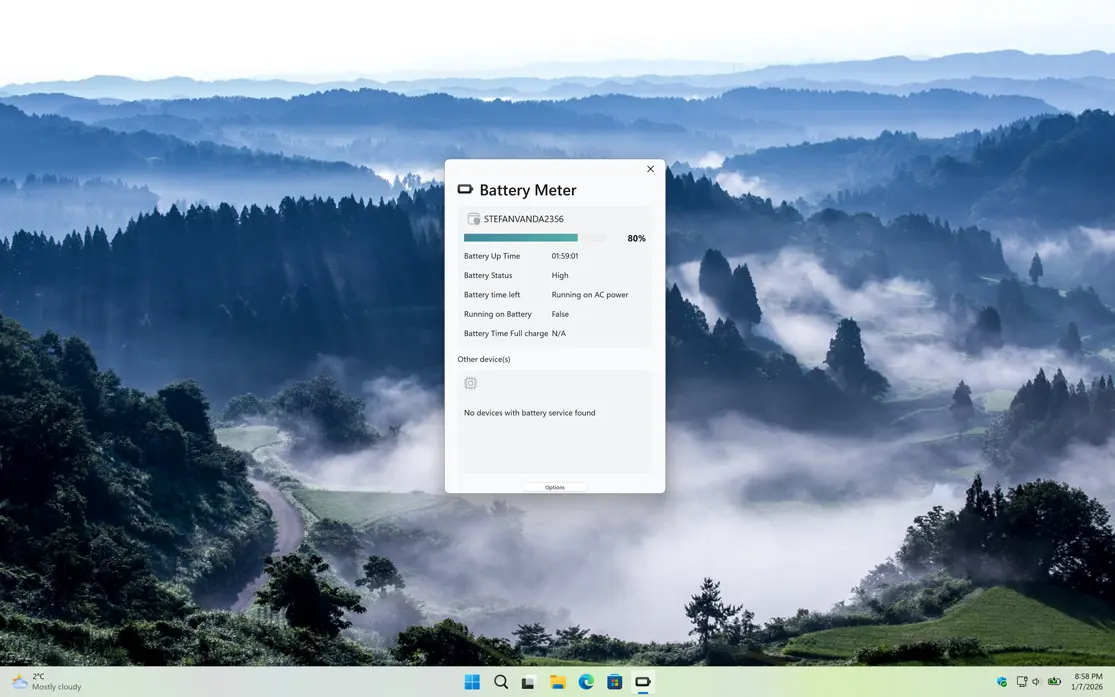
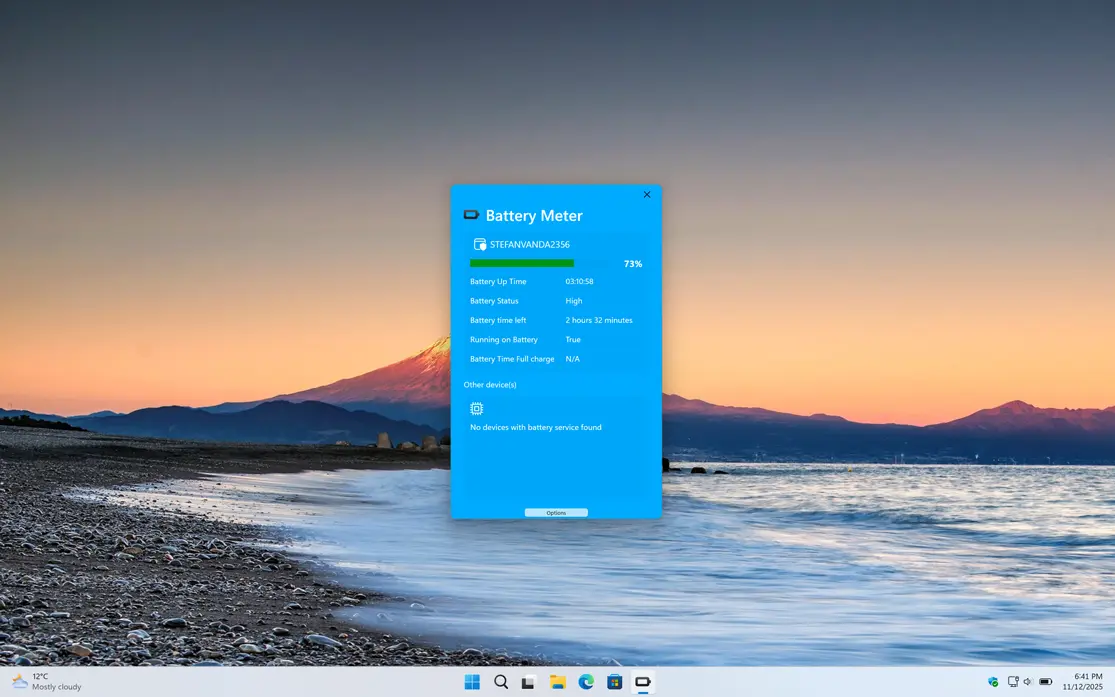
Battery Meter is a handy tool that lets you see your battery level at a glance, including the estimated time remaining and a graph showing the battery’s charging history.

Why Use Battery Meter?

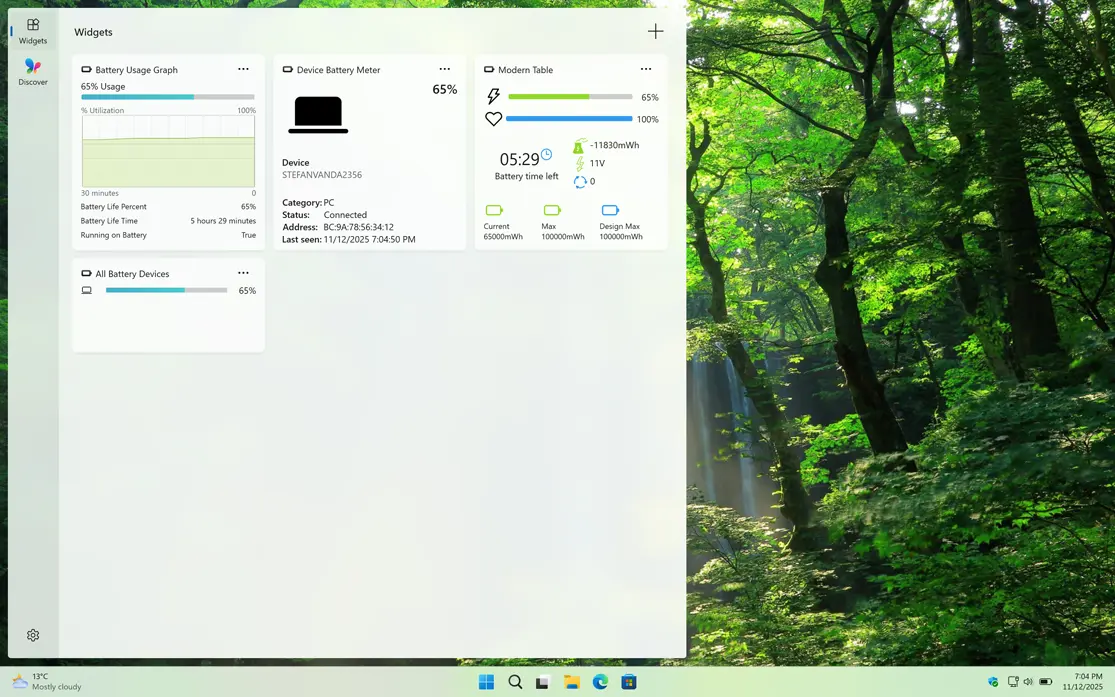
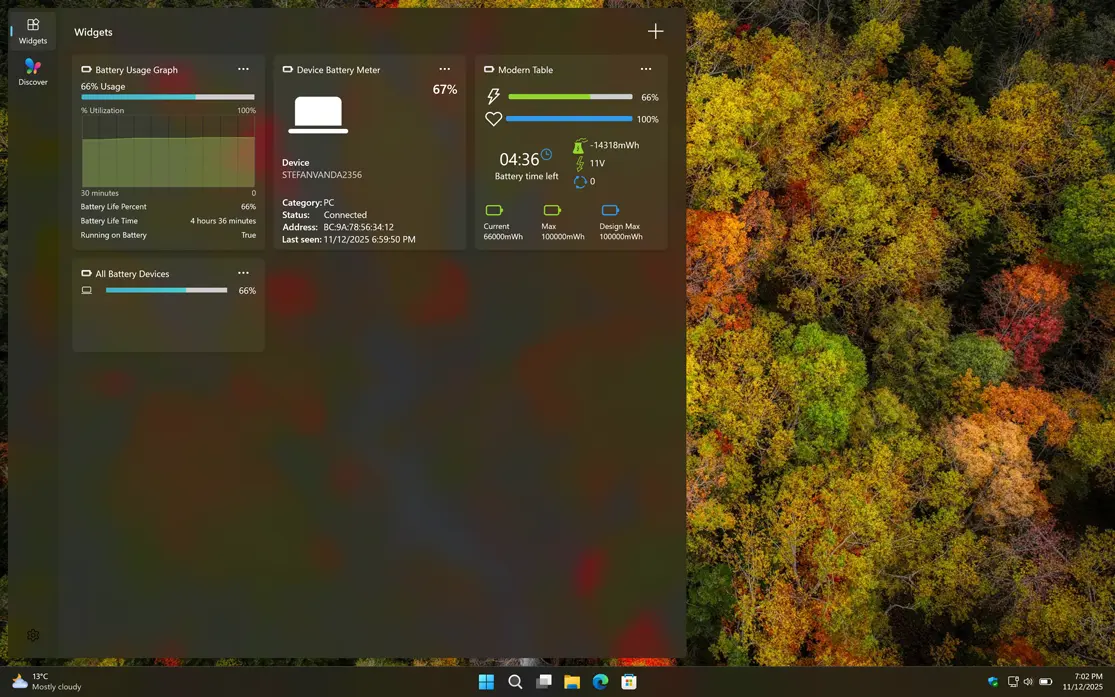
Widget battery usage

The Battery Meter Windows 11 comes with a range of useful features that make it a must-have tool for any Windows 11 user. Furthermore, you can also view the battery status and graph directly in the Windows 11 Widgets panel.

Features

Battery Meter Windows Application
Customize the background color to your favorite choice.
Battery Meter available as a Windows 11 widget
Support Dark Mode version for the Windows 11 widget
1 /

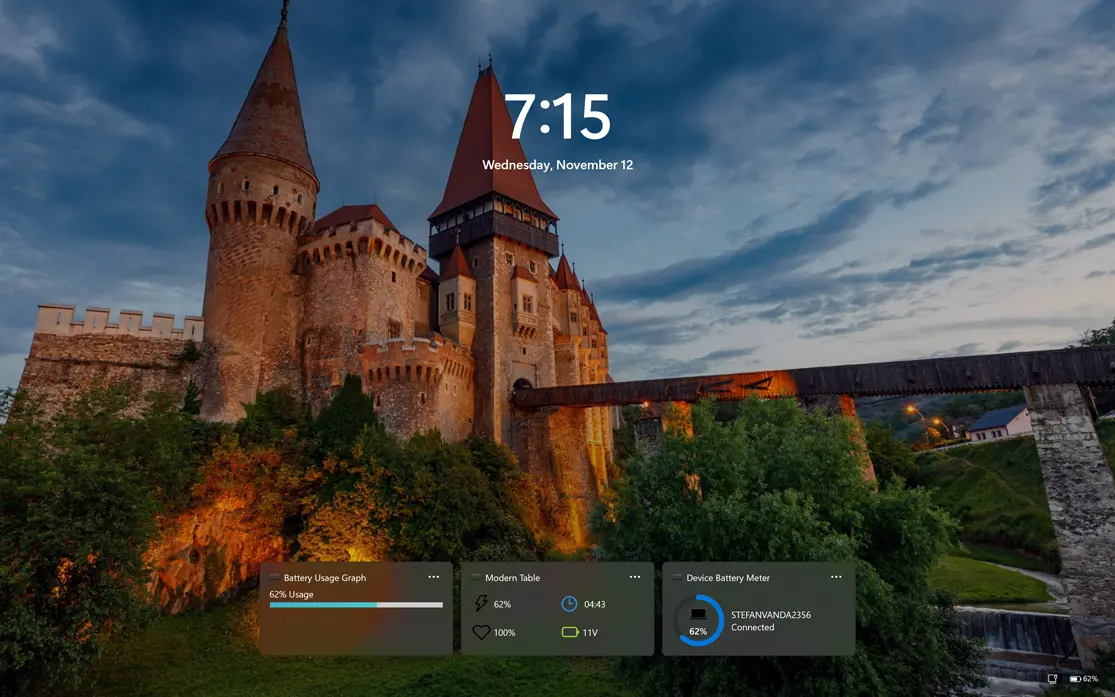
Windows Lockscreen Widgets

Battery Meter widget on the Windows 11 lockscreen
Add the Battery Meter widget to your Windows 11 Lockscreen

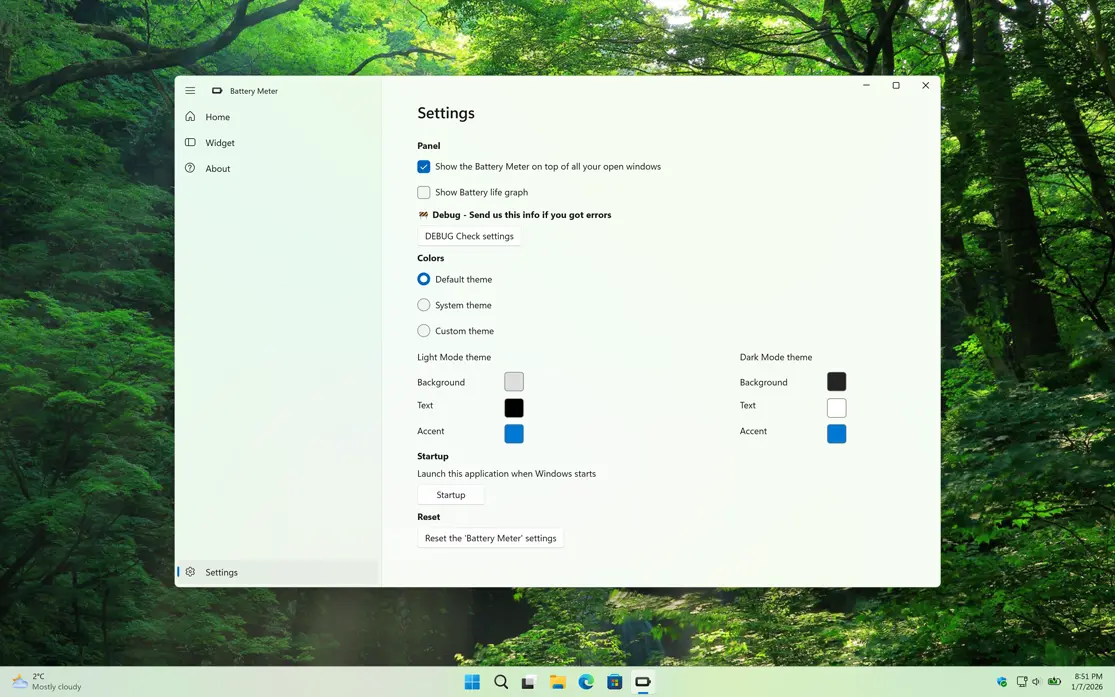
Settings

Customize the experience of the Battery Meter app

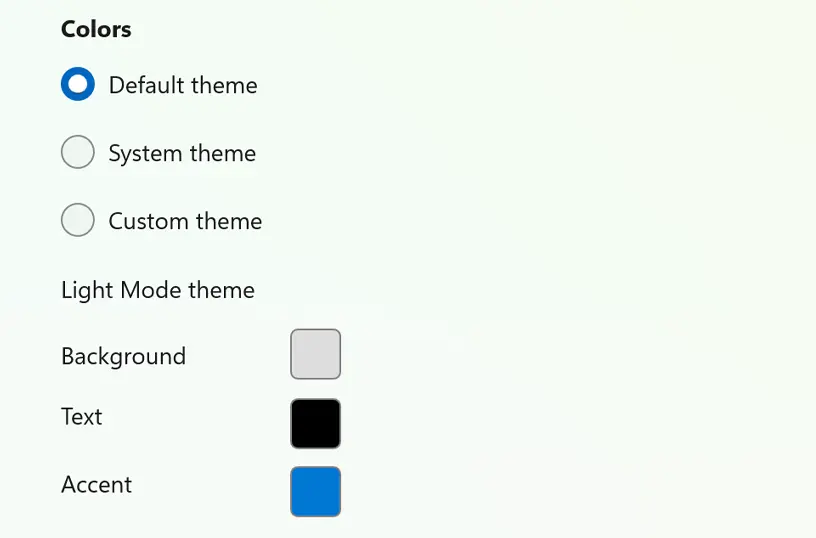
Customize Background

Customize your experience by choosing the theme you want for the Battery Meter app, making it feel truly personal to you.

Four-in-a-Row custom theme

Get Battery Meter app

Download the Battery Meter app to monitor your device’s current battery usage. See how much time is left before your battery runs out or when it is time to recharge. Get this must-have tool now on your Windows 11 device!

Get Battery Meter from the Microsoft Store
Compatible with Windows 11.

Frequently Asked Questions

Have questions about the Battery Meter app? Check out our FAQ section below for answers to common queries. If you need further assistance, feel free to contact our support team.

What is Battery Meter?

Battery Meter is a Windows 11 app and widget that helps you monitor your battery usage. It shows the current battery percentage, alerts you when it is time to charge, and displays a graph of your battery usage over time. The app is available for free on the Microsoft Store.

Can I install it on many devices?

Battery Meter’s installation limits depend on the platform and licensing:

A Microsoft Store purchase can be installed on multiple Windows machines, up to 10 devices per Microsoft account.

Can I change the background and text color?

Yes, in the Battery Meter settings page you can customize the background color and text color to your preference.

Can I see the graph of my recent battery usage?

Yes, in the Battery Meter settings page you can enable the option to show the battery graph to see and understand the battery usage over time.

Do you support a Windows 11 widget?

Yes! You can also use the Battery Meter as a Windows 11 widget.