Table of Contents
I created a new, useful Chrome policy remover tool. I, Stefan Van Damme, am a member of the Google Product Expert program. These are users who volunteer their time to help others with Google products. And I am a product expert in the Chrome web browser. Meanwhile, today is the 11th Google Chrome birthday. And this year we have seen many posts in the community about having unwanted software on their computer that has made changes to their computer settings.
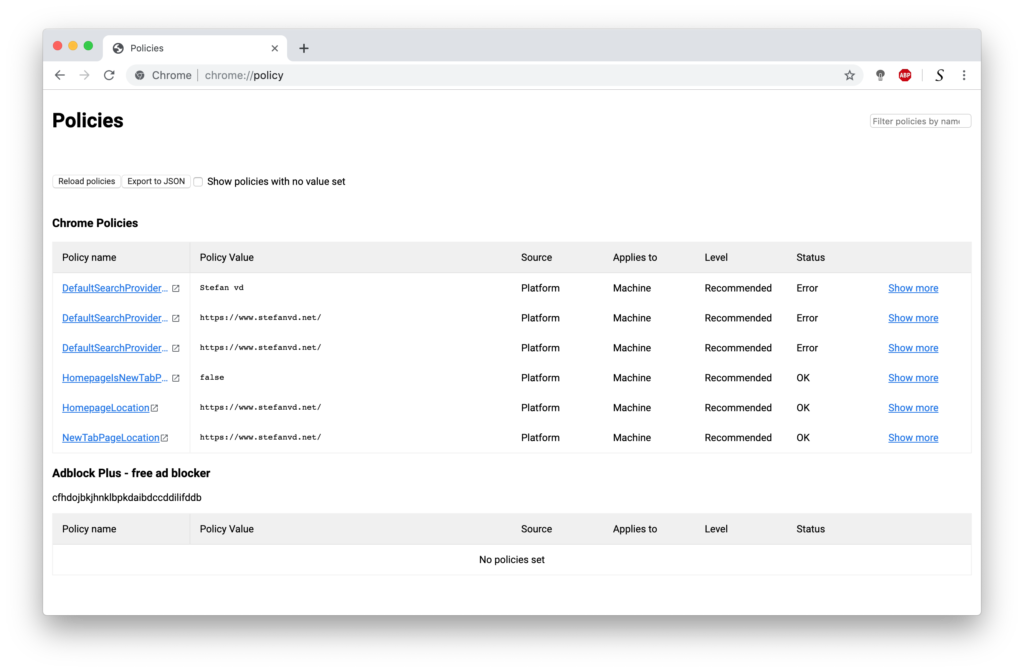
That is especially true on Windows and Mac computers, where bad developers misuse Chrome policies. Therefore, bad developers force the user to use their Chrome extension and/or search engine. Furthermore, makes it very difficult for the user to delete this Chrome extension and search engine on the Chrome settings page. Because the delete button is disabled, users will only see the message “Managed By Your Organization“. The user will be frustrated with the Chrome web browser.
However, I am happy to announce that I created a simple, one-click application solution to delete all these Chrome policies. Doing this manually can be a complex task for a non-tech-savvy user.
One-Click Tool Solution
Chrome Policy Remover for Mac
This AppleScript application is a free tool and can delete the following bad settings: weknow.ac, SearchMine search, Searchbaron, search-operator.com, akamaihd.net, etc. from the Mac Chrome web browser. When you execute this application, it will do the following actions:
- Close the Google Chrome web browser
- Delete all the configuration profiles on his Mac computer (such as “AdminPrefs”)
- Delete all the Chrome policies
Here are some steps that may help to resolve the issue:
- Download the Chrome Policy Remover for Mac
- Close all open Chrome windows
- Unzip the file you just downloaded
- Double-click on “Chrome–Policy–Remover-for-Mac“
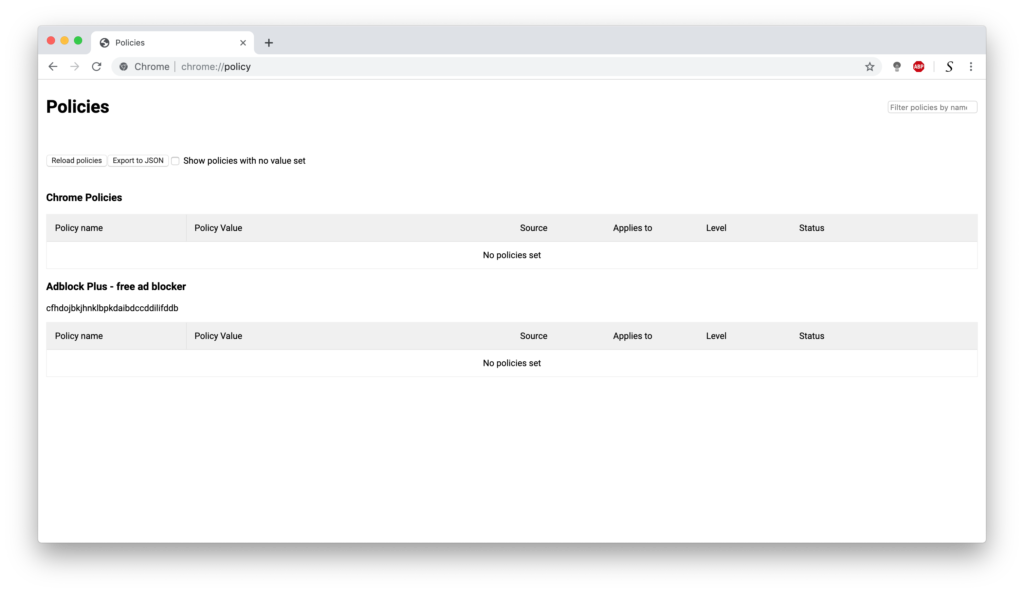
When you open your Google Chrome web browser now, you will see that there are no policies that change your search engine and new tab page. You can easily delete all the Chrome extensions now.
Note: The Chrome Policy Remover is available for Mac and Windows computers. You can find it on my Chrome Policy Remover project page.
Chrome Community
If you have any questions about the Chrome web browser. Or if you experience an issue with the Chrome desktop web browser or mobile app. You can always reach our Chrome community forum. We are here to help. We look forward to seeing you at our help forum.
