Table of Contents
As a developer, it is tempting to think you know exactly what your users want. But the reality is, your users are the true experts when it comes to improving your browser extension. I am Stefan Van Damme, the developer behind some of the most popular browser extensions like Turn Off the Lights, Zoom, Full Screen, Page Sidebar, Note Sidebar, all free and Open-Source. Over the years, I have learned that consistently asking for feedback is one of the most powerful ways to make your browser extensions better, more usable, and widely loved.
Feedback is not just a tool for fixing bugs; it is an essential part of building a user-centric product. Here is how you can implement a robust feedback strategy for your browser extension.
Customer Understanding Strategy
1. Conduct Yearly Feedback Surveys
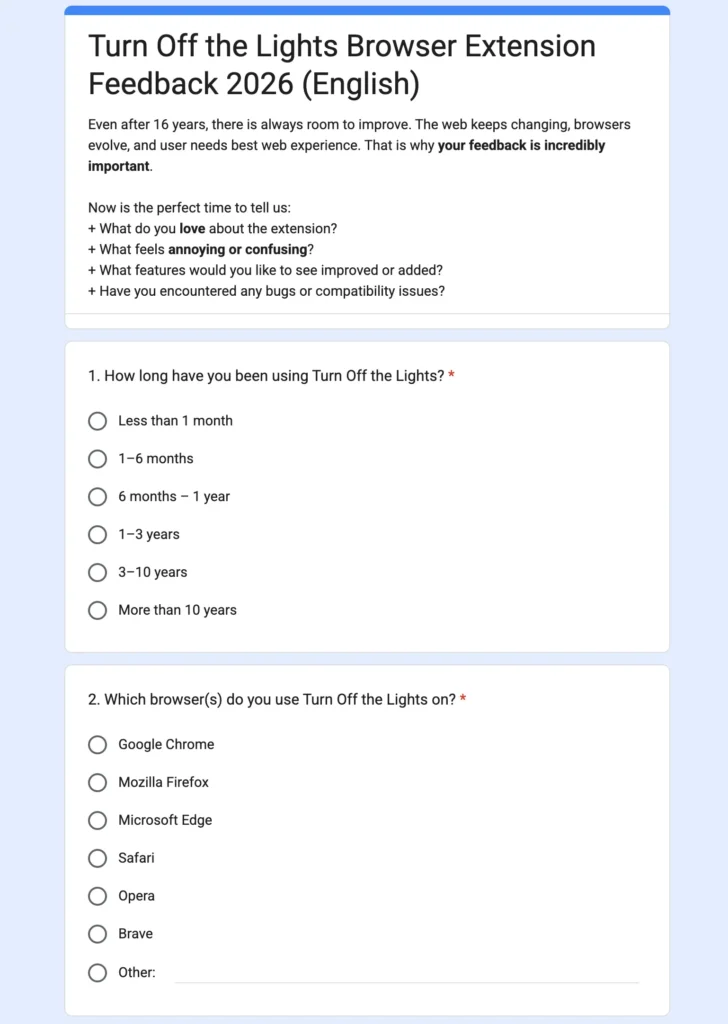
One of the most effective ways to gather structured feedback is through a yearly survey. You can ask your users about new features they want, bugs they encounter, and improvements they would love to see. This type of proactive outreach shows that you value your users’ opinions and are committed to continuously improving your extension.
For example, in the Turn Off the Lights extension, we regularly ask yearly users about their preferred new features and accessibility improvements. This feedback has guided updates like customizable dimming intensity and advanced video player integration.
2. Reply to User Reviews
The Chrome Web Store, Firefox Add-ons, and other platforms allow users to leave reviews. Do not just read them, reply to them. Whether it is praise or criticism, acknowledging feedback fosters loyalty and trust. Users who see that developers care are more likely to stick with your browser extension and recommend it to others.
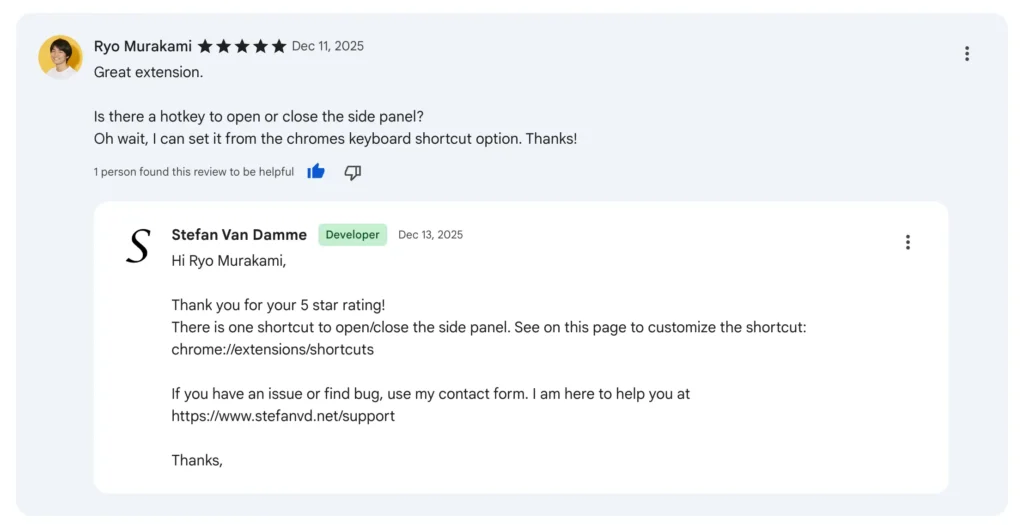
For instance, after releasing an update to Page Sidebar, I noticed a user asking about a shortcut key combination. I replied that this feature already exists to show and hide the Page Sidebar. By addressing the user’s question, I not only solved the problem but also significantly increased positive reviews.
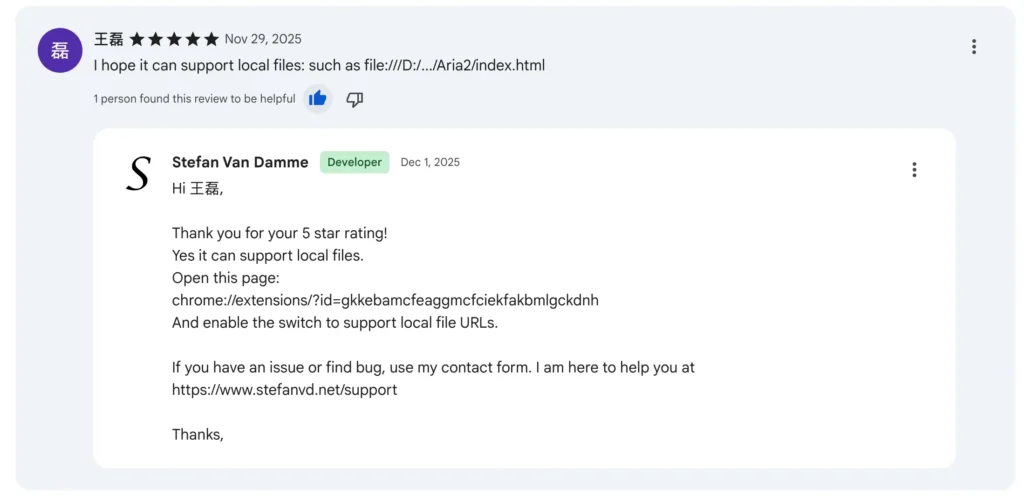
At the end of each of my developer guides, it is also best to guide users to further help or direct them to the support page, where you, as the developer, can provide an FAQ about your browser extension.
3. Engage with Comments on Tutorials and Videos
Many developers create YouTube video tutorials to showcase their browser extensions. I have covered this topic in detail in a previous developer blog about the reasons that video education improves browser extension adoption and retention. Comments on these videos are a goldmine for feedback. Responding to users’ questions and suggestions allows you to understand pain points that might not appear in official reviews.
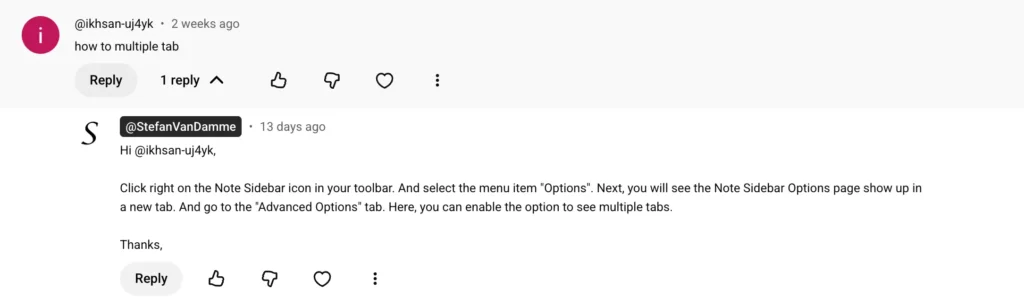
For example, a user once asked in a YouTube tutorial comment how to enable multiple tabs in the Note Sidebar extension. I replied with clear steps explaining how to activate this feature.
4. Ask for Feedback on Uninstall
It might feel counterintuitive, but the uninstall page is a perfect place to ask users why they are leaving. A simple prompt can provide invaluable insights into shortcomings, bugs, or missing features.
The Turn Off the Lights Chrome extension includes an uninstall survey asking users to select a reason for leaving. Many users report issues that were previously unnoticed, allowing us to prevent similar problems for others. Collecting this data is crucial for long-term improvement.
Resources
Conclusion
You now know that continuous feedback is a core requirement for improving and maintaining a high-quality browser extension. By conducting surveys, replying to reviews, engaging in comments, and analyzing uninstall reasons, you can turn your users into co-developers. This approach improves usability, performance, and overall user satisfaction, ensuring your browser extension thrives across platforms and devices.
If you found this guide useful and want to support the ongoing development of free and Open-Source browser extensions, consider a small contribution. Every suggestion helps make the web a better place for everyone.
