Introducing the My Slider Puzzle app, a classic sliding puzzle game designed for fun and challenge. It is available for Windows and offers an engaging way to test your logic and problem-solving skills.
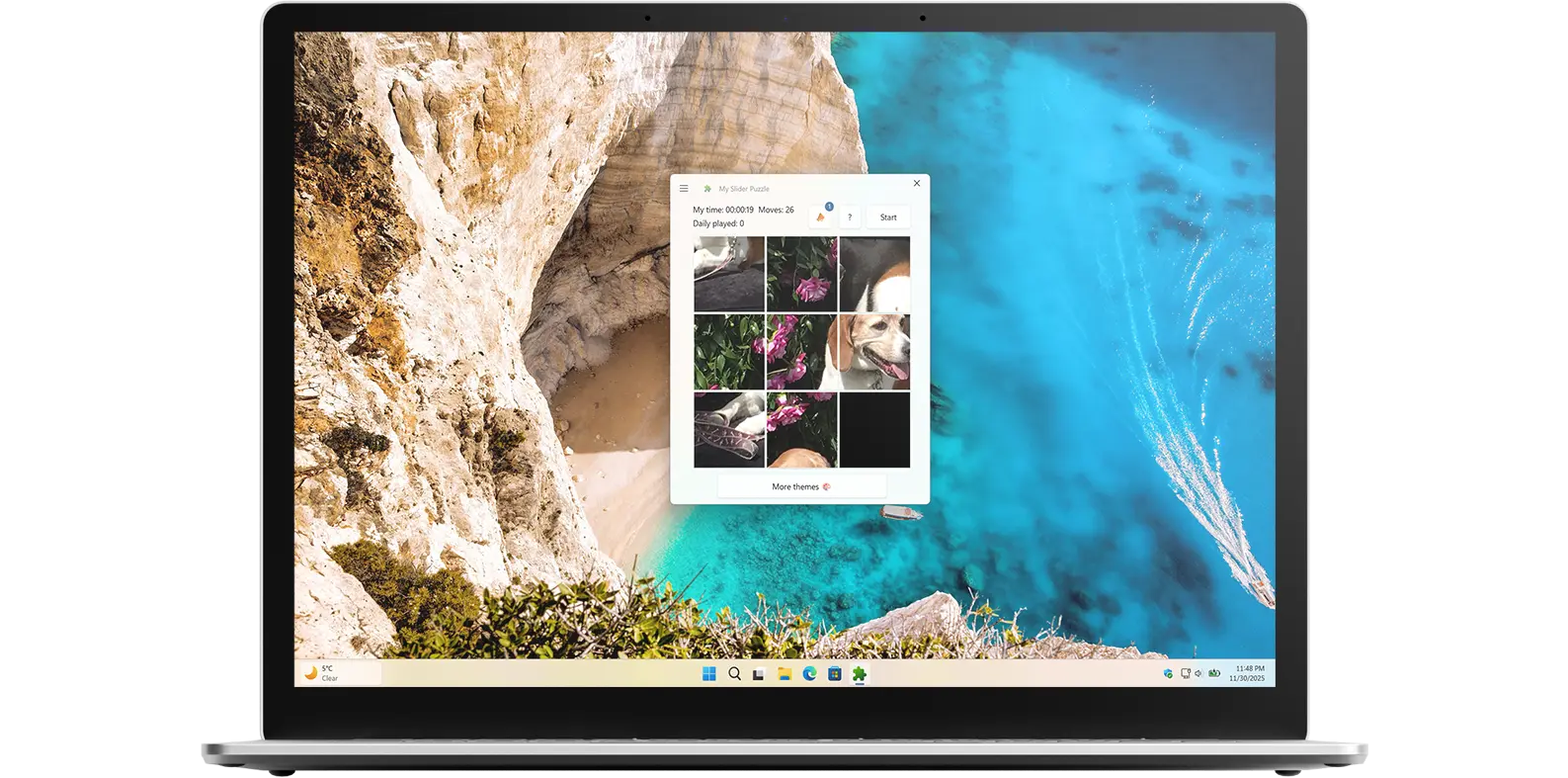
Classic strategic game
My Slider Puzzle is a Windows 11 widget that brings the classic game of sliding puzzles to your desktop. The widget features a grid of tiles with one missing space, and the goal of the game is to slide the tiles around until you have arranged them in the correct order. It is a simple concept, but one that can be surprisingly challenging and addictive.
Sharpen your strategic thinking
In addition to providing hours of entertainment, My Slider Puzzle can also help improve cognitive skills such as problem-solving, spatial reasoning, and memory. The game requires players to strategize and plan their moves, which can help sharpen their critical thinking abilities. Plus, the constant rearranging of the tiles can help improve short-term memory and increase mental agility.
With its sleek design and customizable options, My Slider Puzzle is a great addition to any Windows 11 desktop. Choose from a variety of default images to use as your puzzle background for a personalized touch.
Download the My Slider Puzzle app, the classic sliding puzzle game, on your desktop and Windows 11 widget. The goal of the game is to slide the tiles around until you arrange them in the correct order. Download My Slider Puzzle today and start sliding your way to puzzle-solving victory!
Have questions about the My Slider Puzzle app? Check out our FAQ section below for answers to common queries. If you need further assistance, feel free to contact our support team.
My Slider Puzzle is a Windows 11 app that also features a Windows 11 widget, allowing you to enjoy the classic sliding puzzle game directly from your desktop. Designed for both quick play and longer puzzle sessions, the app challenges you to slide tiles into the correct order while sharpening your logic and problem-solving skills. With easy access through the widget, you can jump into the game anytime.

My Slider Puzzle’s installation limits depend on the platform and licensing:
A Microsoft Store purchase can be installed on multiple Windows machines, up to 10 devices per Microsoft account.
Yes, you can customize the puzzle board size in the My Slider Puzzle widget. The widget offers several options for board size, including 3x3, and 4x4. To access these options, click on the gear icon in the top-right corner of the widget. From there, you can select your preferred board size. So, feel free to customize the puzzle board size according to your preference and make your puzzle-solving experience even more enjoyable!
Yes, after completing the slider puzzle, you can share your record time on social networks using the X and Facebook buttons. That is visible on the right side of the slider puzzle.
Yes, the My Slider Puzzle widget is available as a free download from the Microsoft Store. You can download and install the widget on your Windows 11 device at no cost.
