[Skip navigation links]
Stefan vd
macOS App

Halloween Countdown Ready
on your Mac

On your Mac, discover when the next Halloween begins with My Halloween. Tradition meets technology, beautifully.
My Halloween app on all devices

What does this app do?

Calculates the date of the next Halloween

Halloween always falls on October 31, but it is still exciting to count down to the big night! This Halloween countdown app helps you quickly see the exact date of the next Halloween and shows precisely how many days remain until the celebration. With a clear and simple display, the app makes planning your costumes, decorations, and spooky fun easy, stress-free, and enjoyable for everyone.

Availability on all platforms

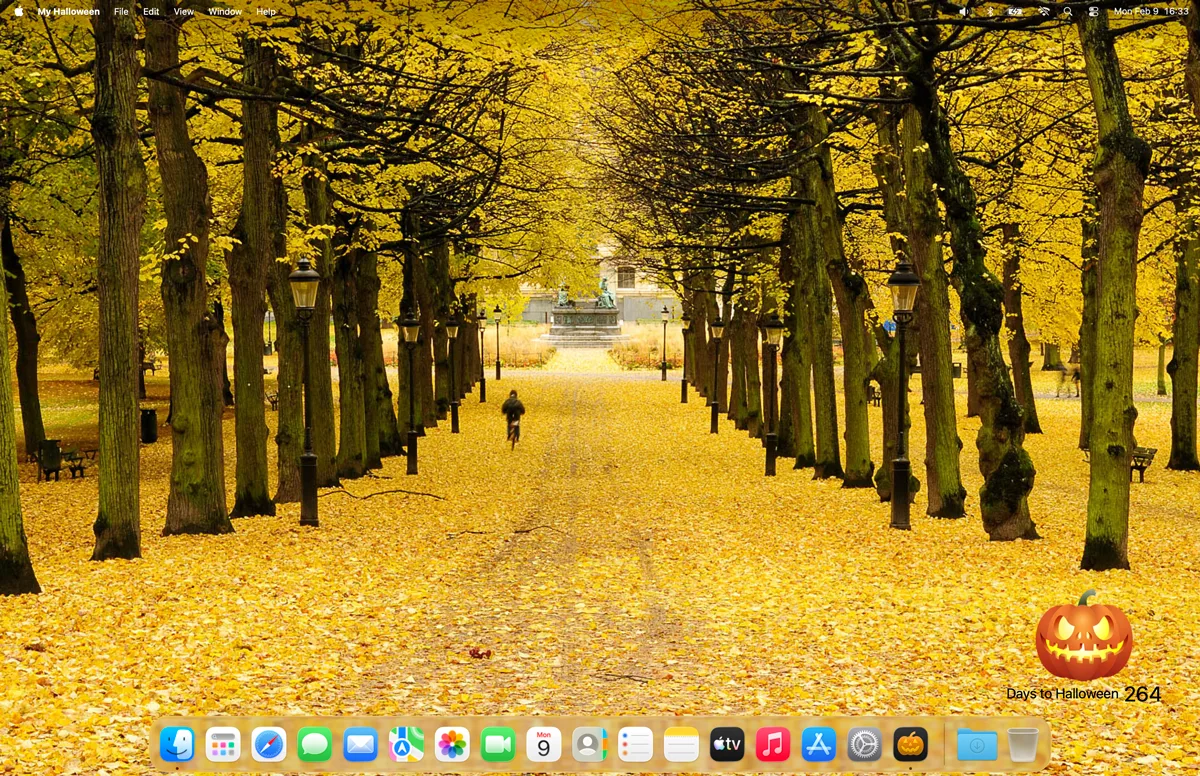
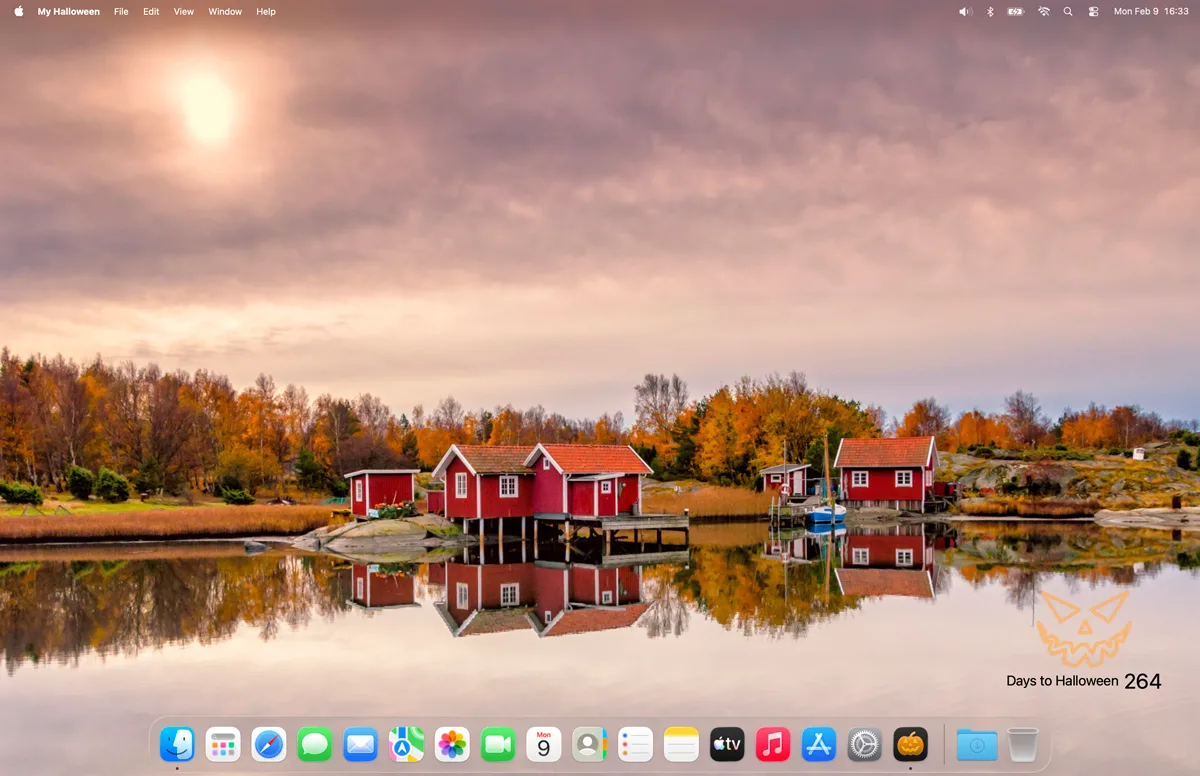
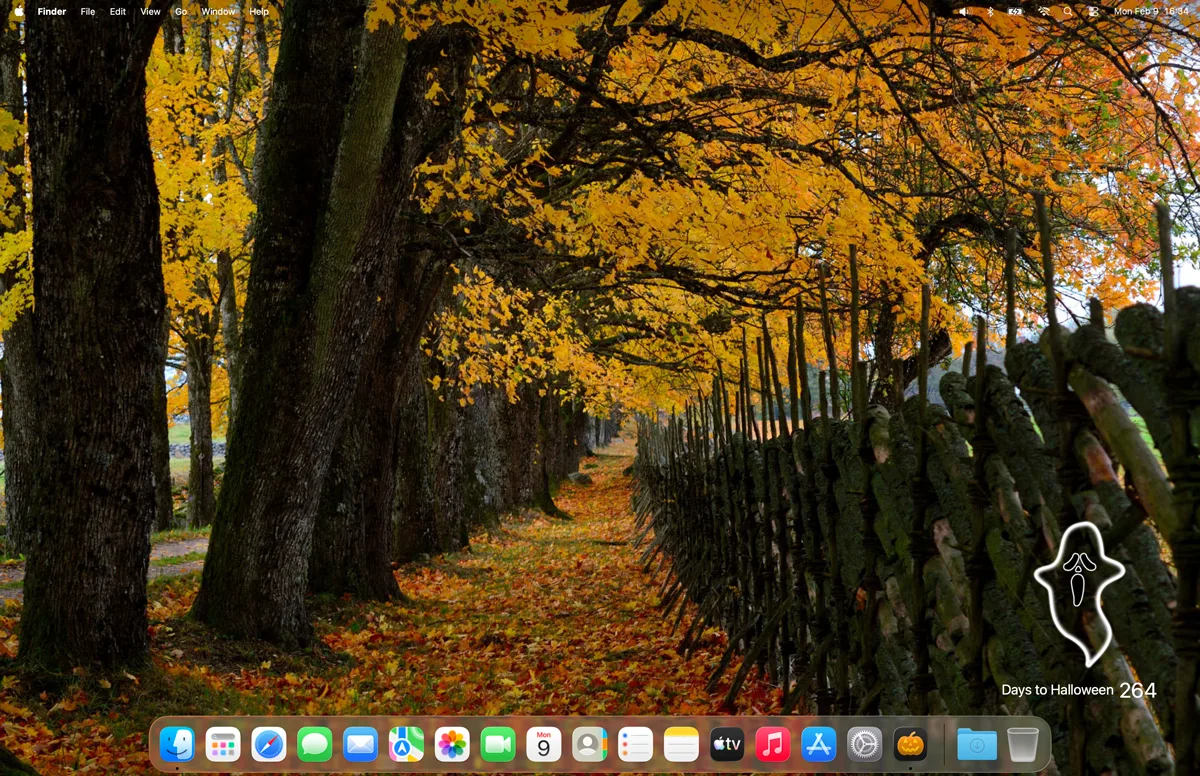
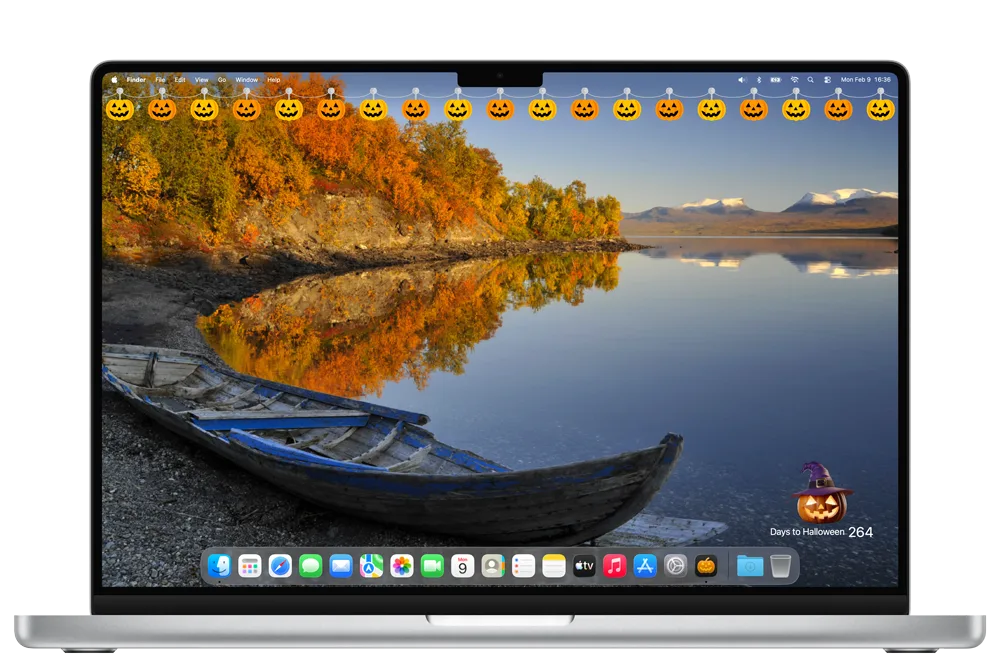
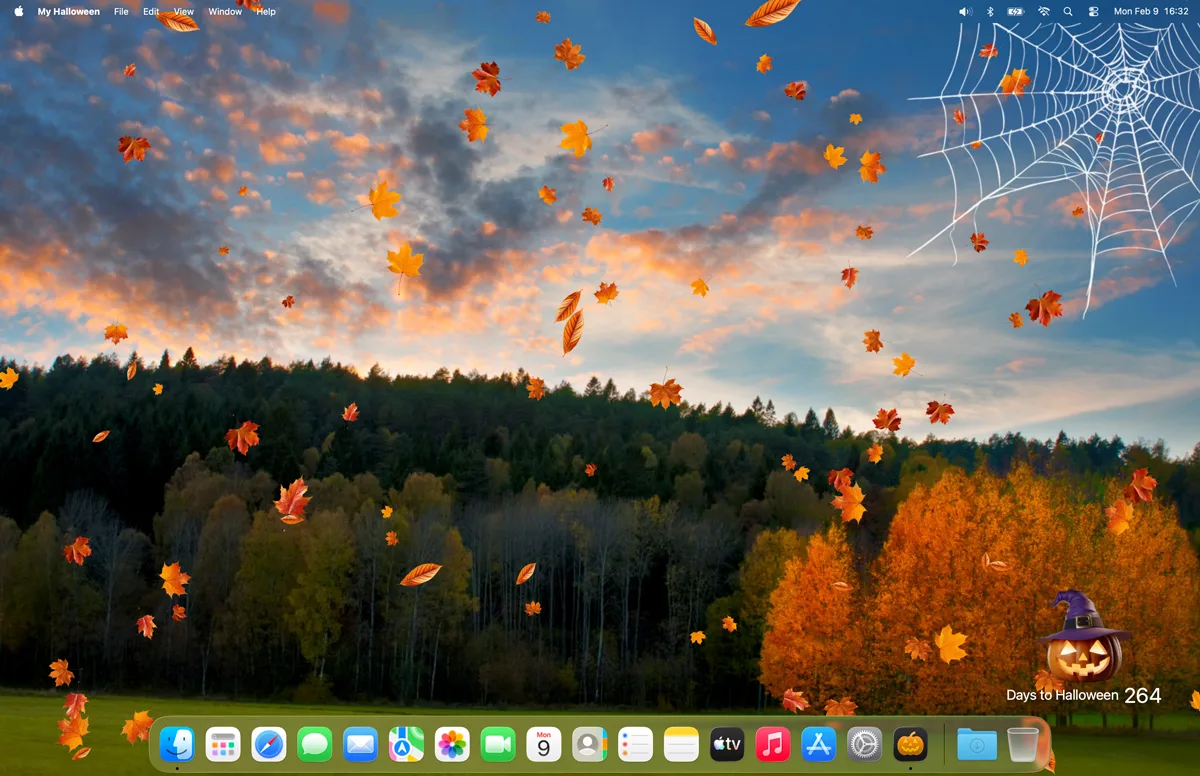
The My Halloween app is available across multiple platforms, offering a unique experience on each device. Customize your Halloween countdown with your favorite cute or spooky character and enhance your desktop with festive Halloween decorations and glowing lights. Choose between pumpkins, ghosts, or classic autumn themes to match your style and create a fun Halloween atmosphere on your computer.

Features

My Halloween with the cute plush Halloween Bunny
My Halloween with the spooky desktop with Halloween pumpkin
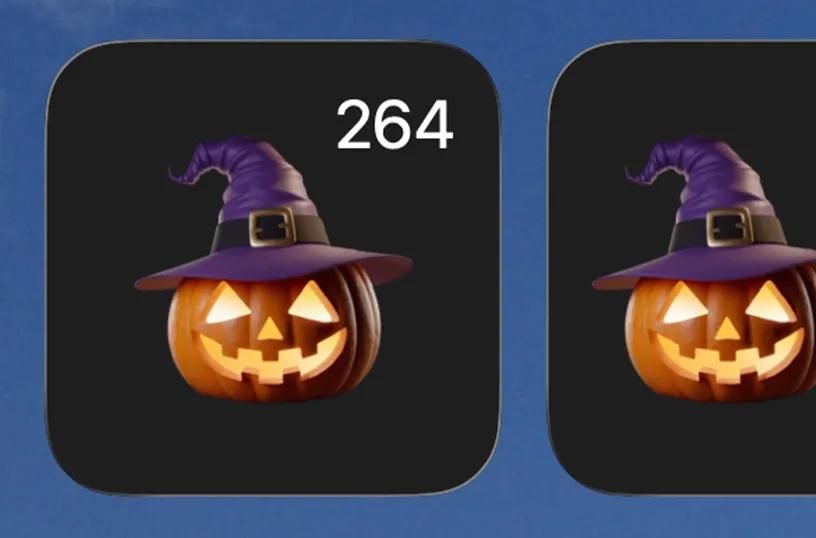
My Halloween with a scary Halloween pumpkin
My Halloween with a neon Halloween pumpkin
My Halloween with a spooky ghost
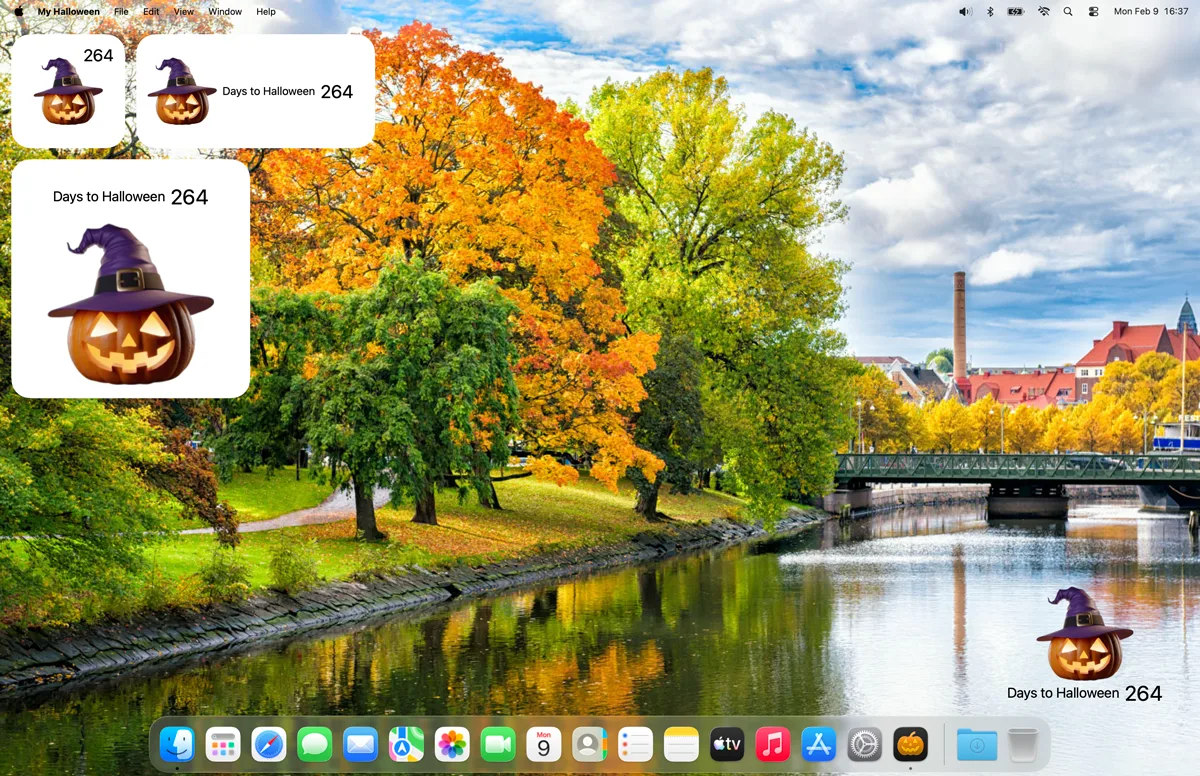
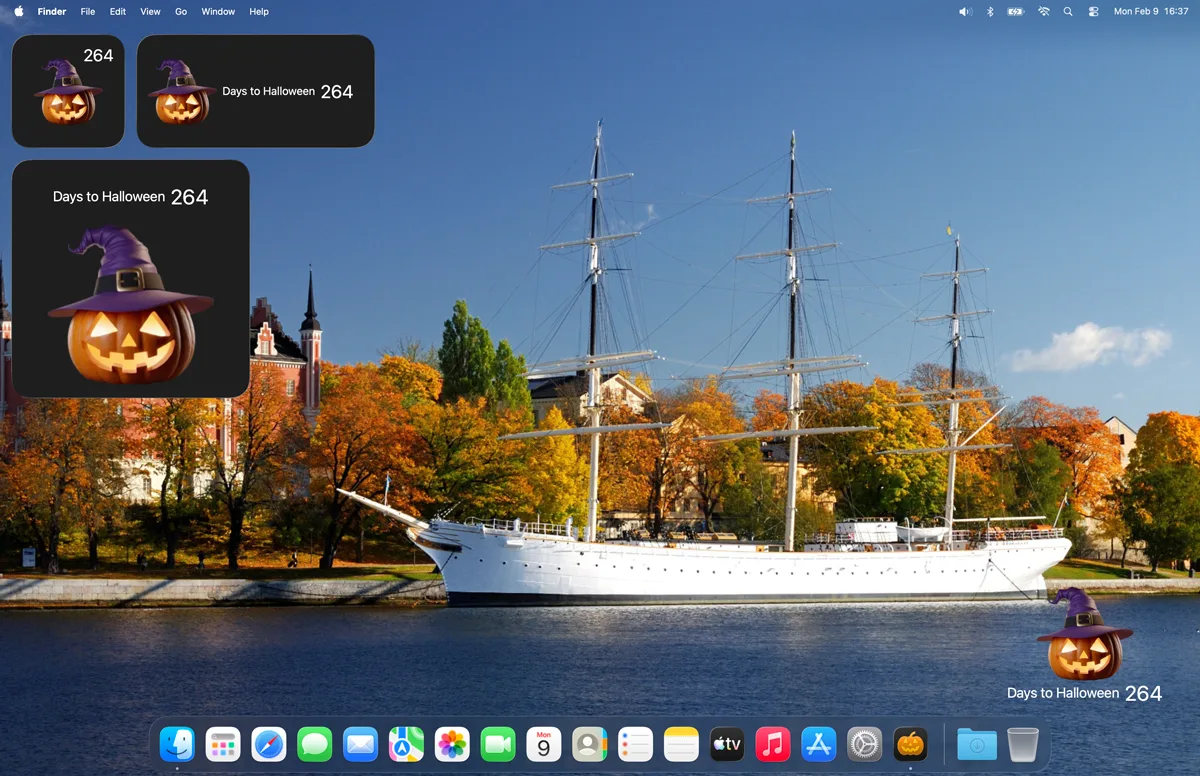
My Halloween macOS Widget dashboard
macOS widgets on your desktop including the My Halloween widget
My Halloween animated lanterns
Support widget in Dark Mode desktop
1 /

Grave Stone

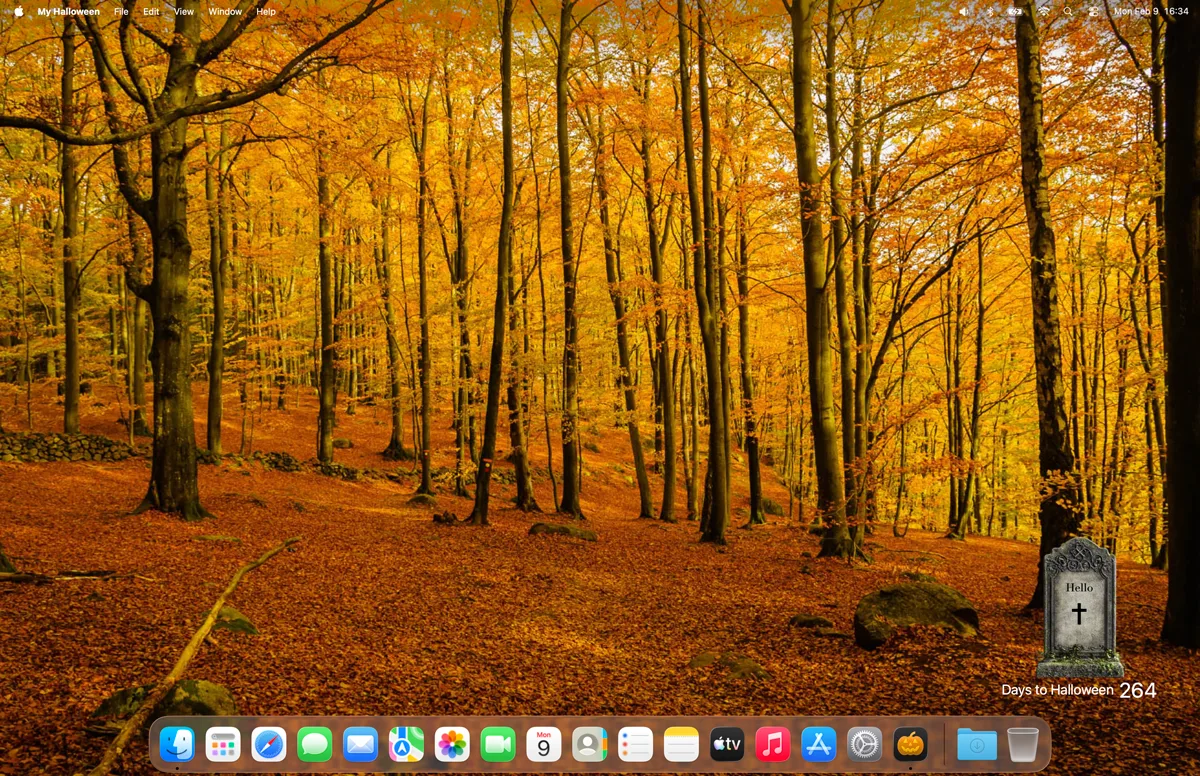
My Halloween Grave Stone
You can choose for the Grave Stone and customize it with your name

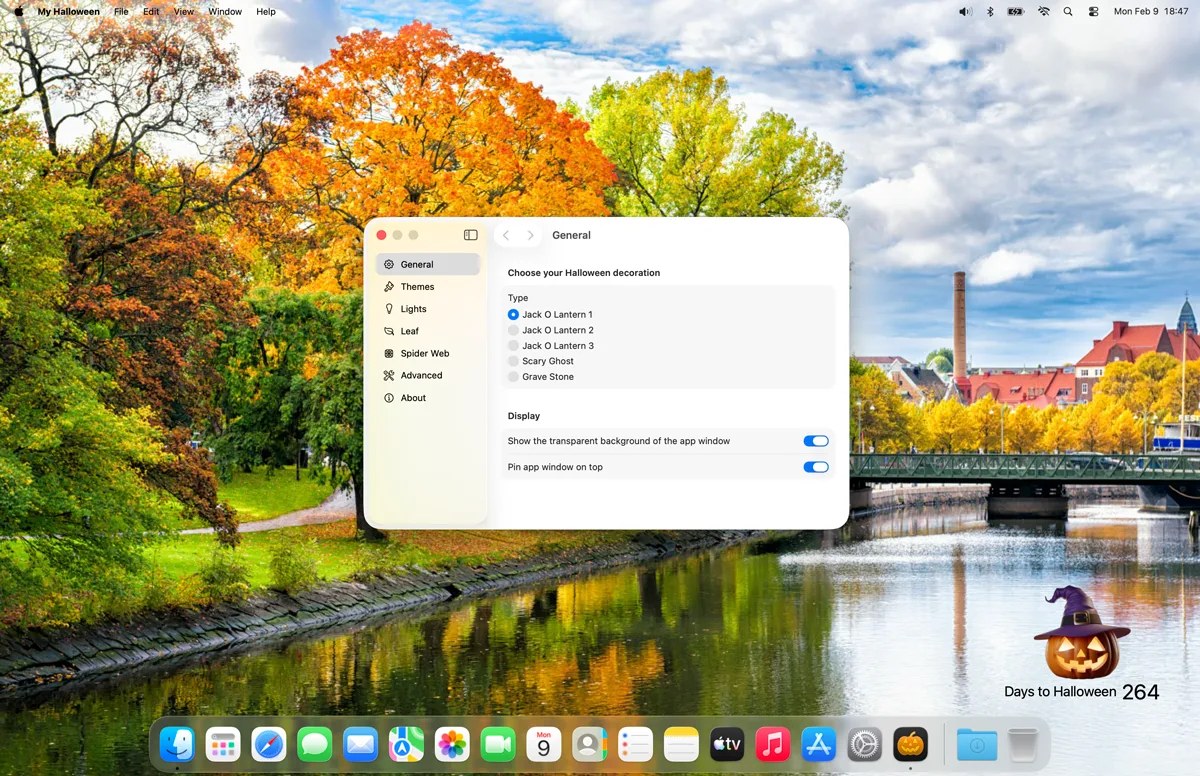
Settings Window

My Halloween Settings Page

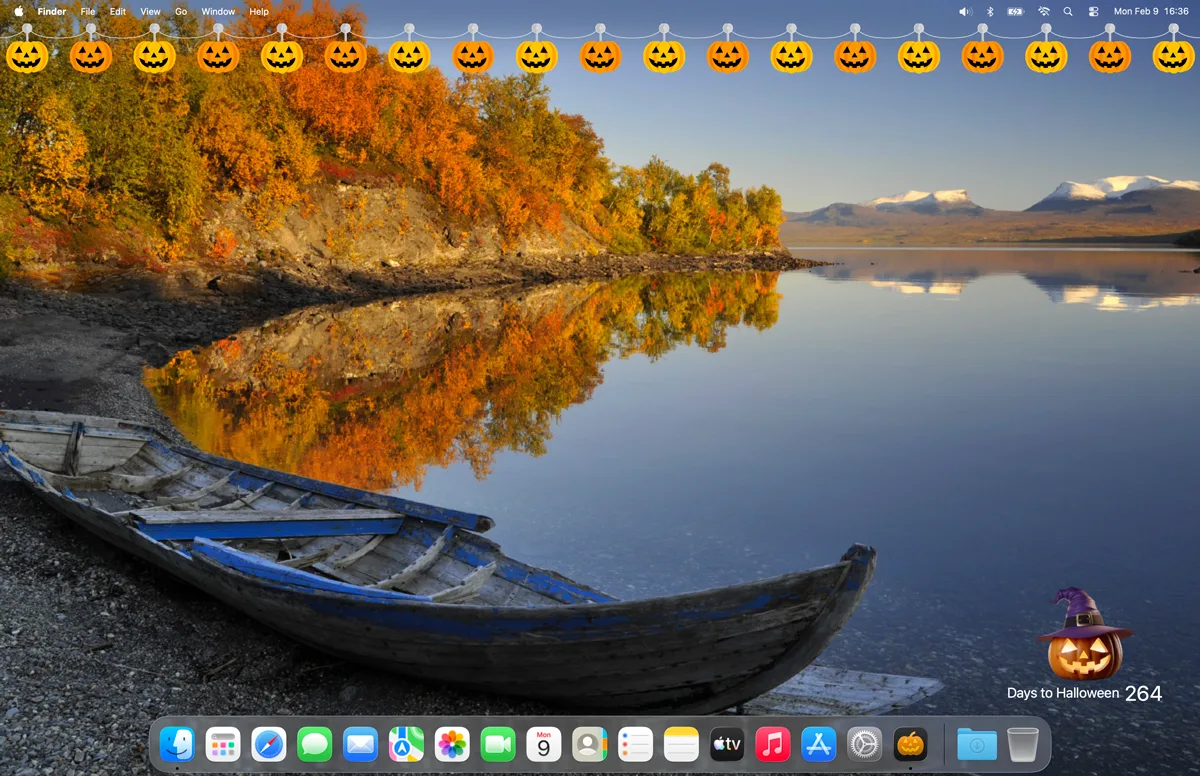
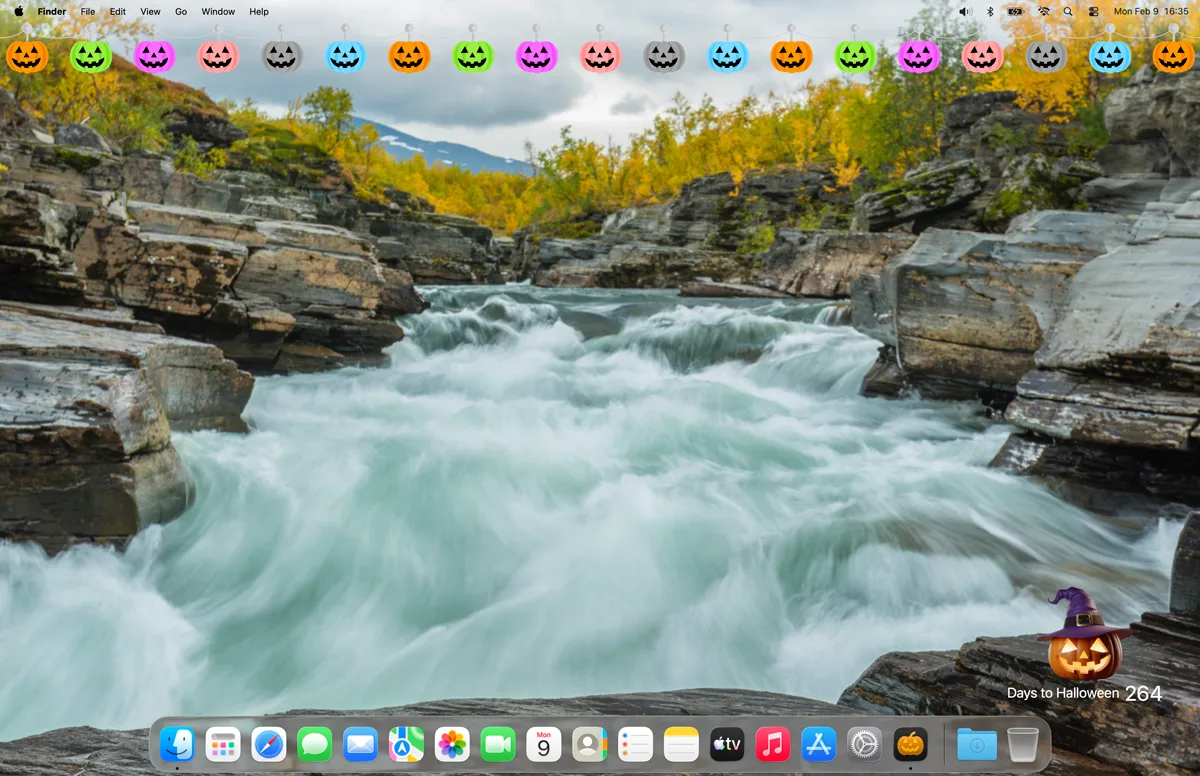
Desktop Halloween Lights

Halloween lights with orange pumpkins on your macOS desktop
Halloween lights with colorful pumpkins on your macOS desktop

Choose your Halloween Character

You can choose up to three cute Halloween characters to display on your desktop, along with a countdown showing how many days remain until Halloween.
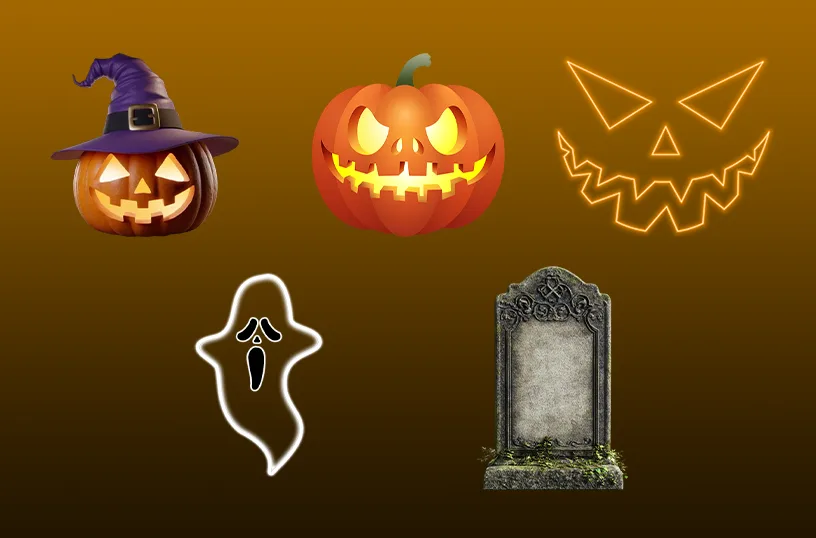
Different Halloween character

Support Light and Dark Mode

Get an appearance that matches your chosen OS setting. When your system is in dark mode, you will see a dark-themed countdown window and widget. In light mode, a bright and clean style is applied automatically.
Support Light and Dark Mode theme

Get My Halloween app

Download the My Halloween app and start counting down to Halloween in a fun and spooky way. See exactly how many days remain until Halloween, and customize your countdown with scary Halloween characters and decorative seasonal effects. Add a touch of spooky magic to your desktop as Halloween approaches.


Get My Halloween from the Microsoft Store Get My Halloween from the Apple Mac App Store
Compatible with Windows 11, macOS 14 or later, iOS 26, iPadOS 26, watchOS 26, tvOS 26, and visionOS 26.