Table of Contents
Today marks an exciting milestone with the launch of new Safari extensions. My full suite of browser extensions is now officially available for the Safari web browser through the Apple App Store. Even better, these Safari extensions work seamlessly across macOS, iOS, iPadOS, and visionOS, bringing powerful and practical tools to Safari users on every Apple platform.
Safari is known for its speed, efficiency, and privacy-first approach, and these Safari extensions are designed to enhance that experience without getting in the way. Whether you are working, reading, watching videos, or just browsing for fun, these tools give you more control over how the web looks and behaves, right from your Safari browser.
Let us take a closer look at what is now available.
Proper Menubar
Proper Menubar for Safari is all about simplicity and accessibility. This Safari extension brings back the classic menu bar just below the address bar, making it easy to access essential actions from a clean, well-organized menu. Furthermore, it is especially handy on iPad and Apple Vision Pro, where quick and intuitive access to browser controls really matters.
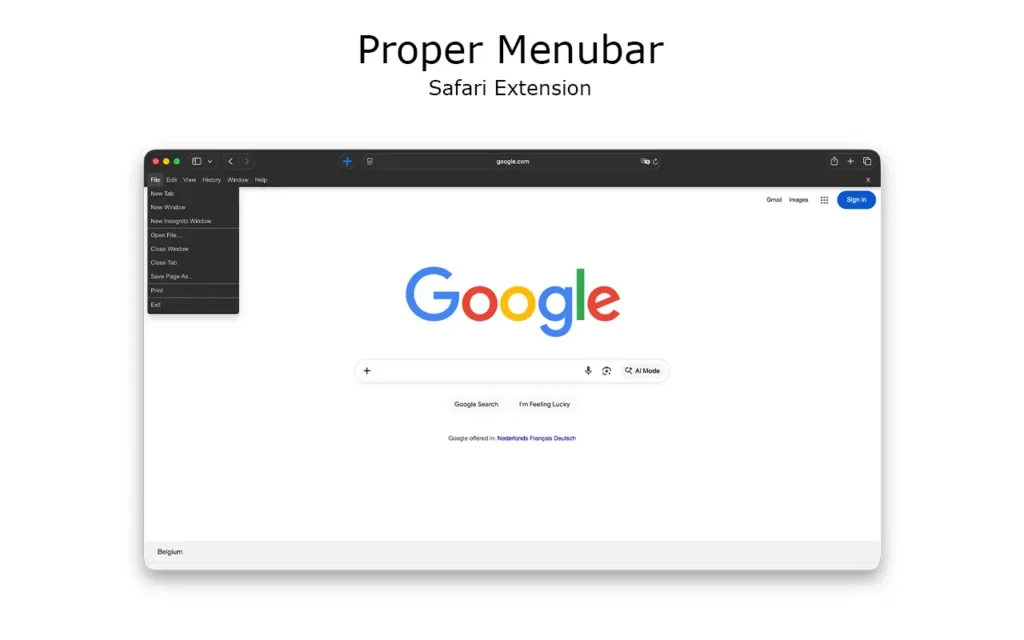
Optionally, you can switch the menu to a Google products bar, giving you instant access to your favorite Google services such as Google Docs, Google Forms, and Gmail. You can also customize the background color and the menu title text color to match your personal style.
Font Size Increase & Font Size Decrease
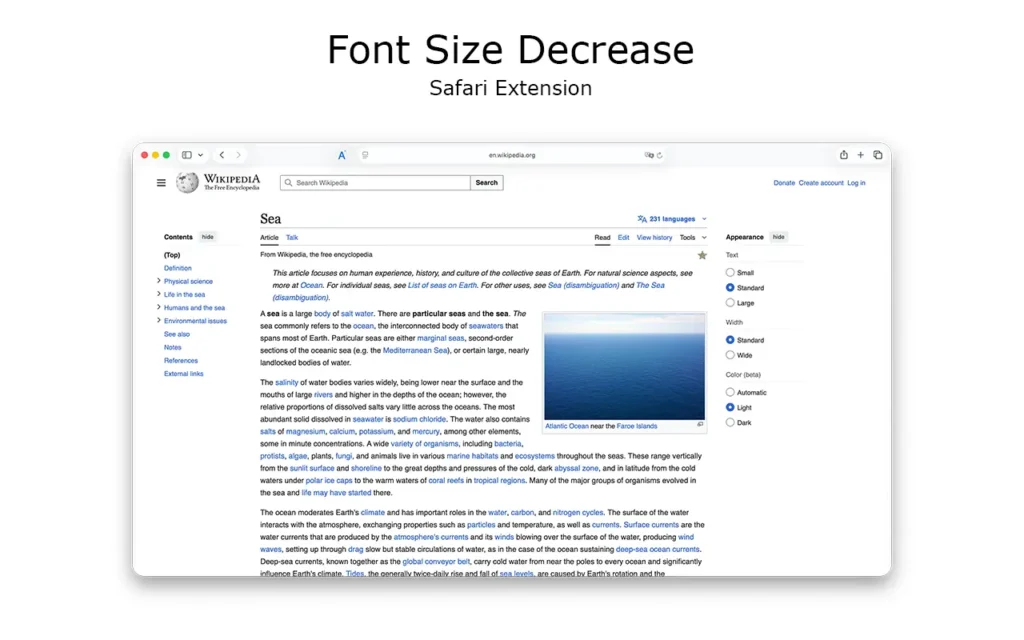
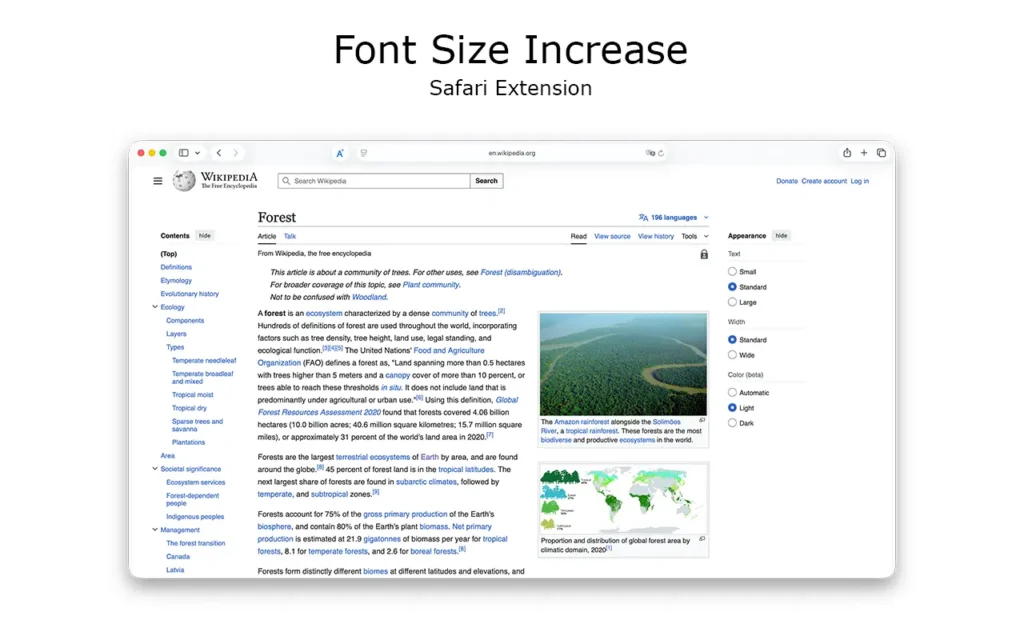
Reading on the web should be comfortable for everyone. With Font Size Increase and Font Size Decrease, you can instantly adjust text size on any website with a single click. That is on any website, no page reloads, no complex settings. These Safari extensions are perfect for long articles, documentation, or late-night reading when your eyes need a break. They also help improve accessibility, making Safari more adaptable to different visual needs across all Apple devices.
Rotate that Video Player
Have you ever watched a video that is stuck in the wrong orientation? Rotate that Video Player for Safari solves that problem with a single click. Whether a video is sideways, upside down, or just not aligned the way you want, you can rotate it instantly. This is especially helpful for embedded videos, online courses, or user-generated content that was not formatted correctly.
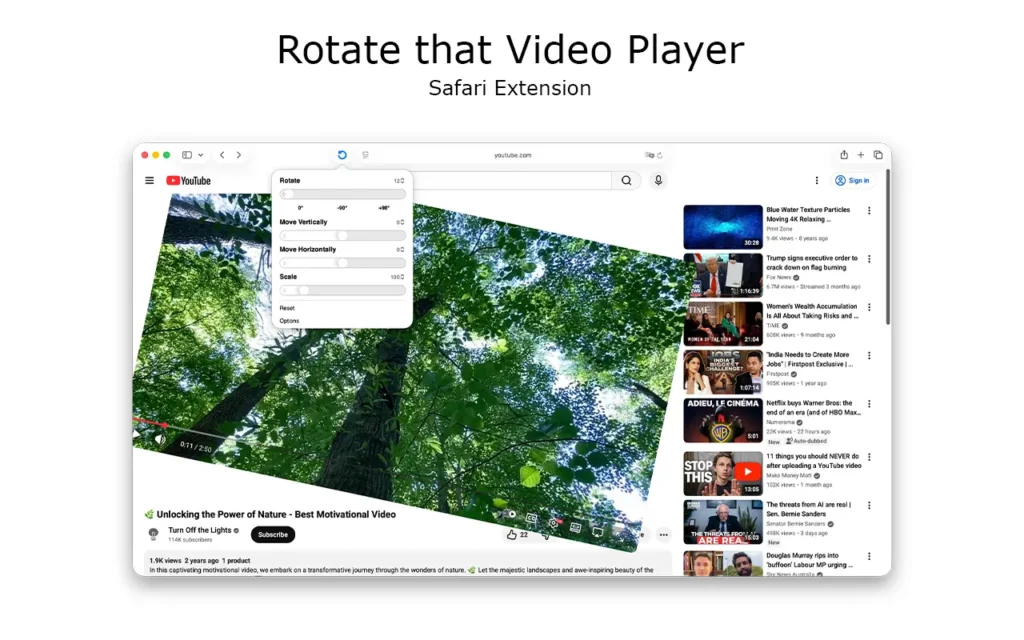
Besides changing the rotation of any HTML5 video, you can also resize the video and move it freely, up, down, left, or right, for the perfect viewing experience.
Printing web pages should not be complicated. The Print for Safari extension provides a fast and reliable way to print the current page directly from Safari. No extra steps, no confusion, just a straightforward print action that works consistently across platforms.
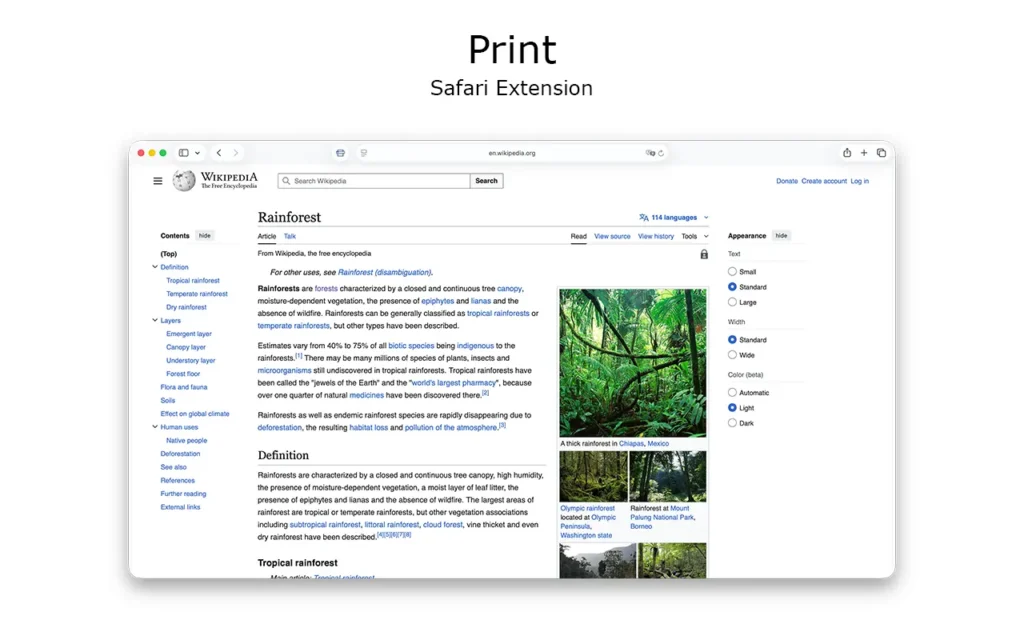
It is ideal for students, professionals, and anyone who values a clean paper copy of important content. With a single click, you can print the current web page. Double-tapping the print icon opens an additional menu panel where you can choose to print in black and white or color, or save the web page as a file.
Snow
Not every Safari extension has to be purely functional, sometimes browsing should be fun. Snow for Safari adds a delightful visual effect to your web pages, creating a subtle snowfall that brings a bit of joy and personality to your browsing experience. It is lightweight, optional, and perfect for the holidays or whenever you want to add a touch of creativity to the web.

Built for the Apple Ecosystem
One of the greatest strengths of these Safari extensions is their broad platform support. They work seamlessly on macOS, iOS, iPadOS, and visionOS, so you get a consistent experience whether you are browsing on a Mac, iPhone, iPad, or exploring the web in Apple’s newest spatial computing environment. Each extension is carefully designed to feel native, secure, and efficient, fully aligned with Apple’s guidelines and Safari’s performance standards.
What makes these Safari extensions even more special is that they are completely FREE and Open-Source. I am the only developer sharing the full source code on GitHub, giving anyone the ability to review, learn from, or even contribute to the project. No other developer has done this for Safari extensions, making this a truly unique opportunity for transparency and collaboration.
Try Them Today
These Safari extensions are designed to make browsing more usable, accessible, and enjoyable. Whether you want better readability, smarter controls, improved video handling, or just a touch of visual fun, there’s something here for everyone.
You can download all of them today from the Apple App Store and start enhancing your Safari experience immediately. Everything is free, Open-Source, and built with care. If you enjoy these Safari extensions and want to support ongoing development, please consider making a small contribution. Publishing apps on the Apple App Store costs €100 per year, and your support helps me continue improving and expanding these tools for everyone.
