[Skip navigation links]
Stefan vd
Windows App

Think Ahead, Connect Four,
Claim Glory

Introducing the Four-in-a-Row app is a timeless classic reimagined for the digital age! This beloved strategy game is now available on Windows, bringing you hours of fun and challenge as you test your skills, plan your moves, and try to outsmart your opponent.
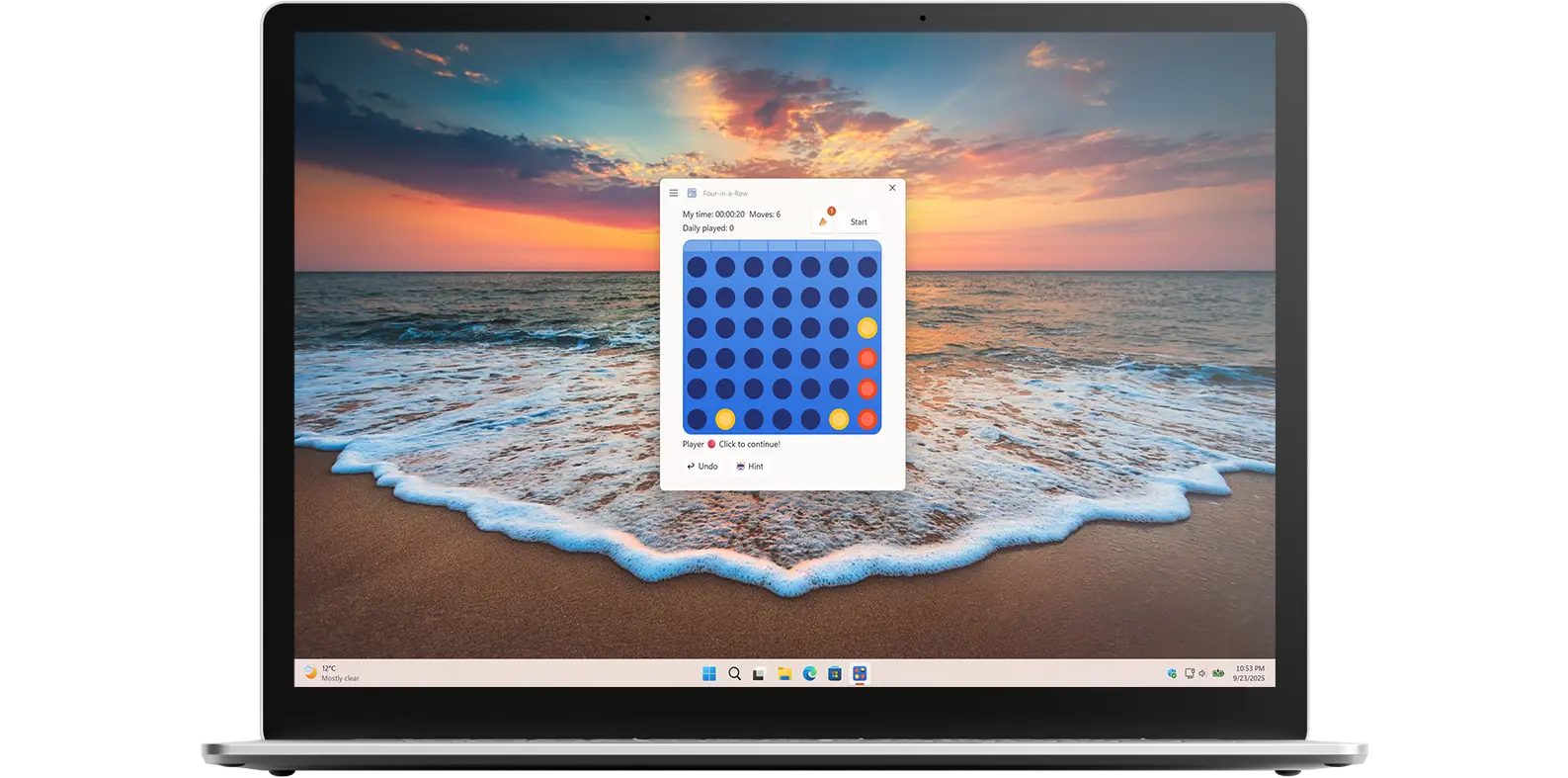
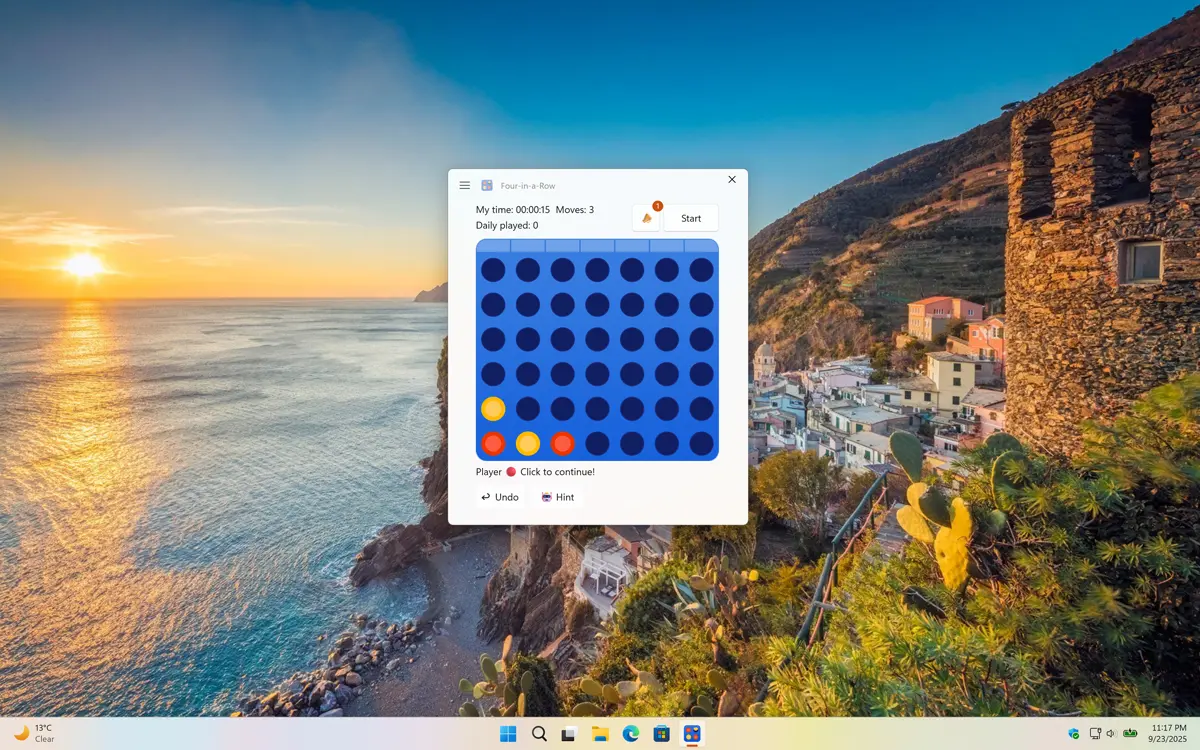
Four-in-a-Row app on all devices

Get a quick view of Four-in-a-Row Windows app

What does this app do?

Classic strategic game

Four-in-a-Row puts your wit and tactical skills to the test. In this timeless game, your objective is simple yet challenging: be the first to connect four of your colored discs in a row either horizontally, vertically, or diagonally.

Why Use Four-in-a-Row?

Sharpen your strategic thinking

Four-in-a-Row is more than just a game. It is a fun way to challenge your mind and sharpen your strategic thinking. Whether you are looking for a quick mental break, a way to improve problem-solving skills, or a classic game to enjoy with friends and family, Four-in-a-Row delivers endless entertainment. Its simple rules make it easy to pick up, while the tactical depth keeps every game exciting and unpredictable.

Features

Four-in-a-Row Classic Game
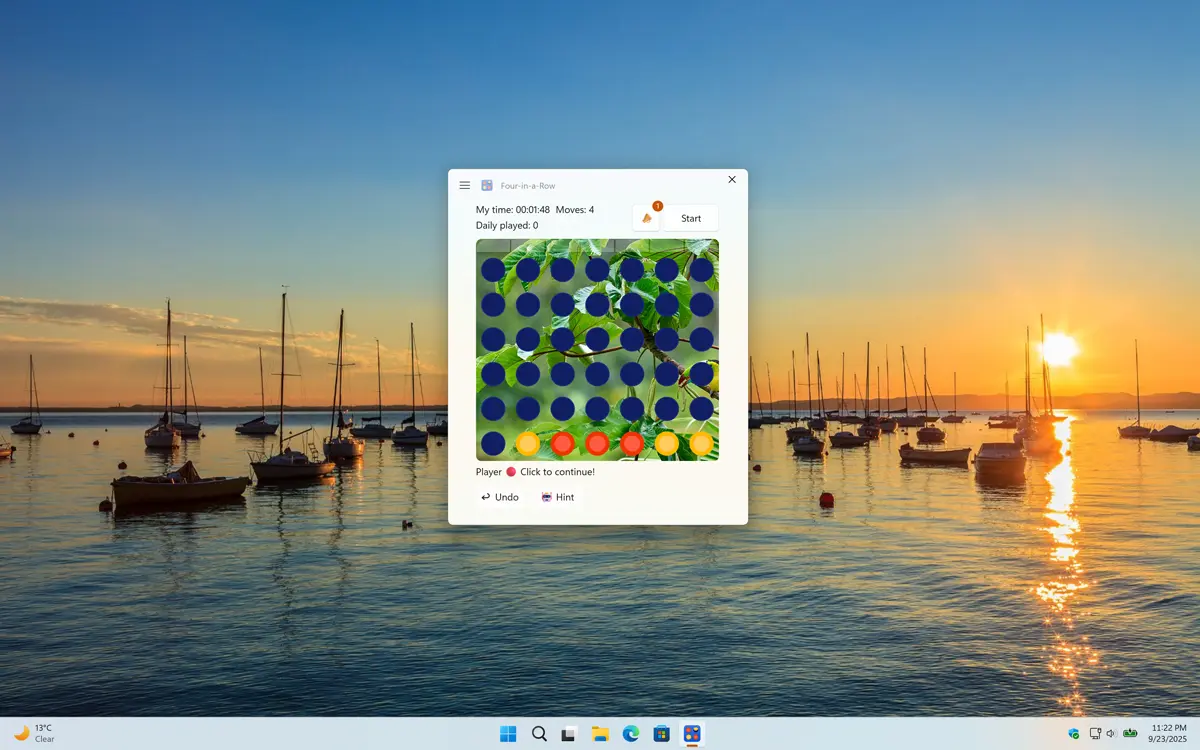
Custom Background that with Bing Wallpaper
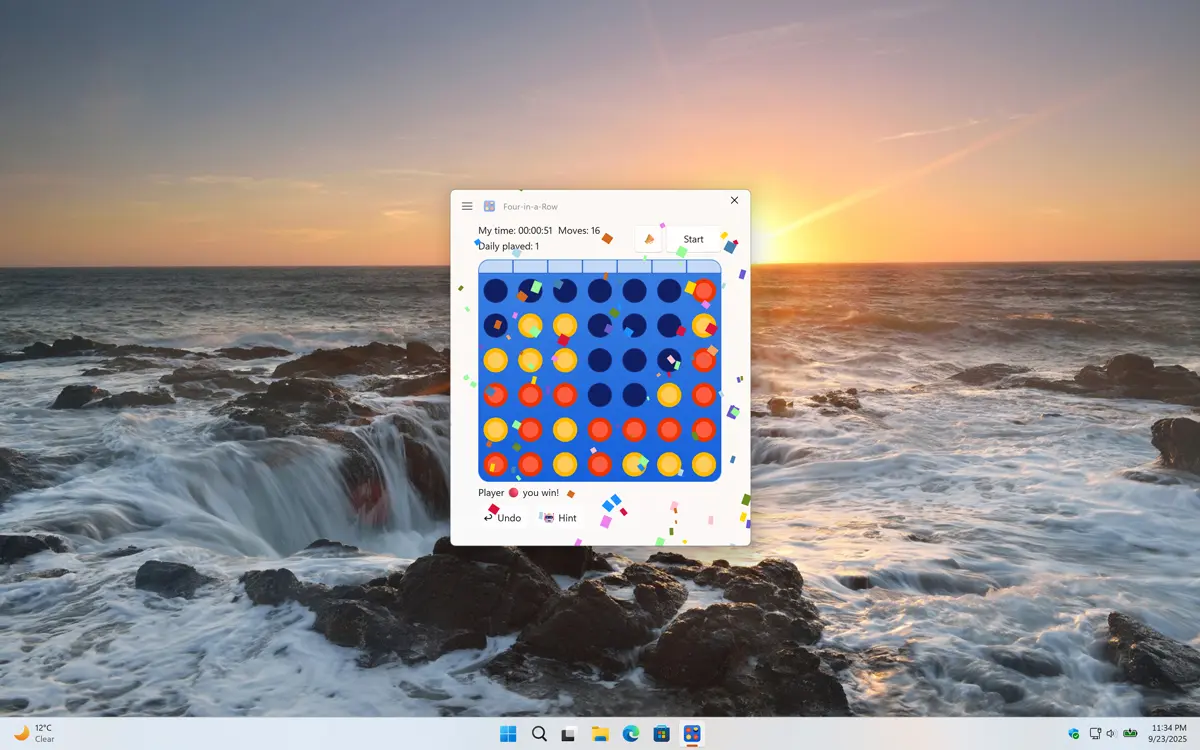
Four-in-a-Row won the game
Beat the component, you will see confetti falling down.
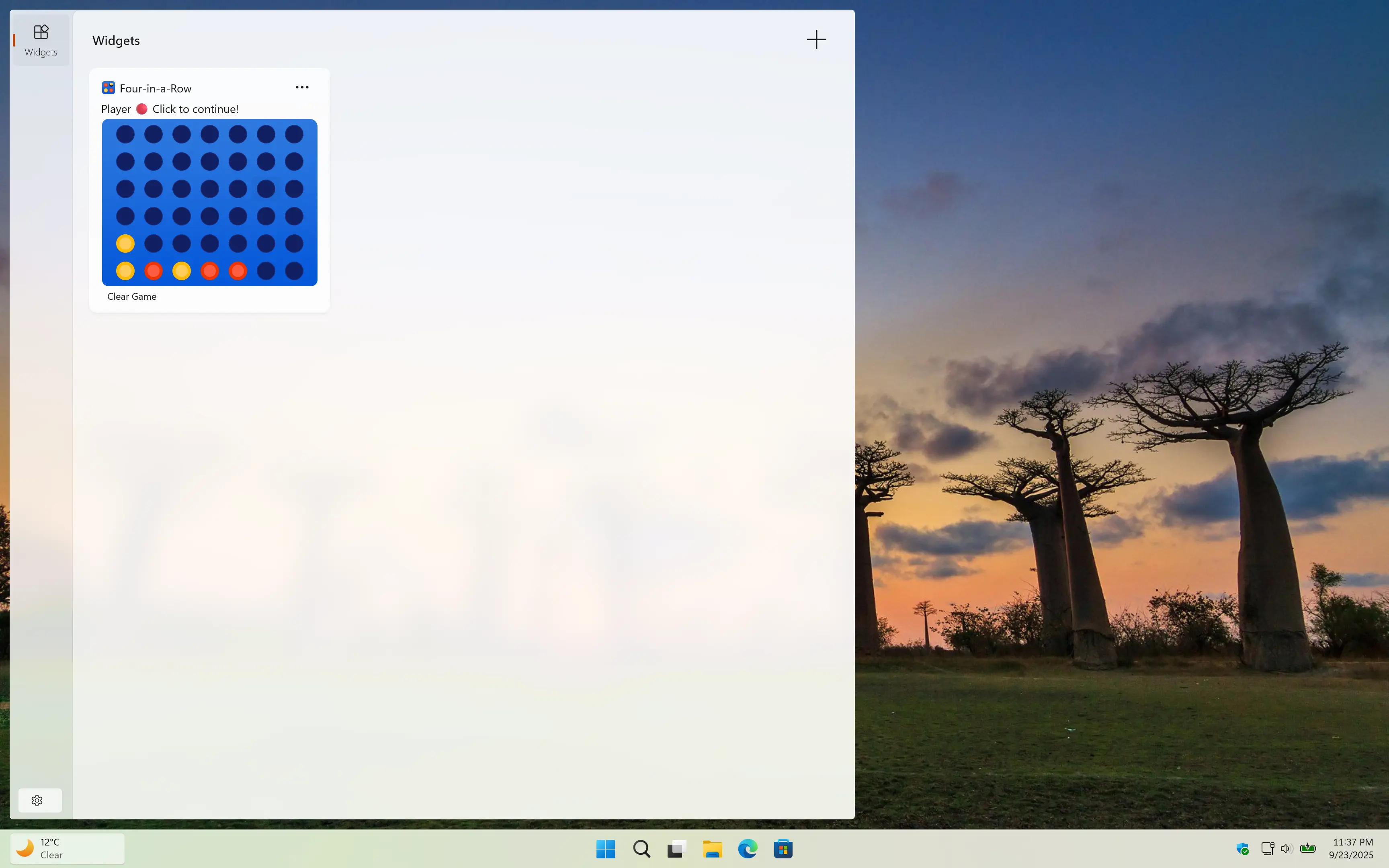
Four-in-a-Row Windows 11 widget
The Four-in-a-Row Game is also available as Windows 11 widget.
1 /

Settings

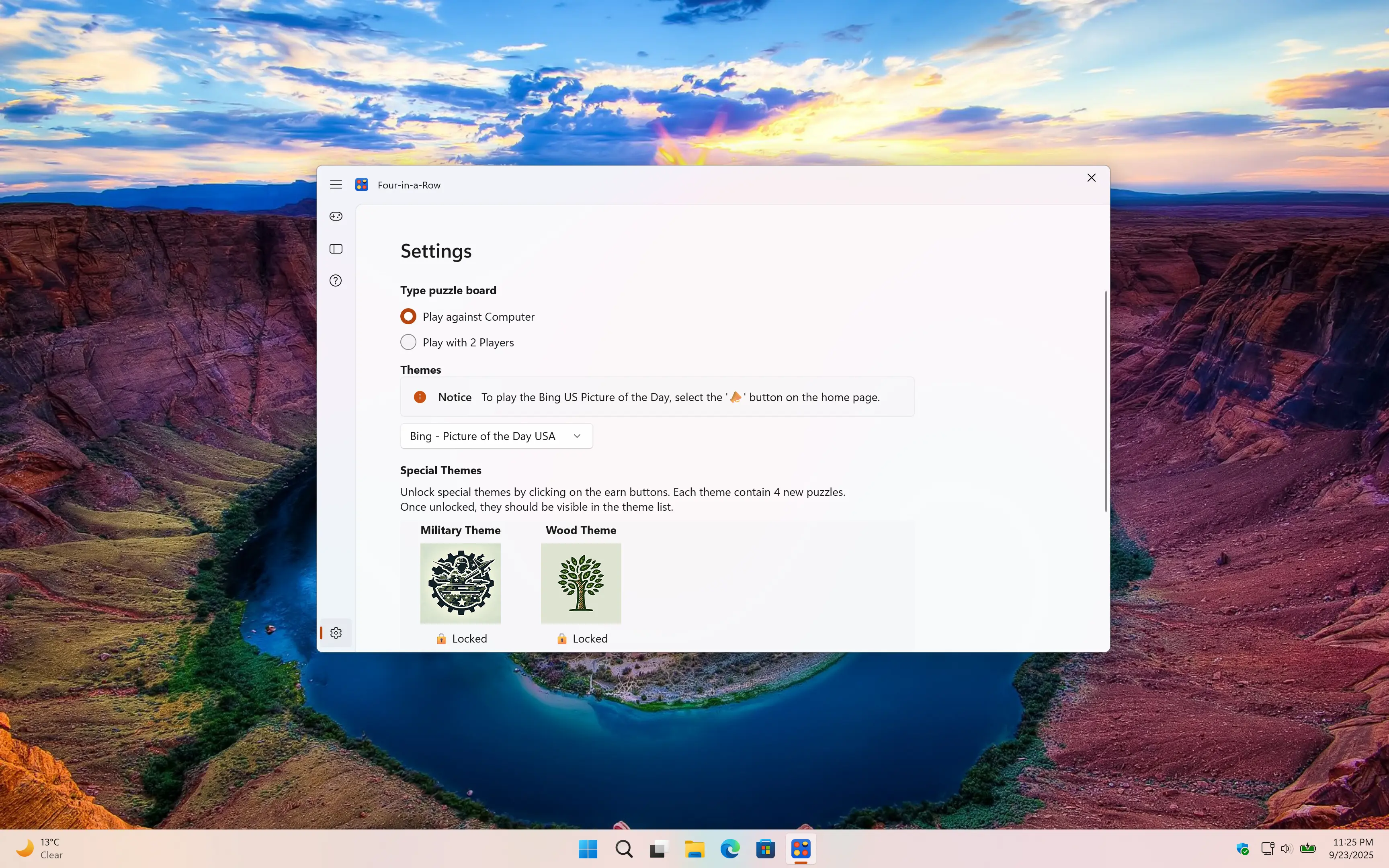
Customize the experience of the Four-in-a-row game

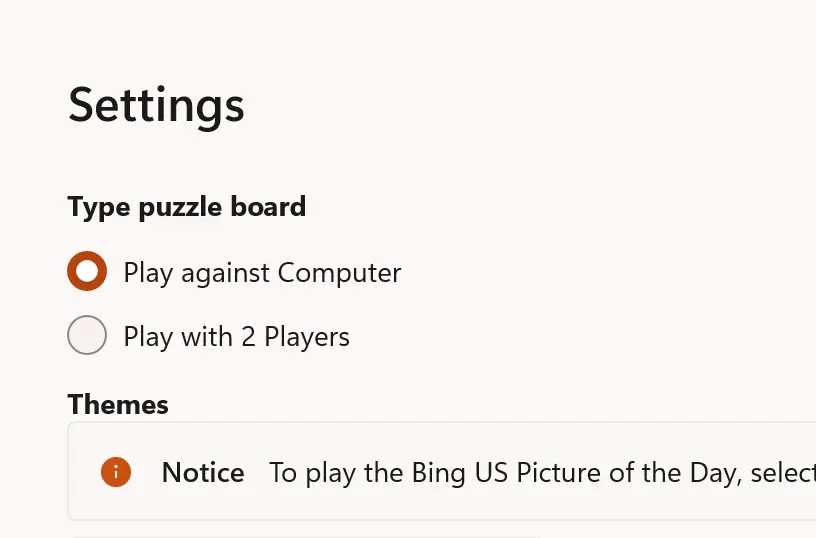
Player Type

You can choose whether you want to play against a friend for a fun head-to-head challenge, or test your skills against the AI computer, which will give you a real strategic workout. No matter which option you pick, every game is a chance to sharpen your thinking and enjoy the excitement of Four-in-a-Row.

Word of the Day Statistics

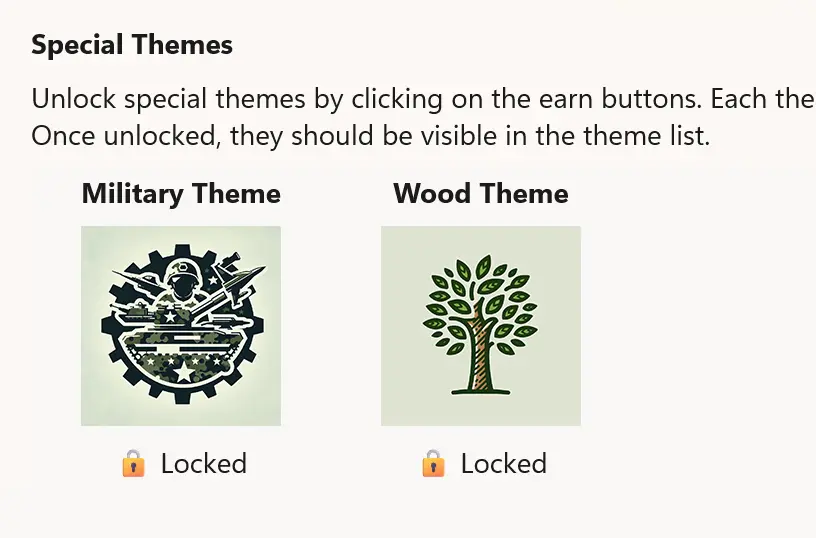
Customize Theme

Play and customize your experience by choosing the theme you want for your game board, from a bold Military theme to a classic Wood design, making the game feel truly personal to you.

Four-in-a-Row custom theme

Get Four-in-a-Row app

Download the Four-in-a-Row app and enjoy a fun, timeless strategy game right on your device. Challenge yourself, compete with friends, and experience hours of engaging gameplay. So, what are you waiting for? Get Four-in-a-Row today and start playing anytime, anywhere!

Get Four-in-a-Row from the Microsoft Store
Compatible with Windows 11.

Frequently Asked Questions

Have questions about the Four-in-a-Row app? Check out our FAQ section below for answers to common queries. If you need further assistance, feel free to contact our support team.

What is Four-in-a-Row?

The Four-in-a-Row app is a Windows 11 app and Windows 11 widget that brings the classic Connect Four game directly to your desktop. It allows you to challenge friends or play against AI at various difficulty levels, offering a fun and strategic experience. Designed for quick, casual play, it is available for free on the Microsoft Store.

Can I install it on many devices?

Four-in-a-Row’s installation limits depend on the platform and licensing:

A Microsoft Store purchase can be installed on multiple Windows machines, up to 10 devices per Microsoft account.

Can the blue theme background be changed?

Yes, you can even choose to use the Bing Wallpaper of the Day as your Four-in-a-Row background.

Can I undo my last move in the Four-in-a-Row game?

Yes, below the Four-in-a-Row board, you can click 'Undo' to revert your last move.

Do you support a Windows 11 widget?

Yes! You can also play the Four-in-a-Row game in the Windows 11 widget.