Introduction
On this help page, you will find steps on how to stop your subscription service. So you will not be billed for the next month or yearly subscription.
Steps to unsubscribe
Follow the steps below to unsubscribe from the monthly or yearly Windows app:
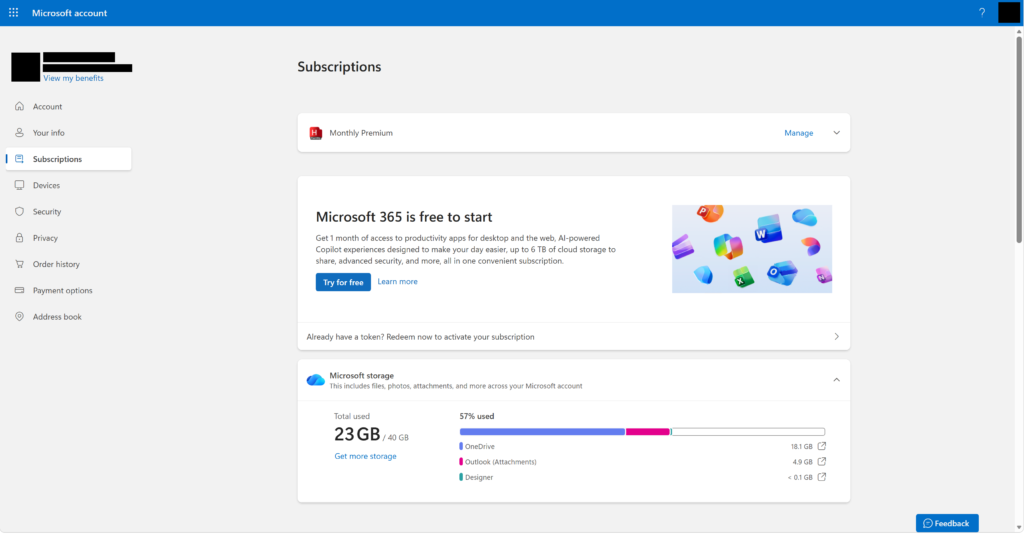
- Go to your Microsoft account subscriptions list.
- At the Headly subscription box. Click on the Manage button.
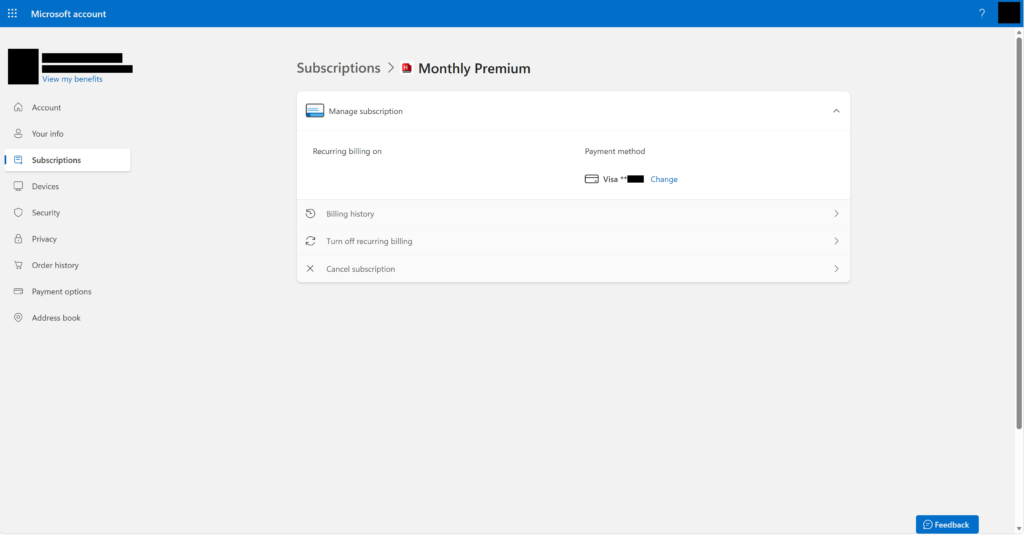
- Then click Cancel subscription button to end your subscription
This includes features such as the Headly AI Audio feature and multiple RSS support.
Windows 11 applications that support ‘Monthly’ and ‘Yearly’ subscription:
- Headly – AI Summary
