[Skip navigation links]
Stefan vd
Windows App

Play, Sound, and
Relax

Media Player, Apple Music, Spotify, Deezer, and YouTube Music

Introducing the S Media Controls app that can control all your media files from Apple Music, Spotify, YouTube Music, Deezer, or the default local media player application.
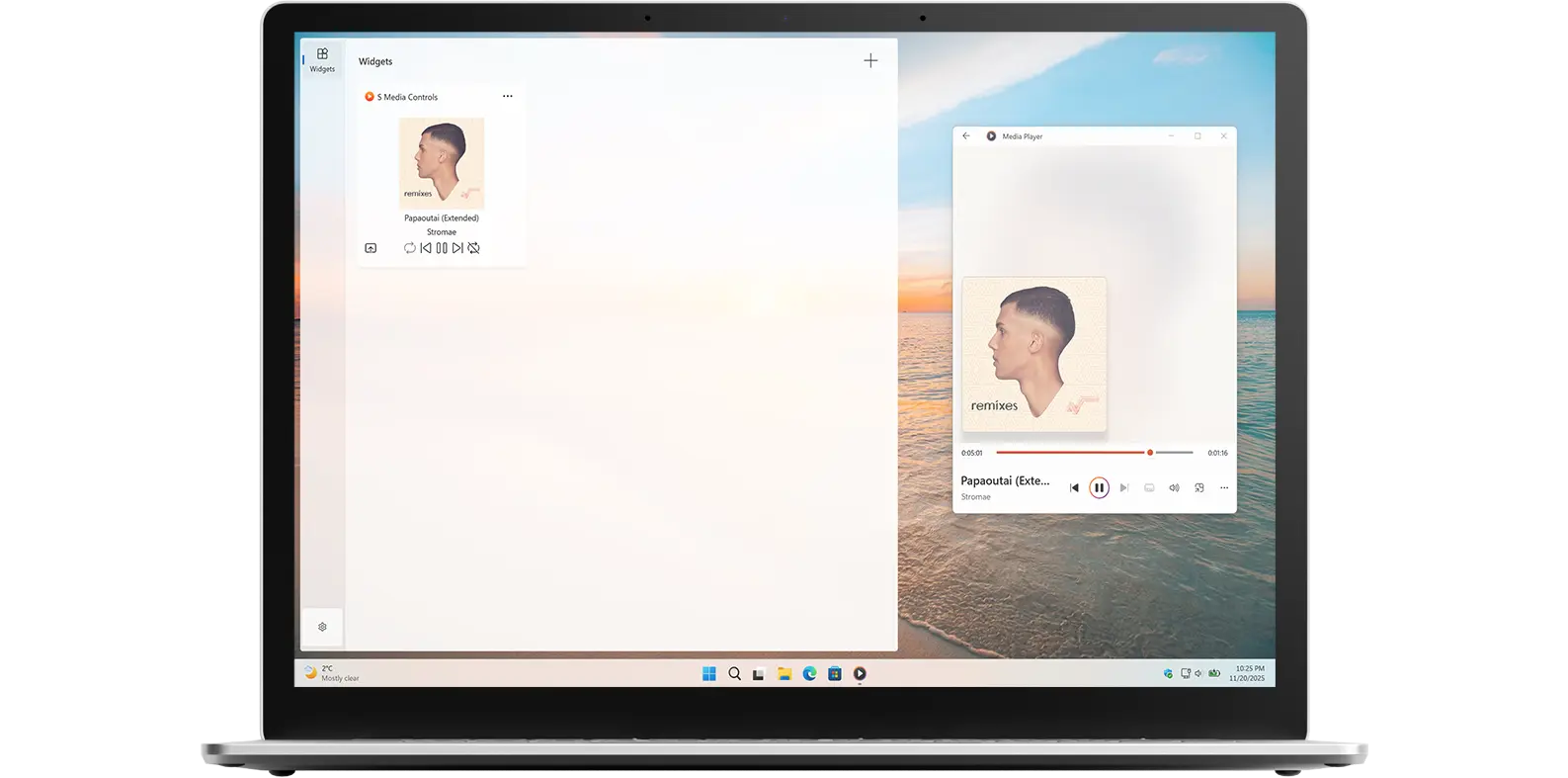

S Media Controls app on all devices

What does this app do?

Control your media

S Media Controls allows you to control your media from the app and the Windows 11 widget panel. So whether you are playing music from Spotify, Apple Music, or even offline media from your Media Player app, you can see the currently playing media title and artist name, making it easy to manage playback without switching apps.

Why Use S Media Controls?

Universal Remote

It is the universal remote for all your media. In addition to that, you can play, pause, go to the previous song, go to the next song, mute the audio, and open the media player application.

Features

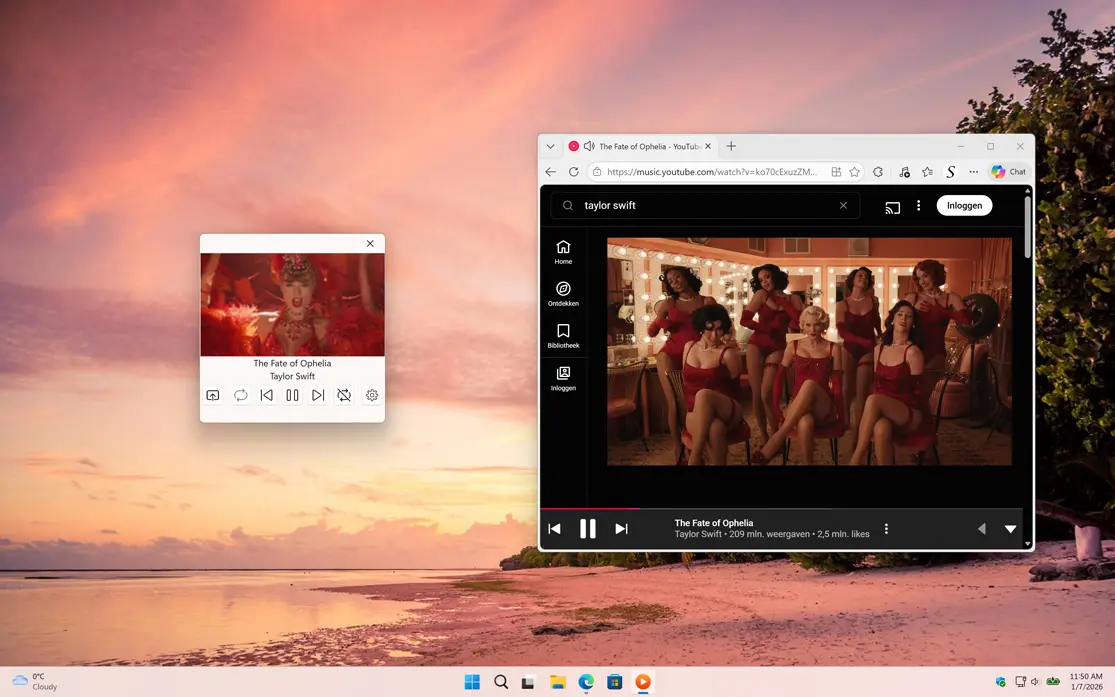
S Media Controls Windows app from YouTube Music
Control the audio from YouTube Music
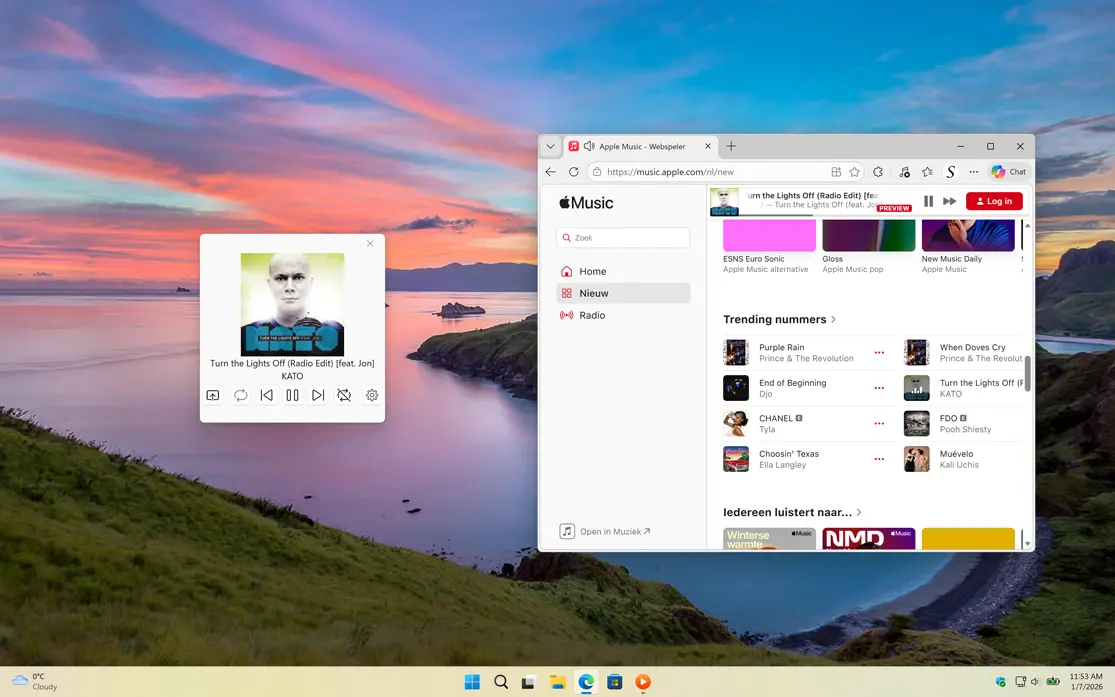
S Media Controls Windows app from Apple Music
Control the audio from Apple Music
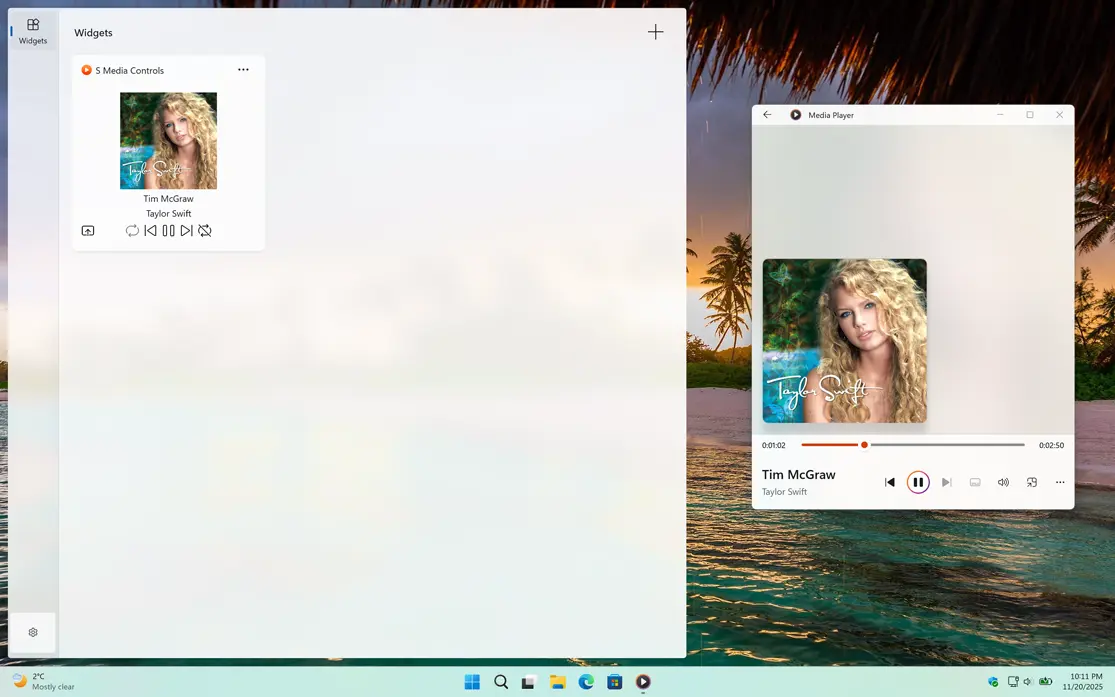
S Media Controls Music Taylor Swift
S Media Controls Music Taylor Swift with the default media player
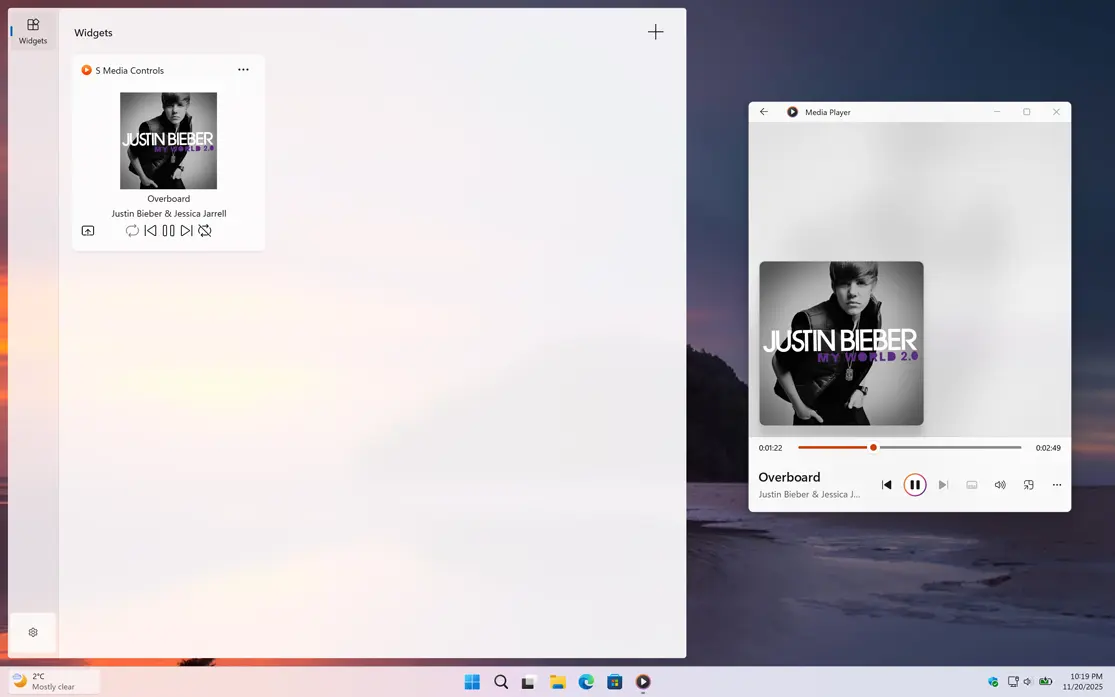
S Media Controls Music Justin Bieber
S Media Controls Music Justin Bieber with the default media player
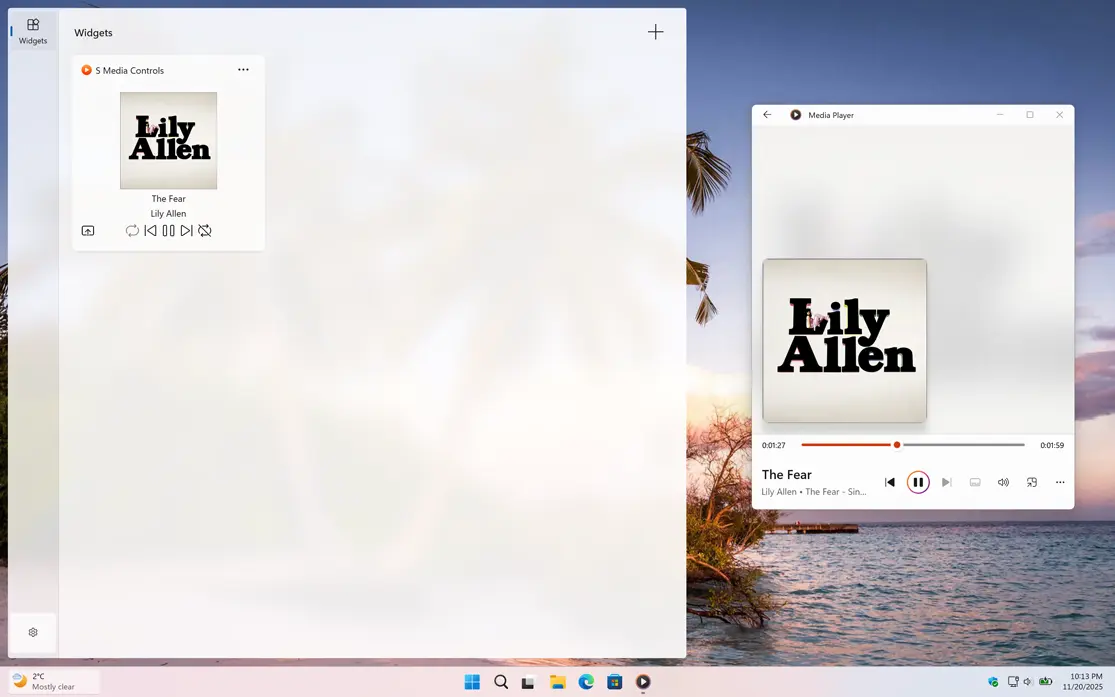
S Media Controls Music Lily Allen
S Media Controls Music Lily Allen with the default media player
1 /

Settings

Customize the experience of the S Media Controls app
Customize S Media Controls app in settings page

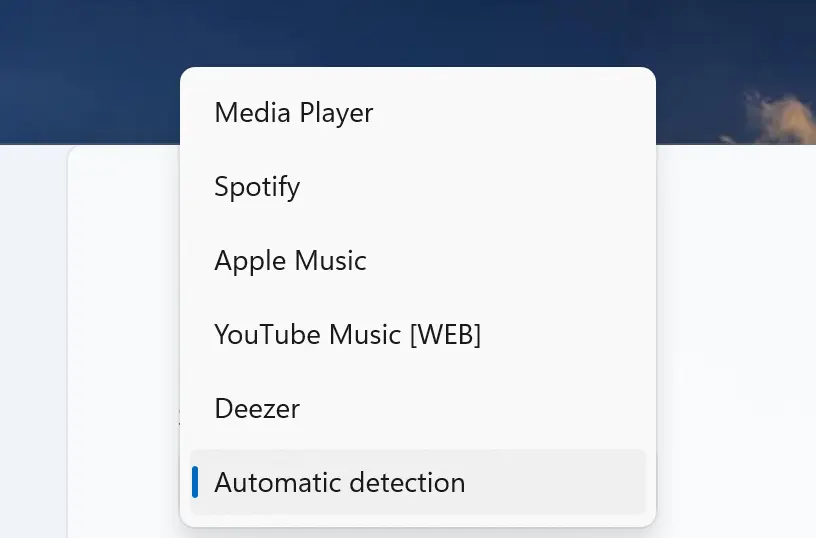
Media Source

On the Settings page, the default option is set to Automatic, which means the app detects all currently playing media and displays the most active one in both the application and the widget. You can also choose to display only a specific player if you prefer. Supported players include Media Player, Apple Music, Spotify, Deezer, and YouTube Music.

Word of the Day Statistics

Get S Media Controls app

Download the S Media Controls app to control your music from Spotify, Apple Music, or even offline media in your media player. You can easily view the currently playing track, including the title and artist name. Get S Media Controls today and start playing anytime, anywhere!

Get S Media Controls from the Microsoft Store
Compatible with Windows 11.