[Skip navigation links]
Stefan vd
Windows App

OneLumi
Overview of your IoT devices

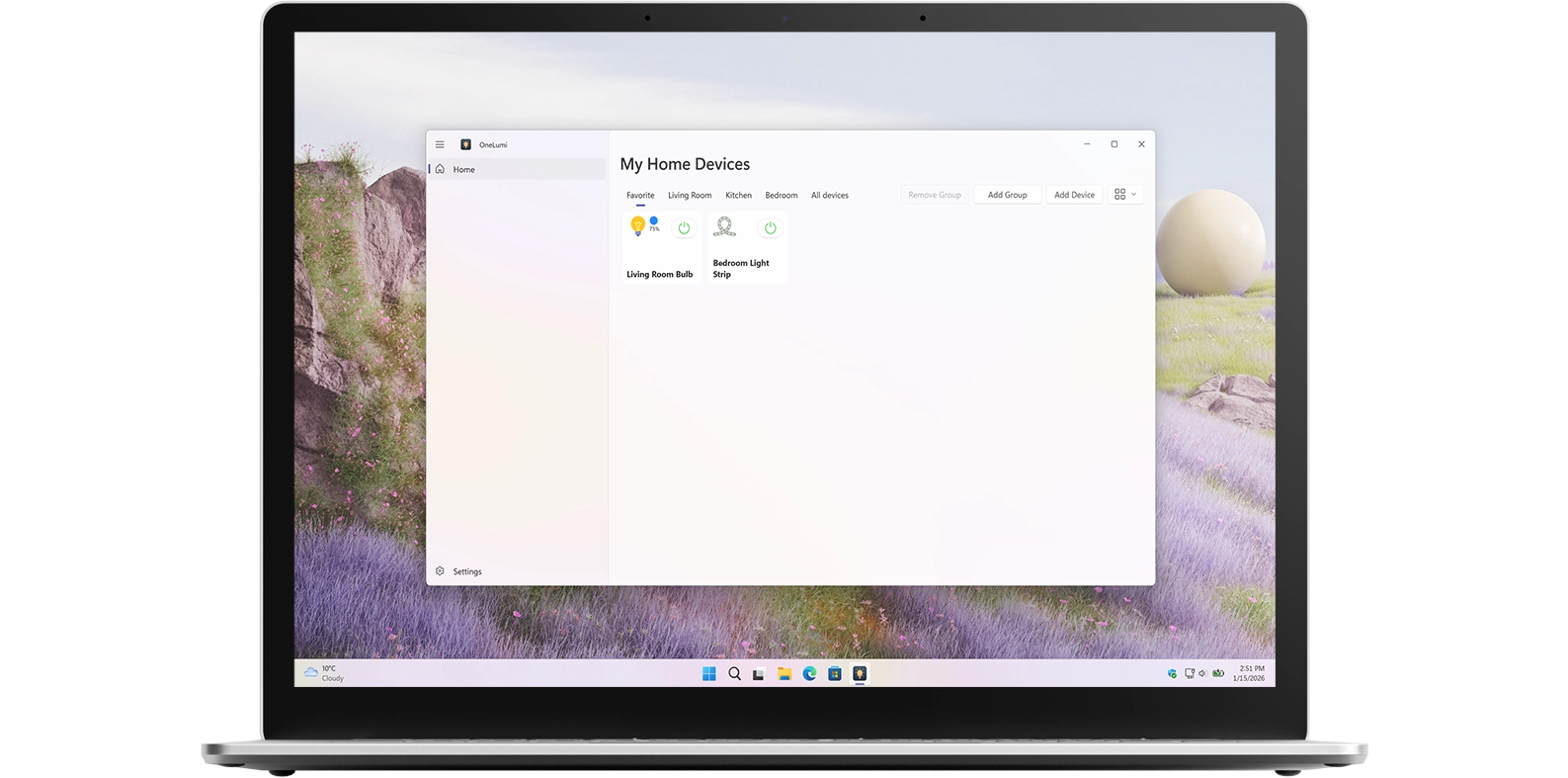
Introducing OneLumi, a Windows 11 app and widget that lets you view and control all your IoT devices, such as lamps, switches, sockets, and light strips.
Bubble Breaker app on all devices

What does this app do?

Control Your Home IoT Devices

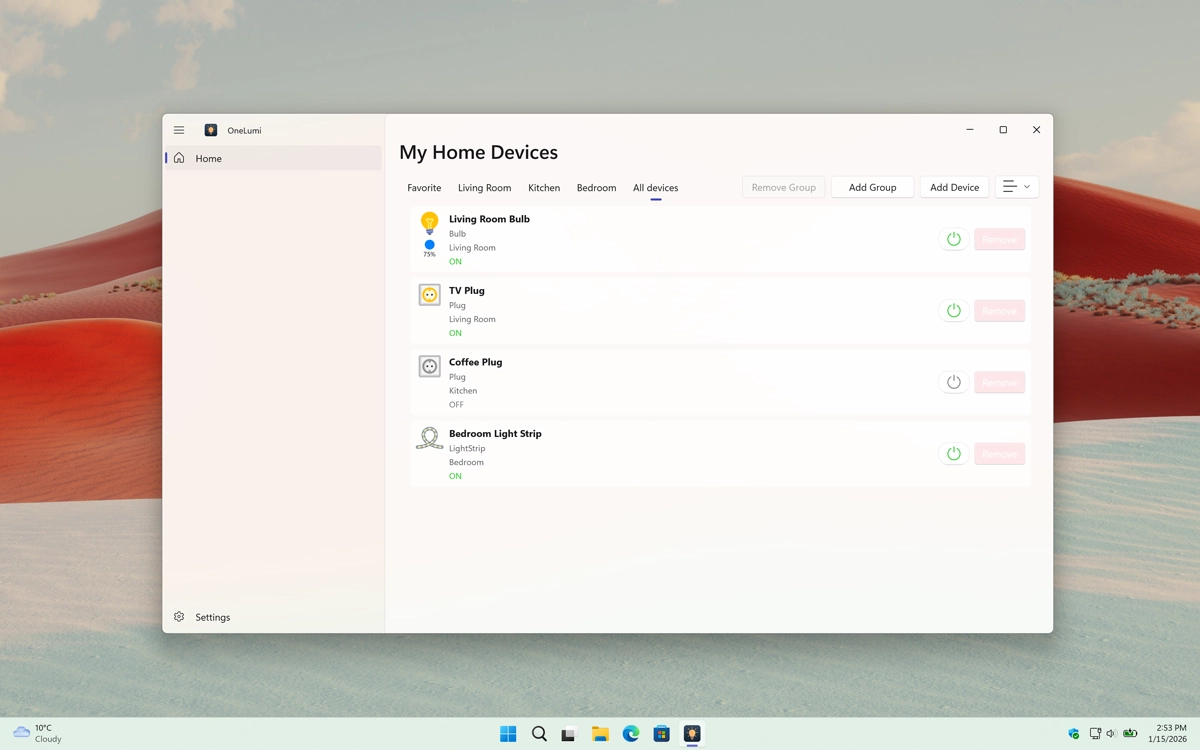
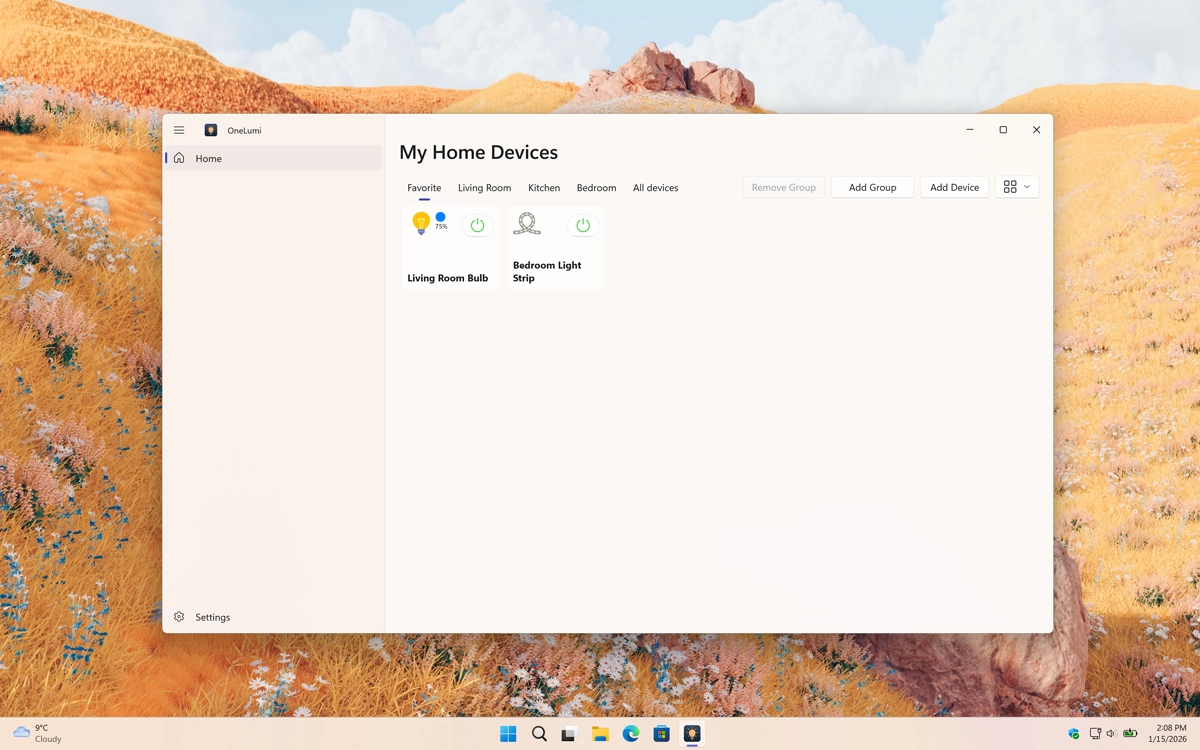
OneLumi is an application that lets you control all the IoT devices in your home, such as lamps, switches, sockets, and light strips. It brings all your smart devices together in one easy-to-use interface. You can customize each device individually, for example, adjusting a lamp’s color and brightness or turning a socket on and off instantly.

Why Use OneLumi

One central place

With OneLumi, you can manage all your IoT devices from a single panel and also view them on your Windows 11 widget board for quick access. With just a single click, you can turn devices on or off or fine-tune brightness levels using a smooth slider, making everyday control fast and intuitive.

OneLumi works seamlessly with all TP-Link and Kasa devices, ensuring reliable and consistent smart home control.

Features

OneLumi home screen
OneLumi home screen
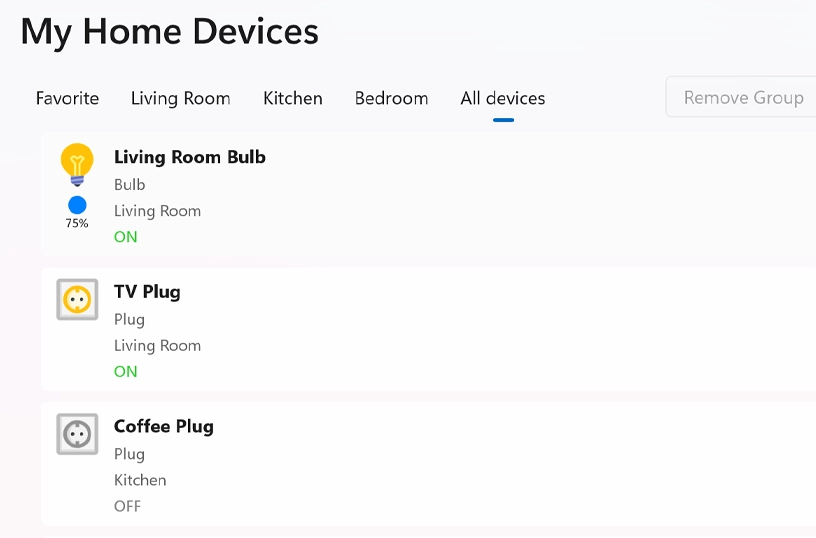
OneLumi in list view
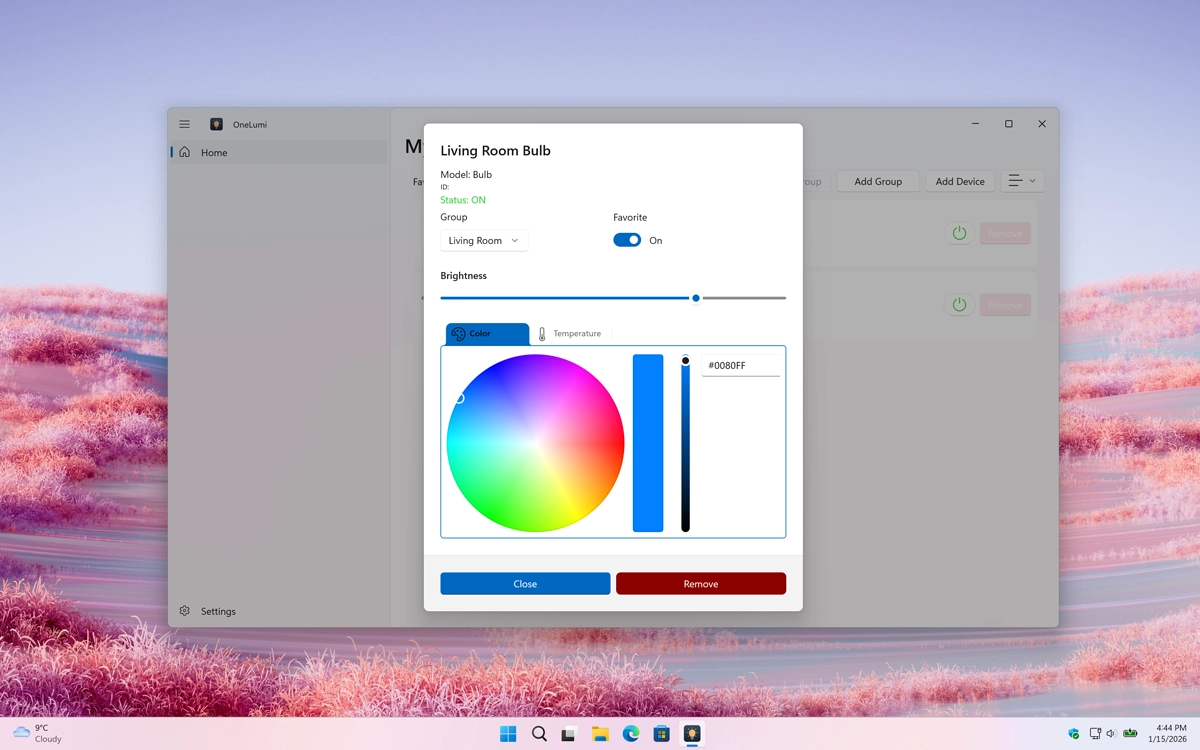
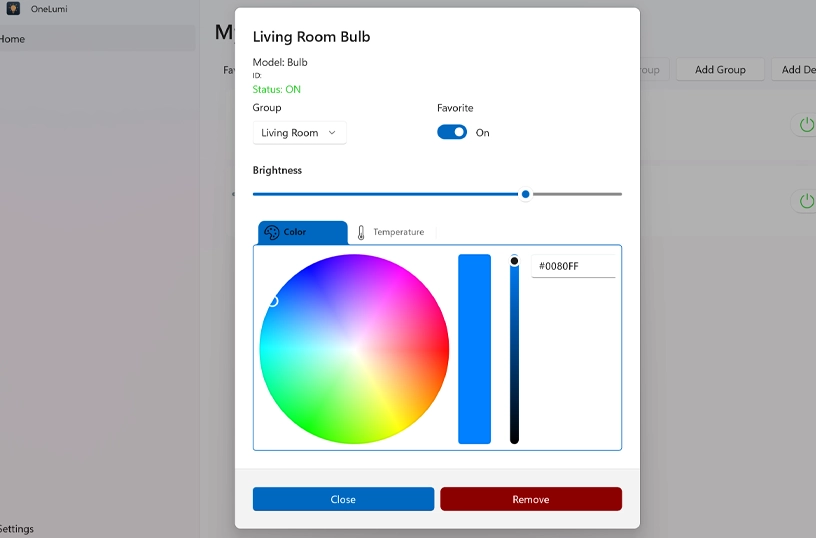
OneLumi customize the color and brightness
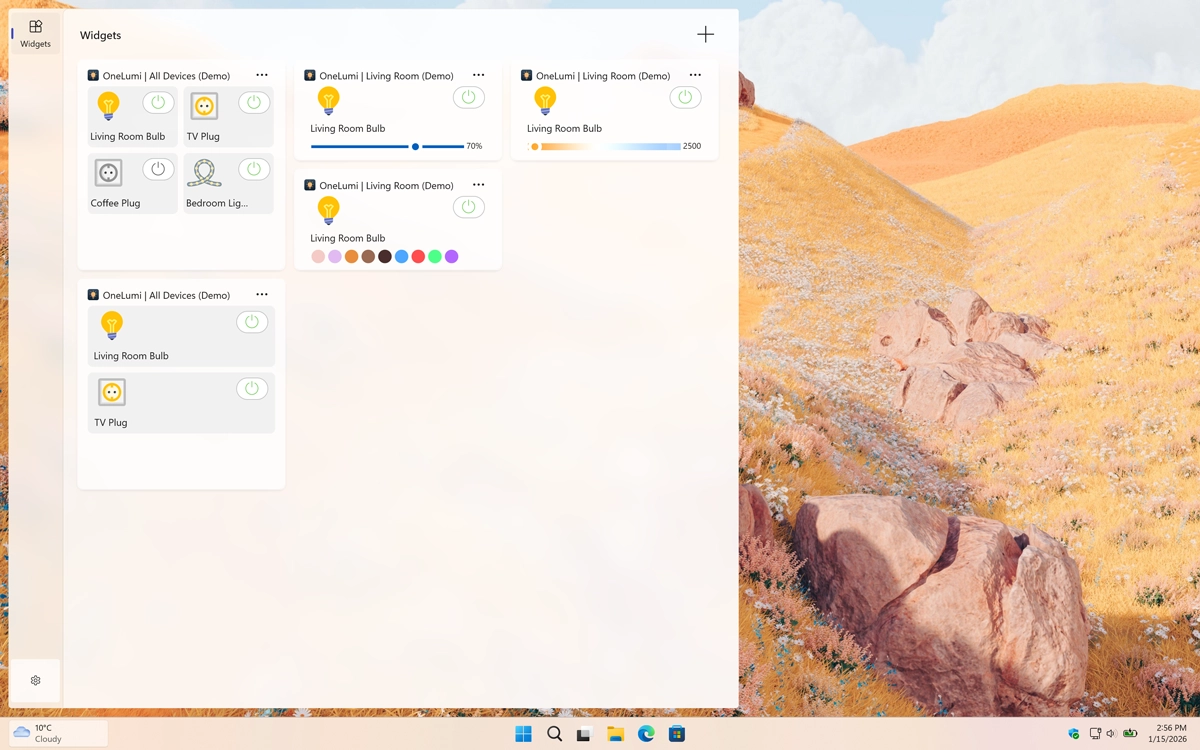
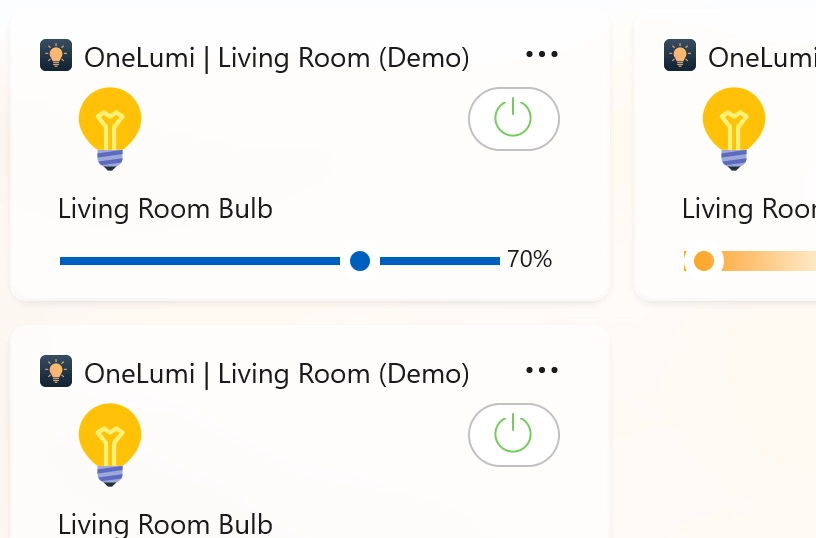
OneLumi Windows 11 Widget in Light Mode
OneLumi support for Windows 11 Widget
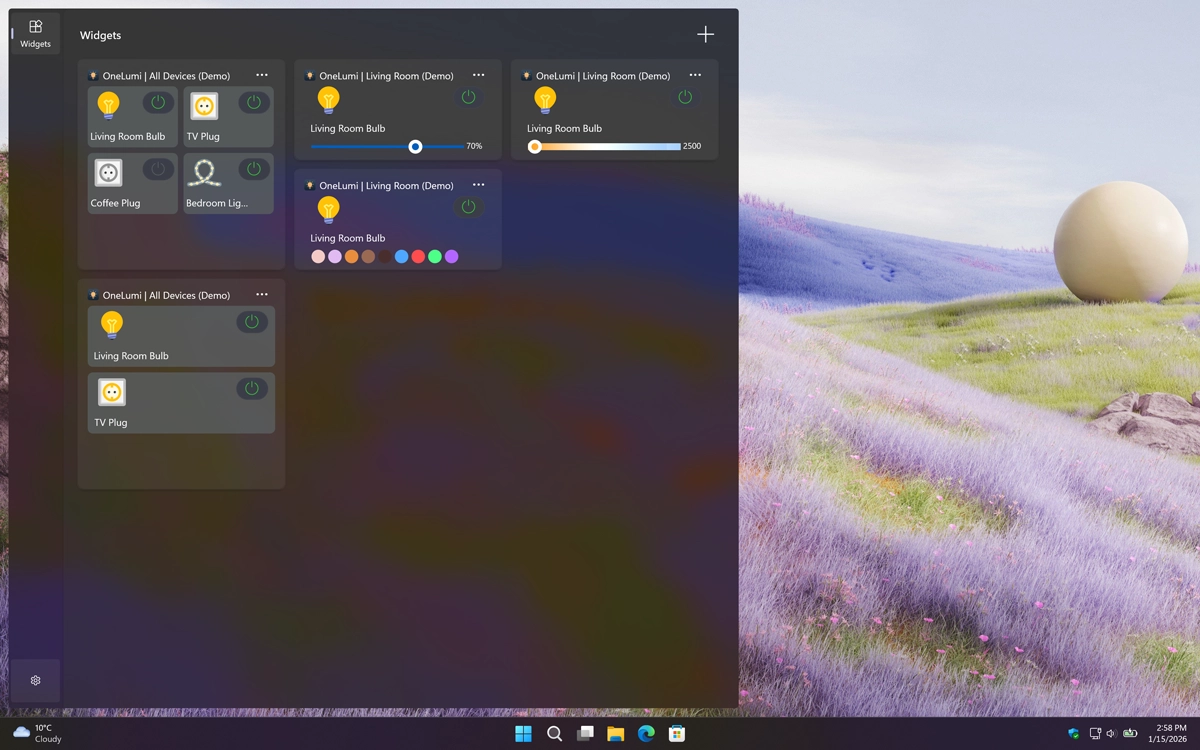
OneLumi Windows 11 Widget in Dark Mode
Also available as a dark mode Windows 11 Widget
1 /

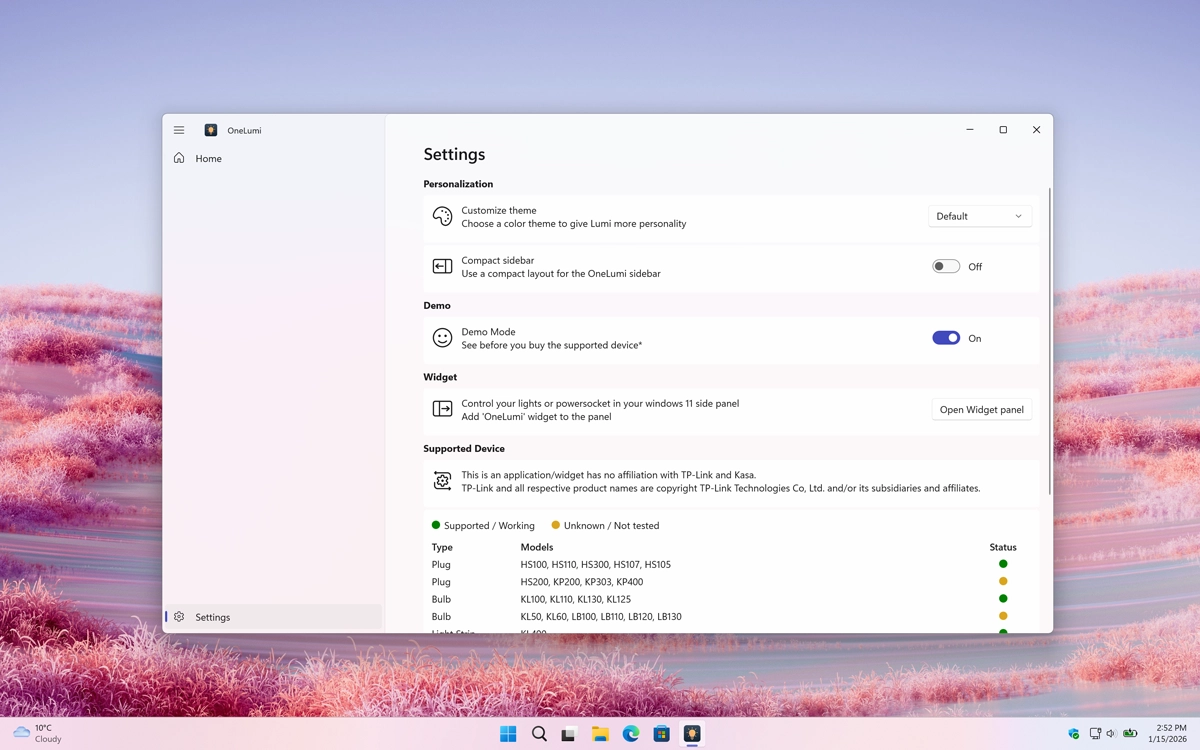
Settings

Customize the experience of the OneLumi app
Customize the experience of the OneLumi game

Category Each Device

Assign each new device to a group or category, such as Kitchen or Bedroom, so you can easily find that specific device later.

OneLumi assign each new device to a group or category name

Customize Each Device

When you select a device, you can customize its color and brightness to your preference.

OneLumi customize the color and brightness

Support Windows 11 Widgets

You can view your devices in a tile or list view on your Windows 11 widget board. With a single click, you can easily enable or disable any device.

OneLumi support Windows 11 widgets

Get OneLumi app

Download the OneLumi app today! Get an overview of all your IoT devices and easily turn specific devices on or off, such as lamps, switches, sockets, and light strips. Customize your smart home in real time and manage everything from one convenient place. Get the app now!

Get Bubble Breaker from the Microsoft Store
Compatible with Windows 11.