[Skip navigation links]
Stefan vd
Overview OneLumi App

Control Your Smart Home
Lights, Switches, Sockets

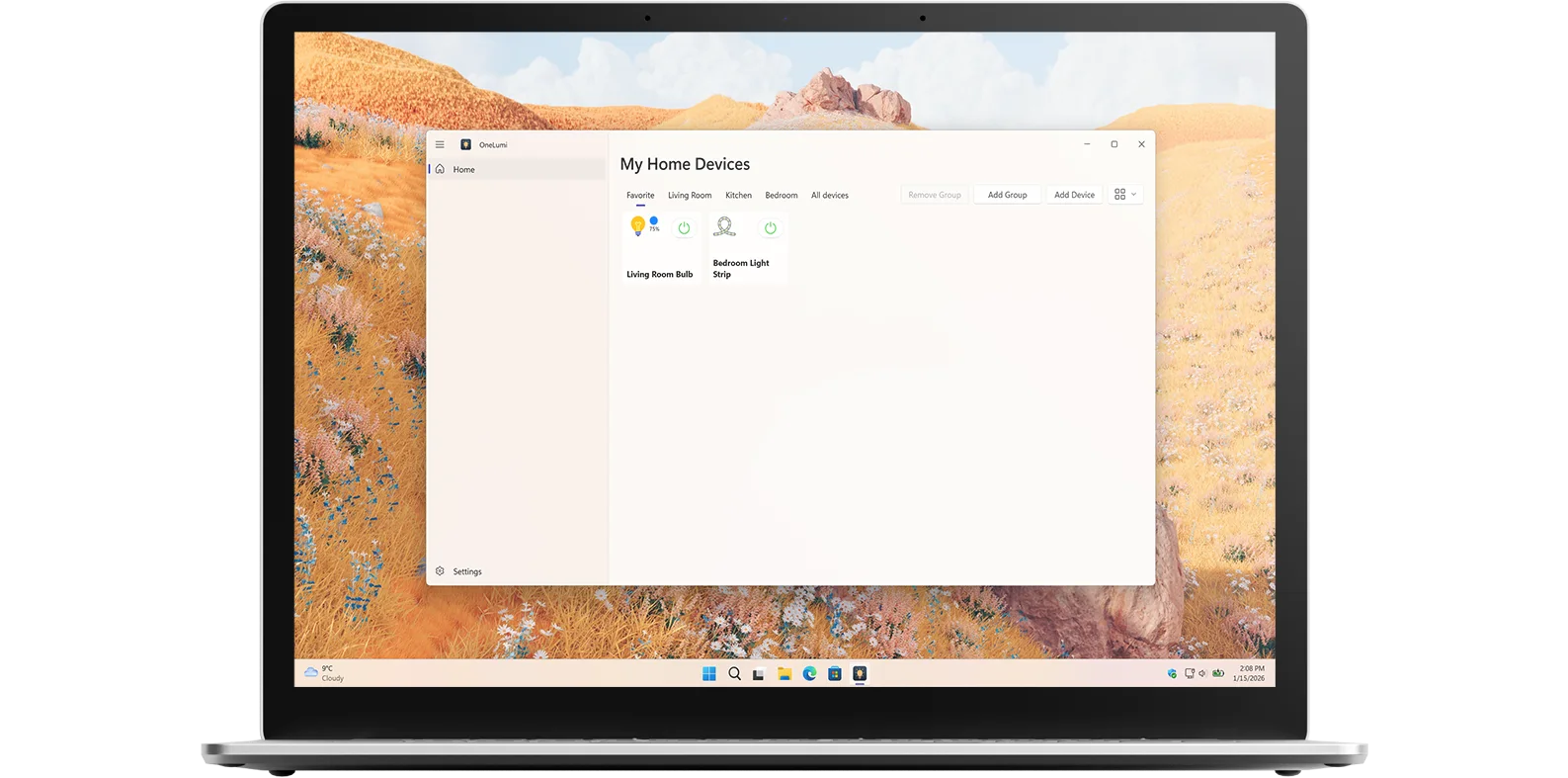
Introducing OneLumi, a smart home desktop app that lets you control your lights, switches, and sockets from one app and a Windows 11 widget. That is available for Windows.

Bubble Breaker app on all devices

What does this app do?

Control Your Home IoT Devices

OneLumi is an application that lets you control all the IoT devices in your home, such as lamps, switches, sockets, and light strips. It brings all your smart devices together in one easy-to-use interface. You can customize each device individually, for example, adjusting a lamp’s color and brightness or turning a socket on and off instantly.

Why Use OneLumi

One central place

With OneLumi, you can manage all your IoT devices from a single panel and also view them on your Windows 11 widget board for quick access. With just a single click, you can turn devices on or off or fine-tune brightness levels using a smooth slider, making everyday control fast and intuitive.

OneLumi works seamlessly with all TP-Link and Kasa devices, ensuring reliable and consistent smart home control.

There is more to see

Customize the experience in real time and instantly see the changes.

Get OneLumi app

Download the OneLumi app today! Get an overview of all your IoT devices and easily turn specific devices on or off, such as lamps, switches, sockets, and light strips. Customize your smart home in real time and manage everything from one convenient place. Get the app now!

Get Bubble Breaker from the Microsoft Store
Compatible with Windows 11.

Frequently Asked Questions

Have questions about the OneLumi app? Check out our FAQ section below for answers to common queries. If you need further assistance, feel free to contact our support team.

What is OneLumi?

OneLumi is a smart home desktop application for Windows that lets you control and manage your IoT devices from one central place. It allows you to control lights, switches, sockets, and light strips, customize settings like brightness and color, and quickly turn devices on or off. OneLumi also integrates with the Windows 11 widget board, giving you fast and convenient access to your smart home controls directly from your desktop.

Can I install it on many devices?

OneLumi's installation limits depend on the platform and licensing:

A Microsoft Store purchase can be installed on multiple Windows machines, up to 10 devices per Microsoft account.

Is there a limit on how many devices I can add?

No, there is no maximum limit. You can add as many lights, switches, sockets, and light strips as you want.

Can I change the color, brightness, and temperature of my lamps separately?

Yes! With OneLumi, you can adjust each lamp individually. You can change the color, adjust the brightness, and set the color temperature for each lamp to create the perfect lighting for any room.

Do you support a Windows 11 widget?

Yes! You can also control your smart devices directly from the Windows 11 widget.