[Skip navigation links]
Stefan vd
Windows App

Write Any Note,
in Note Sidebar

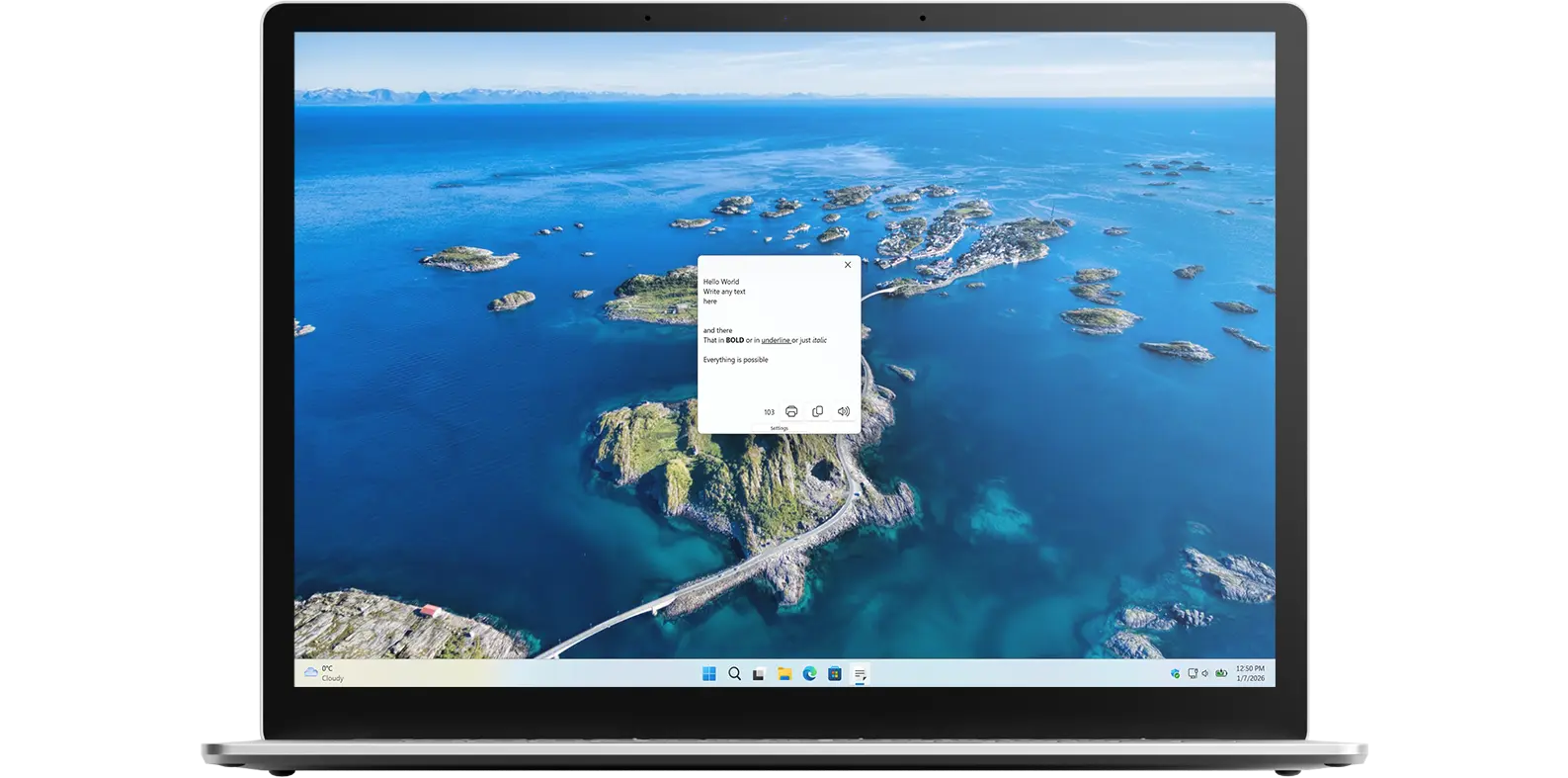
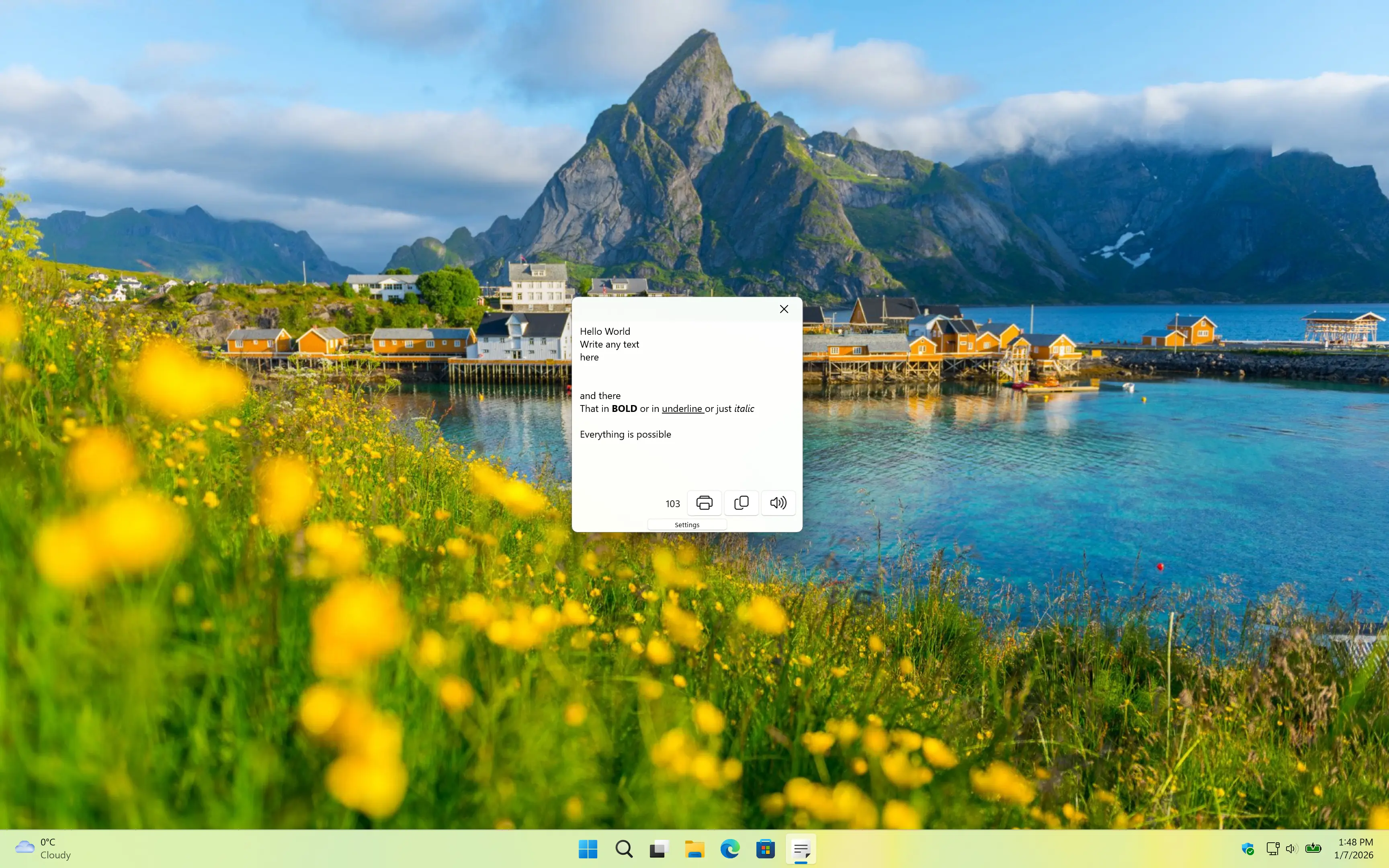
Introducing the Note Sidebar app is a small note editor application and Windows 11 widget where you can write your personal note, meeting notes or your todo list.
Four-in-a-Row app on all devices

What does this app do?

Small text editor

Note Sidebar allows you to write quick notes and see how many characters you have typed. It is a simple text editor designed for efficiency and ease of use.

Why Use Note Sidebar?

Efficiency and ease of use

Note Sidebar is more than just a text editor. It is a tool designed for quick, efficient note-taking and character counting. Whether you are jotting down meeting notes, creating to-do lists, or simply keeping track of ideas, Note Sidebar provides a clean and straightforward interface that makes it easy to stay organized without distractions.

Features

Note Sidebar application window
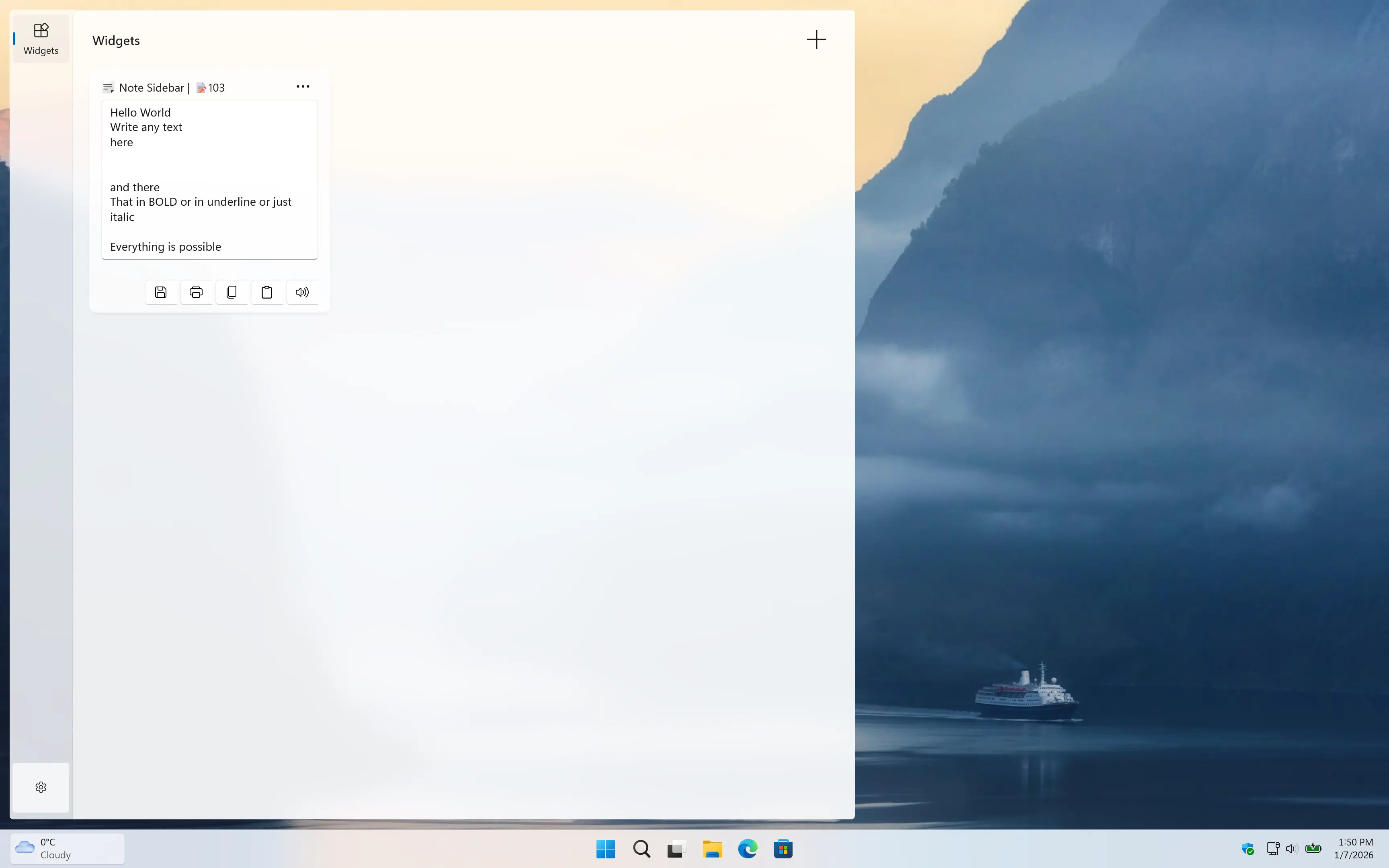
Note Sidebar Windows 11 Widget in Light Mode
Note Sidebar Windows widget in light mode
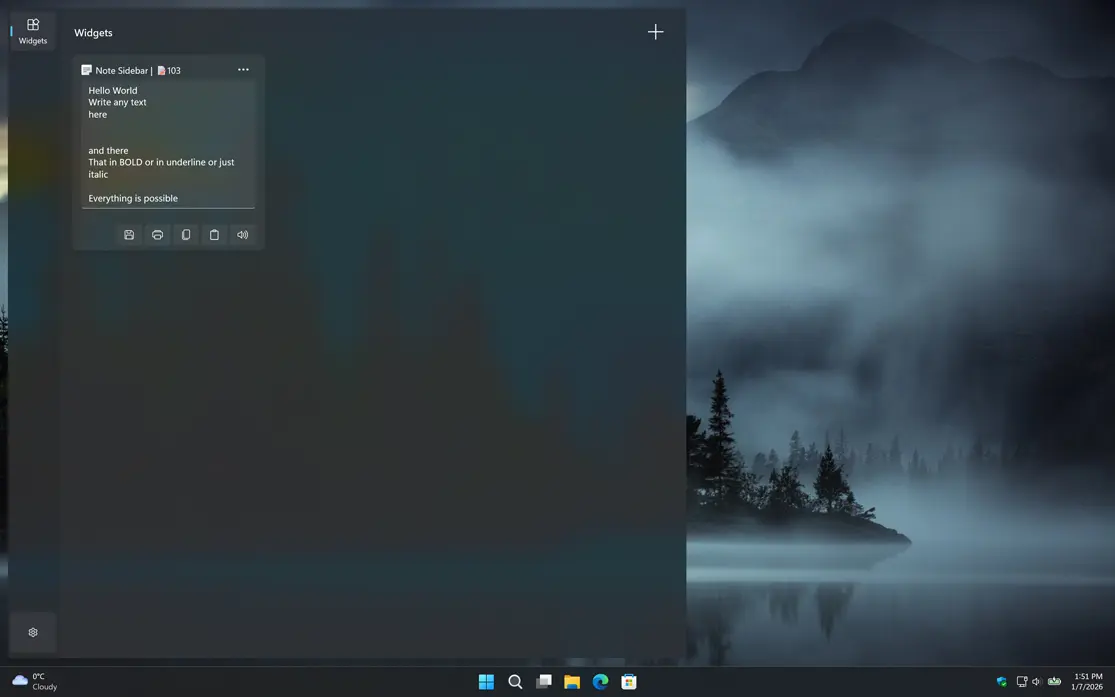
Note Sidebar Windows 11 Widget in Dark Mode
And support also Dark Mode
1 /

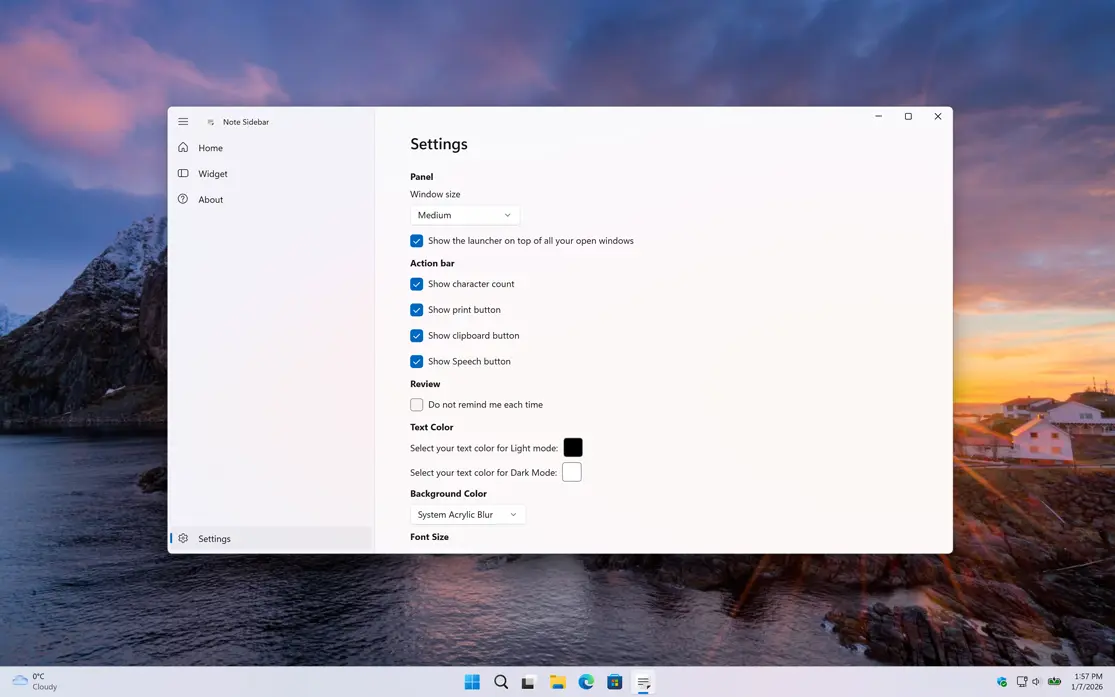
Settings

Customize the experience of the Note Sidebar app

Multiple Pages

You can choose if you want to have a single tab or multiple tabs for your notes. ANd you can also choose the directiony where to save your notes.
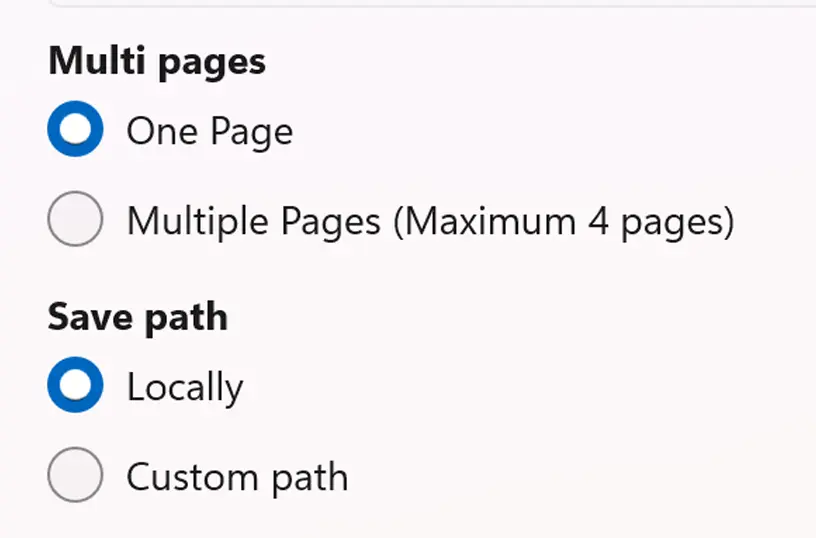
Note Sidebar multiple pages

Customization

Choose your default background and text color, and customize the font size and font family to match your default style.
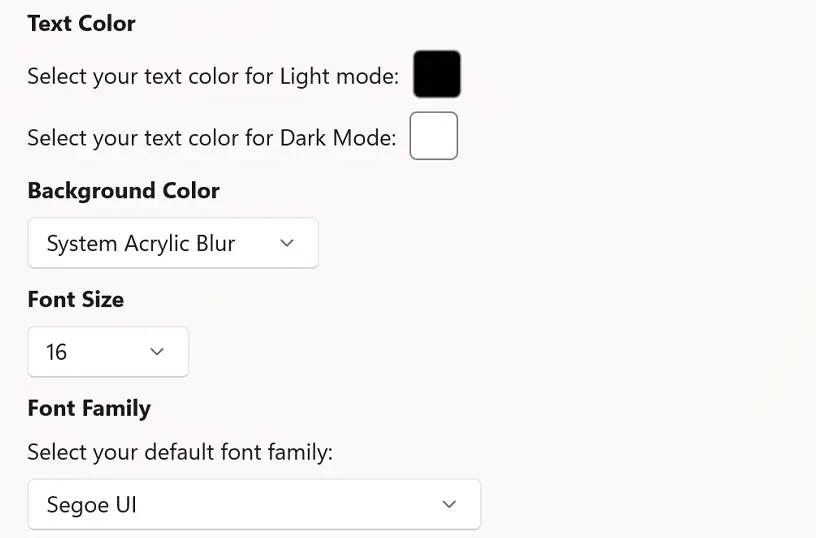
Note Sidebar font size customization

Get Note Sidebar app

Download the Note Sidebar app and write quick notes with character counting. Easily print your notes or copy the text to other applications. So, what are you waiting for? Get Note Sidebar today and start writing anytime, anywhere!

Get Note Sidebar from the Microsoft Store
Compatible with Windows 11.