Windows App
My favorite apps in My Quick Launch
for Windows users
Access all your favorite apps and shortcuts with just one click from a single panel, right from your Windows PC.
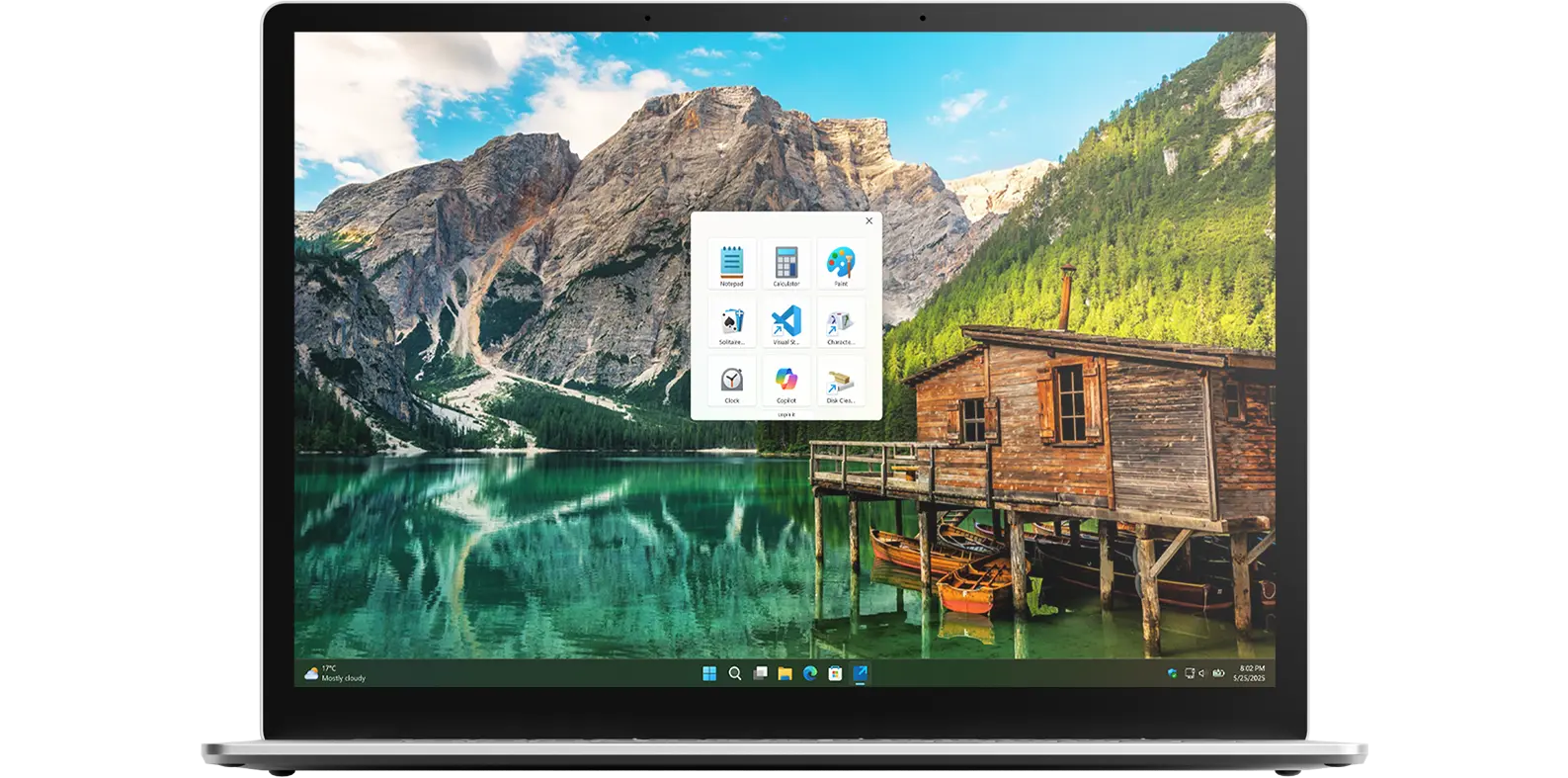
Access all your favorite apps and shortcuts with just one click from a single panel, right from your Windows PC.
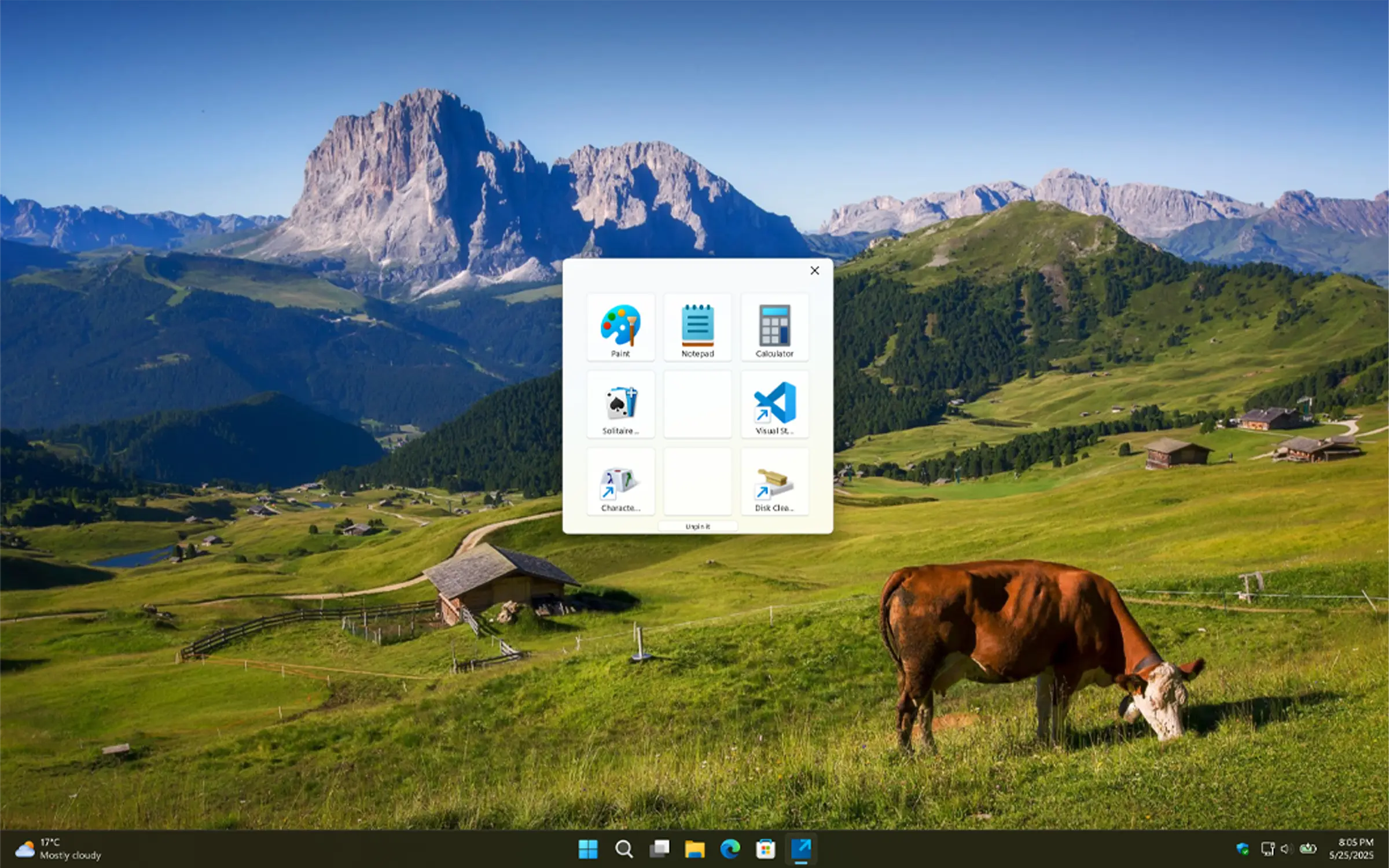
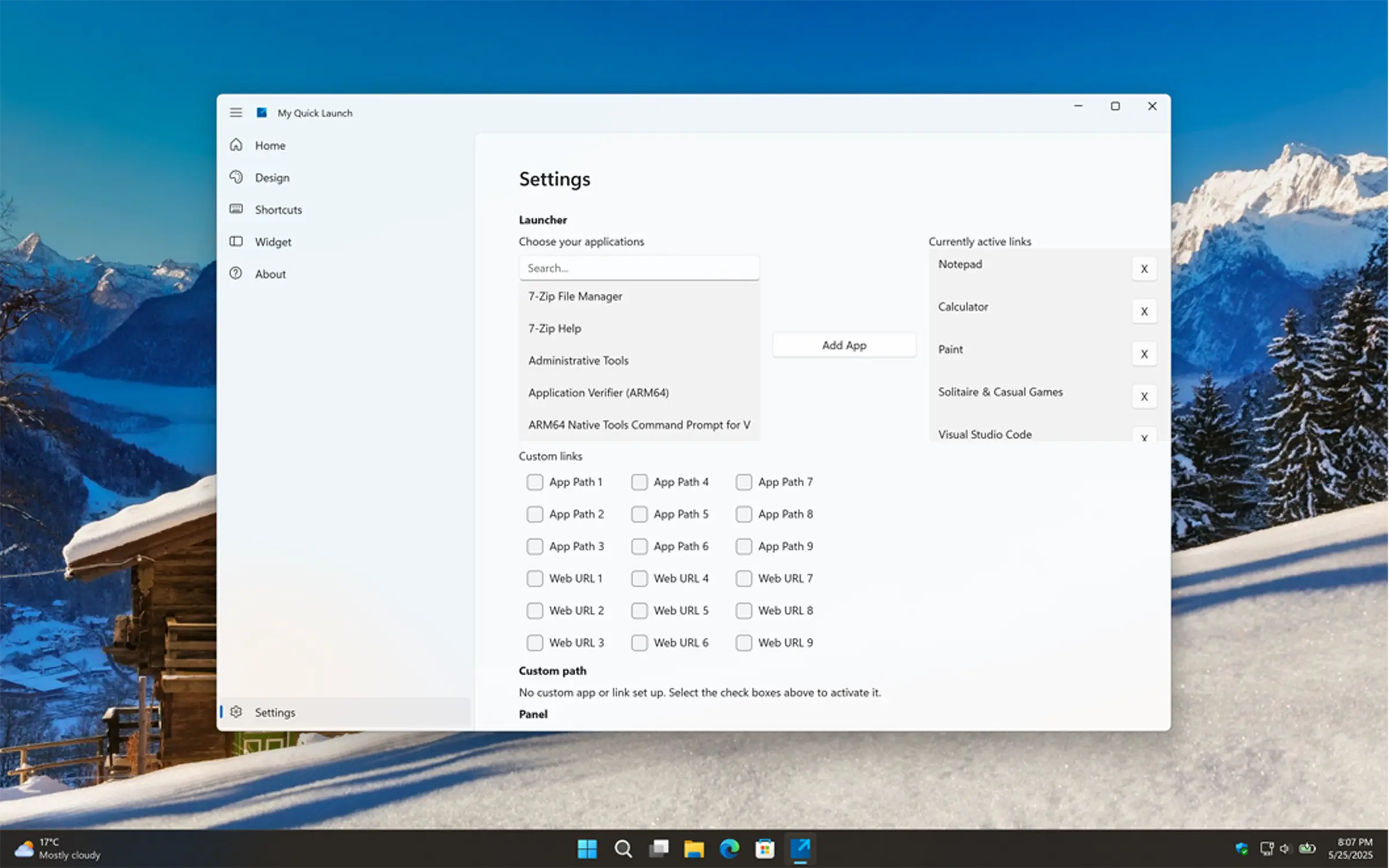
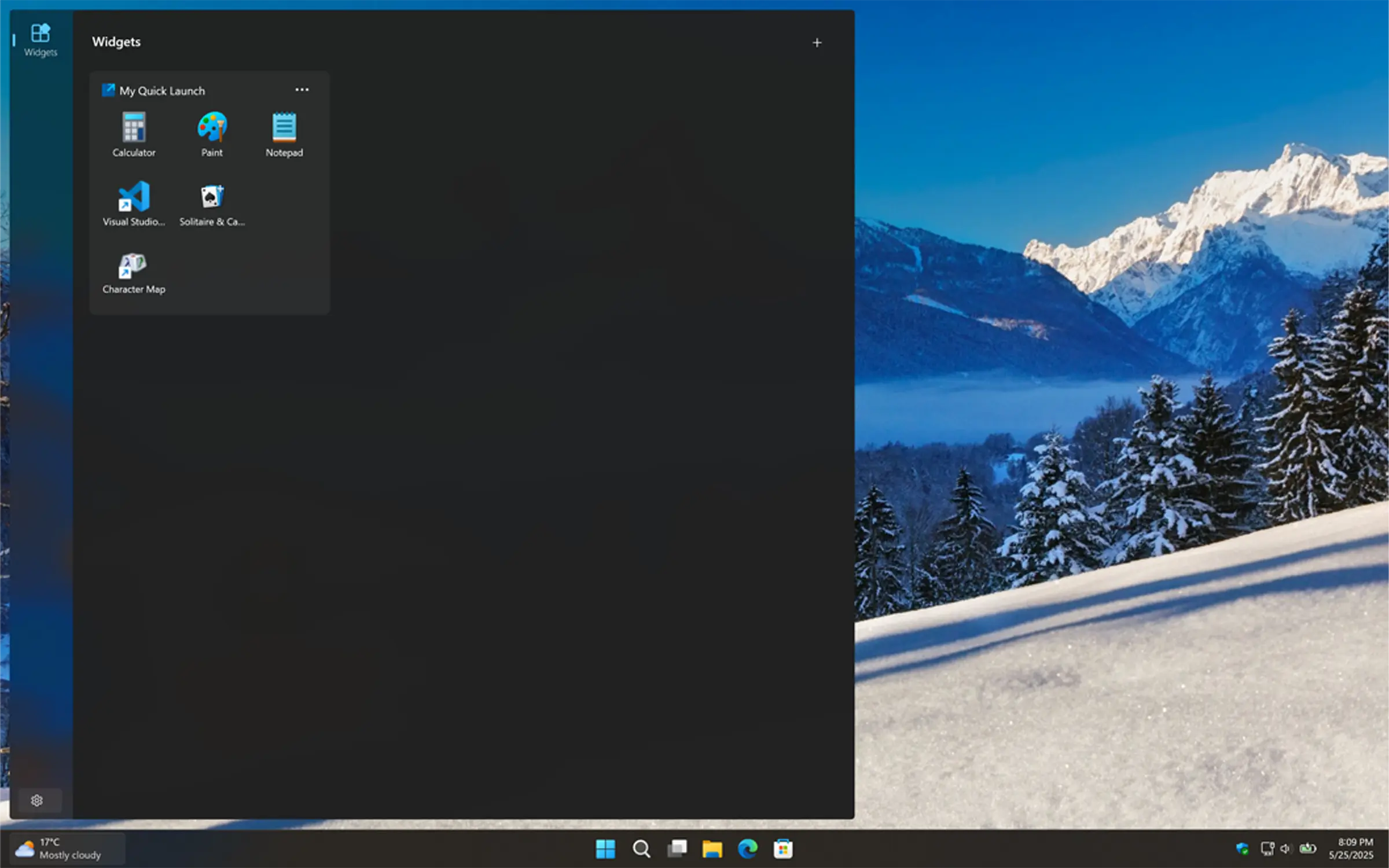
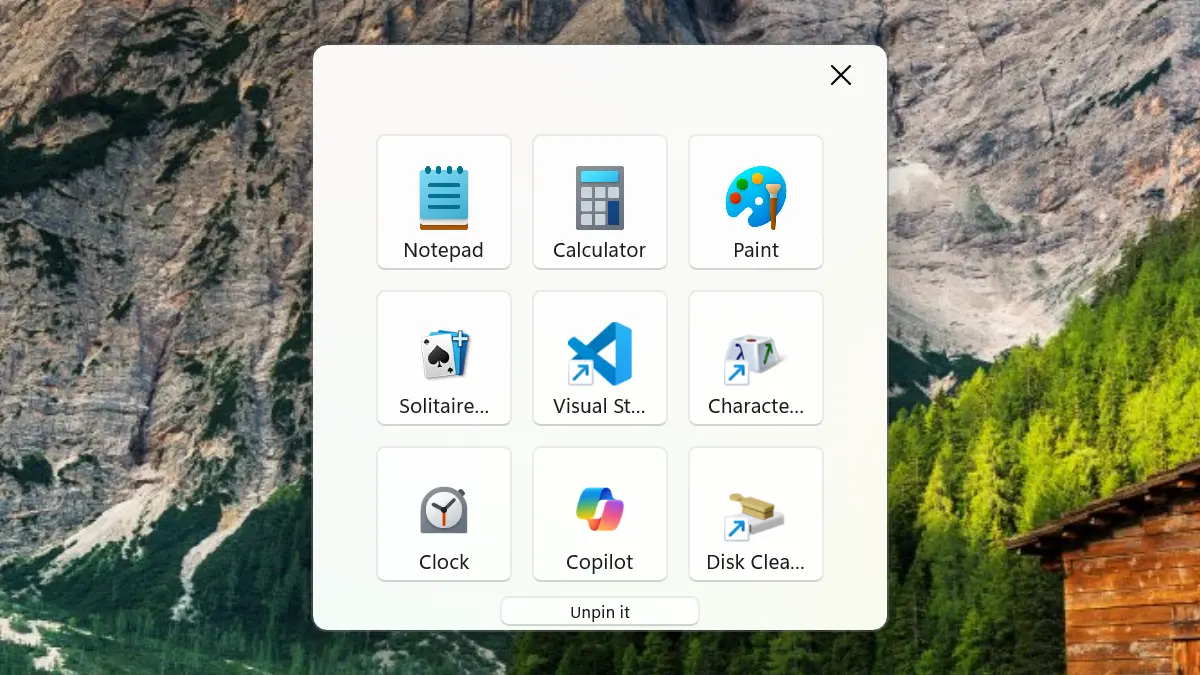
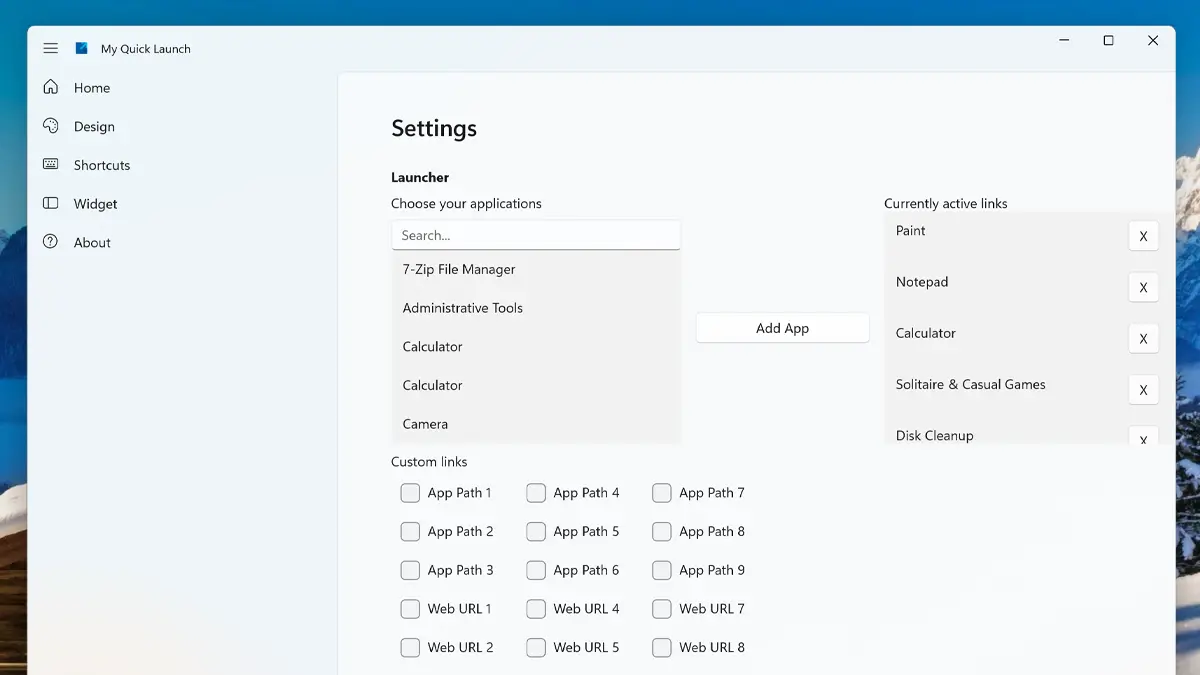
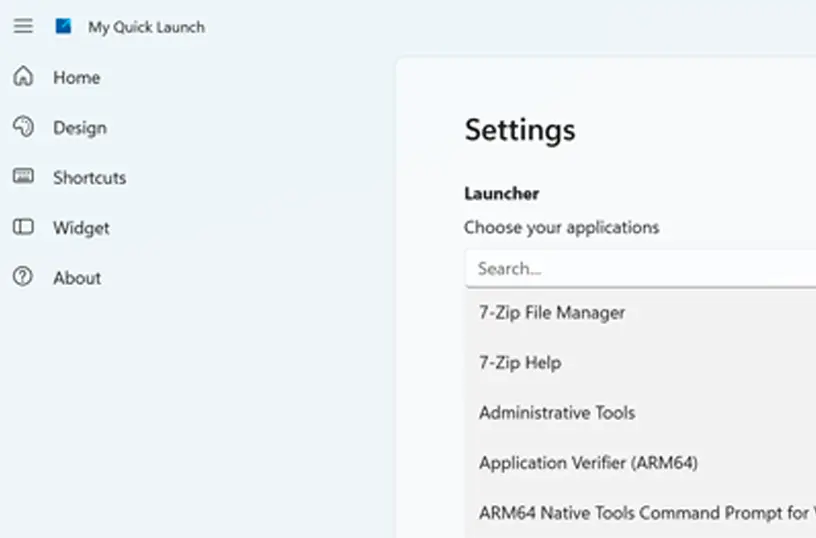
Choose the applications you want to see from the application list, where you can select and add them to the selected list. If the application is not in the list, you can manually browse to its file location to add it. It supports Microsoft UWP Store apps and EXE files.
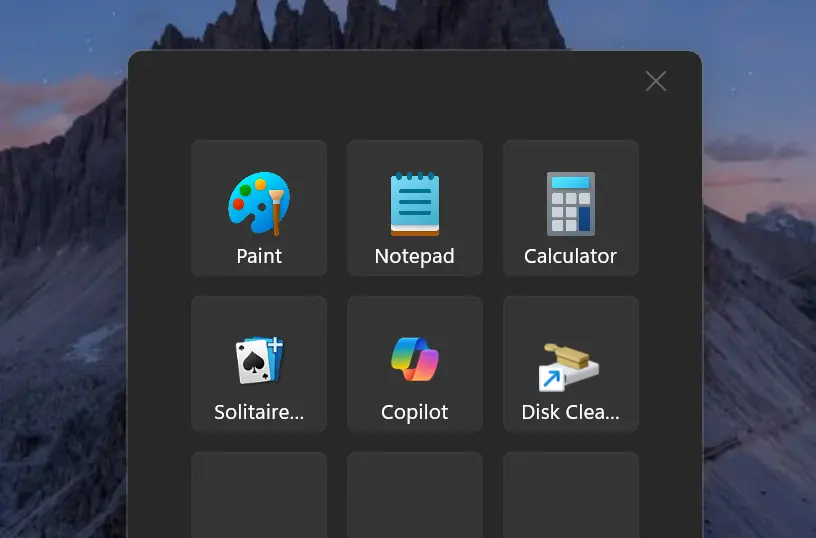
Get an appearance that matches your chosen OS setting. When your system is in dark mode, you will see a dark-themed countdown window and widget. In light mode, a bright and clean style is applied automatically.
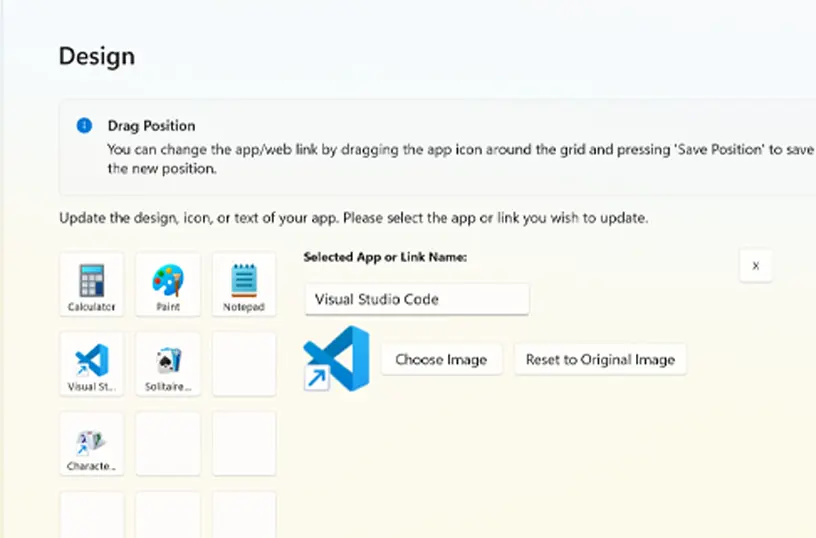
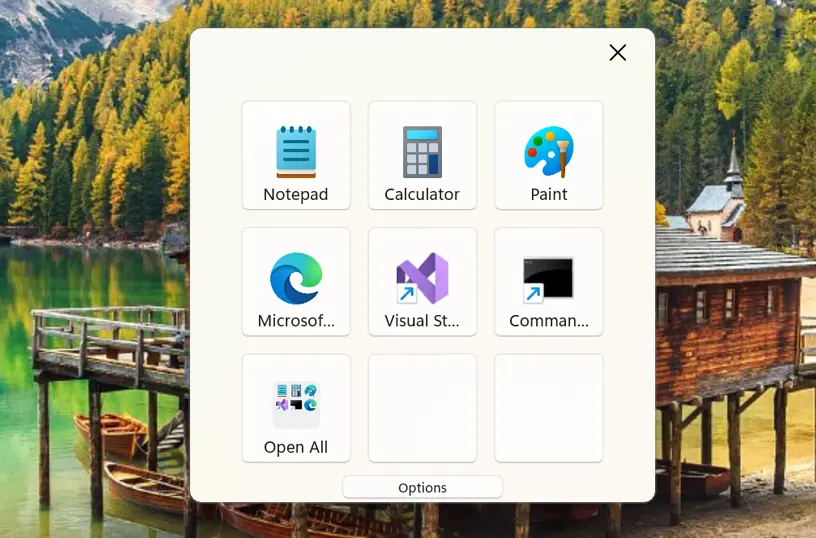
You can choose where to place each action block in the 3x3 grid. Using the Design tab, simply drag and drop the application to your desired position. For example, place Visual Studio in the middle-left spot.
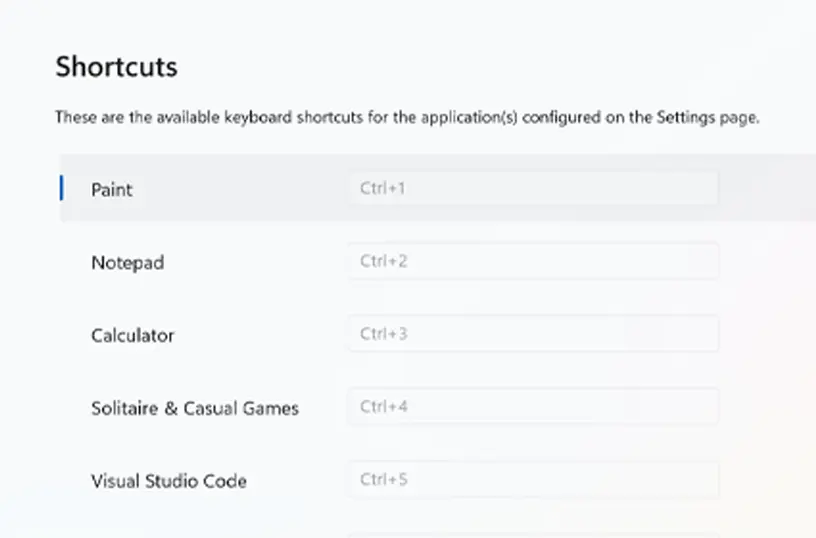
Each action block in the My Quick Launch panel has its own keyboard shortcut. You can run an action block using your chosen key combination, such as Ctrl+1.
When you start your day, you have the option to open all your apps from this panel. It is a great way to kick off your workday by starting everything at once, including UWP apps, EXE apps, and custom website links.
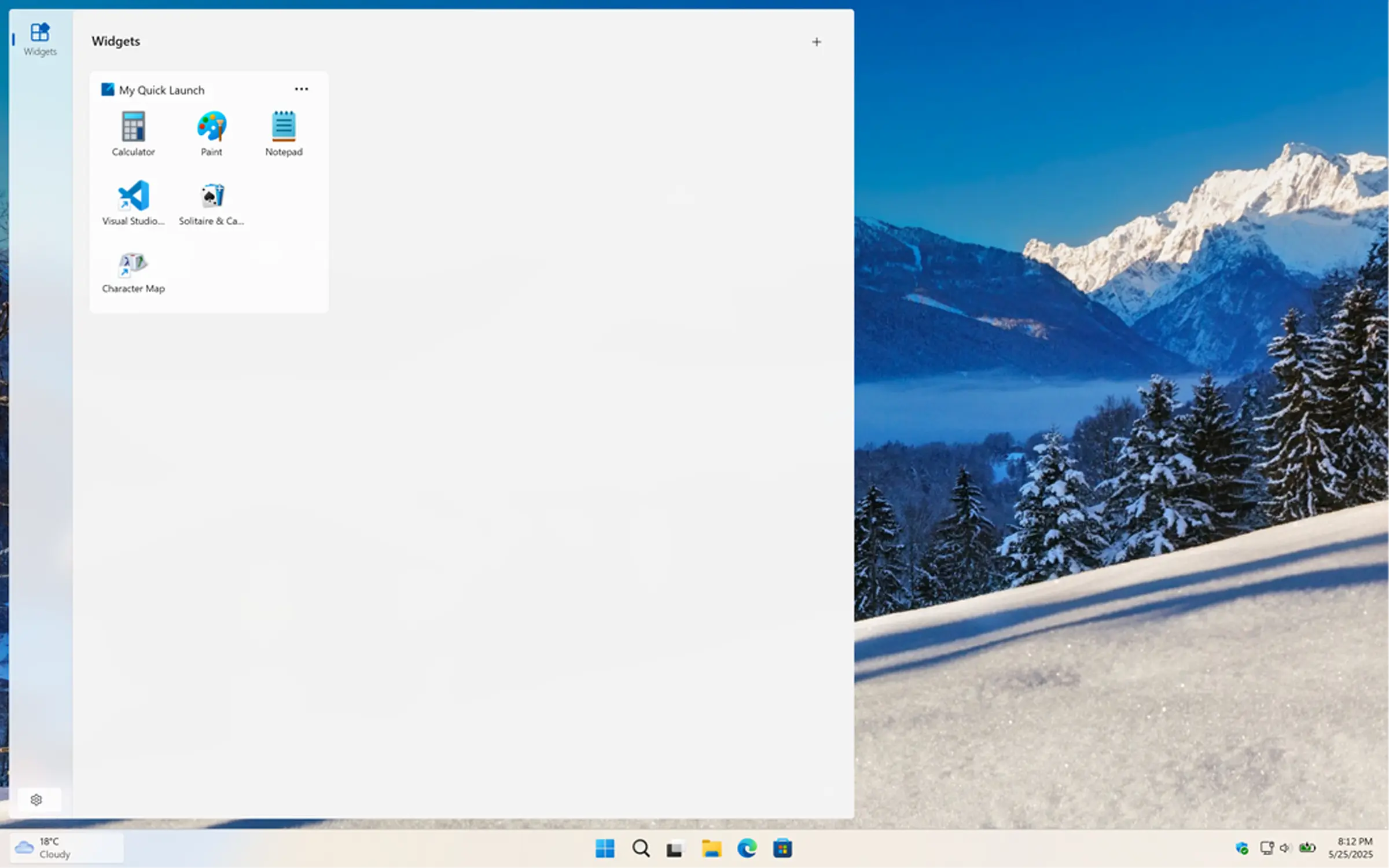
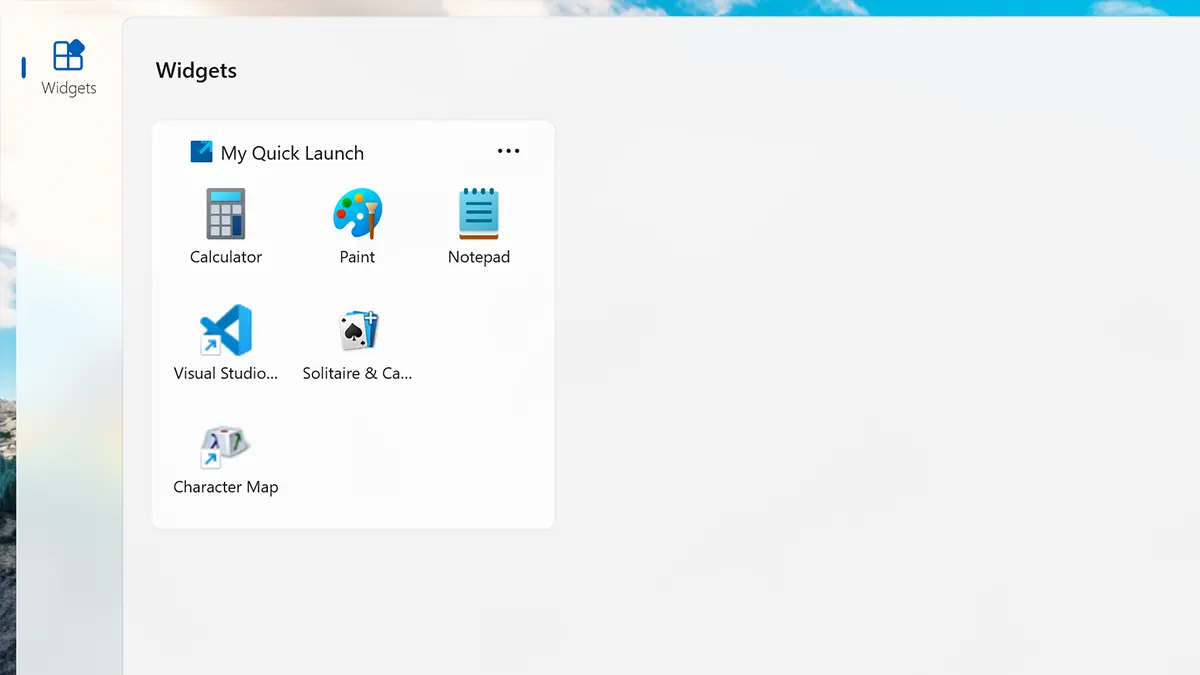
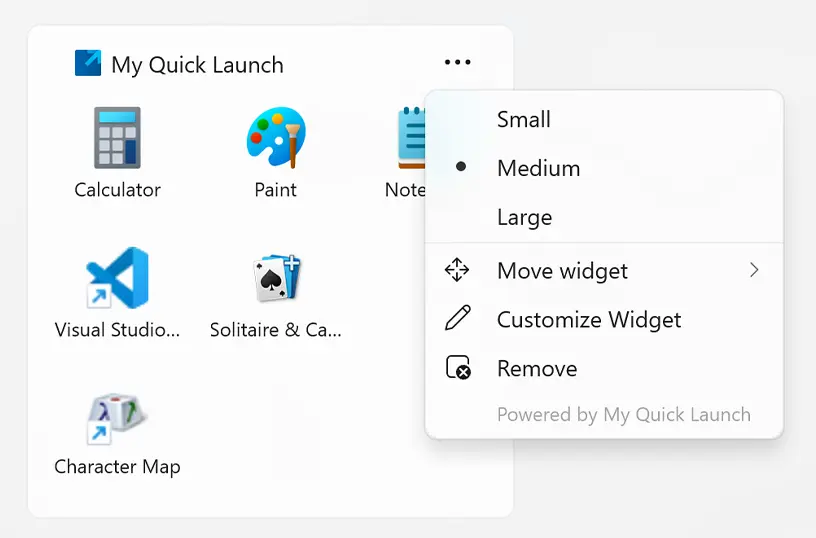
Add the widget to your Windows 11 dashboard and customize its size using the three-dots menu. Choose the size that best fits your preference.
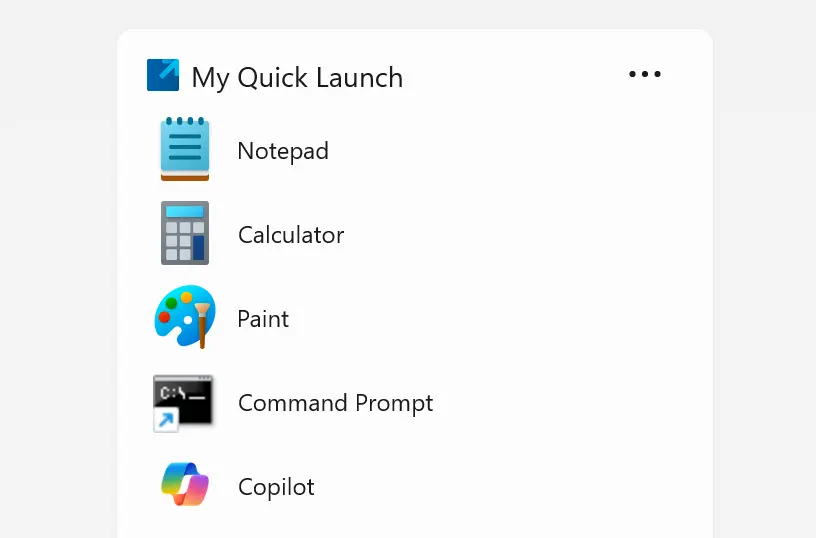
When using the Windows 11 widget, you can display your favorite apps in either a tile view or a list view, depending on your preference. The list view supports up to 15 items, making it easy to organize and access your most-used apps efficiently.
Download the My Quick Launch app today and boost your productivity. Easily access your favorite app and website shortcuts through the app and the widget board. Get it now and discover how much time and effort you can save.
