[Skip navigation links]
Stefan vd
Windows App

Live Countdown to Easter Sunday
for Windows users

Bring Easter to your desktop. With the My Easter Bunny app, track the next Easter Sunday right from your Windows PC.
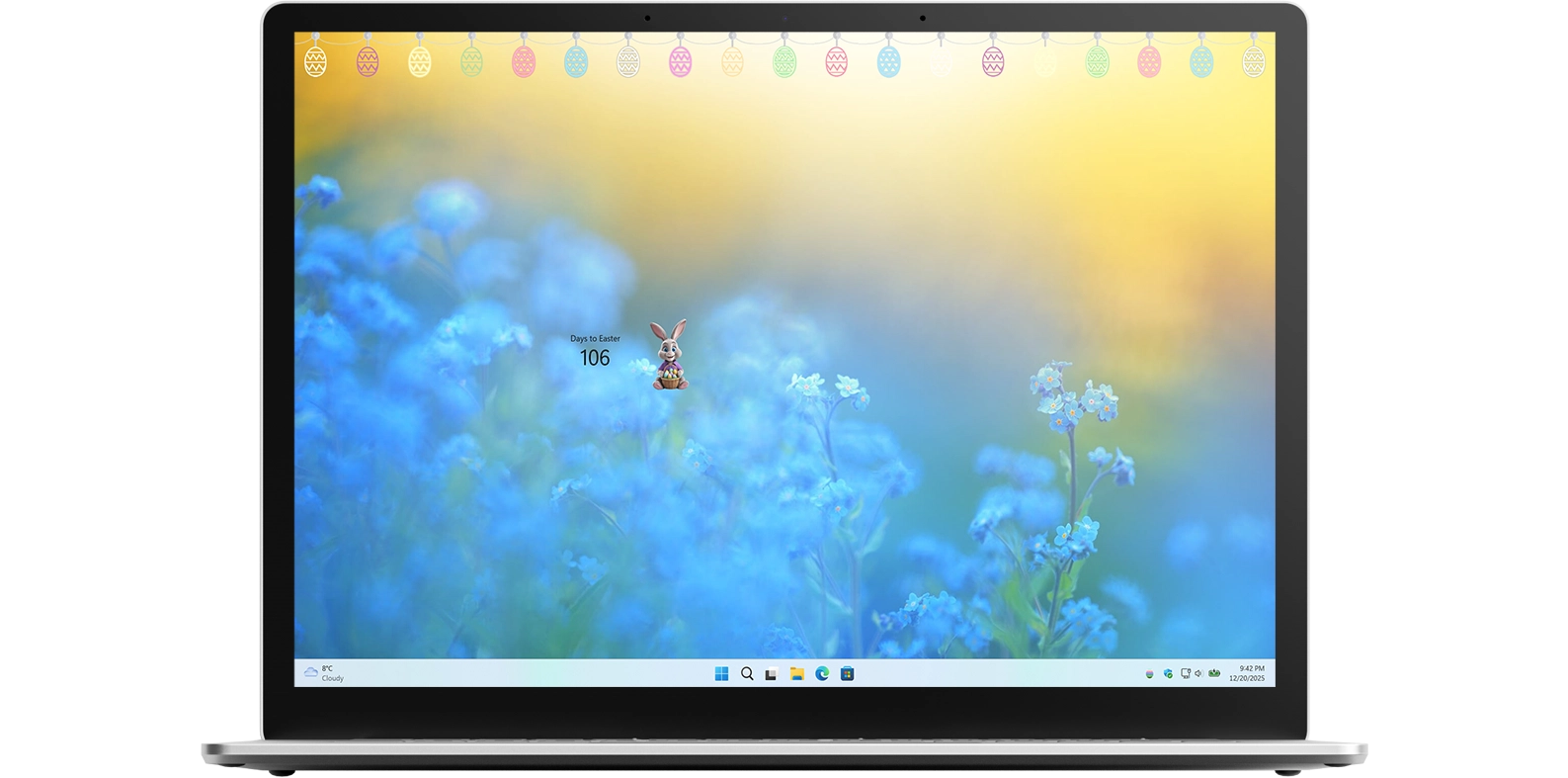
My Easter Bunny app on all devices

What does this app do?

Calculates the date of the next Easter

Easter Sunday does not fall on the same date each year, which can make it difficult to keep track of when the holiday arrives. This Easter countdown app helps you easily find out the exact date of the next Easter Sunday and shows precisely how many days remain until the celebration. With a clear and simple display, the app makes planning for Easter fun, stress-free, and enjoyable for everyone.

Availability on all platforms

The My Easter Bunny app is available across multiple platforms, offering a unique experience on each device. Customize your Easter countdown with your favorite Easter Bunny character and enhance your desktop with festive Easter lights. Choose between colorful eggs or classic white eggs to match your style and create a cheerful Easter atmosphere on your computer.

Features

My Easter Bunny with Easter Bunny 1
My Easter Bunny with the cute plush Easter Bunny
My Easter Bunny with a male Easter Bunny
My Easter Bunny with a female Easter Bunny
My Easter Bunny Windows 11 Widget dashboard
Windows 11 Dashboard for all your widget including My Easter Bunny widget
My Easter Bunny Windows 11 Widget dashboard
Windows 11 Dashboard for all your widget including My Easter Bunny widget
1 /

Desktop Easter Lights

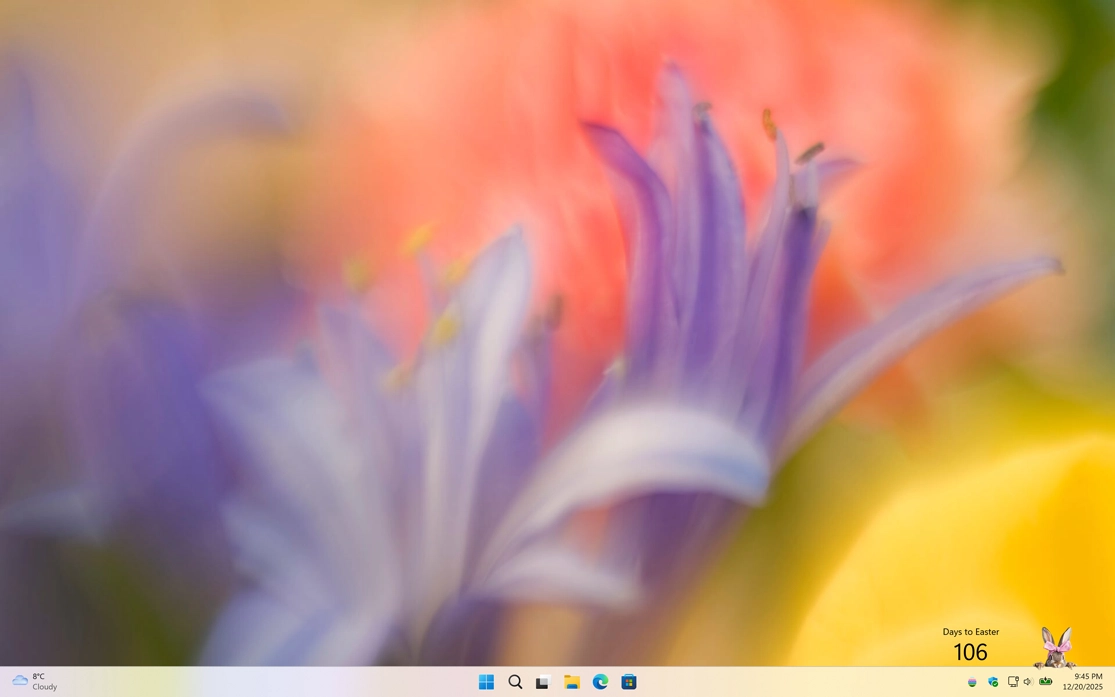
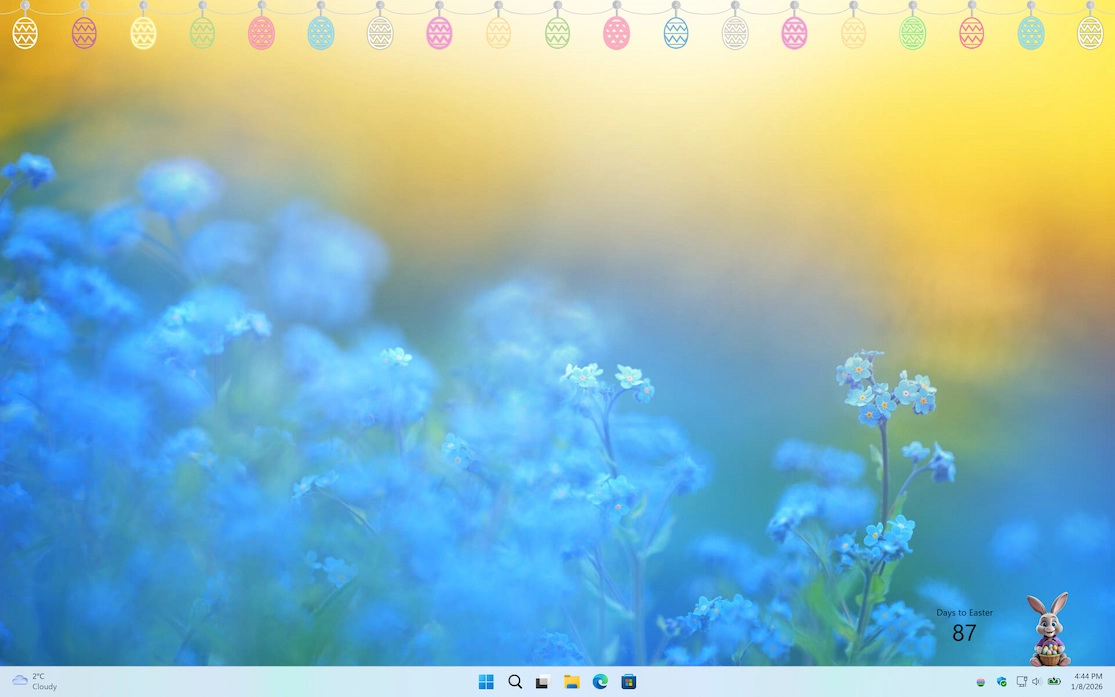
Easter lights on your Windows 11 desktop
Show the easter eggs lights on top of your desktop

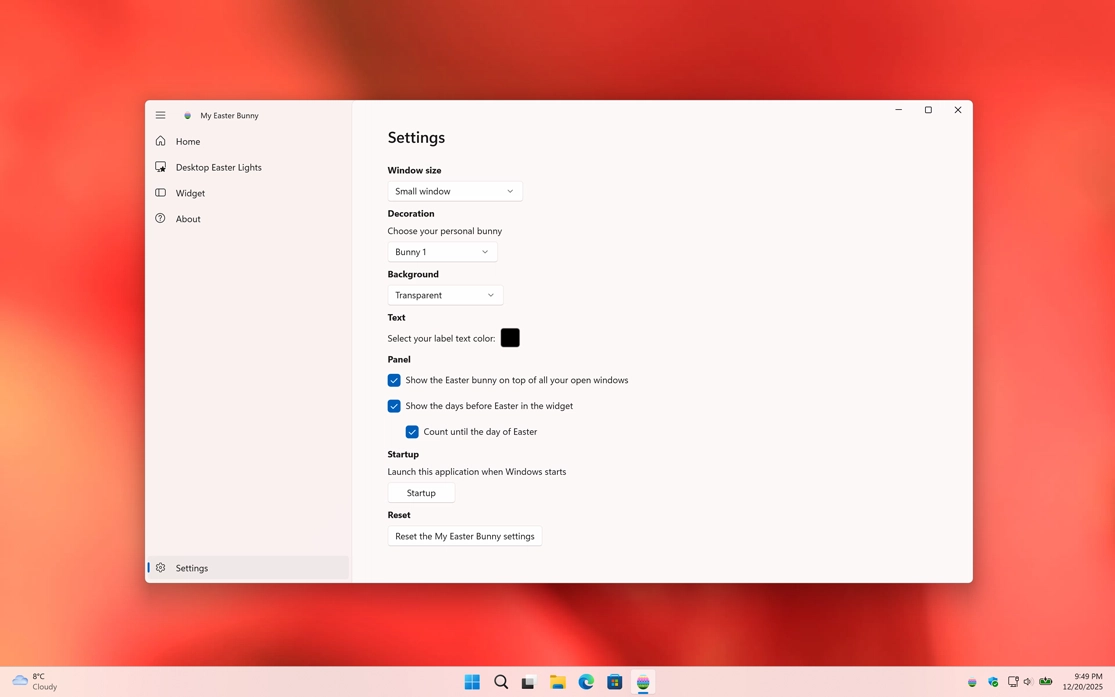
Settings

Customize the experience of the My Easter Bunny
Customize the experience of the My Easter Bunny game

Bunny

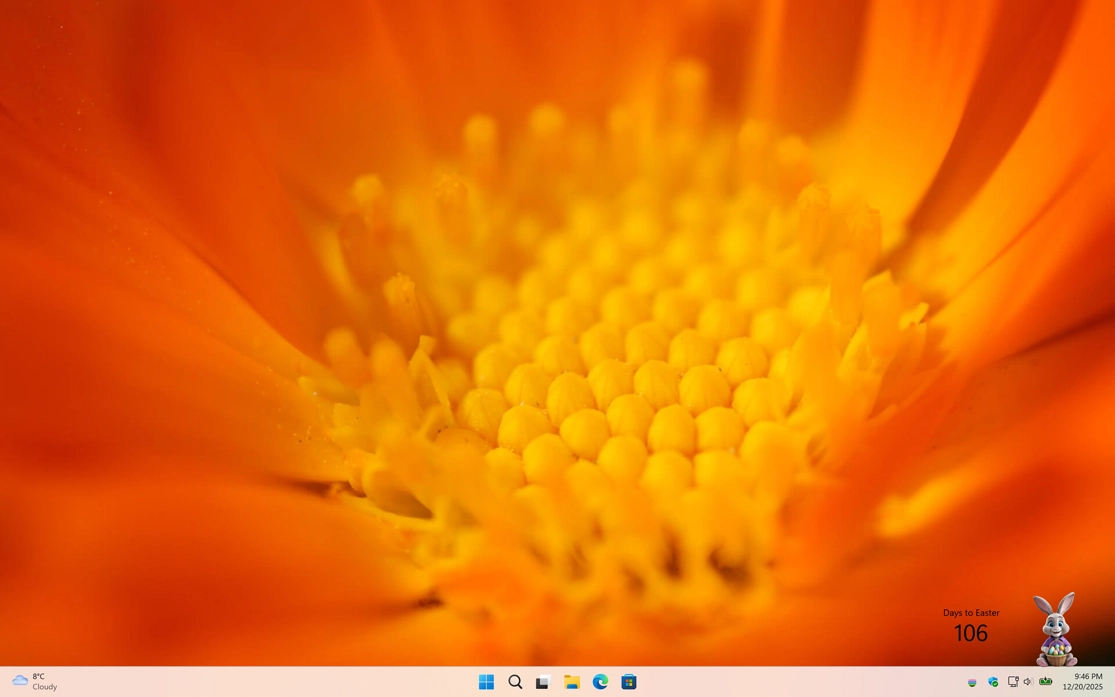
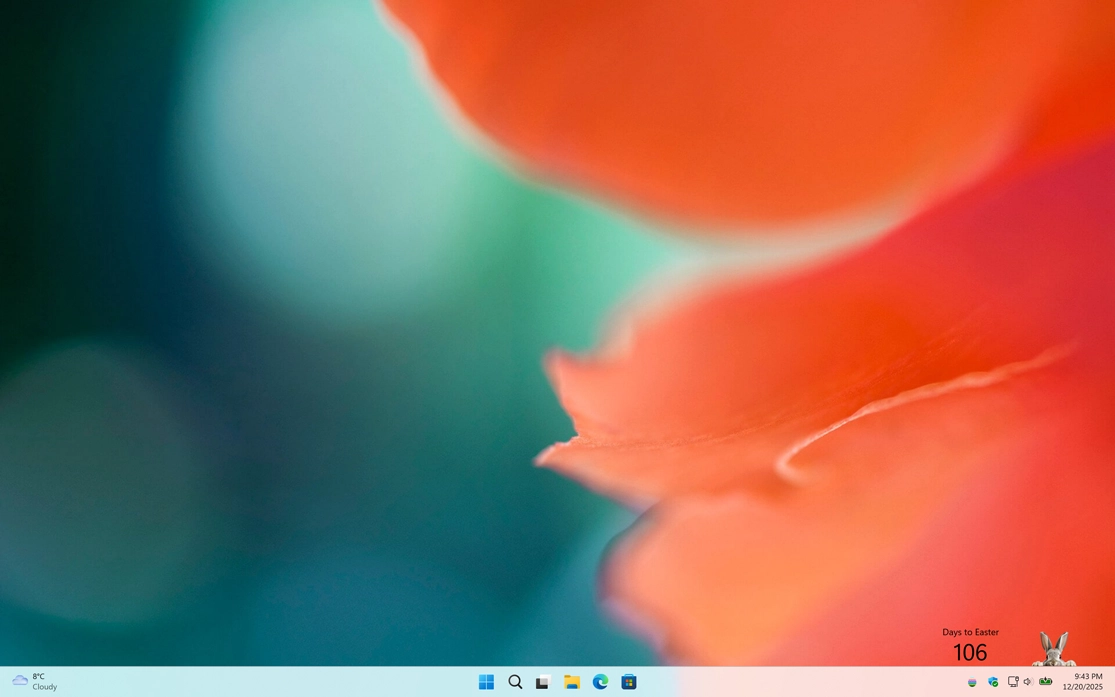
You can choose up to three cute bunnies to display on your desktop, along with a countdown showing how many days remain until Easter Sunday.
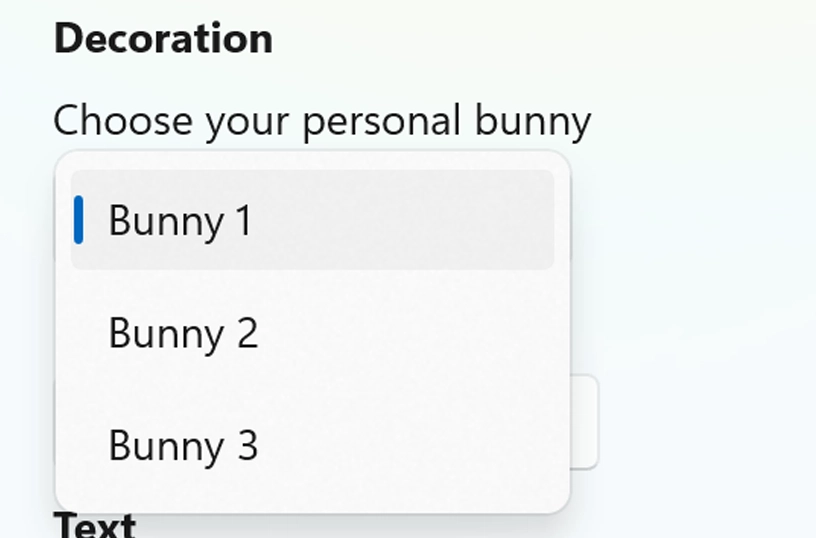
Choose your cute bunny

Support Windows Widget

Supports Windows 11 Widgets and integrates seamlessly with the system's widget framework. So you can see your cute bunny with the countdown on how many days remain until Easter Sunday.
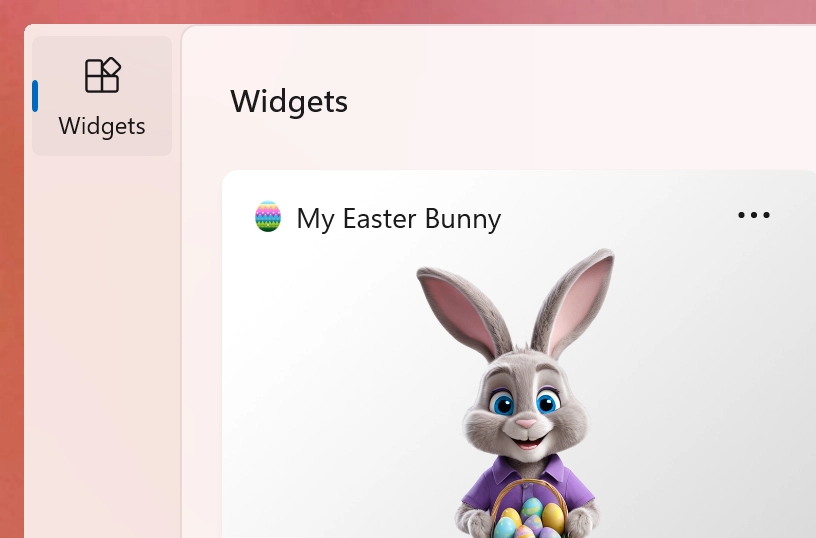
Support Light and Dark Mode theme

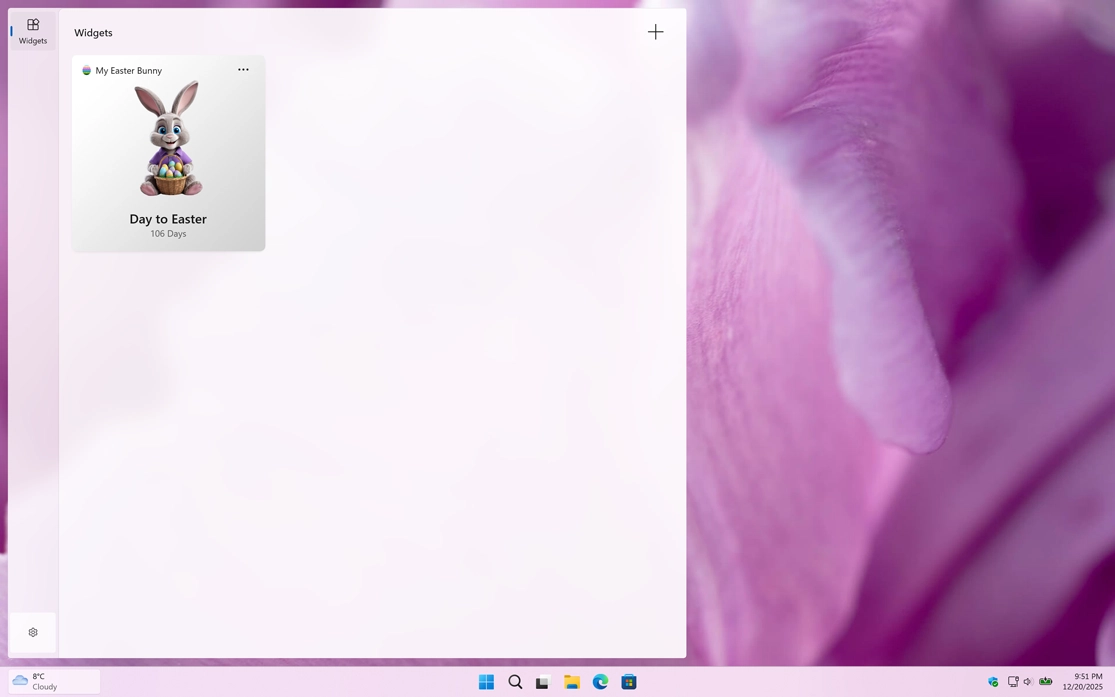
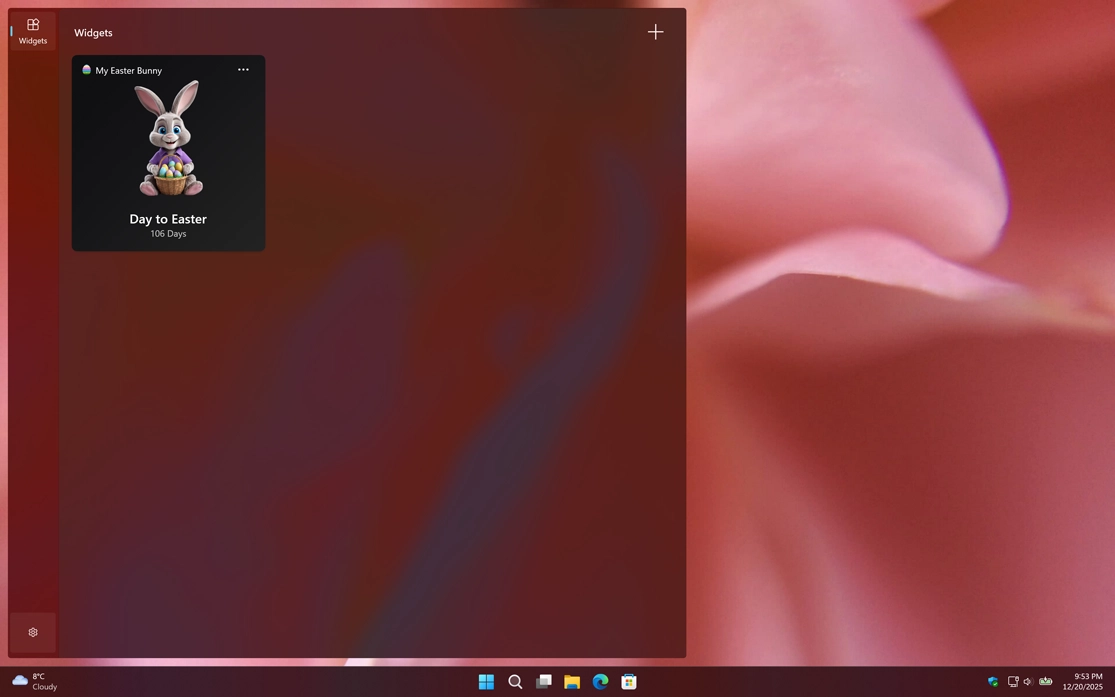
Support Light and Dark Mode

Get an appearance that matches your chosen OS setting. When your system is in dark mode, you will see a dark-themed countdown window and widget. In light mode, a bright and clean style is applied automatically.
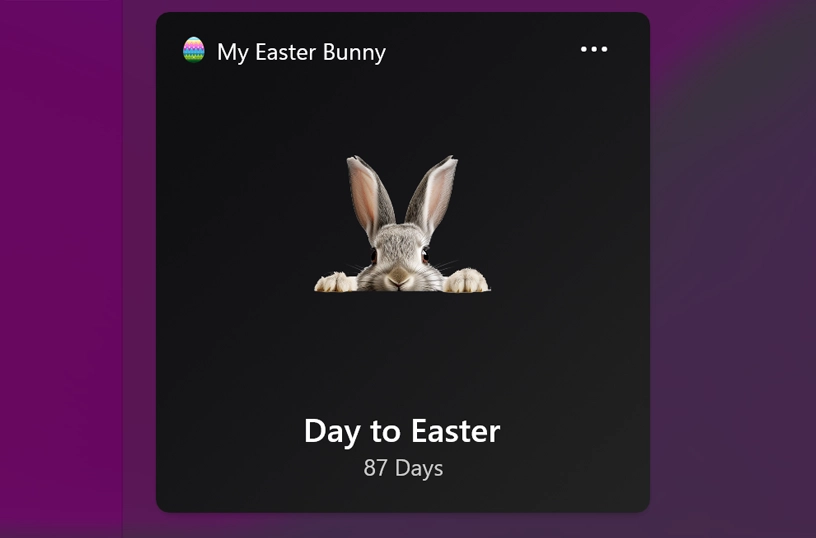
Support Light and Dark Mode theme

Customize Widget Size

Add the widget to your Windows 11 dashboard and customize its size using the three-dots menu. Choose the size that best fits your preference.
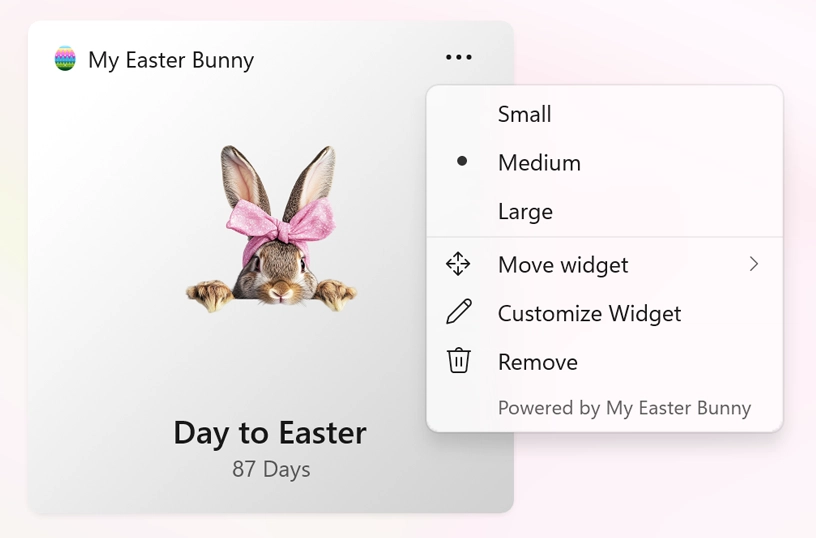
Customize your Windows 11 widget size

Show or hide easter lights

When you open the application and then minimize it, it appears as a system tray icon near the clock. Right-clicking the icon gives you options to reopen the window, enable flickering Easter egg lights on your desktop, open the settings window, or close the app.
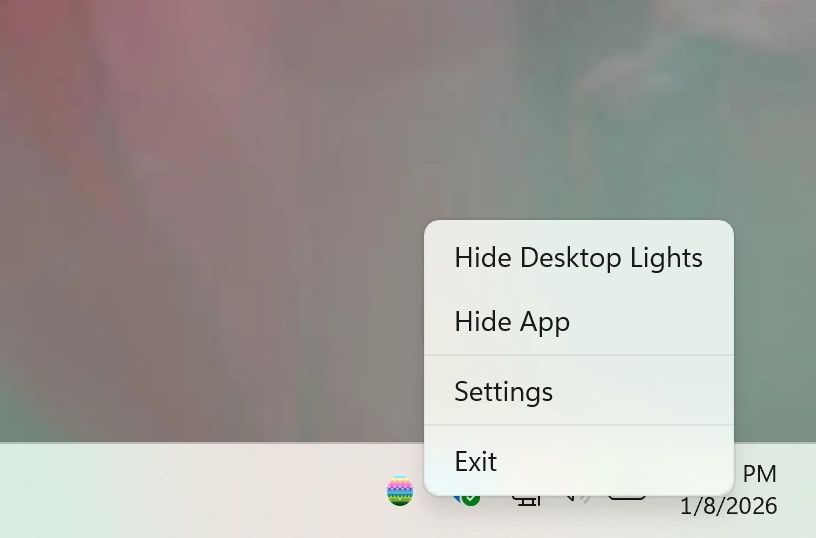
Toggle to desktop easter lights

Get My Easter Bunny app

Download the My Easter Bunny app and start counting down to Easter in a fun and festive way. Discover the date of the next Easter Sunday, see exactly how many days remain, and customize your countdown with cheerful Easter bunnies and decorative Easter lights. Add a touch of holiday magic to your desktop as Easter approaches.


Get My Easter Bunny from the Microsoft Store Get My Easter Bunny from the Apple Mac App Store
Compatible with Windows 11, macOS 14 or later, iOS 26, iPadOS 26, watchOS 26, tvOS 26, and visionOS 26.