[Skip navigation links]
Stefan vd
Windows App

Quickly Shutdown, Restart,
Log off your PC

Instantly access a one-click solution to shutdown, restart, sleep, or log off your Windows 11 computer, directly from the application window or the Windows 11 widget.
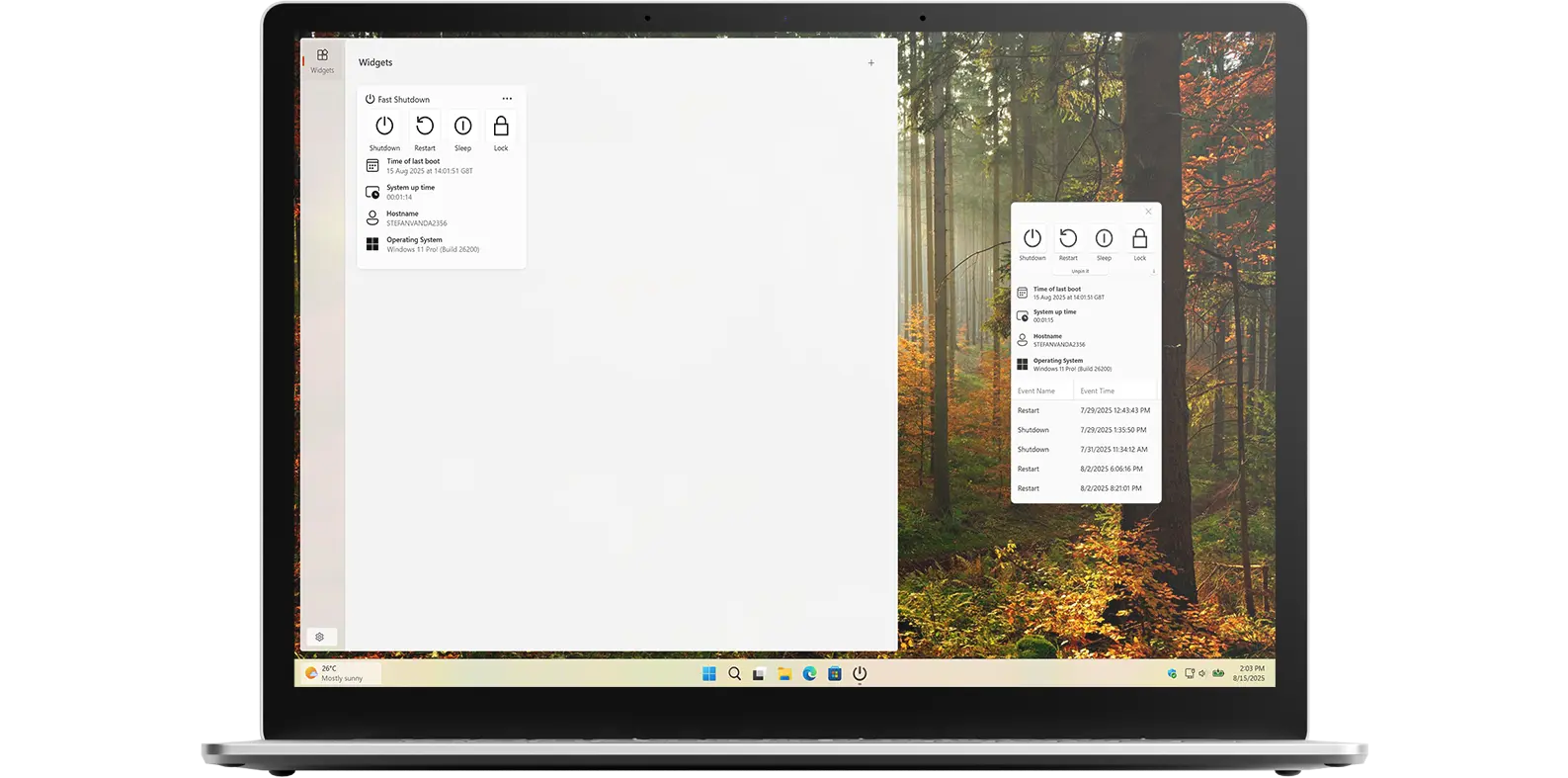
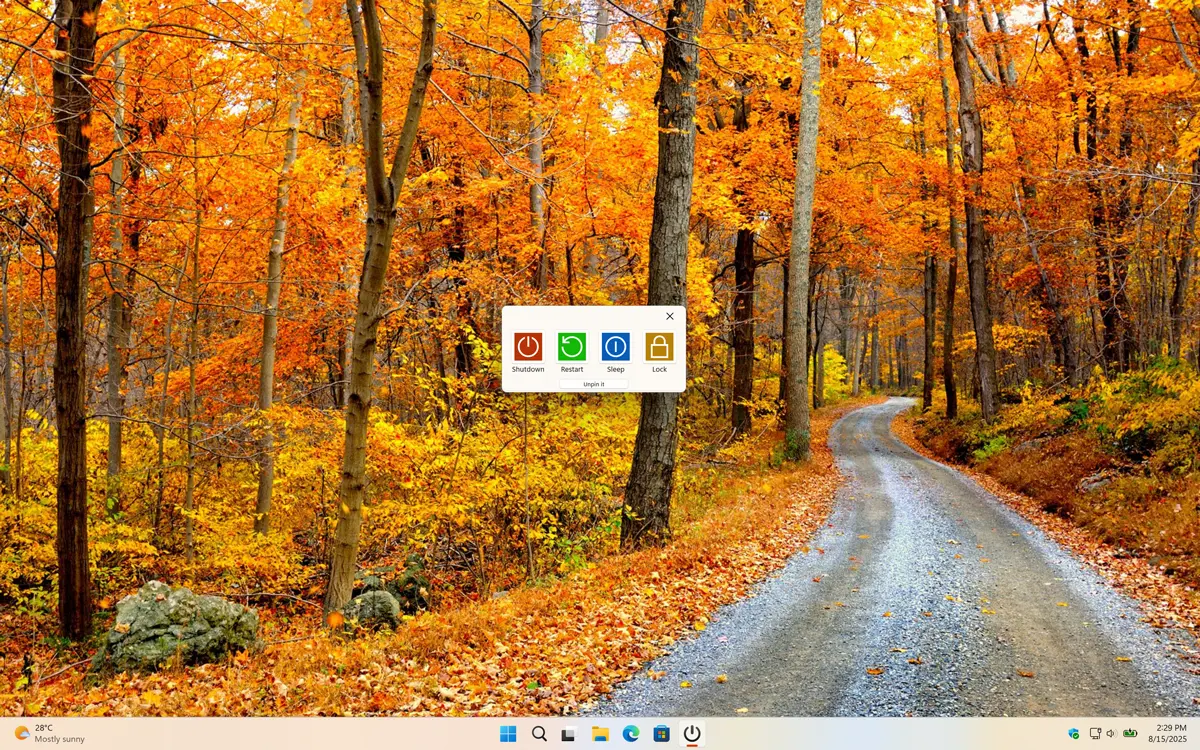
Fast Shutdown app on Windows device

Get a quick view of Fast Shutdown Windows app

What does this app do?

Shutdown fast your computer

Fast Shutdown is a handy application that allows you to quickly and easily shutdown your personal computer, sleep, restart, lock off with just one click on the button. This app is available for both Windows and Mac operating systems, making it accessible to a wide range of users.

Why Use Fast Shutdown?

Simple. Clean. Exactly where you need it

Sometimes shutting down your computer takes far too many clicks. For example, in Windows you often have to click the Start button, then the Power button, and finally select Shutdown, a small but repetitive process that can slow you down. With Fast Shutdown, you can skip all those steps. Keep the app pinned on top of your open windows for instant access and shut down your computer with just a single click. Prefer a Windows Widget? You can also trigger it directly from the Windows widget board without opening anything extra.

The same convenience applies to Mac, simply keep a pinned window ready so you can power off in seconds, no matter what you are working on. It is the fastest and most effortless way to end your session. Furthermore, the Fast Shutdown app is compatible with M1, M2, M3, M4, and M5 chips.

Features

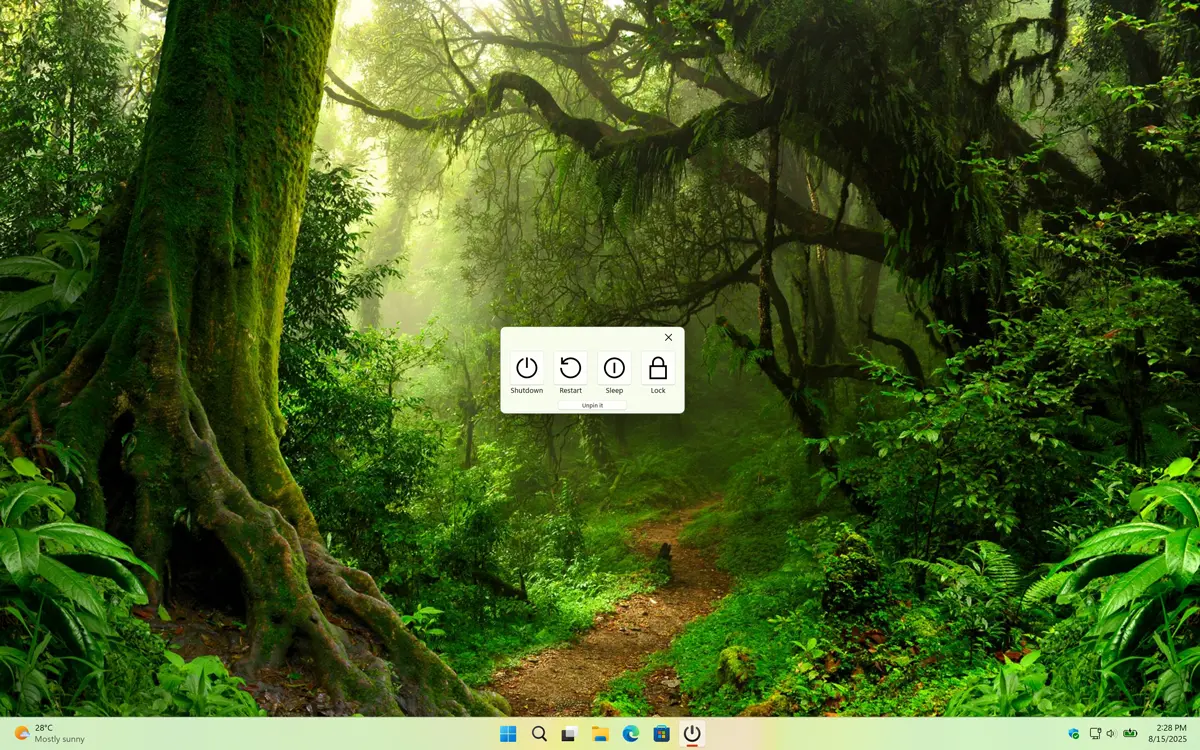
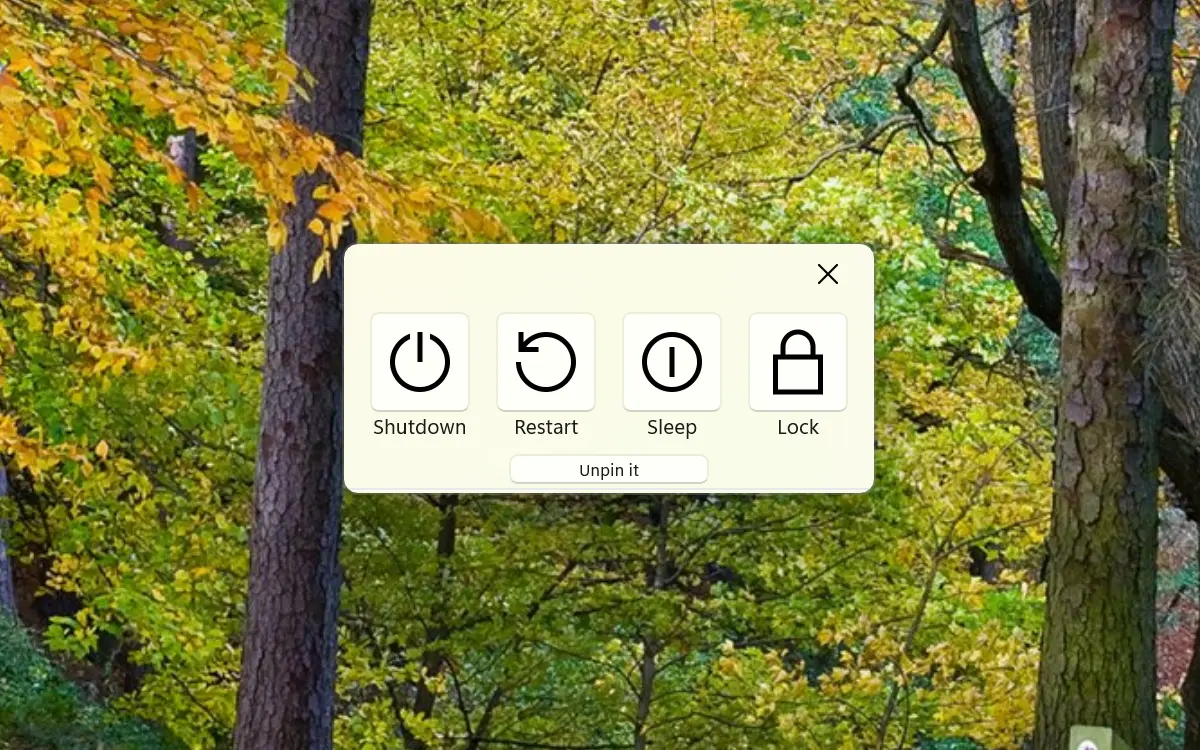
Pinned Fast Shutdown Windows app
The Fast Shutdown panel floats and can be pinned to your Windows desktop screen
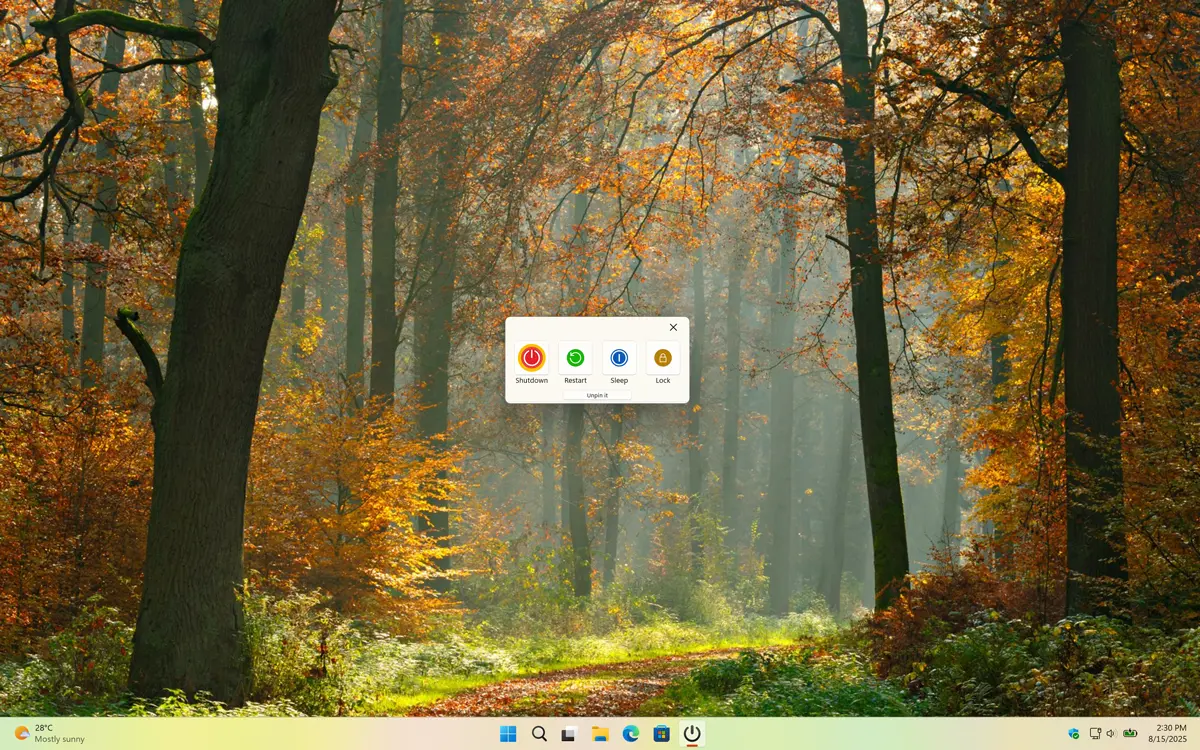
Fast Shutdown with the colorful button themes
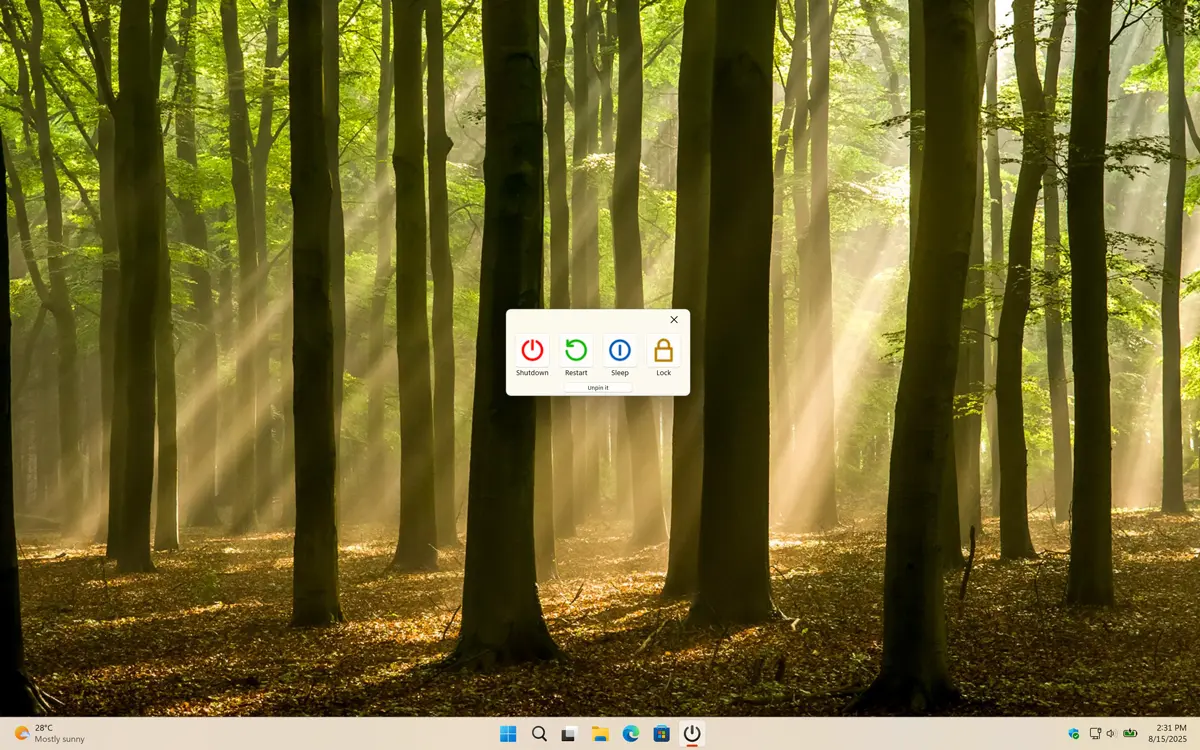
Fast Shutdown industry buttons
If you want a more industry style, you can this option
Fast Shutdown neon buttons
For a futuristic look, you can choose this neon button style
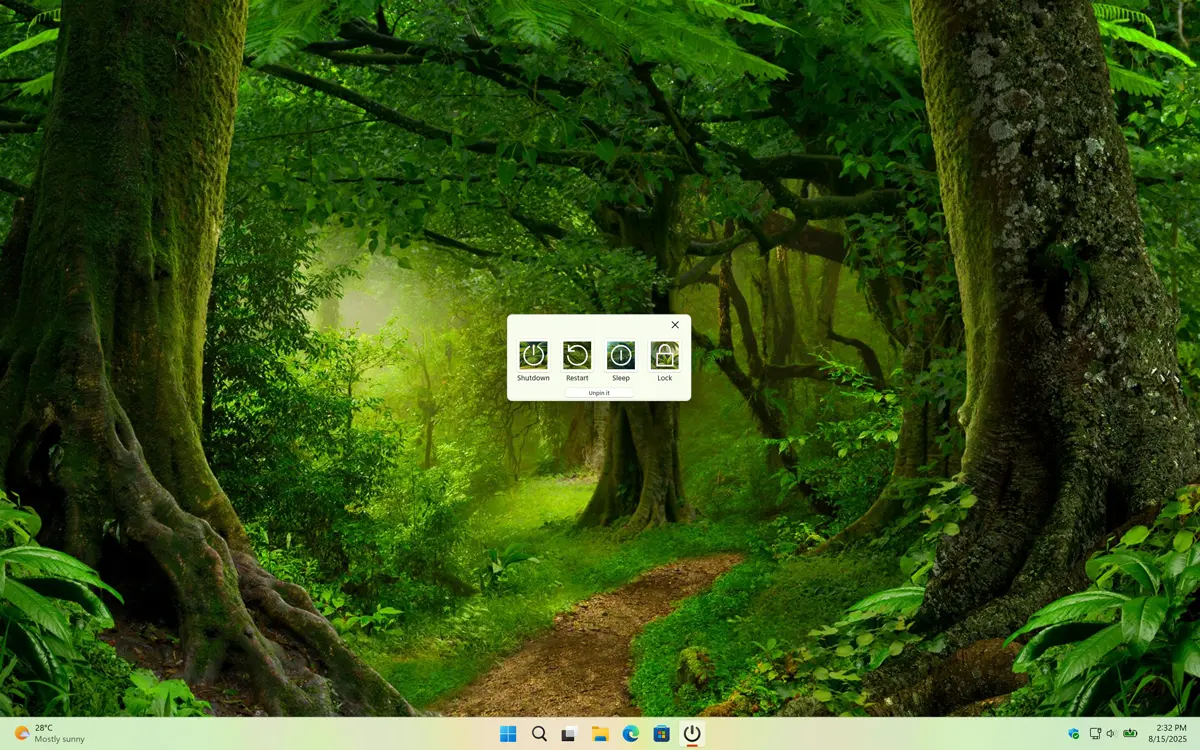
Fast Shutdown jungle buttons
Want it more green and nature, you can get this jungle button style
1 /

Simple and Beautiful

Pinned Date Today Windows app
Display a pinned date today on all your desktop screens

Customizable Settings

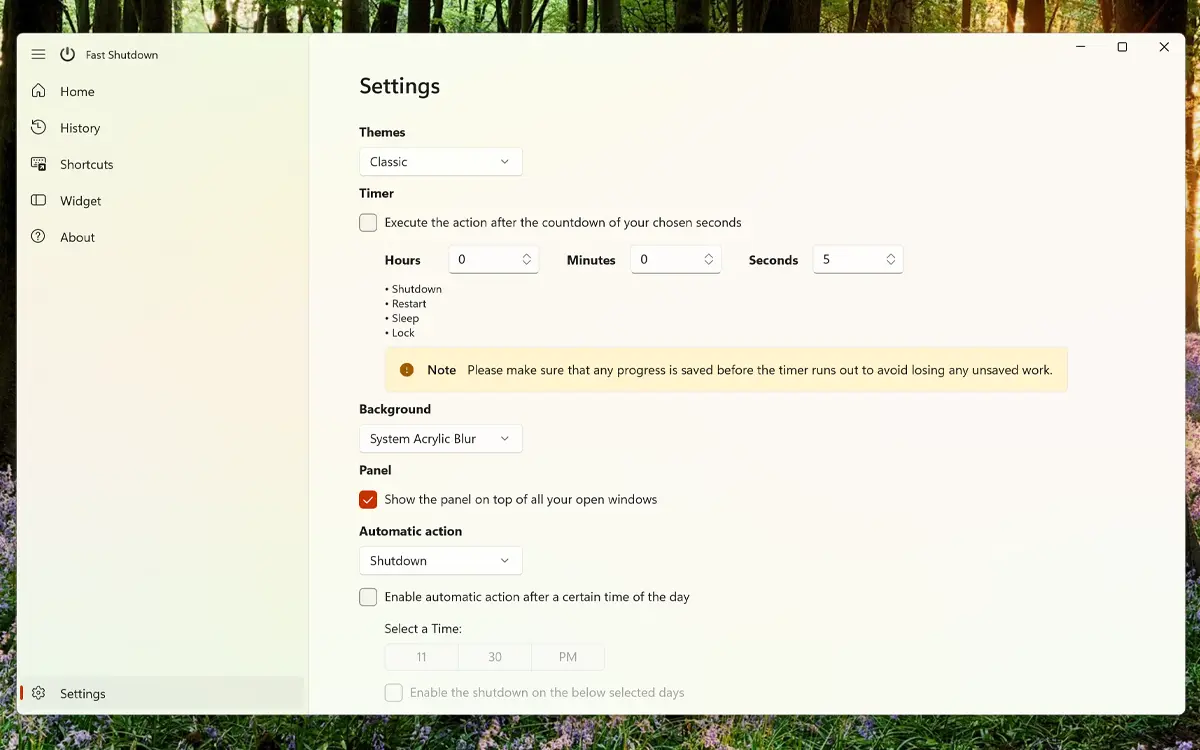
Date Today Windows Settings page
Customize the Fast Shutdown app and widget to your need

Windows 11 Widgets

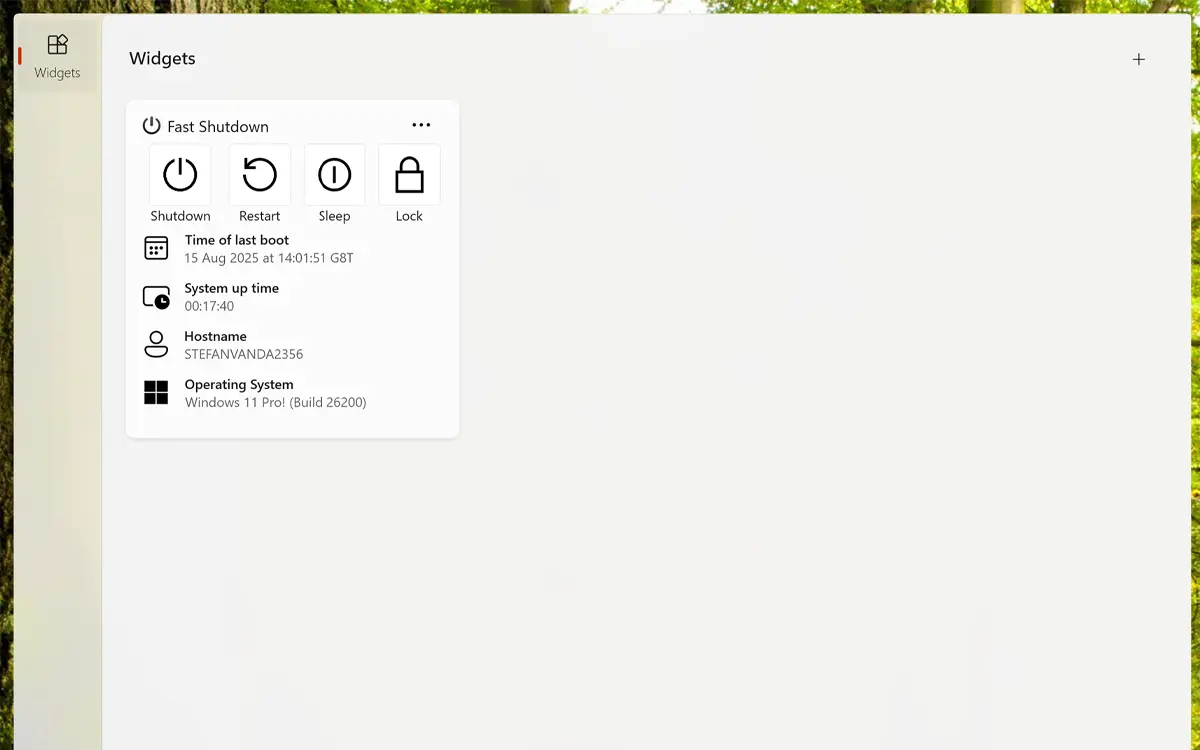
Fast Shutdown Windows 11 widget
Get useful shutdown panel as a Windows widgets that is available for Windows 11

Timer

You can schedule automatic actions, setting your computer to turn off daily or on selected days at your preferred time.
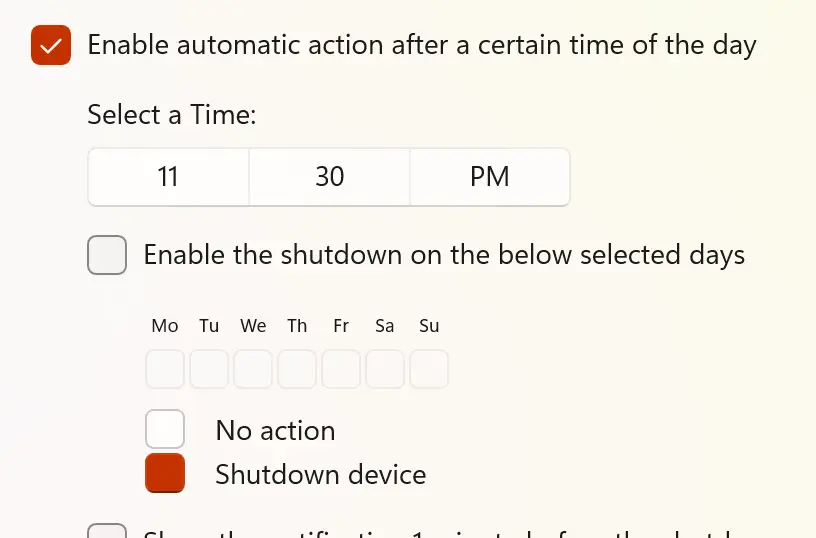
Fast Shutdown schedule timer

Support Light and Dark Mode

Get an appearance that matches your chosen OS setting. When your system is in dark mode, you will see a dark-themed countdown window and widget. In light mode, a bright and clean style is applied automatically.
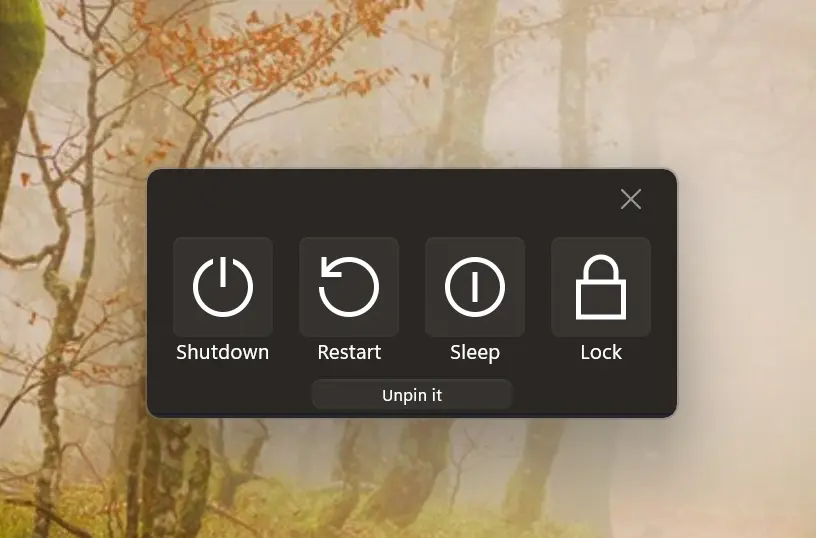
Support Light and Dark Mode theme

Shutdown History

You can view a complete list of all your computer shutdown actions, including the date and time, so you always know when your computer was last shutdown.
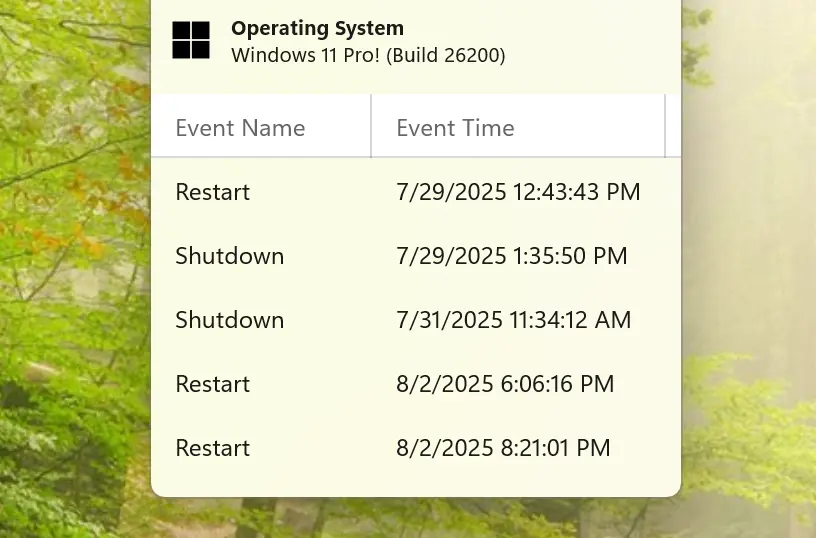
Shutdown History

Customize Widget Size

Add the widget to your Windows 11 dashboard and customize its size using the three-dots menu. Choose the size that best fits your preference.
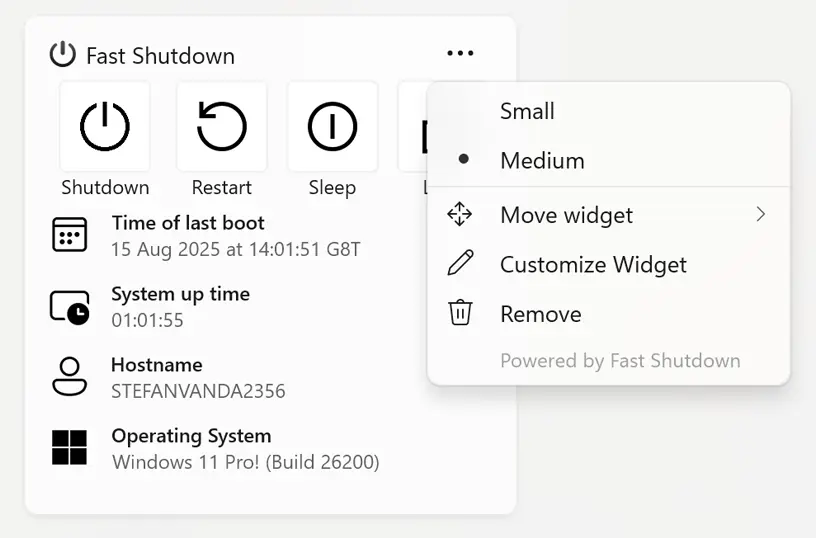
Customize your Windows 11 widget size

Get Fast Shutdown app

Download the Fast Shutdown app, the ultimate utility for controlling your computer. Quickly and easily shut down, sleep, restart, or lock your device with just a click. So, what are you waiting for? Get it on your Mac or Windows PC today!


Get Fast Shutdown from the Microsoft Store Get Fast Shutdown from the Apple Mac App Store
Compatible with Windows 11, and macOS 14 or later.

Frequently Asked Questions

Have questions about the Fast Shutdown app? Check out our FAQ section below for answers to common queries. If you need further assistance, feel free to contact our support team.

What is Fast Shutdown?

Fast Shutdown is a utility application that enables users to quickly shut down, restart, sleep, or lock their computer with a single click or swipe. It's designed for both Windows and macOS platforms, offering a streamlined approach to managing your computer's power settings.

Can I install it on many devices?

Fast Shutdown’s installation limits depend on the platform and licensing:

A Microsoft Store purchase can be installed on multiple Windows machines, up to 10 devices per Microsoft account.

App Store purchases are tied to your Apple ID. You can install the app on all Apple devices signed into that Apple ID, and you can also share purchases with your Family Sharing group.

Can I schedule automatic shutdowns or restarts?

Yes! Fast Shutdown allows you to schedule automatic shutdowns, restarts, or sleep actions using its built-in timer functionality.

Can I view recent shutdown events in the app?

Yes, you can view the 5 most recent events, including shutdown, restart, log off, and sleep actions.

Can I personalize the design or theme of the Fast Shutdown app window?

Yes, you can personalize the appearance of the Fast Shutdown app window. The app allows you to customize the widget size (small, medium, or large) and adjust background and text colors to match your preference. It also supports both Light and Dark mode, so the design can adapt automatically to your system theme.