[Skip navigation links]
Stefan vd
Windows App

See your device's battery level
at a glance

Introducing the Battery Meter app is a timeless classic reimagined for the digital age! This beloved strategy game is now available on Windows, bringing you hours of fun and challenge as you test your skills, plan your moves, and try to outsmart your opponent.
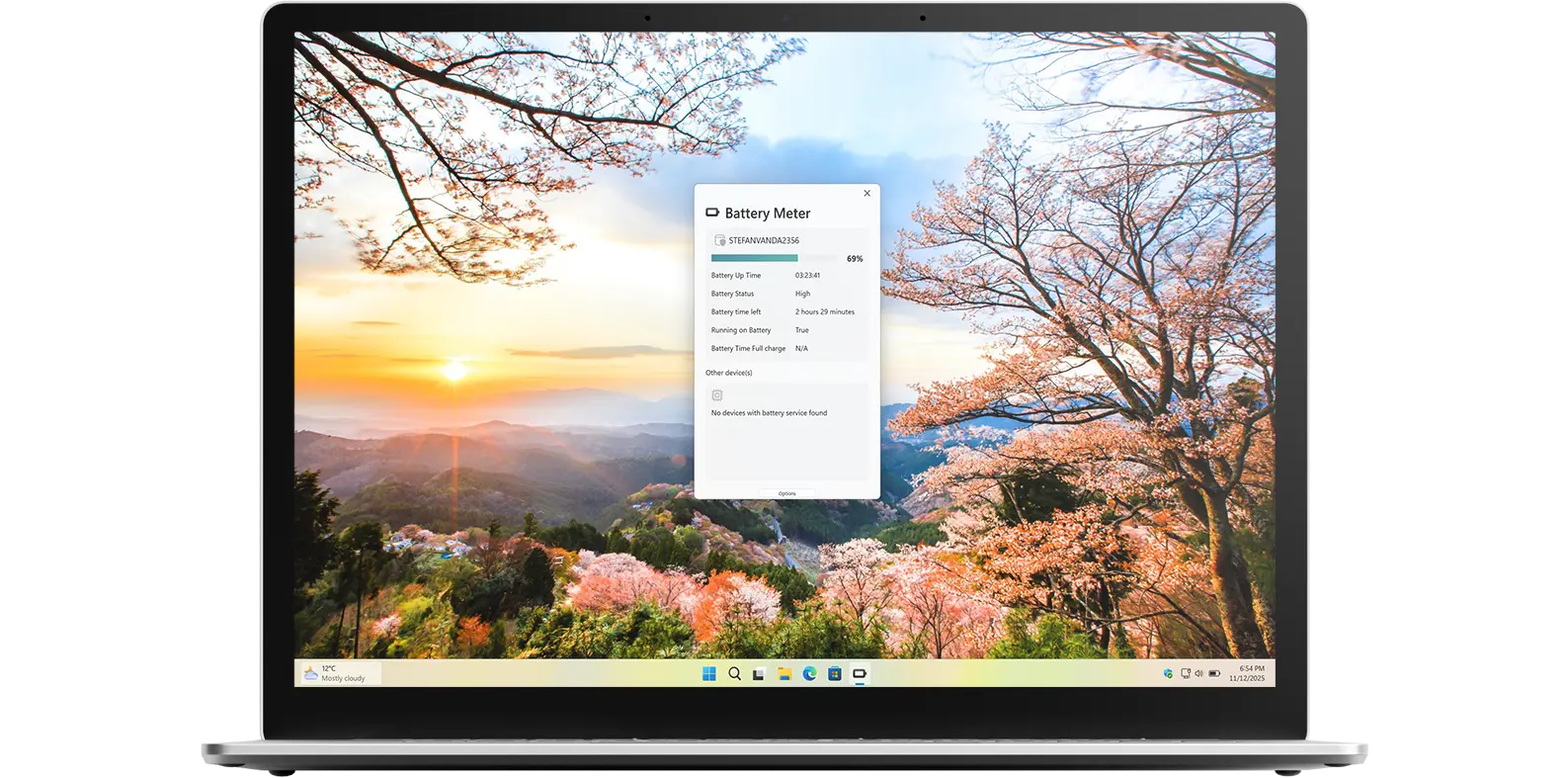
Battery Meter app on all devices

What does this app do?

Monitor your battery usage

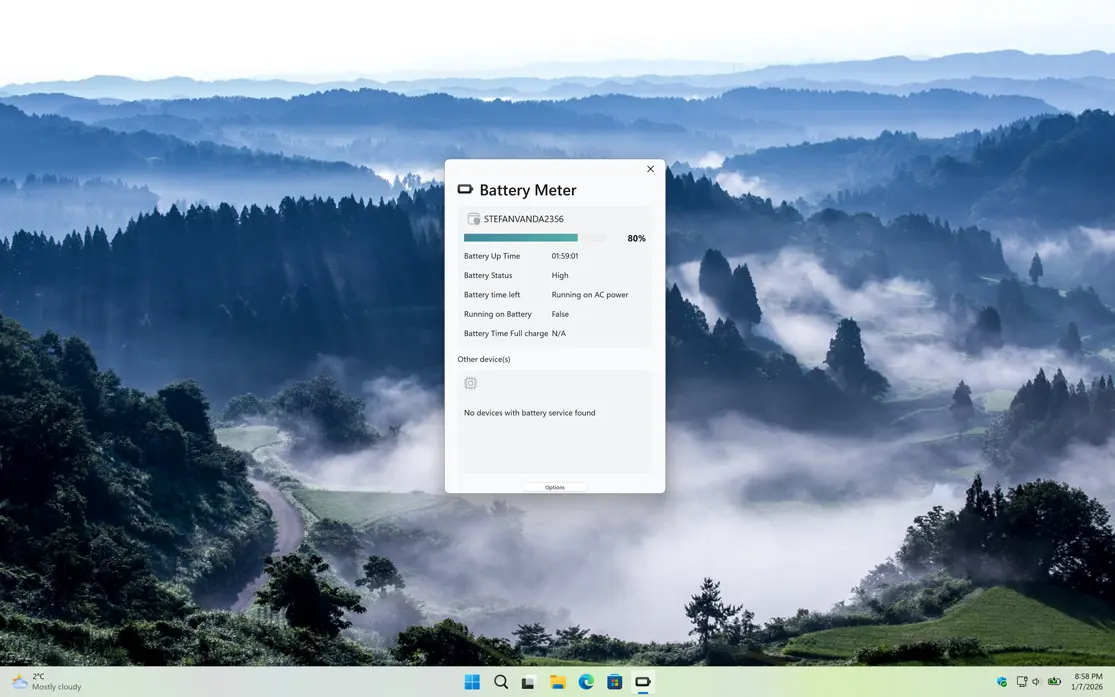
Battery Meter is a handy tool that lets you see your battery level at a glance, including the estimated time remaining and a graph showing the battery’s charging history.

Why Use Battery Meter?

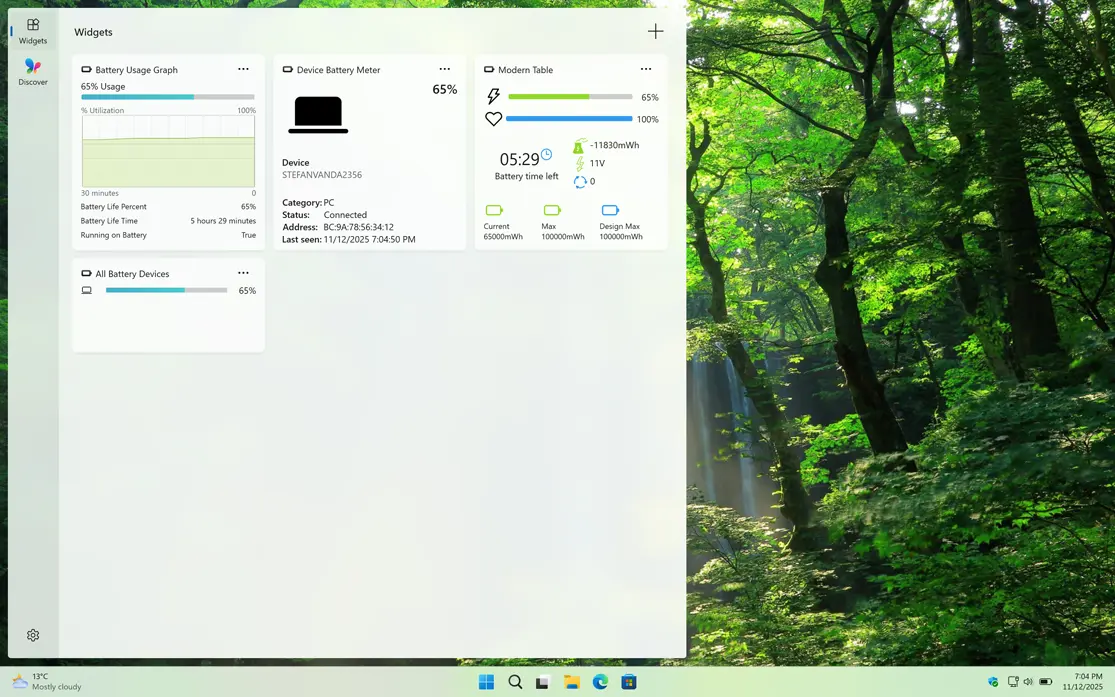
Widget battery usage

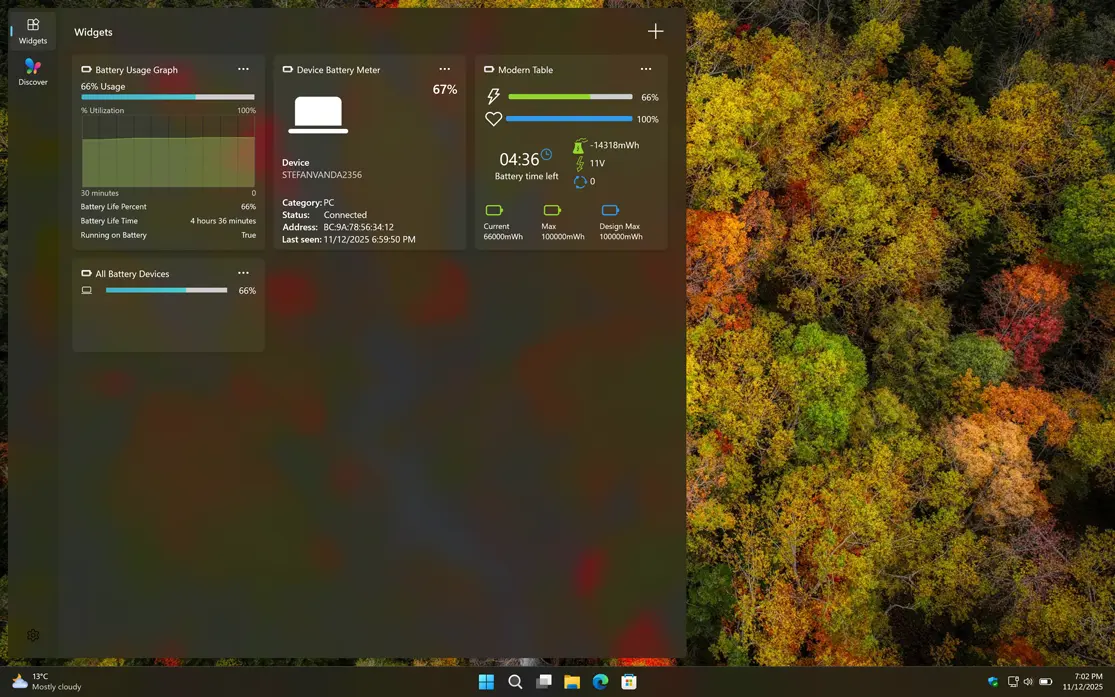
The Battery Meter Windows 11 comes with a range of useful features that make it a must-have tool for any Windows 11 user. Furthermore, you can also view the battery status and graph directly in the Windows 11 Widgets panel.

Features

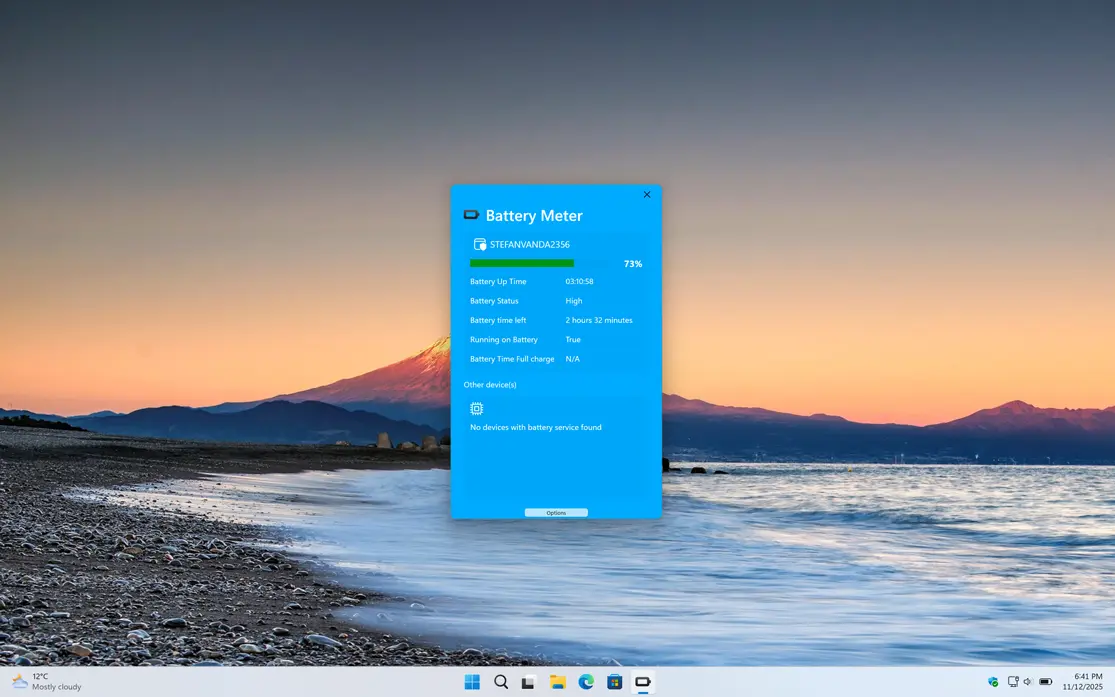
Battery Meter Windows Application
Customize the background color to your favorite choice.
Battery Meter available as a Windows 11 widget
Support Dark Mode version for the Windows 11 widget
1 /

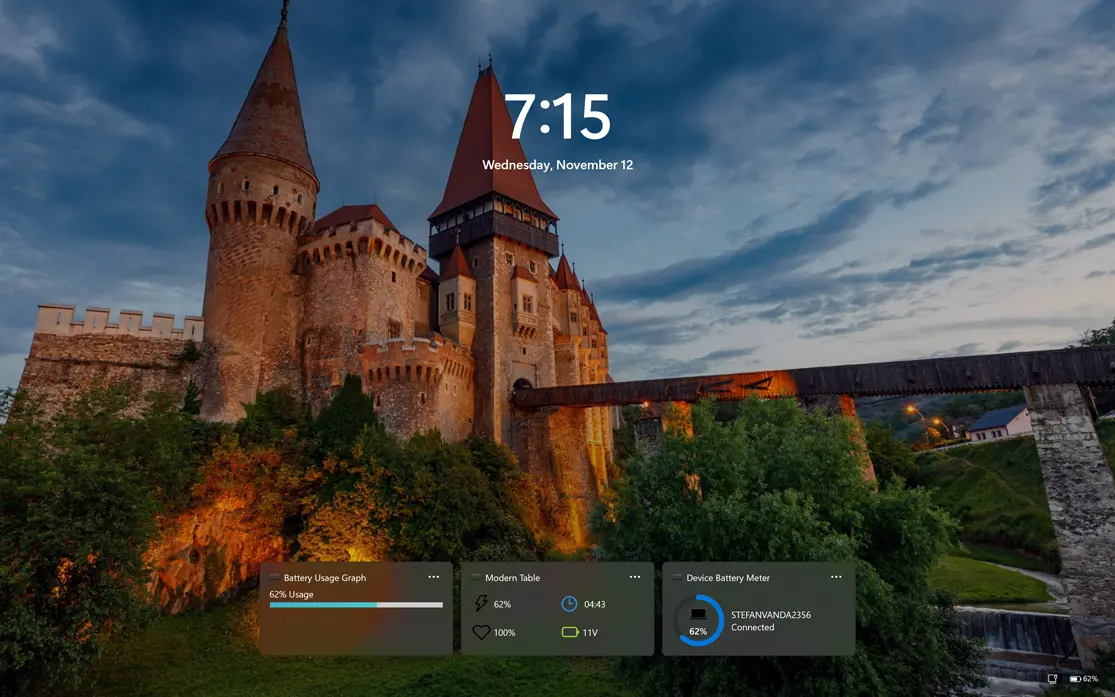
Windows Lockscreen Widgets

Battery Meter widget on the Windows 11 lockscreen
Add the Battery Meter widget to your Windows 11 Lockscreen

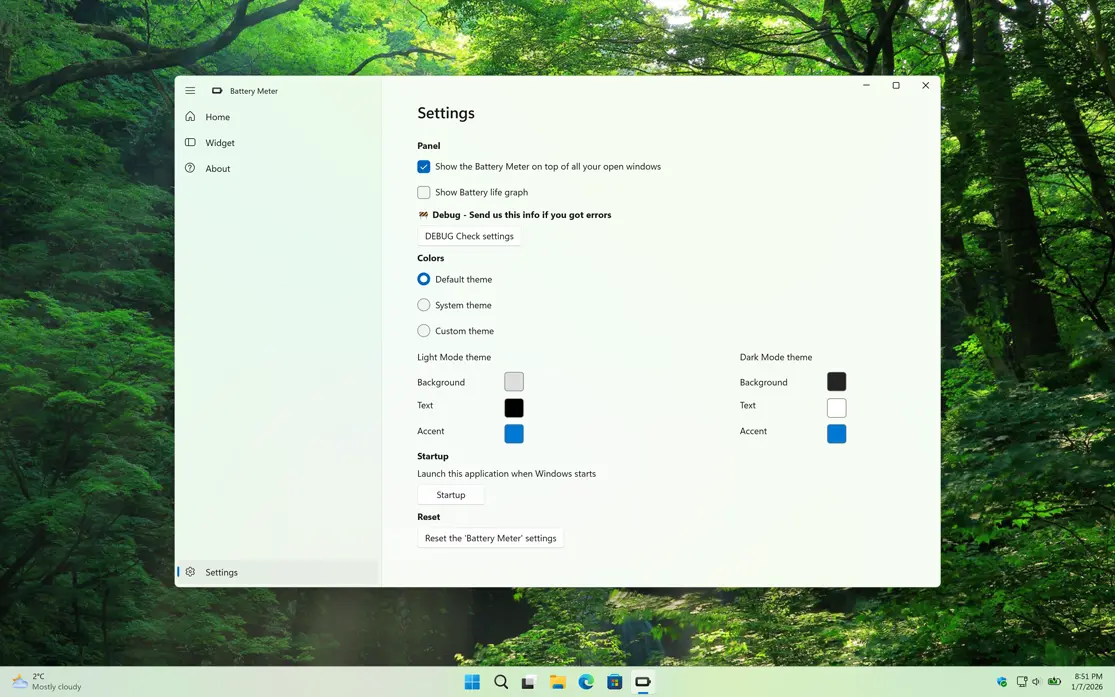
Settings

Customize the experience of the Battery Meter app

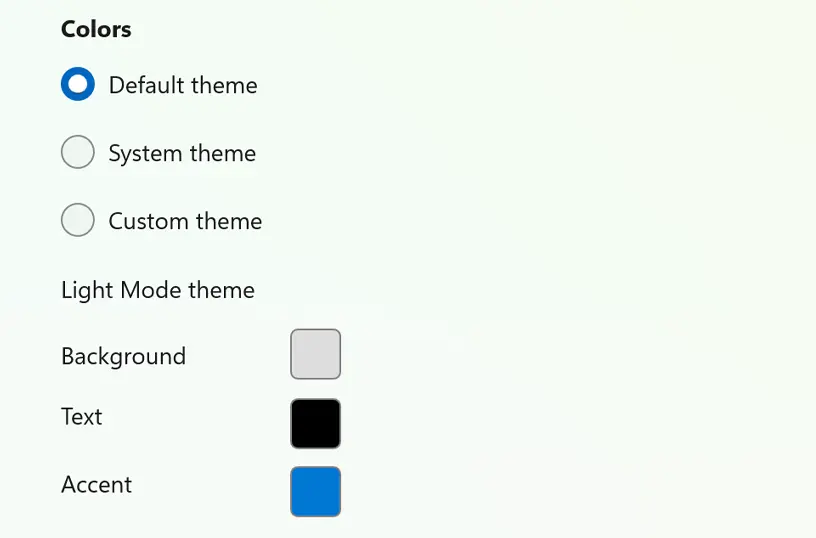
Customize Background

Customize your experience by choosing the theme you want for the Battery Meter app, making it feel truly personal to you.

Four-in-a-Row custom theme

Get Battery Meter app

Download the Battery Meter app to monitor your device’s current battery usage. See how much time is left before your battery runs out or when it is time to recharge. Get this must-have tool now on your Windows 11 device!

Get Battery Meter from the Microsoft Store
Compatible with Windows 11.