Windows App
Precise Time,
Down to the Second
Introducing the Atomic Clock app is Windows application to see the current synced time in hours, minute and second.

Introducing the Atomic Clock app is Windows application to see the current synced time in hours, minute and second.


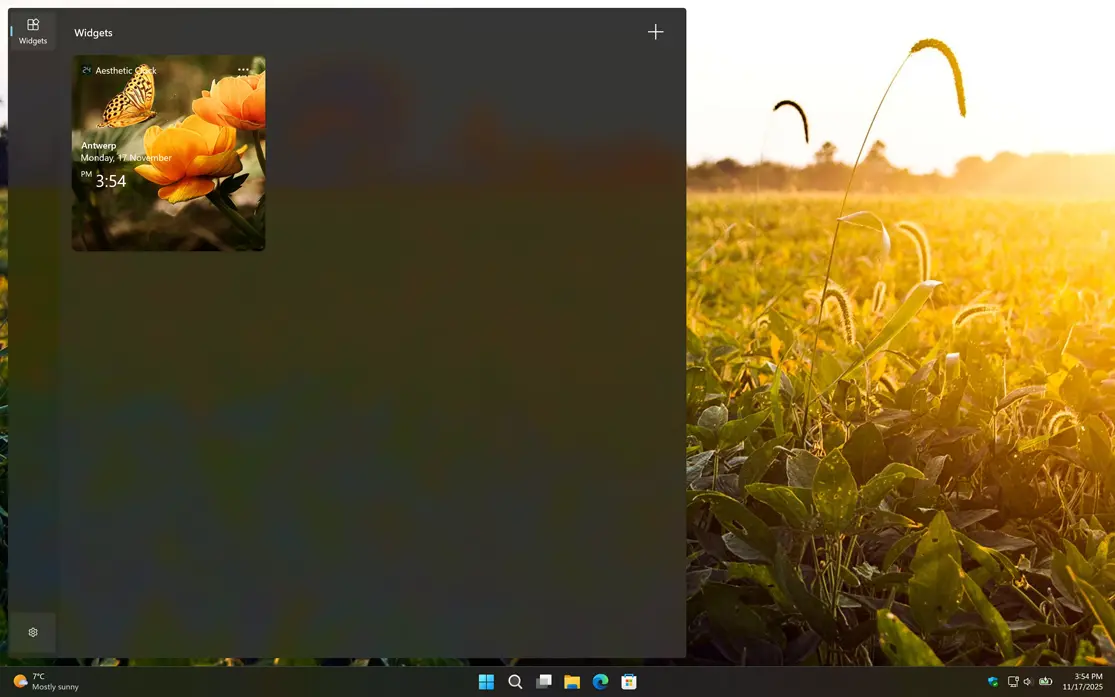


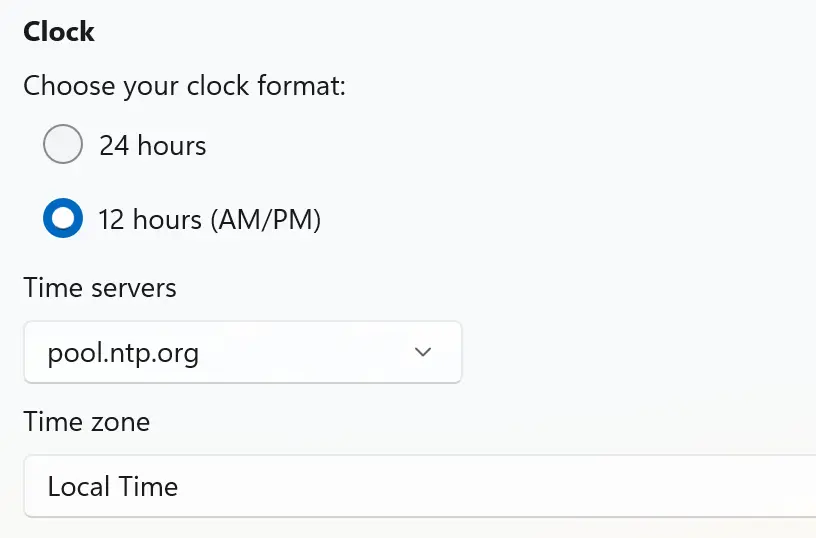
You can choose the time format you prefer, including both 12-hour and 24-hour options, and select the time zone that best fits your location or needs. Furthermore, you can sync your clock with atomic time servers to ensure precise and reliable accuracy, no matter where you are in the world.
Choose the level of accuracy that fits your needs. Display the time down to the second, or enable millisecond precision for the highest level of accuracy. Whether you need exact timing for professional tasks or simply appreciate precision, Atomic Clock lets you see time exactly the way you want it.

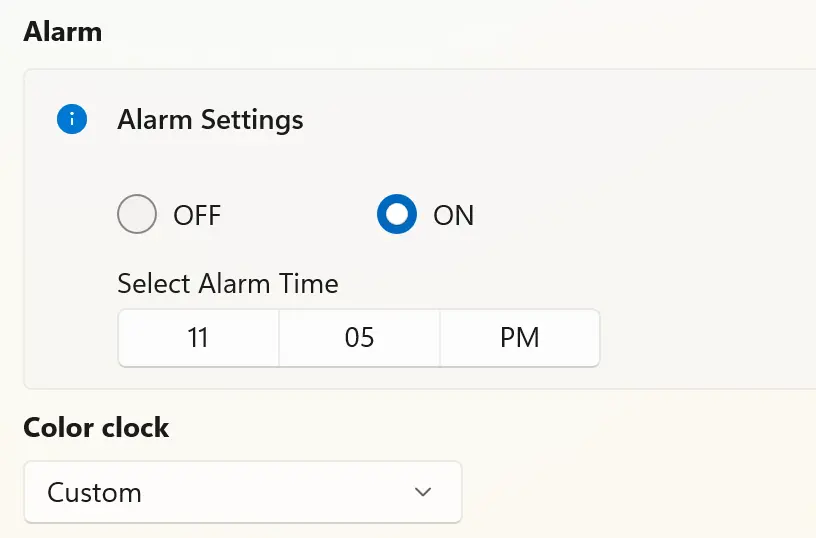
Set alarms to wake you up or remind you of important events at the exact time you choose. When the alarm goes off, a clear beep will alert you, and a single click on the red stop button instantly silences the alarm, making it simple and convenient to manage your reminders.
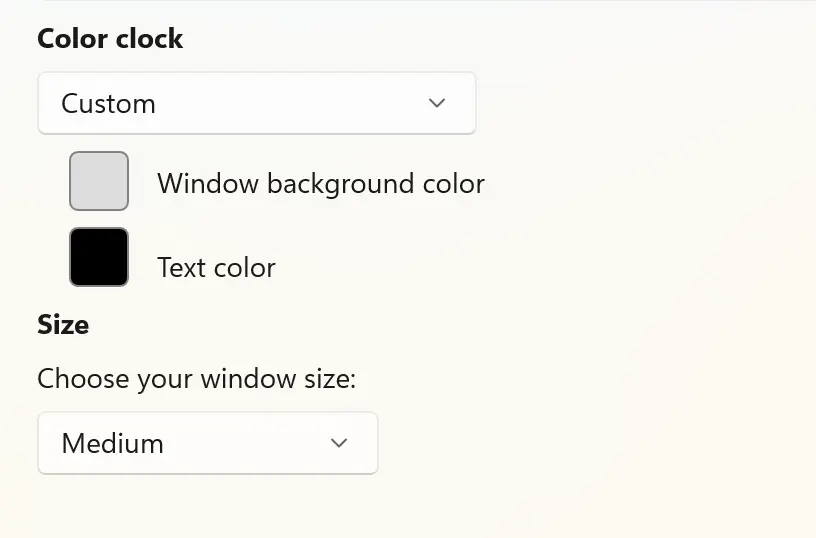
Choose the background and text colors you want to see in the application window for your large Atomic Clock. Match the clock to your desktop theme, improve readability, or create a look that fits your personal style. With flexible color options, your clock can be as subtle or as bold as you like.
Download the Atomic Clock app and enjoy a precise, customizable timekeeping experience right on your device. And always have access to accurate time information, making it an indispensable tool for your daily routines and productivity.
